Blog Topics Generator
Create focused blog topics, content angles, and outline ideas for any niche
How to Use Blog Topics Generator
Get useful blog topics in 3 quick steps
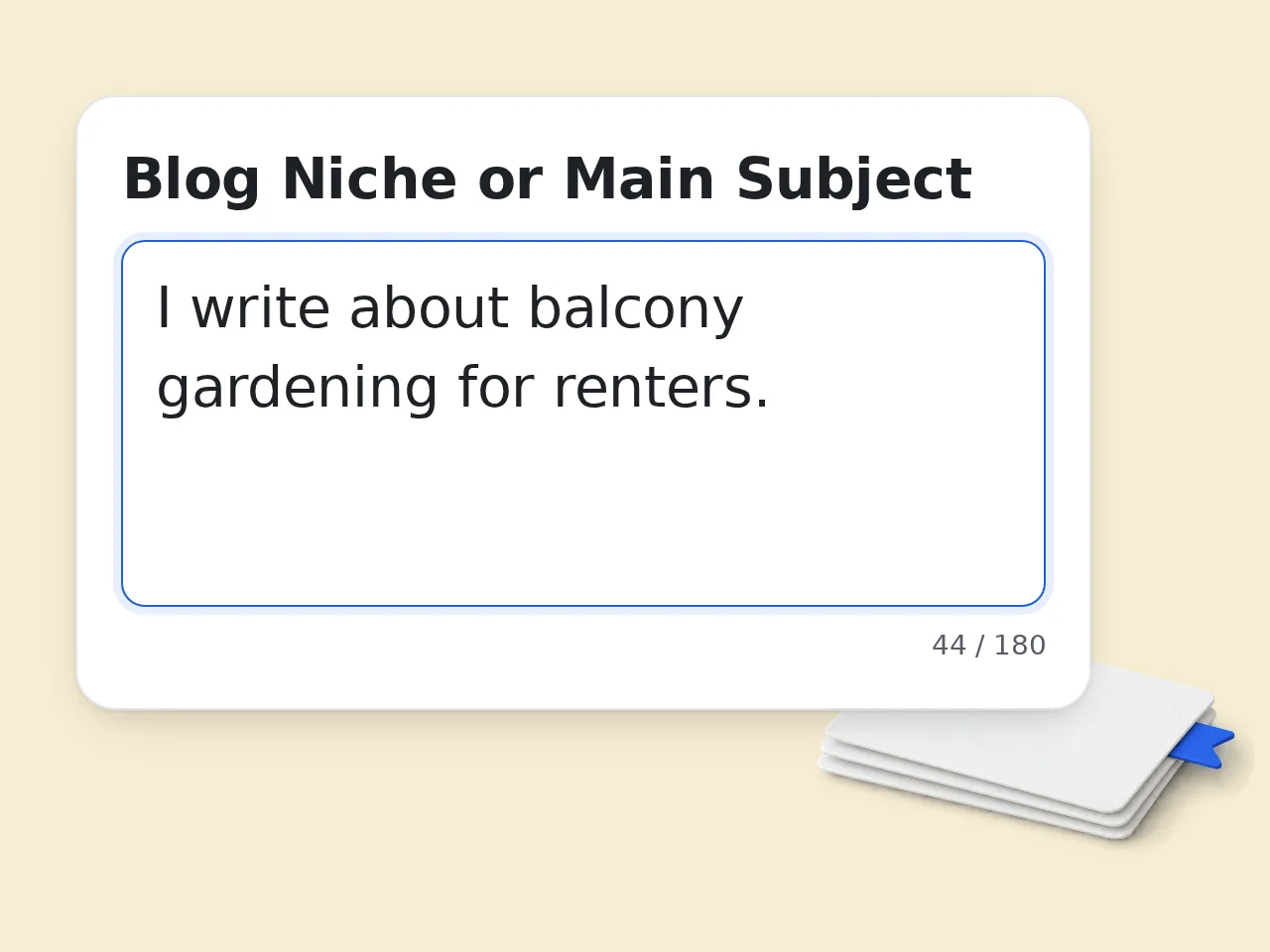
Describe your niche
Enter the blog subject with enough detail, such as audience, product, industry, location, or problem.
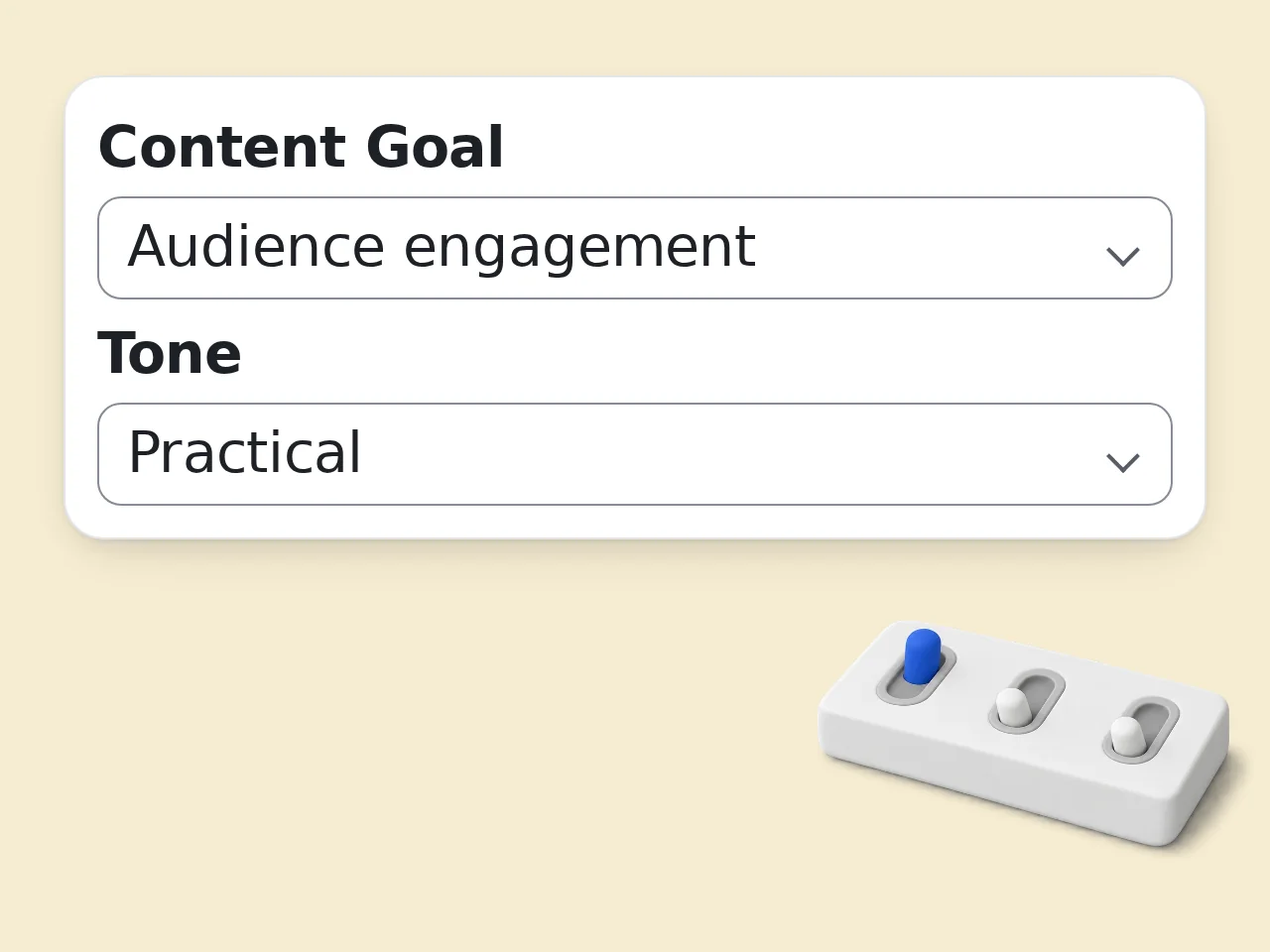
Set the goal and tone
Choose whether the blog topics should support SEO traffic, engagement, leads, or authority.
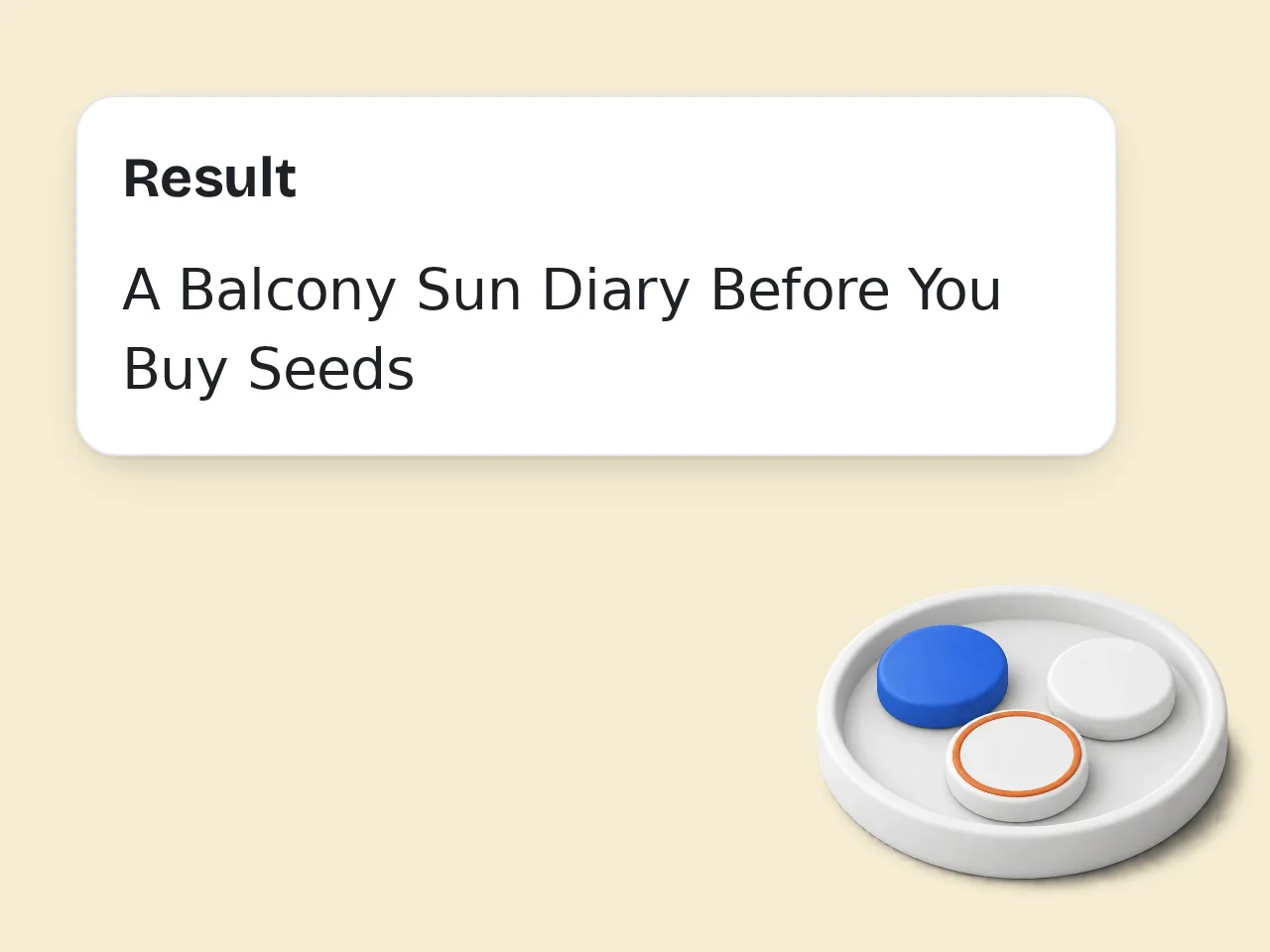
Generate and shortlist
Review the topic list, keep the strongest angles, then validate keywords and competition before writing.
Key Features of Blog Topics Generator
Plan smarter blog topics before you start drafting
Audience-Specific Blog Topics
Generate blog topics around the reader’s problem, skill level, and motivation instead of using a generic idea list.
SEO and Strategy Angles
Shape each idea around search intent, lead generation, engagement, or expert positioning so the topic has a clear job.
Outline and Calendar Options
Ask for mini outlines, funnel stages, formats, and publishing notes when you need ideas ready for an editorial calendar.
Frequently Asked Questions About Blog Topics
Practical answers for planning better blog ideas
What does the blog topics tool generate?
The blog topics tool creates topic ideas for a specific niche, audience, and content goal. Instead of giving a loose list, it can include titles, angles, reader intent, short outlines, and calendar notes. That makes each idea easier to judge before you spend time drafting a full article. Add a narrow audience, one useful constraint, and the result format you want. Those details help the generator avoid broad suggestions and return ideas you can compare immediately.
How should I describe my niche for better blog topics?
Write the niche the way a real reader would recognize it. “Fitness” is too broad, while “strength training for busy women over 40” gives the blog topics tool useful boundaries. Add the product, audience, location, or problem if those details matter for your content strategy. If the site serves more than one reader group, run the tool separately for each group. Mixed audiences usually produce weaker topic angles and less focused outlines.
Can this help with SEO blog topics?
Yes. Choose the SEO traffic goal and describe the audience problem clearly. The tool will shape blog topics around search intent, practical questions, comparison angles, and evergreen explainers. You should still verify search volume and competition before publishing, but the ideas are built to be easier to research. Treat the output as a starting point for research. After generation, check the SERP, note competing formats, and decide whether your article can add clearer examples.
Is this better than a generic blog idea list?
A generic list can be useful for quick inspiration, but it rarely fits your reader, offer, or publishing goal. This blog topics tool uses your inputs to narrow the angle, format, and intent. The result is more specific, so you can turn an idea into a brief faster. The strongest advantage is context. When you provide audience, goal, and exclusions, the generator can remove ideas that look attractive but do not fit your strategy.
What kinds of blogs can use these topic ideas?
The tool works for business blogs, personal blogs, affiliate sites, education sites, creator newsletters, SaaS content, local services, lifestyle blogs, and niche communities. The key is giving enough context about the readers. A focused audience helps the tool avoid shallow topics that could fit anyone. It is especially useful when a team needs a shared starting point. Writers, editors, and marketers can review the same structured list instead of debating vague ideas.
Can I generate a content calendar from the results?
Yes. Select the calendar-ready option if you want topics organized with funnel stage, suggested format, and publishing notes. You can then group the ideas by theme, difficulty, or priority. For a real editorial calendar, add dates, owners, keywords, and internal links afterward. For calendar work, group related ideas into clusters before assigning dates. That helps you build internal links and avoid publishing several articles that compete with each other. Always review.
How many blog topics should I generate at once?
For focused planning, 10 topics is usually enough. If you are building a monthly calendar, 20 topics gives more room to compare angles. Use 30 topics when exploring a new niche, then cut weak ideas instead of trying to publish everything the tool returns. Quality matters more than quantity. A smaller list with clear reader intent is easier to validate than a long list of loosely related ideas you will never publish.
Will the tool write full blog posts?
This page focuses on blog topics, angles, and planning details rather than complete articles. That is intentional. Choosing a strong topic first prevents wasted drafting time. After you pick an idea, you can use the outline as a brief for writing, editing, or keyword research. You can pair the chosen topic with a separate writing tool later. Keep this step focused on whether the idea deserves an article, not on polishing every sentence.
Are the generated blog topics unique?
The tool creates fresh combinations from your niche, audience, goal, and avoid list, but uniqueness still depends on your inputs and market. Before publishing, search the topic, check competing pages, and add examples from your own experience. That final layer makes the article harder to copy. To improve originality, add a customer story, personal test, data point, or opinion that competitors do not have. The topic becomes stronger when the evidence is yours.
Is the blog topics tool free to use?
You can try the blog topics tool with included credits. Guests get 10 credits per day, free registered users get 100 credits per month, and subscribers receive more credits based on their plan. Credits are not fixed article counts because tool cost can vary by request. Check the credit balance before large planning sessions. If you need many variations, generate in smaller batches and keep the best prompts for later reuse.
Can beginners use the blog topics generator?
Yes. Beginners can enter a simple niche, describe who they want to help, and choose a practical tone. The tool will suggest topics with enough structure to start writing. If you are new, begin with fewer topics and pick ideas you can support with real knowledge. Beginners should avoid topics that require data they cannot access. A simple helpful article backed by real experience is usually better than a broad expert claim.
How do I pick the best idea from the list?
Choose a topic that matches a real reader problem, fits your authority, and can be explained with useful examples. For SEO, also check whether the search results are too competitive. The strongest blog topics usually combine clear demand, a distinct angle, and evidence you can provide. Score each idea by reader value, business value, evidence available, and ranking difficulty. The winner is rarely just the most exciting title. Then decide.
Still have questions?
Contact our support teamGenerate Better Blog Topics Free
Plan useful ideas for your next article, niche site, or content calendar.