Drawing Idea Generator
Get fresh drawing ideas generated in seconds for your next sketch or project
How to Use Drawing Idea Generator
From blank page to detailed drawing prompt in under 30 seconds
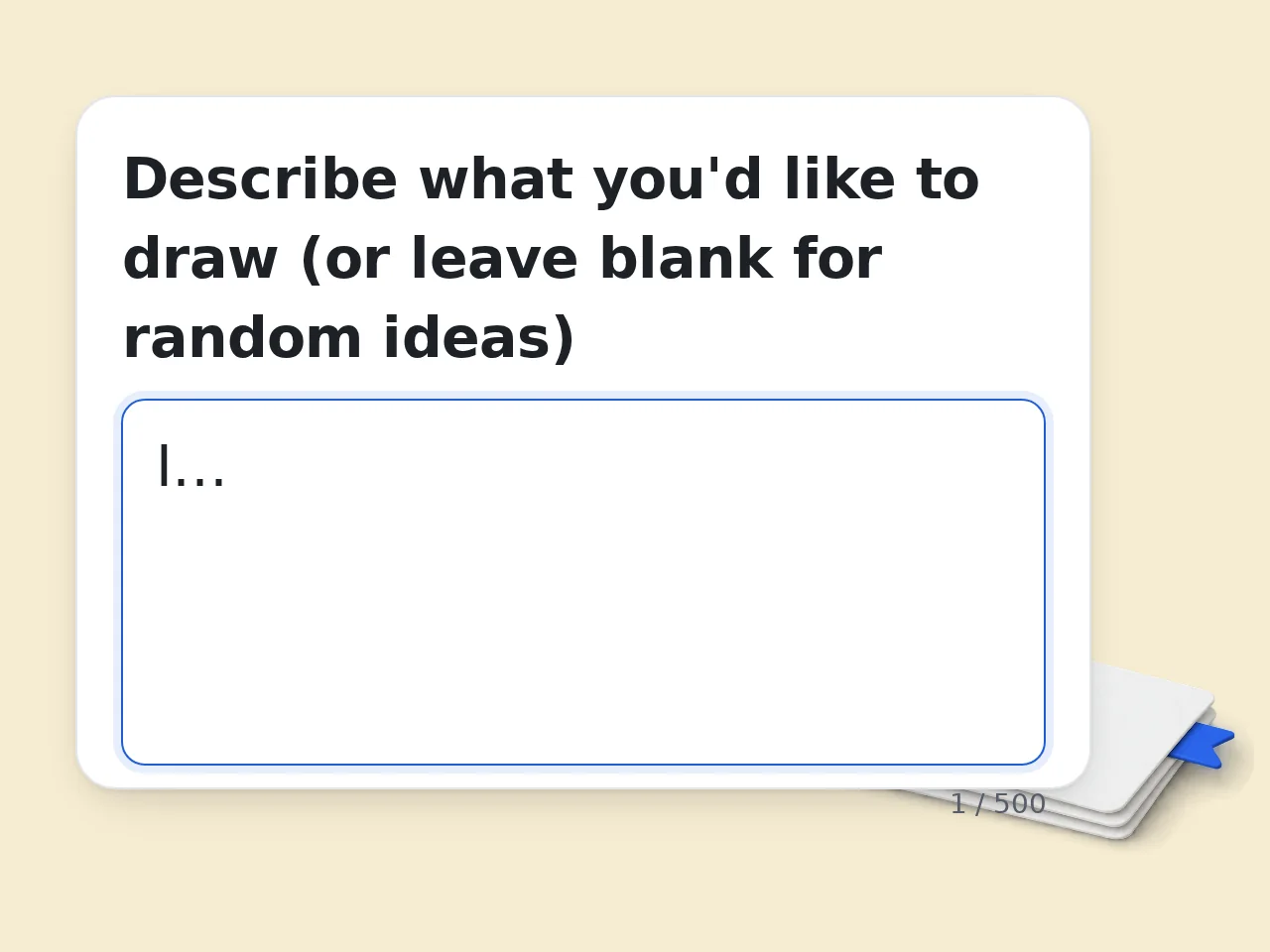
Type Your Preferences
Open the drawing idea generator and type what you need in the chat box. Include your preferred theme, medium, skill level, or time constraints. A detailed request like "beginner watercolor landscape, 30 minutes" produces the most useful results.
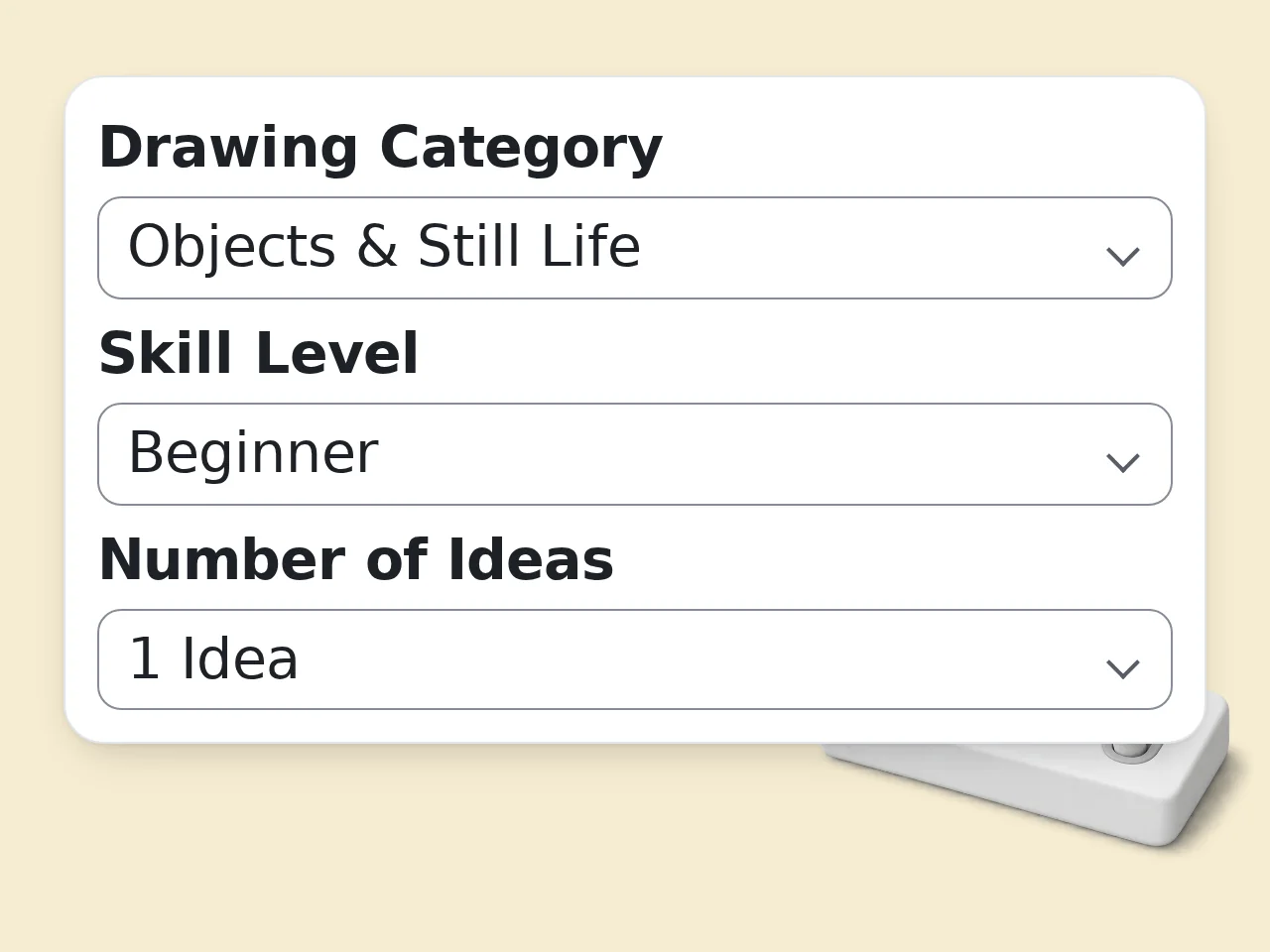
Review Your Generated Prompt
Read the detailed drawing prompt that appears in the chat. Each response includes a specific subject, composition suggestions, and style notes. If the idea needs adjustment, send a follow-up message to refine any element.
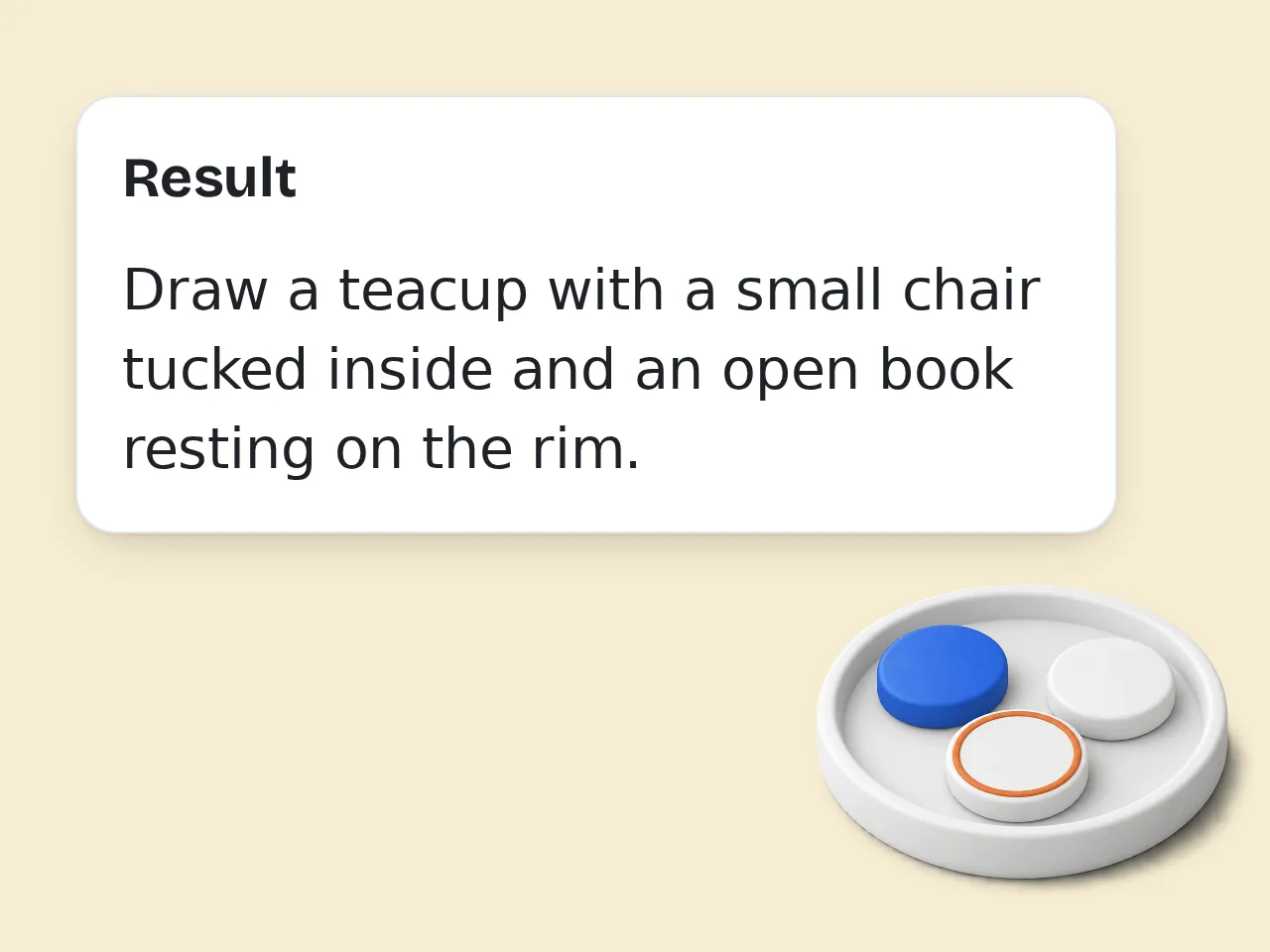
Refine or Generate More Ideas
Ask for variations, change the difficulty, or request an entirely new prompt. The drawing idea generator remembers your conversation, so each follow-up builds on previous context. Save prompts you like and start sketching.
Key Features of Drawing Idea Generator
Everything you need to beat creative block and start sketching
Generate Ideas Across 50+ Themes
The drawing idea generator covers portraits, landscapes, fantasy, architecture, animals, abstract art, and dozens more categories. Every prompt includes subject details, mood, and suggested techniques.
Get Composition and Style Details
Each drawing ideas generator prompt goes beyond a simple subject name. Receive specific composition guidance, perspective suggestions, color palette hints, and medium-appropriate techniques.
Match Prompts to Any Skill Level
Specify beginner, intermediate, or advanced and the drawing generator ideas adjust complexity accordingly. Beginners get focused single-subject prompts while advanced users receive multi-element scene descriptions.
Frequently Asked Questions
Common questions about the drawing idea generator answered in detail
What is a Drawing Idea Generator?
A drawing idea generator is an AI-powered tool that creates random, specific drawing prompts on demand. It produces detailed subject suggestions, composition guidelines, and style references to help artists find fresh inspiration. Instead of staring at a blank page, type a request and receive a complete drawing concept within seconds. The tool covers more than 50 categories including portraits, landscapes, animals, architecture, fantasy creatures, still life, and abstract compositions. Each generated idea includes specific details like suggested color palettes, perspective angles, and mood descriptions. For example, asking for a landscape prompt might return "a foggy mountain lake at dawn with pine tree reflections and a lone canoe." The specificity helps artists move from concept to sketch faster. For best results, include your preferred style or difficulty level in your request. The drawing ideas generator works for pencil sketches, digital art, watercolor studies, and any other medium. Bookmark ideas you like and return to them when ready to draw.
How do I use Drawing Idea Generator?
Using the drawing idea generator takes three simple steps. Open the tool, type what kind of drawing prompt you need in the chat box, and read the generated idea. You can ask for specific themes, difficulty levels, or art styles. The response arrives in seconds with a detailed, actionable prompt. Start with a broad request like "give me a beginner-friendly still life idea" or get specific with "generate a complex fantasy character design with armor details." The chat format lets you follow up — ask for more detail on composition, request a different mood, or combine multiple themes. Each conversation builds on previous messages, so the ideas become more tailored as you continue chatting. Try describing your available materials or time constraints for more practical results. Saying "I have 30 minutes and colored pencils" produces ideas matched to those limits. The drawing idea generator remembers your conversation context, so refining prompts is fast and intuitive.
Is Drawing Idea Generator free to use?
Yes, the drawing idea generator is free to use with usage limits based on your account type. Guest visitors without an account get limited daily free tries. Free registered users have a monthly credit allowance. Paid subscribers get higher monthly limits for frequent use. Guest access requires no sign-up — just visit the page and start typing. Creating a free account takes under a minute and increases your monthly allowance significantly. The free tier is enough for casual artists who draw a few times per week. Subscribers who need daily high-volume idea generation benefit from expanded limits, but the free tier covers most hobbyist needs without any payment. No credit card is required for free accounts. If you hit your limit as a guest, creating an account immediately expands your access. The drawing ideas generator provides the same quality output across all tiers — limits apply only to the number of generations, not the detail or length of responses. See the pricing page for current details.
How many times per day can I use Drawing Idea Generator?
Daily usage depends on your account level. Guest users get limited daily free tries of the drawing idea generator without creating an account. Free registered users have a monthly credit allowance. Subscribers receive higher daily and monthly generation limits. Each "use" counts as one message sent in the chat. Follow-up questions within the same conversation each count as separate uses. To maximize your free allowance, write detailed initial prompts that include your preferred theme, difficulty, style, and medium all at once. This reduces the need for follow-up messages. One well-crafted prompt often delivers a complete, ready-to-draw idea in a single generation. Usage limits reset daily for guest users and monthly for registered accounts. If you need more drawing generator ideas on a specific day, creating a free account is the fastest way to expand access. Check your remaining uses at any time by reviewing your account dashboard. See the pricing page for current details.
Can I use Drawing Idea Generator without an account?
Yes, you can use the drawing idea generator without creating an account. Guest access allows limited daily free tries with no registration required. Simply visit the tool page, type your request in the chat box, and receive a drawing prompt instantly. No email address or personal information is needed for guest use. Guest users have access to the same prompt quality and all categories that registered users see. The only difference is the usage limit. If you want to test the tool before committing to an account, guest mode lets you evaluate the output quality with real prompts. There is no trial period or expiration — guest access remains available indefinitely with the same limited daily free tries. To increase your limit beyond guest access, register a free account in under a minute. Free accounts also let you access conversation history, which helps when revisiting past drawing ideas generator prompts. For one-time use or occasional inspiration, guest access provides everything you need. See the pricing page for current details.
What kind of drawing ideas does the generator produce?
The drawing idea generator produces detailed, specific prompts across dozens of categories and art styles. Generated ideas include subject descriptions, suggested compositions, mood references, and optional difficulty ratings. Prompts range from simple single-object sketches to complex multi-figure scenes with background elements, giving artists at every level something actionable to work with. Categories include portraits, landscapes, animals, architecture, fantasy creatures, sci-fi scenes, still life arrangements, botanical illustrations, character designs, and abstract compositions. Each prompt can specify a medium like pencil, ink, watercolor, or digital. For example, you might receive "a weathered lighthouse on rocky cliffs during a thunderstorm — focus on dramatic lighting and wave motion, ink wash technique suggested." The specificity removes guesswork and provides a clear starting direction. Request any combination of theme, style, and complexity to narrow results. The random idea generator for drawing also handles niche categories like urban sketching, gesture drawing, and pattern design. Experiment with unusual combinations — mixing two categories often produces the most original and engaging prompts.
Who benefits most from using a drawing idea generator?
Artists experiencing creative block benefit most from a drawing idea generator. Art students practicing daily sketching, hobbyists looking for fresh subjects, and professional illustrators seeking warm-up exercises all gain immediate value. Teachers assigning drawing prompts to classes and art challenge participants needing daily themes also find the tool consistently useful. Beginners benefit from prompts that include difficulty ratings and step-by-step composition suggestions. Intermediate artists can request genre-specific prompts to build portfolio variety. Advanced artists use the tool for warm-up sketches or to push into unfamiliar styles and subjects. Community art challenge organizers — running Inktober, sketch dailies, or classroom exercises — can generate themed prompt lists for entire weeks of content in a single session. Even experienced artists hit creative walls. A what to draw idea generator removes the decision fatigue of choosing a subject and lets you focus entirely on technique and execution. The time saved deciding what to draw translates directly into more time actually drawing.
Why use Drawing Idea Generator instead of brainstorming manually?
The drawing idea generator eliminates decision fatigue and produces more specific, varied prompts than most artists generate on their own. Manual brainstorming tends to circle around familiar subjects and comfort zones. An AI-driven generator pulls from a vastly broader range of themes, compositions, and style combinations, pushing creativity beyond habitual patterns. Studies on creative block show that the hardest part of starting a drawing is often choosing a subject, not executing it. Manual brainstorming can consume 15 to 30 minutes before settling on an idea, and the result is often generic. The drawing ideas generator delivers a detailed, ready-to-sketch prompt in under 10 seconds. Over a month of daily drawing practice, that time savings adds up to hours redirected toward actual art-making. Manual brainstorming still works well for personal projects with specific goals. For daily practice, warm-ups, and skill-building exercises, a random idea generator for drawing is faster and more diverse. Combine both approaches — use generated prompts as starting points and modify them to fit your artistic vision.
How does Drawing Idea Generator compare to ChatGPT for drawing prompts?
The drawing idea generator is purpose-built for visual art prompts, while ChatGPT is a general-purpose assistant. This specialization means prompts include art-specific details like composition structure, suggested techniques, perspective guidance, and medium recommendations by default — elements that require explicit prompting in ChatGPT to produce consistently. ChatGPT can generate drawing ideas when asked, but responses vary in art-specific usefulness. You often need to write a detailed meta-prompt explaining what makes a good drawing prompt before getting usable output. The drawing ideas generator has this context built in, so even a short input like "forest scene" returns a prompt with lighting direction, focal point suggestions, and mood descriptors. The interface is also streamlined for rapid prompt generation without navigating a general-purpose chat. ChatGPT remains better for open-ended creative writing or story development around a drawing concept. For focused, actionable drawing prompts that you can sketch immediately, the what should I draw idea generator delivers more consistent, art-ready results with less input effort required.
How can I improve results from Drawing Idea Generator?
Improve results by writing more specific input prompts. Include your preferred art medium, skill level, time available, and any themes you want to explore or avoid. The drawing idea generator uses every detail you provide to tailor the output. Vague inputs like "give me an idea" produce generic results, while detailed requests produce precise, actionable prompts. Effective prompt patterns include specifying constraints: "beginner pencil sketch, 20 minutes, nature theme" or "advanced digital painting, fantasy character with detailed armor and a desert background." Mention what you practiced recently to get complementary suggestions — saying "I drew portraits all week, suggest something different" helps the generator diversify your practice. Follow-up messages refine the initial idea, so ask for more detail on lighting, texture, or color palette. Review past prompts that produced your best drawings and identify what made those inputs effective. Reuse that prompt structure with new themes. The drawing generator ideas improve significantly when you treat the chat as a conversation rather than a single query — build on each response iteratively.
What drawing categories and styles does the generator support?
The drawing idea generator supports over 50 categories and all major art styles. Categories include portraiture, landscape, still life, animals, architecture, character design, fantasy, sci-fi, botanical, abstract, pattern design, urban sketching, gesture drawing, and caricature. Style options span realism, impressionism, minimalism, comic art, manga, concept art, and more. Each category can be combined with specific mediums — pencil, charcoal, ink, watercolor, gouache, oil pastel, marker, and digital tools are all recognized. The generator adjusts prompt detail based on medium choice. A watercolor landscape prompt emphasizes wet-on-wet techniques and color bleeding, while a pencil portrait prompt focuses on value structure and hatching. You can also mix categories freely: "steampunk botanical illustration" or "minimalist animal portrait in ink." New categories and style references expand regularly based on user requests. If a specific niche style is not listed, describe it in your prompt — the what to draw ideas generator interprets natural language descriptions and adapts. Request multiple ideas in one message to compare different style approaches to the same subject.
Does Drawing Idea Generator provide composition tips with prompts?
Yes, the drawing idea generator includes composition guidance as part of its generated prompts. Each idea suggests focal point placement, perspective type, and spatial arrangement of elements. Ask specifically for composition tips if the initial response focuses mainly on subject matter, and the follow-up will include detailed layout guidance for your sketch. Composition suggestions reference standard techniques like the rule of thirds, leading lines, foreground-midground-background layering, and dynamic symmetry. For example, a prompt might say "place the main figure at the left third intersection, use a winding path as a leading line toward the background mountain, and add foreground flowers for depth." These directions translate directly to pencil layout marks, reducing planning time before you start adding detail work. For focused composition practice, request prompts that emphasize layout over subject complexity. Saying "simple subject, complex composition" generates ideas where arrangement and perspective are the primary challenge. The drawing idea generator tailors composition complexity to match your stated skill level, from basic centered compositions to advanced multi-plane arrangements.
Still have questions?
Contact our support teamStart Your Next Drawing with Drawing Idea Generator
Type a theme, style, or mood and get a detailed drawing prompt in seconds. No sign-up required for guest access.