AI Fanfic Generator
Create fanfiction stories from fandoms, ships, tropes, and scene prompts
How to Use AI Fanfic Generator
Create fanfiction drafts in 3 simple steps
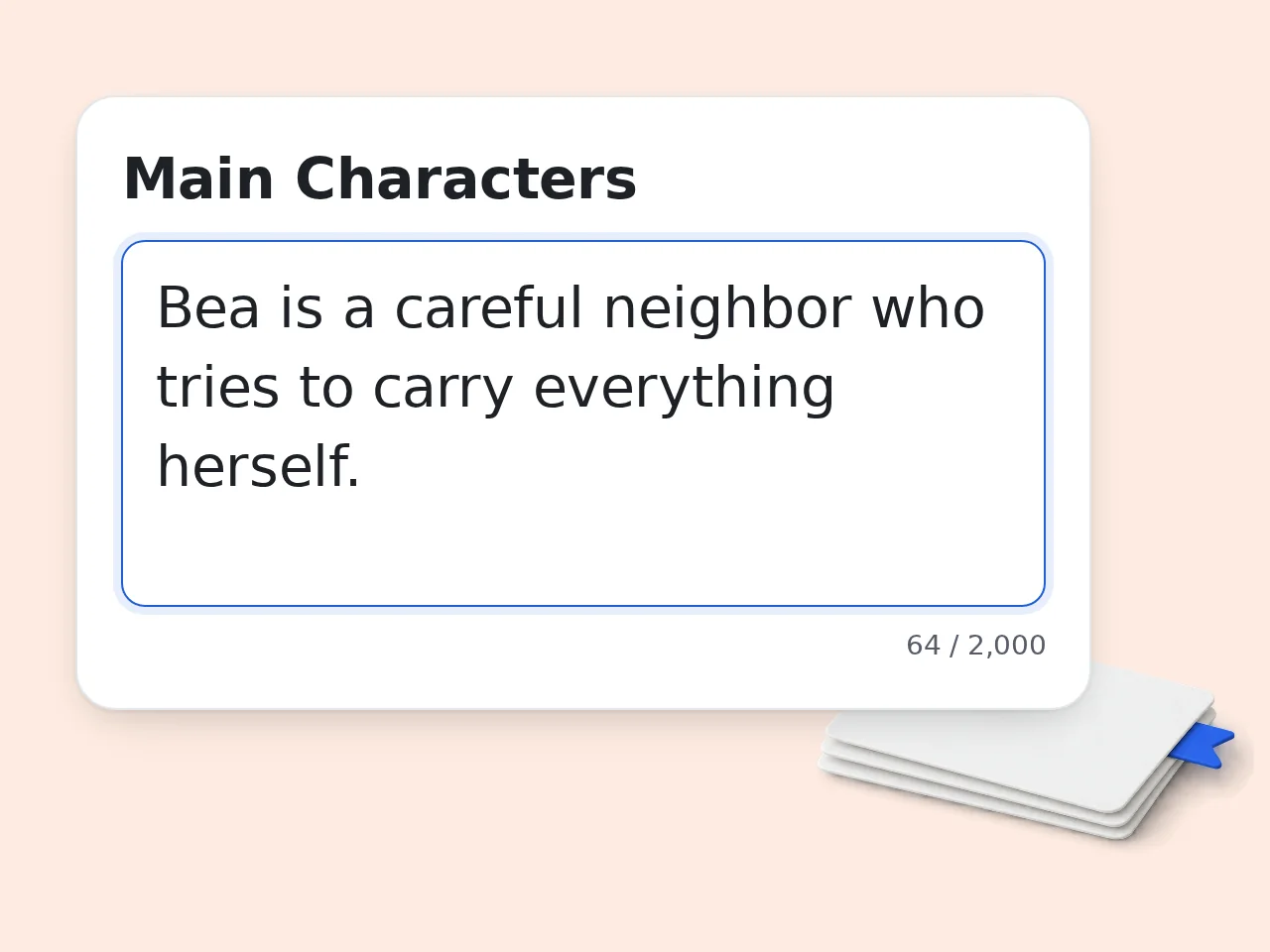
Add characters and fandom
Enter the fandom, main characters, pairing, and story prompt so the AI fanfic generator understands the world and relationship.
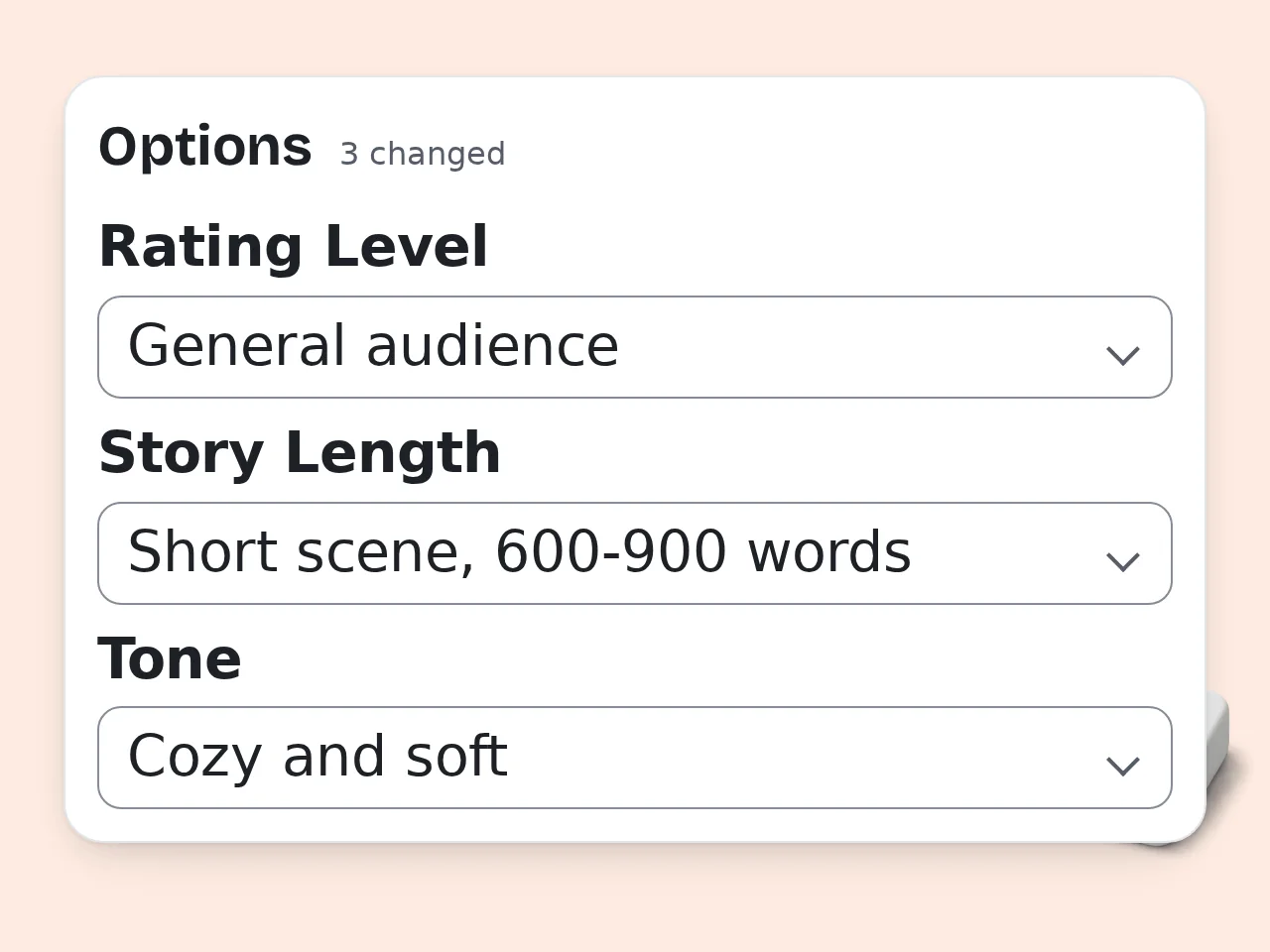
Choose trope and style
Pick rating, POV, length, tone, and fanfic mode. These controls keep the draft closer to the kind of scene you want.
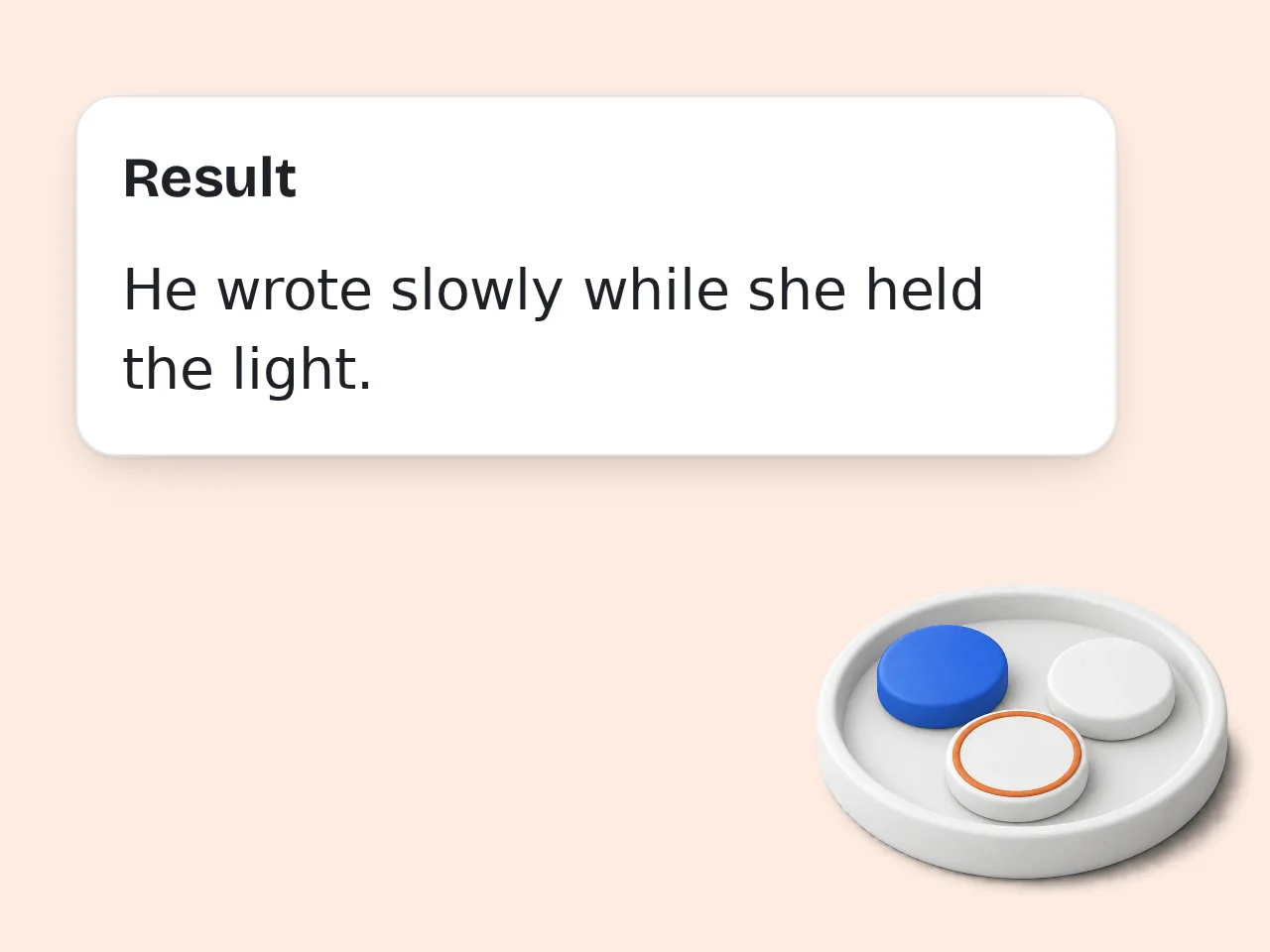
Generate and revise
Create the fanfiction draft, then keep the strongest lines, adjust character voice, or regenerate with a sharper prompt.
Key Features of AI Fanfic Generator
Focused controls for fanfiction drafts, ships, tropes, and chapter ideas
Fandom-Aware Fanfic Drafts
Add characters, ships, tropes, and a prompt. The AI fanfic generator turns those notes into a readable draft with scene flow and emotional beats.
9 Creative Controls Included
Set trope mode, rating, POV, length, tone, relationship, and output language without writing a complex prompt from scratch.
One-Shots or Chapter Starts
Generate a complete fanfiction one-shot, a focused scene, or a chapter opening with a hook you can continue later.
Frequently Asked Questions with AI Fanfic Generator
Clear answers about fanfiction drafts, limits, prompts, ships, and editing
What is an AI fanfic generator and how does it work?
An AI fanfic generator turns character notes, fandom details, tropes, and scene ideas into a readable fanfiction draft. It uses your prompt as the creative brief, then builds plot beats, dialogue, pacing, and an ending around it. You can enter a ship, AU, hurt/comfort setup, canon-divergence idea, or chapter continuation. The fanfic maker works best when you name the characters, relationship dynamic, conflict, and one scene you want to see. For cleaner results, treat the AI fanfic generator like a drafting partner. Give it direction, then revise the parts that need your personal voice.
How do I use the AI fanfic generator for better results?
Use the AI fanfic generator by filling in the characters, fandom, relationship, and story prompt first. Then choose the trope, rating, point of view, length, and tone that match the kind of fanfiction you want. A strong prompt usually includes who is in the scene, what they want, what blocks them, and how the moment should feel. Two to five tags are enough for most fanfiction generator requests. If the draft feels too broad, regenerate with one anchor scene, one emotional conflict, and one ending preference.
Is the AI fanfic generator free to use?
Yes, the AI fanfic generator is free to try. Guests get limited daily free tries without an account, while free registered users have a monthly credit allowance for fanfiction writing. Free access is useful for quick one-shots, scene experiments, prompt testing, and ship ideas. Subscription plans are available when you need more frequent generations or longer drafting sessions. For casual fandom writing, the free fanfic generator tier is enough to test tropes, openings, and chapter directions. See the pricing page for current details.
How many times can I use the AI fanfic generator per day?
Guests get limited daily free tries with the AI fanfic generator. Free registered users have a monthly credit allowance, and subscribers receive higher limits for heavier writing. Those limits help keep the tool fast while still making it practical for brainstorming, one-shot drafts, AU tests, and chapter continuations. Each generation uses credits based on the account type. If you are planning a long fanfiction series, draft chapter by chapter and save continuity notes between runs. See the pricing page for current details.
Can I use the AI fanfic generator without an account?
Yes, you can use the AI fanfic generator without creating an account for limited guest generations. That is enough to test a prompt, generate a short scene, or see whether the fanfic maker matches your style. Creating a free account gives more monthly usage and makes it easier to come back for additional drafts. The core form still works the same: characters, prompt, trope, rating, POV, and tone. If you only need one quick fanfiction idea, guest access is the fastest path.
What can I create with this fanfiction generator?
You can create one-shots, chapter openings, AU scenes, ship moments, hurt/comfort drafts, slow-burn setups, roleplay scenes, and canon-divergence ideas with this fanfiction generator. It is designed for story starts and complete drafts. The tool can also help with dialogue-heavy scenes, emotional reconciliation, found family moments, mission fic, cozy fluff, and dramatic confrontation. Add the fandom and characters so the draft has direction. For best results, choose one main emotional arc instead of stacking too many unrelated tropes.
Does the AI fanfic generator support ships, AUs, and tropes?
Yes, the AI fanfic generator supports ships, alternate universes, common fanfic tropes, and relationship dynamics. You can enter a pairing, choose a trope mode, and describe the setup in plain language. Good inputs include terms like slow burn, forced proximity, found family, enemies to lovers, canon divergence, crossover, coffee shop AU, or hurt/comfort. The generator uses those tags to shape the plot. Keep the tag list focused. A smaller set gives the fanfiction generator room to write a coherent scene.
What kind of output quality should I expect from the AI fanfic generator?
Expect a solid first draft from the AI fanfic generator, not a final archive-ready fic. The draft should give you structure, dialogue, emotional beats, and scene momentum you can edit. Quality depends heavily on prompt detail. Character dynamics, setting friction, rating boundaries, and ending intent make a big difference. A vague prompt creates a broader story; a specific prompt creates sharper fanfiction. Use the output as clay. Keep the best scenes, rewrite the voice, and add fandom-specific nuance.
Why use an AI fanfic generator instead of writing manually?
An AI fanfic generator helps when you know the idea but cannot get the first draft moving. It gives you a scene structure, opening, dialogue, and ending direction much faster than staring at a blank page. Manual writing still matters for voice, canon detail, and final polish. The fanfiction generator is strongest for momentum: testing tropes, shaping chapter beats, and exploring different emotional paths. Use it when you need a draft to react to, then edit like a writer.
Why use this fanfic maker instead of asking ChatGPT directly?
This fanfic maker gives you a focused form built for fanfiction, so you do not need to write a long prompt from scratch. Fields for characters, pairing, trope, rating, POV, tone, and length guide the output. A general chatbot can work, but it often needs repeated instructions. The AI fanfic generator keeps the important creative controls visible and makes it easier for beginners to describe what they want. Use ChatGPT for open-ended chatting; use this tool when you want a fast fanfiction draft.
How can I get better fanfiction from the generator?
To get better fanfiction from the generator, give it one clear emotional question and one concrete scene. Instead of only writing a ship name, explain what has just happened and what each character wants. Add two to five tropes, a setting with friction, a rating boundary, and a tone preference. If you want a specific ending, say so directly: happy, bittersweet, unresolved, or chapter hook. Specific constraints help the AI fanfic generator write less generic dialogue and stronger pacing.
What if the AI fanfic generator output is not what I expected?
If the AI fanfic generator output is not what you expected, adjust the prompt instead of changing everything at once. Add clearer character motivation, a sharper conflict, or a note about the ending. You can also switch POV, shorten the length, or choose a different tone. If the story feels generic, add an anchor scene or a line describing the relationship dynamic. Small prompt edits usually work better than broad commands like “make it better.”
Still have questions?
Contact our support teamReady to Draft Your AI Fanfic?
Add your characters, choose a trope, and create a fanfiction draft in seconds.