AI Humanizer to Bypass Turnitin
Rewrite AI-generated text in a natural human style before your Turnitin check
How to Use AI Humanizer to Bypass Turnitin
Humanize your AI text in 3 quick steps
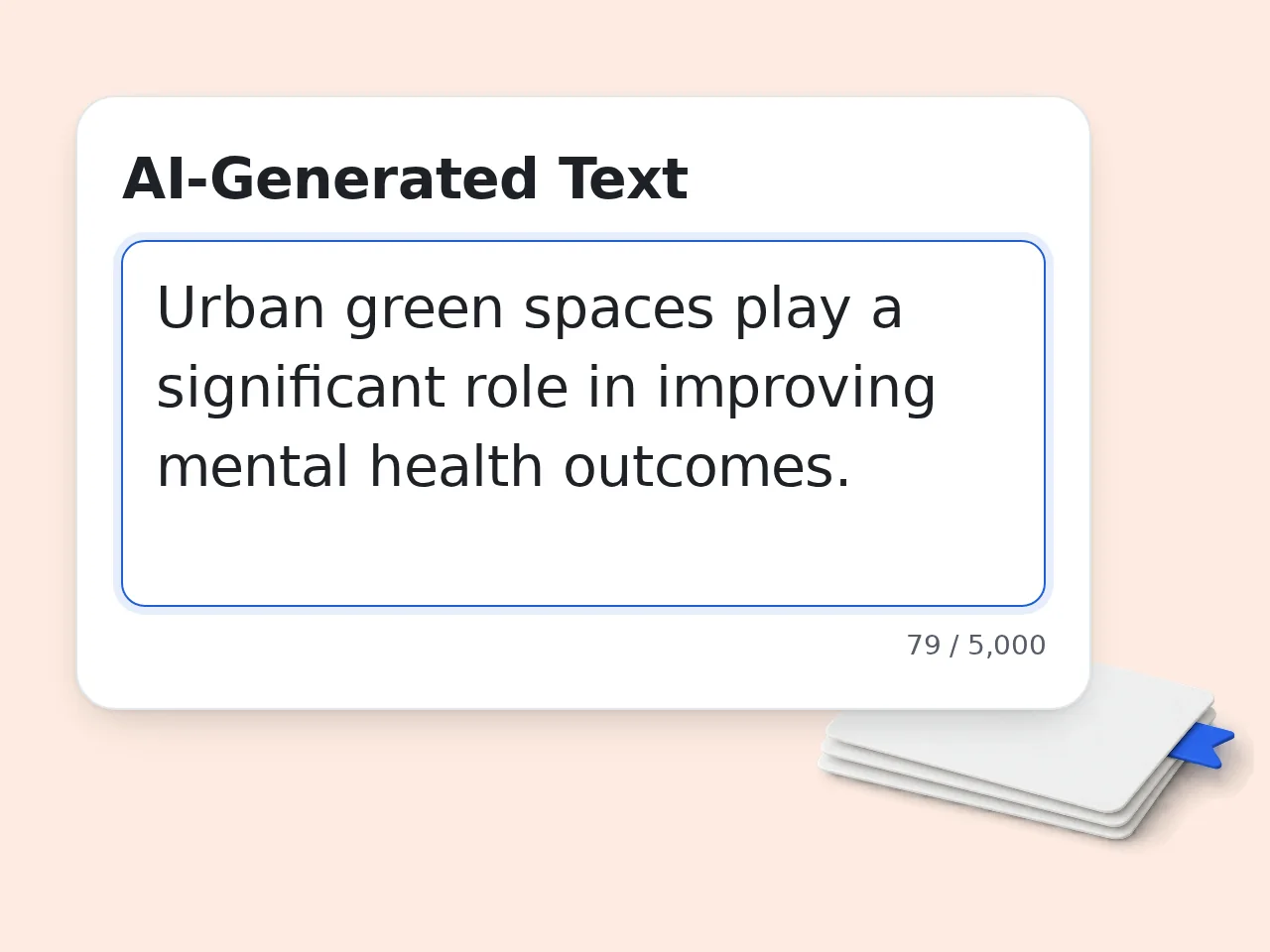
Paste your AI-generated text
Copy the text from ChatGPT, Claude, Gemini, or any AI writer. Paste it into the AI humanizer input box. Supports up to 5,000 characters per run.
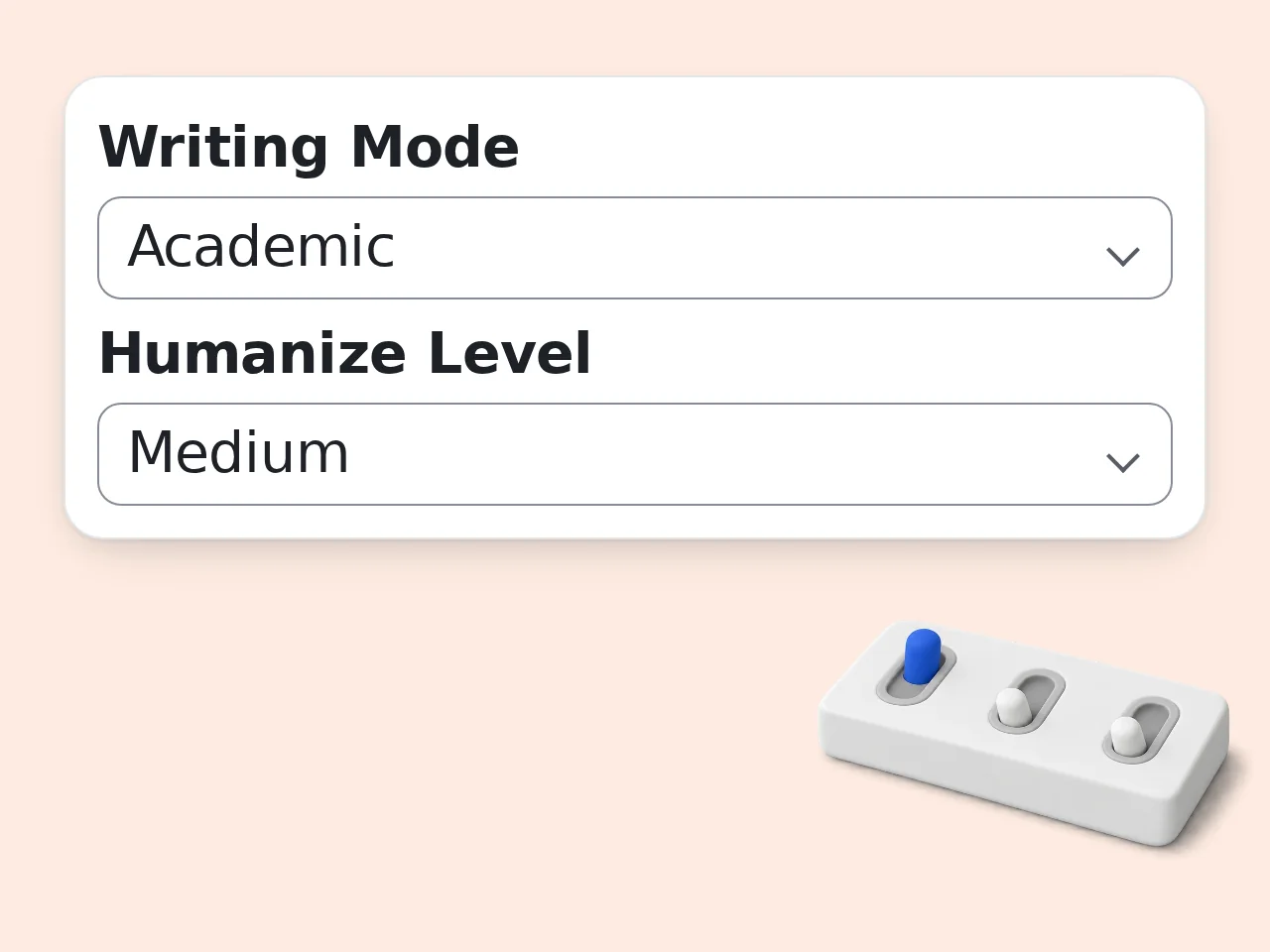
Choose writing mode and intensity
Select Academic mode for essays and papers. Set humanize level to Medium or Heavy for a deeper rewrite. Pick your academic level under advanced options.
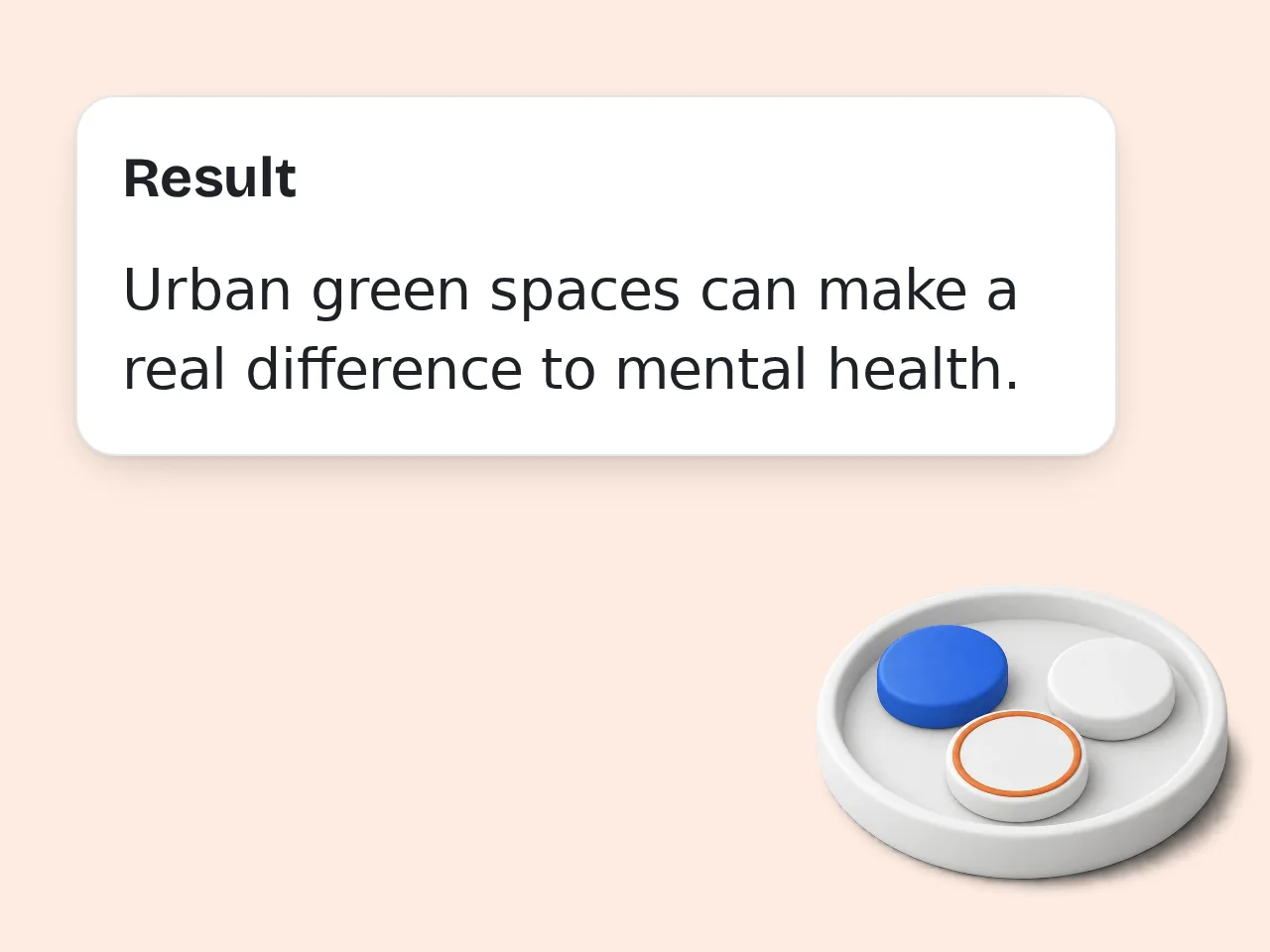
Click generate and copy your humanized text
Hit the generate button. The AI humanizer rewrites your text with natural human patterns. Copy the output directly into your assignment or paper.

Key Features of AI Humanizer to Bypass Turnitin
Everything you need to humanize AI text for essays and papers
4 Writing Modes with Academic Focus
Academic, Standard, Creative, or Simple — pick the mode that matches your assignment. Academic mode uses formal tone and scholarly phrasing by default.
3-Level Humanize Intensity Control
Light keeps most of your original text. Medium rewrites about half. Heavy restructures everything with a strong human voice. You control how much changes.
4 Academic Levels from High School to PhD
Set your academic level and the AI humanizer adjusts vocabulary complexity, sentence structure, and analytical depth to match what your professor expects.
Frequently Asked Questions about AI Humanizer to Bypass Turnitin
Common questions about humanizing AI text for Turnitin
What is an AI humanizer to bypass Turnitin and how does it work?
An AI humanizer to bypass Turnitin rewrites AI-generated text so it reads like natural human writing. It replaces predictable AI patterns, such as uniform sentence length, formulaic transitions and repetitive structure, with varied, human-like prose. The tool analyzes your text for detectable AI markers, then restructures sentences, swaps vocabulary, and adds natural imperfections that human writers typically produce. You paste AI text in, pick your settings and get a humanized rewrite. The tool can't guarantee what Turnitin's AI detector will report, so review the output before you submit it.
How do I get the best results from this AI humanizer for Turnitin essays?
Paste your AI text, select Academic writing mode, and set humanize level to Medium or Heavy. Choose your actual academic level (Undergraduate, Graduate, etc.) so vocabulary matches what your professor expects. For longer papers, humanize section by section rather than the entire document at once. This produces more natural variation across paragraphs. Review the output yourself before you submit it, and follow your school's rules on AI writing.
Is this AI humanizer free to use?
Yes, the AI humanizer to bypass Turnitin is completely free. Guests get limited daily free tries without any account. Free registered users have a monthly credit allowance. All features are accessible at no cost — writing modes, humanize levels, and academic level settings included. No credit card required. For heavier daily usage, subscription plans offer higher limits. See the pricing page for current details.
How many times can I use the AI humanizer per day?
Without an account, you get limited daily free tries. Creating a free account gives you a monthly credit allowance. Subscription users get significantly higher daily limits with no hard cap on most plans. For a typical essay or assignment, a few runs is usually enough — humanize your draft, review, and make one final pass. See the pricing page for current details.
Can I use the AI humanizer without creating an account?
Yes. No signup, no email, no account needed. Just open the page, paste your AI-generated text, pick your settings, and click generate. The tool works immediately. Guests get limited daily free tries. If you need more, a free account gives you a monthly credit allowance. Your text is processed on our servers to create the result and may be kept in our logs as described in our Privacy Policy. Please don't paste sensitive personal information. See the pricing page for current details.
Does the AI humanizer work on text from ChatGPT, Claude, and Gemini?
Yes. The humanizer works with text from any AI writing tool: ChatGPT (GPT-4, GPT-4o), Claude, Gemini, Copilot, Jasper, QuillBot and others. The AI source doesn't matter. Each AI model produces slightly different patterns, but the humanizer rewrites the patterns they share, such as formulaic transitions and uniform sentence length. Paste text from any AI, and the tool handles the rest.
How does the AI humanizer compare to just asking ChatGPT to rewrite text?
ChatGPT rewriting ChatGPT output still produces the same AI patterns. The phrasing stays predictable because the underlying language model hasn't changed. This AI humanizer uses different techniques: varying sentence rhythm, adding natural imperfections and breaking formulaic structure in ways that mimic real human writing. ChatGPT paraphrases. The humanizer transforms the writing style itself.
Why use the AI humanizer instead of rewriting text manually?
Manual rewriting works but takes 30-60 minutes per page. The AI humanizer does it in seconds while preserving your arguments, citations, and core content intact. It also catches AI patterns you might miss — things like uniform paragraph structure or overuse of transitions that feel natural when reading but trigger AI detectors. Use the humanizer as a starting point, then make final edits yourself for the best results.
What academic levels does the AI humanizer support?
Four levels: High School, Undergraduate, Graduate, and PhD/Doctoral. Each adjusts vocabulary complexity, sentence structure, and analytical depth. High School uses straightforward language. Undergraduate adds more analytical phrasing. Graduate introduces specialized terminology. PhD output uses expert vocabulary and nuanced argumentation. Pick the level that matches your course — mismatched vocabulary is one way professors spot unusual writing.
Can I use the AI humanizer for research papers and dissertations?
Yes. Set writing mode to Academic and academic level to Graduate or PhD. The humanizer preserves citations, footnotes, and reference markers exactly as written — it only transforms the prose style. For long documents, process one section at a time. This produces more natural paragraph-to-paragraph variation than running the entire paper at once. Always review the output carefully. The humanizer changes style, not substance — verify your arguments still read correctly.
What if the humanized output doesn't sound right?
Adjust the humanize level. Light preserves most of your original text with minor tweaks. Medium rewrites about half the content. Heavy restructures extensively. If the output sounds too different from your usual writing, try Light or Medium instead. If it still gets flagged, switch to Heavy and then manually edit sections that feel off. You can also change writing mode — switching from Academic to Standard sometimes produces more natural results for less formal assignments.
How can I get better results from the AI humanizer?
Start with well-structured AI text. The humanizer works best when the original has clear arguments and logical flow — it transforms style, not content quality. Process text in 500-1000 word chunks rather than pasting entire papers. Mix humanize levels across sections for more natural variation. After humanizing, read the output aloud. If any sentence sounds robotic or unlike your writing, edit it manually. The best results come from AI humanizing plus a personal editing pass.
Still have questions?
Contact our support teamReady to Humanize Your AI Text?
Paste your AI text and get a natural, human-sounding rewrite in seconds