Chicago Reference Generator
Generate accurate Chicago style citations and bibliography entries instantly
How to Use the Chicago Reference Generator
Create accurate Chicago style citations in 3 simple steps
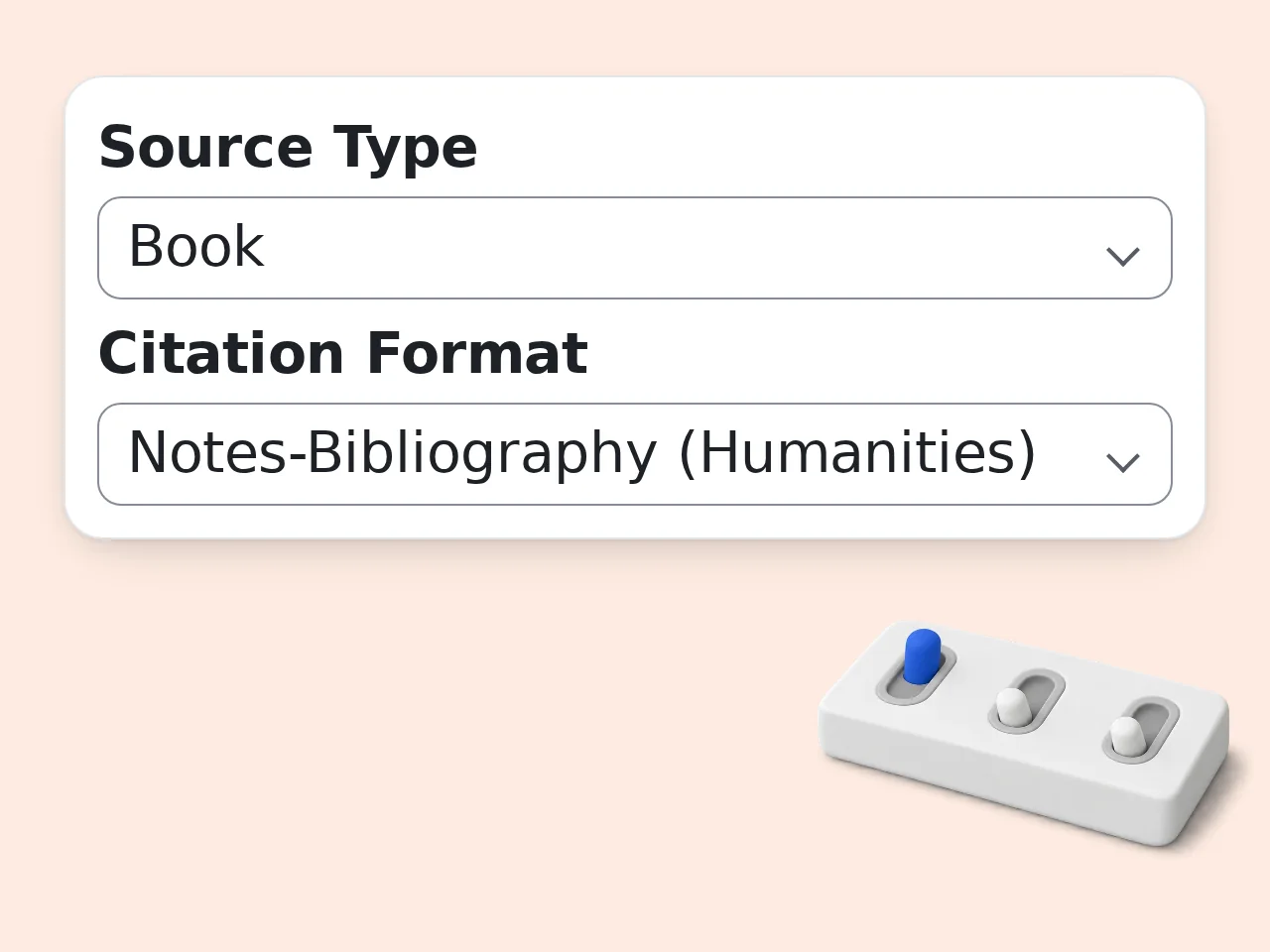
Choose your source type and format
Select the type of source you're citing — book, journal article, website, news article, film, or podcast. Then pick Notes-Bibliography (for humanities) or Author-Date (for sciences).
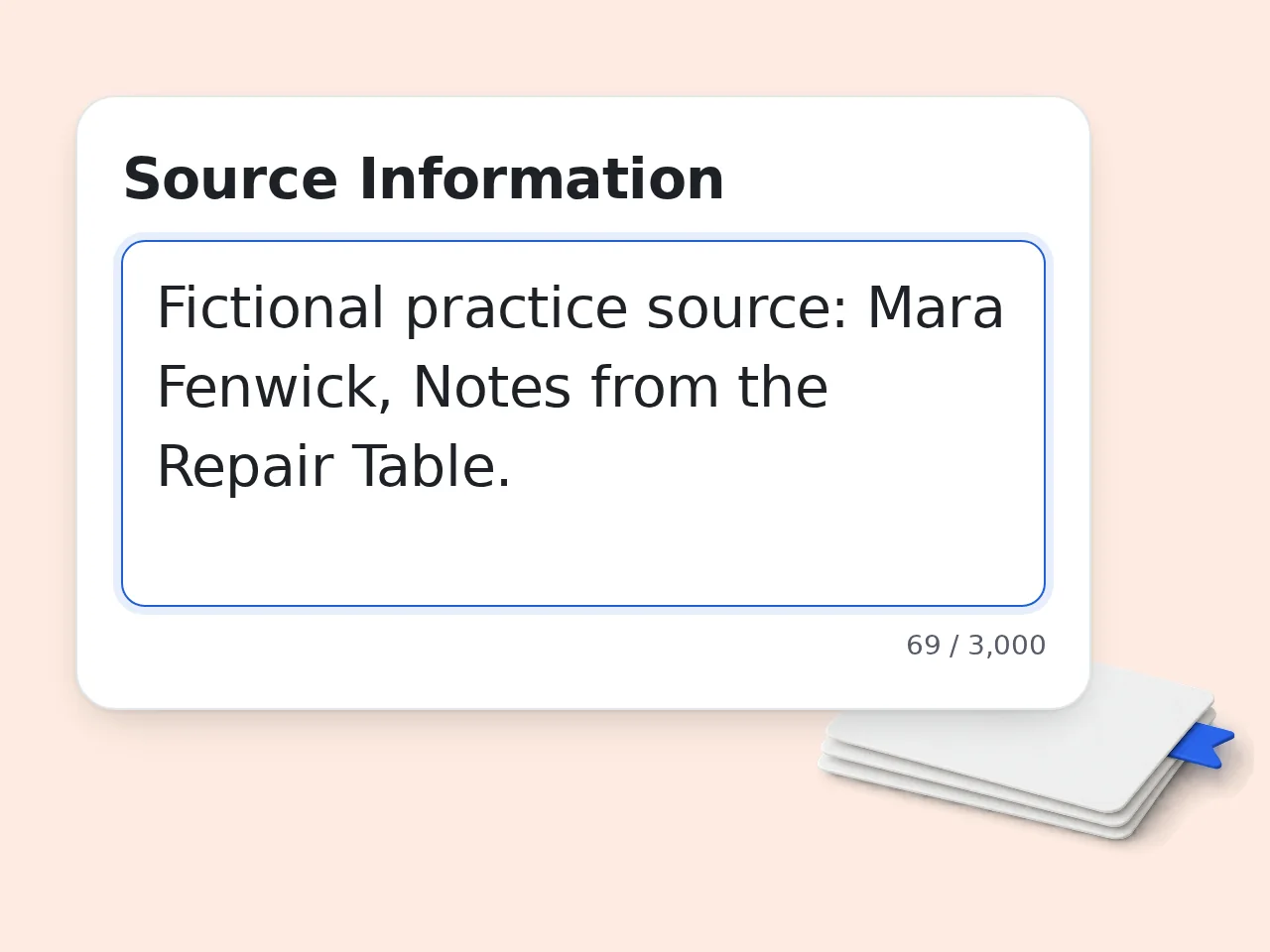
Enter the source details
Type the source information: author name, title, publication year, publisher, and any other available details. Use natural language or paste bibliographic info directly. The more you provide, the more complete your Chicago citation will be.
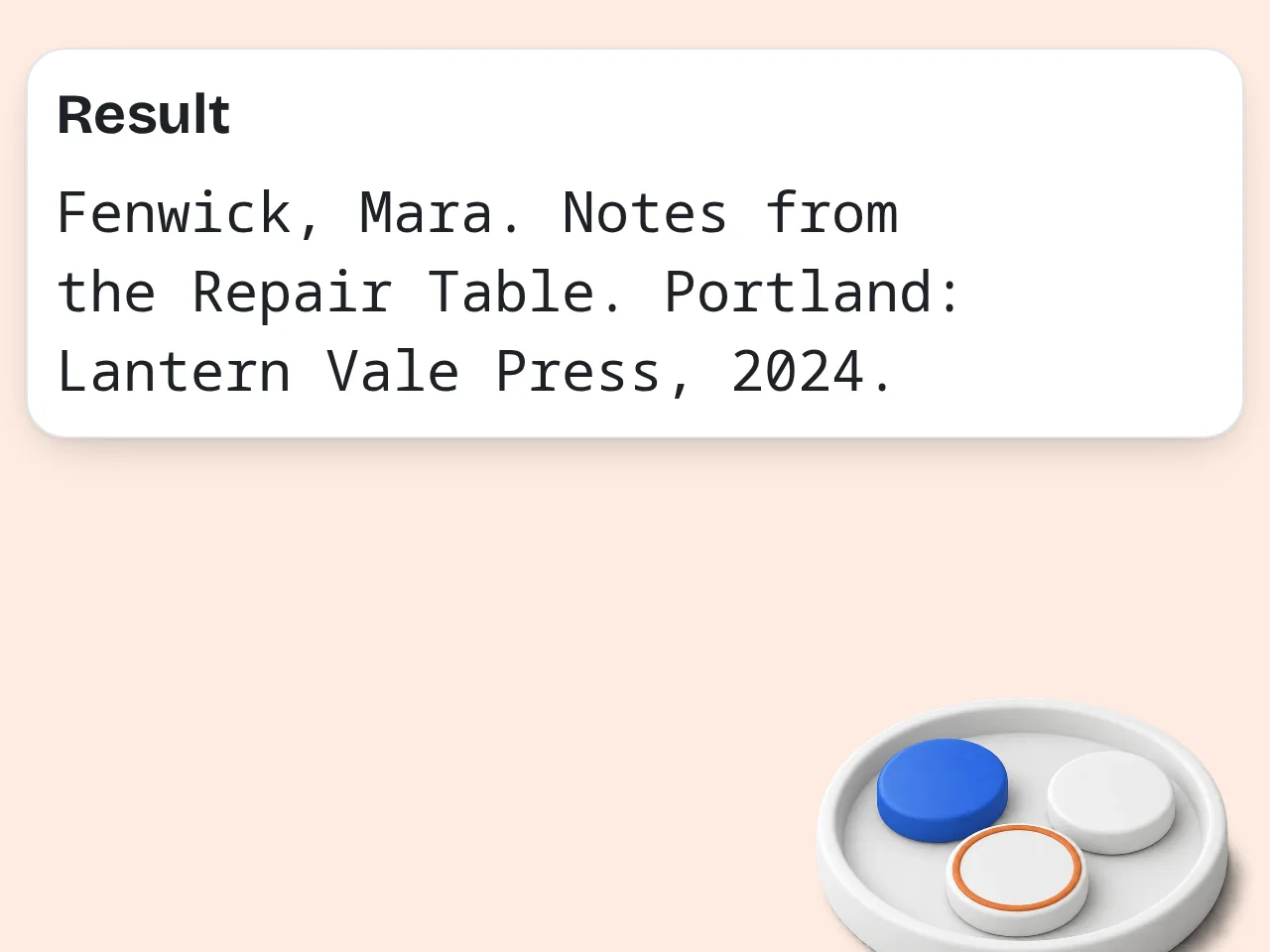
Copy your formatted Chicago reference
Receive a fully formatted Chicago reference generator output in seconds. Copy the bibliography entry, footnote citation, or both, and paste them directly into your paper.
Key Features of the Chicago Reference Generator
Everything you need to cite sources in Chicago style
8 Source Types Supported
Format Chicago citations for books, book chapters, journal articles, websites, news articles, films, podcasts, and more. Each source type follows its own specific Chicago formatting rules automatically.
Notes-Bibliography and Author-Date Formats
Switch between Chicago's two citation systems: Notes-Bibliography for humanities (history, art, literature) or Author-Date for social sciences and natural sciences. Both formats follow Chicago Manual of Style 17th Edition.
Footnote and Bibliography Entry Together
Generate both the bibliography entry and the footnote citation simultaneously. No need to format them separately — the chicago reference generator handles both at once, ready to copy and paste.
Frequently Asked Questions
Common questions about the Chicago reference generator and Chicago style citations
What is a Chicago reference generator and how does it work?
A Chicago reference generator is a tool that automatically formats source information into properly structured citations following Chicago Manual of Style guidelines. You provide the source details — author name, title, publication year — and the tool arranges them in the exact format Chicago style requires, including proper punctuation, italics, and capitalization. It works for both the Notes-Bibliography system used in humanities and the Author-Date system common in sciences.
How do I use the Chicago reference generator to get accurate citations?
Select your source type, enter the available details — title, author, date, publisher — and click generate. The tool formats everything according to Chicago style instantly. For best results, fill in as many fields as possible. If you have a DOI, URL, or ISBN, include it. The more detail you provide, the more complete your Chicago citation will be. Review the output before copying, especially author name order and publication year placement, which differ slightly by Chicago format.
Is the Chicago reference generator free to use?
Yes, the Chicago reference generator is completely free. No payment or credit card is required. You can generate accurate citations immediately without creating an account. Unregistered visitors get limited daily free tries. Creating a free account gives you a monthly credit allowance for Chicago reference generations at no cost. Paid subscription plans offer higher daily limits for students or researchers who regularly generate Chicago citations. See the pricing page for current details.
How many citations can I generate per day?
Without an account, you get limited daily free tries of the Chicago citation generator. Free registered users have a monthly credit allowance, while subscribers get significantly more. The daily limit resets at midnight. If you need more citations in a single session, creating a free account is the easiest way to get a higher limit immediately. Subscription plans remove most restrictions, which is practical for students working on large papers or researchers compiling bibliographies. See the pricing page for current details.
Can I use the Chicago reference generator without creating an account?
Yes, no account is needed to generate Chicago citations. Open the tool, enter your source details, and get a formatted citation instantly, with no signup required. Account-free use comes with limited daily free tries, which covers most one-off citation needs. For ongoing research projects, a free account gives you a monthly credit allowance. Registration takes under 30 seconds and unlocks a much higher limit for Chicago reference generator use. See the pricing page for current details.
What source types does the Chicago reference generator support?
The Chicago reference generator supports 8 source types: books, book chapters, journal articles, websites, news articles, films and videos, podcasts, and other miscellaneous sources. Each type follows its own Chicago formatting rules — a journal article citation looks very different from a website citation. The tool automatically applies the correct template for each source type. For unusual sources not covered by the standard types, selecting 'Other' still provides a solid Chicago-format starting point.
What is the difference between Notes-Bibliography and Author-Date formats in Chicago style?
Chicago Notes-Bibliography uses footnotes or endnotes with a full bibliography at the end, commonly used in humanities. Author-Date uses in-text parenthetical citations with a reference list, preferred in sciences. In Notes-Bibliography, a citation like 'Smith, The Writing Life, 45' appears at the bottom of the page. In Author-Date, you write (Smith 2021, 45) within the sentence instead. When in doubt, check with your professor — humanities courses almost always use Notes-Bibliography.
Why use this instead of asking ChatGPT for Chicago citations?
This chicago reference generator is purpose-built for Chicago style, so it applies the correct rules consistently every time. ChatGPT frequently makes citation errors, especially with punctuation, name inversion, and edition formatting. A Chicago citation has dozens of formatting rules — where commas go, when to italicize, how to handle multiple authors. Dedicated citation tools are trained specifically on these rules, not general conversation. For a paper submission, even a single incorrect citation can cost marks.
How much faster is this compared to formatting Chicago citations manually?
Generating a Chicago reference takes under 30 seconds here. Formatting the same citation manually — looking up the rules, applying proper punctuation, checking author-date placement — typically takes 3–5 minutes per source. For a paper with 15 sources, that difference adds up to roughly an hour of saved formatting time. The chicago reference generator also eliminates the risk of misremembering punctuation rules between sessions. Even experienced writers miss details like Chicago access date rules. Automation removes that uncertainty.
How can I get the most accurate Chicago citations from this generator?
Provide as much source information as possible — full author name, complete title, edition, publisher, publication year, and page range. More input means more accurate chicago reference output. Double-check the author name format (last name first for bibliography, first name first for footnotes in Notes-Bibliography). Also verify the edition number and publication year before submitting your paper. Cross-referencing a citation against the Chicago Manual of Style website is a good habit for high-stakes papers.
Does the Chicago reference generator follow the 17th edition of the Chicago Manual of Style?
Yes, the generator defaults to Chicago 17th Edition (2017), the current standard. It also supports Chicago 16th Edition for papers or publications that specify older format requirements. The 17th edition introduced changes to how online sources, social media, and certain government documents are cited. If your institution requires a specific edition, switch it in the advanced settings. Most universities require the 17th edition. When in doubt, 17th edition is the safe default.
Can I generate both a footnote and a bibliography entry at the same time?
Yes, by default the Chicago reference generator outputs both the bibliography entry and the footnote citation together. This gives you everything needed to cite a source in one generation. In the Notes-Bibliography system, footnotes and bibliography entries follow slightly different formats — author name order is reversed between the two. The tool handles this distinction automatically without any extra steps. Switch to 'Bibliography Only' or 'Footnote Only' in the output settings if needed.
Still have questions?
Contact our support teamGenerate Your Chicago Citations Now
Accurate Chicago style references for any source type, in seconds.