LinkedIn Headline Generator
Create a sharper LinkedIn profile headline from your role, skills, goals, and audience.
How to Use the LinkedIn Headline Generator
Add real career details, choose the profile goal, then refine the strongest headline before posting.
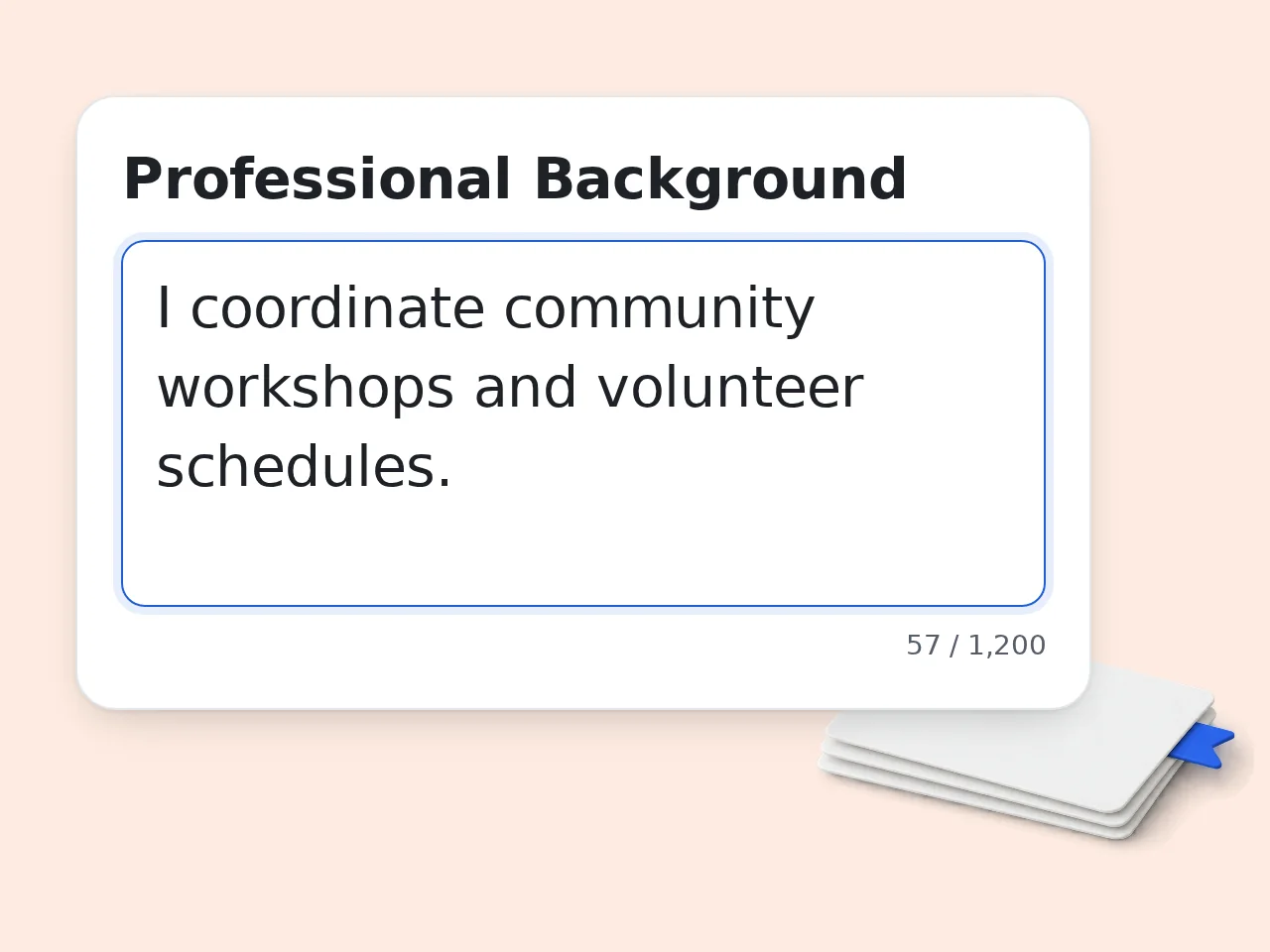
Describe your professional background
Write your role, industry, skills, achievements, audience, and any keywords the linkedin headline generator should include.
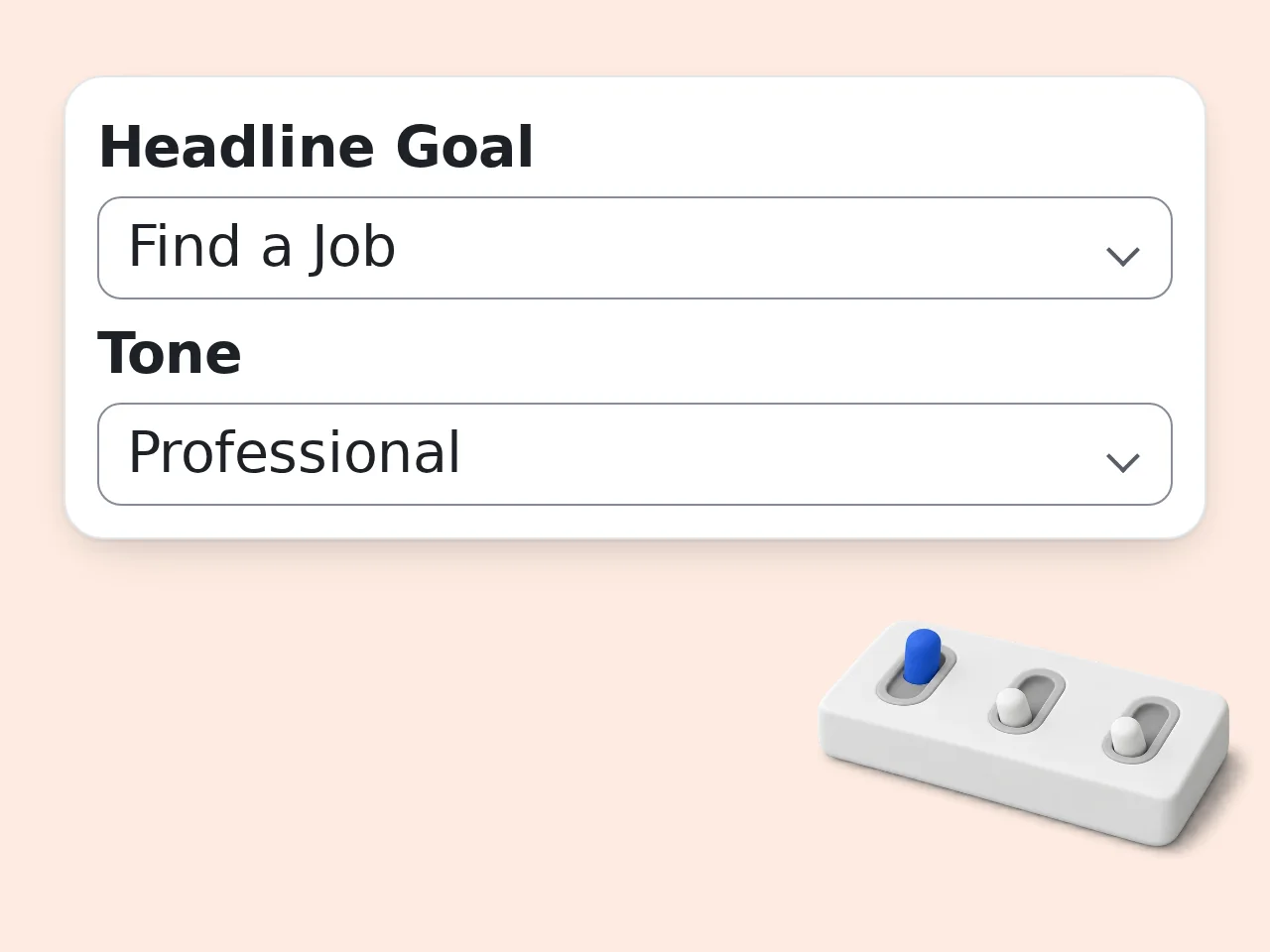
Pick your goal and tone
Choose whether the headline should attract recruiters, clients, network contacts, or leadership opportunities.
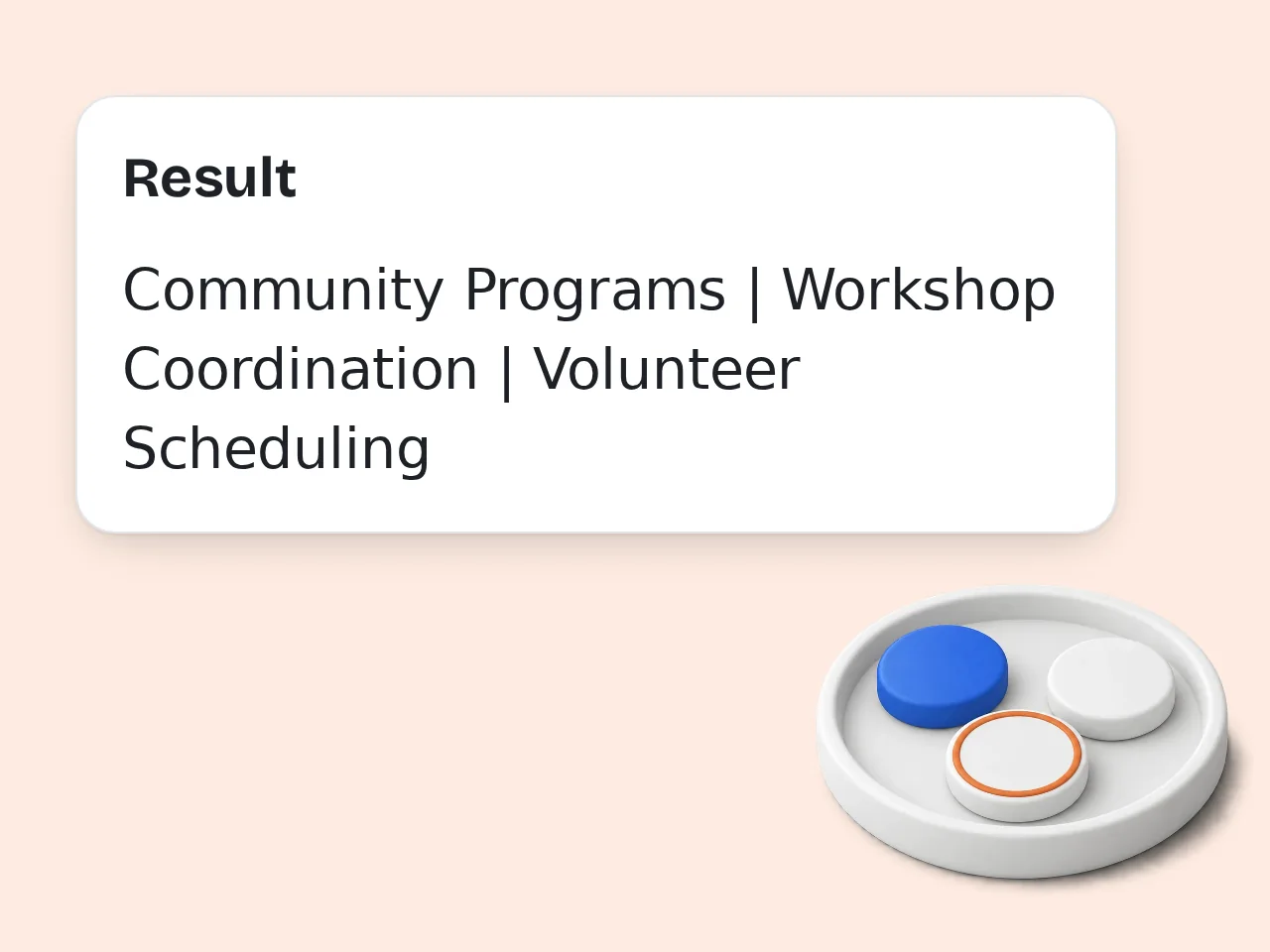
Generate, compare, and edit
Review the options, keep the most believable line, then adjust details or numbers before updating LinkedIn.
Key Features of the LinkedIn Headline Generator
Build clearer profile positioning with practical headline structures, keyword control, and goal-based options.
10 Headline Angles Per Run
Get concise, keyword-rich, audience-led, metric-led, and role-focused options instead of one generic headline.
Goal and Tone Controls
Tune the output for job search, client leads, networking, executive presence, or career change without rewriting the prompt.
LinkedIn-Safe Wording
Avoid empty buzzwords and keep headlines short, readable, and easy to adjust for desktop or mobile profile views.
Frequently Asked Questions About the LinkedIn Headline Generator
Practical answers about writing stronger LinkedIn headlines, credits, inputs, limits, and profile positioning.
What is a linkedin headline generator and how does it work?
A linkedin headline generator turns your role, skills, audience, and career goal into short LinkedIn headline options that fit the profile headline area. It helps you move from a vague title to a clearer professional hook. The generator reads details such as industry, achievements, target audience, tone, and must-use keywords, then suggests headline structures like role plus value, metric-led proof, or audience-focused positioning. Use the best result as a draft, not a final identity. Add real numbers, tools, or niche terms when you have them.
How do I use a linkedin headline generator for the best results?
Use a linkedin headline generator by giving specific context: your current role, target role, industry, strongest skills, audience, and one measurable result if you have it. Specific input creates sharper headline options. For example, write “B2B SaaS product marketer, 7 years, positioning, launches, helped increase qualified demos” instead of only “marketer.” The tool can then build useful angles. After generation, compare the options on mobile, remove claims you cannot defend, and keep the wording natural for your career stage.
Is the linkedin headline generator free to use?
Yes, the linkedin headline generator is free to try with included credits. Guests get 10 free credits per day without an account, and free registered users get 100 credits per month. Each run uses the credit amount configured for this tool, so available usage depends on the tool’s per-generation cost. Subscribers receive more credits according to their plan. For quick profile edits, the free allowance is enough to test several directions before choosing the strongest headline.
How many free credits do I get for the linkedin headline generator?
Guests get 10 free credits per day, and free registered users get 100 credits per month for tools including the linkedin headline generator. Subscriber credits depend on the active plan. This page does not promise a fixed number of generations because each tool can use a different credit amount. Check the credit badge before running a request. If you are rewriting several profile versions, save the best outputs and refine them together instead of spending credits on tiny changes.
Can I use the linkedin headline generator without creating an account?
Yes, you can use the linkedin headline generator as a guest while daily guest credits remain available. Creating an account is only needed when you want monthly free credits or saved access. Guest use works well for a fast headline rewrite, a student profile, or a one-time job search update. Registered users get a larger monthly credit pool. If you expect to test multiple goals, such as recruiters and clients, signing in makes it easier to continue later.
What should I include in my LinkedIn headline input?
Include your role, industry, top skills, target audience, career goal, and proof points. A linkedin headline generator performs best when it knows both what you do and who should care. Useful details include tools, certifications, markets, company stage, portfolio focus, revenue impact, team size, or the type of work you want next. Even one metric helps. Avoid pasting a full resume. A compact summary with the strongest facts usually produces cleaner headline options.
Does the linkedin headline generator follow LinkedIn character limits?
The linkedin headline generator is designed to keep headline options short enough for LinkedIn’s headline field and easy to scan on desktop or mobile. It favors concise wording over bloated phrases. LinkedIn headline display can vary by device, so shorter options often perform better. A 150 to 200 character headline usually leaves room for role, keywords, and value. Before publishing, paste your favorite option into LinkedIn and preview the profile on mobile to catch awkward cutoffs.
Who benefits most from a linkedin headline generator?
Job seekers, freelancers, consultants, founders, executives, students, and career changers can all benefit from a linkedin headline generator. The common need is the same: explain professional value quickly. Recruiters scan for skills and fit. Clients look for outcomes and trust. Peers want a clear reason to connect. A strong headline can serve each audience differently. Choose the goal field carefully. A headline for job search should not sound identical to one meant for client leads.
Why use a linkedin headline generator instead of writing manually?
A linkedin headline generator gives you multiple angles fast, which is useful when your first manual draft sounds too generic. It can turn raw career facts into clearer positioning options. Manual writing often gets stuck on job titles. The generator can test formulas like audience plus result, metric-led credibility, niche expertise, or concise keyword coverage. Still edit the final line yourself. Your best headline should sound like a real professional, not a slogan.
What makes a good LinkedIn headline for job seekers?
A good job seeker headline states the target role, relevant skills, industry fit, and proof of value. The linkedin headline generator helps combine those pieces without making the headline too long. For job search, recruiters need fast signals: role match, tools, domain, seniority, and outcomes. “Product Analyst | SQL, Experimentation, SaaS Growth” beats a vague title. If unemployed or changing careers, lead with the target direction and transferable strengths instead of the employment gap.
Can the linkedin headline generator help students or career changers?
Yes, the linkedin headline generator can create headlines for students and career changers by connecting education, projects, internships, transferable skills, and target roles. It avoids making the profile sound empty. For students, useful inputs include major, portfolio work, competitions, tools, and desired field. For career changers, include past experience that supports the next role. Be honest about your level. A clear junior headline is stronger than an inflated senior-sounding claim.
How should I choose the best generated LinkedIn headline?
Choose the generated headline that a stranger can understand in five seconds. It should name your role or direction, show a useful specialty, and include keywords people may search for. Compare the top options against your goal. Recruiter-focused headlines should emphasize fit and skills, while client-focused headlines should emphasize the audience and outcome. Read it aloud before publishing. If it feels stuffed, remove one keyword and keep the clearest value statement.
Still have questions?
Contact our support teamTry the LinkedIn Headline Generator Free
Turn your role, skills, and goals into LinkedIn headline options that are easier to scan, search, and edit.