Sample Mail Letter Generator
Create professional mail letters for any purpose in seconds
How to Use the Sample Mail Letter Generator
Three quick steps to a finished letter
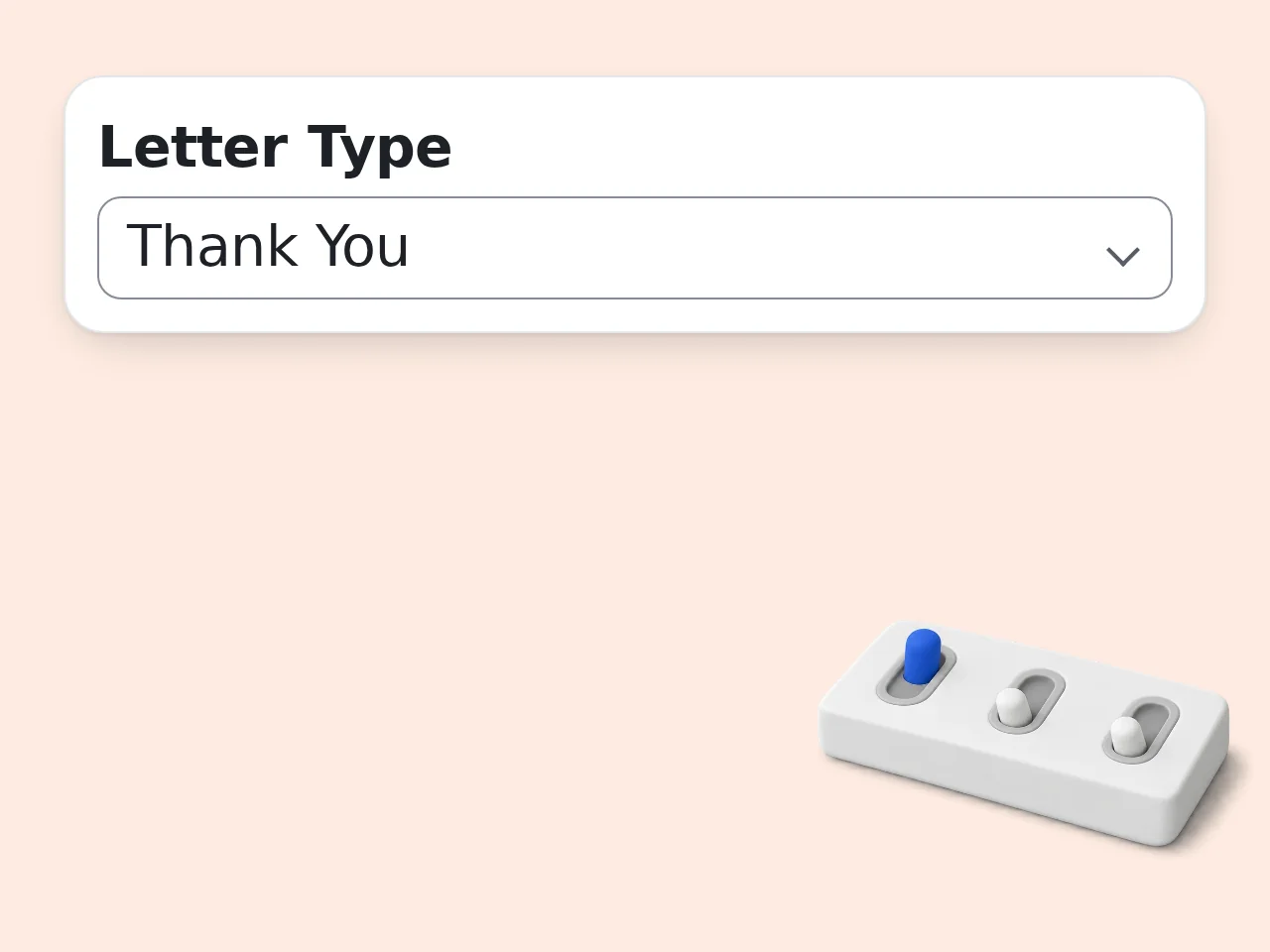
Select Your Letter Type
Choose from options like business, formal, personal, complaint, resignation, or thank-you. This sets the structure and greeting style for your draft.
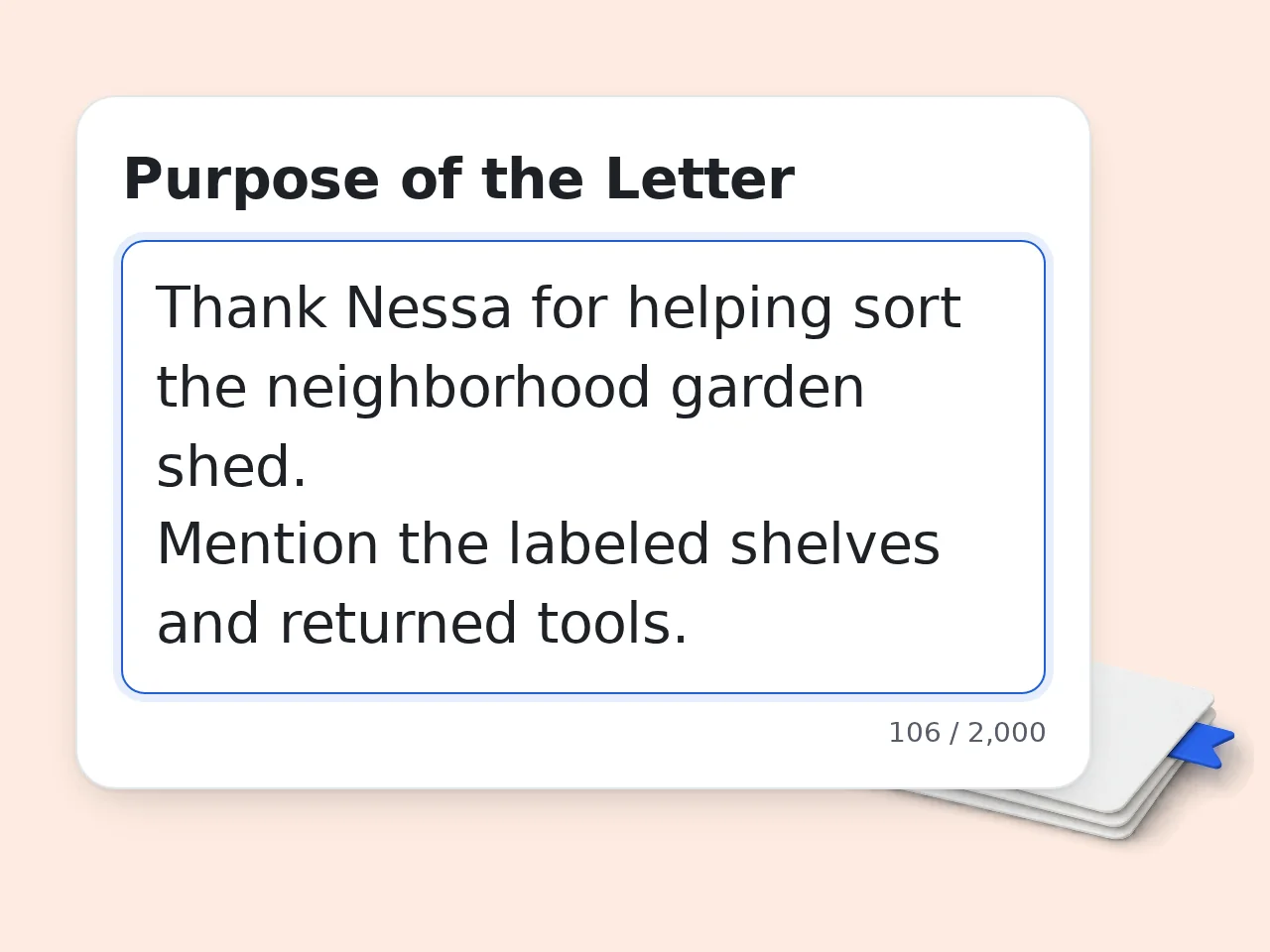
Describe the Purpose
Write a short summary of what the letter is about, who it is addressed to, and any key points to include. Add sender details or special instructions if needed.
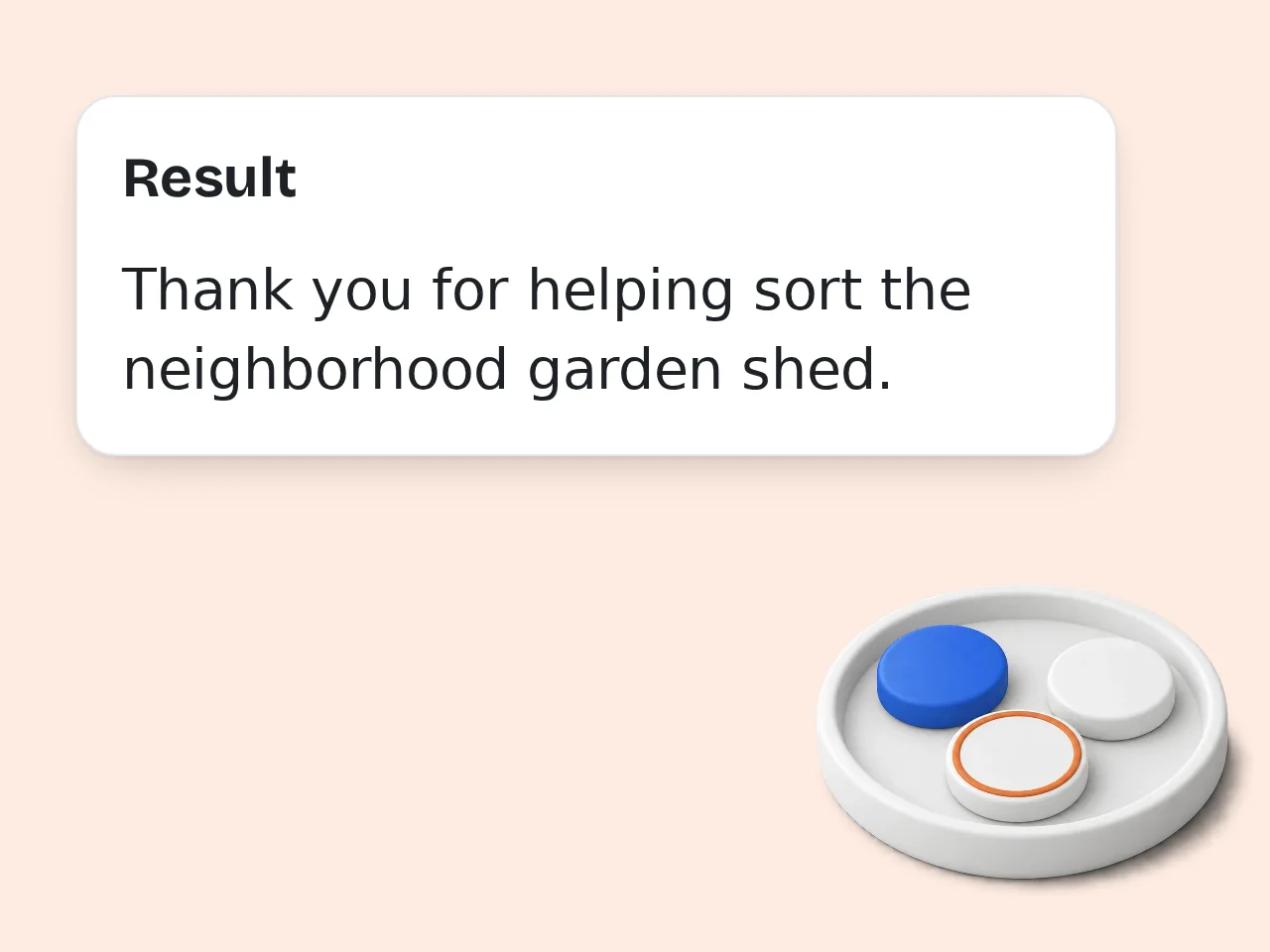
Generate and Download
Click generate to receive a complete letter draft. Review the text, make any final adjustments, then copy or print the finished result.
Key Features of the Mail Letter Generator
Everything you need to produce the right letter, fast
10+ Letter Types Covered
From formal business correspondence and cover letters to personal thank-you notes and complaint letters, every common format is available in one place so you always start with the right structure.
Tone and Length Control
Set the tone to professional, friendly, persuasive, or casual. Choose short, medium, or long output so every generated letter matches your exact situation and audience expectations.
Instant, Print-Ready Drafts
Each generated letter follows standard formatting — return address, date, salutation, body, and closing — so you can copy, print, and send without spending time on layout or spacing.
Frequently Asked Questions
Quick answers about creating a sample mail letter online
What is a sample mail letter generator?
A sample mail letter generator is a tool that creates complete letter drafts based on the type and purpose you specify. It applies standard formatting with return address, date, salutation, body paragraphs, and a complimentary close so the output looks professional immediately. You can use the finished result as a starting template, personalize key sections with your own specific details, or send the draft as-is after a quick final review.
How do I create a sample mail letter with this tool?
Start by selecting a letter type such as business, formal, or personal from the dropdown menu at the top. Next, describe your purpose in a few sentences — mention the recipient, your main point, and any relevant background details. The generator produces a fully formatted draft within seconds that you can copy, edit freely, and print right away. Adjusting the tone or length in advanced settings gives you even more precise control over the final result.
Is this sample mail letter generator free to use?
Yes, this generator offers a free daily allowance for guests and free monthly credits for registered users. There are no hidden charges. Each generation costs credits and paid plans provide more monthly credits. You can create letters across every available type (business, personal, complaint, thank-you and more) without entering any payment information at all. No subscription is required at any stage of the process, which makes it ideal for students, small business owners, job seekers and professionals who need quality letter drafts on a limited budget.
How many sample mail letters can I generate?
The number of letters you can create depends on your available credits, so draft letters for different situations within that allowance. Each generation takes only a few seconds, making batch creation practical when you have multiple recipients or varying purposes. You can also regenerate the same letter with adjusted tone or length settings to compare different versions side by side and choose the strongest one.
Do I need an account to generate a letter?
No account, sign-up, or email verification is required to start generating letters right away. Open the page, select a type, enter your details, and click generate — the entire process takes well under a minute from start to finish. This zero-registration approach means you save valuable time, avoid unwanted marketing emails, and keep all of your personal information completely private throughout every step of the letter creation process without exception.
What types of mail letters can I create?
The generator covers formal, business, personal, complaint, thank-you, recommendation request, cover, resignation, invitation, and apology letters — ten types in total. Each type follows its own accepted structure and tone conventions so the output meets reader expectations from the very first opening line. Choosing the correct category before generating ensures proper salutation, paragraph flow, and closing — small but critical details that distinguish a polished letter from a hastily written one.
Can I generate a sample direct mail letter for marketing?
Yes, select the business type and set the tone to persuasive, then describe your specific marketing goal and target audience in the purpose field. The tool produces a sample direct mail letter with a compelling headline, a clear product or service offer, and a strong call to action designed to drive responses. Adjust the length setting to match your mailer format so the finished piece fits a standard envelope or postcard layout without overflow.
How do I adjust the tone of my letter?
Open the advanced settings panel below the main form and pick from professional, friendly, formal, casual, or persuasive tones. The generator restructures word choice, sentence rhythm, and greeting style to match your selection automatically without changing the core message. Switching tones is especially useful when the same content needs to reach different audiences — for example, a friendly version for internal colleagues and a formal version for external partners or government offices.
Can I use the generated letter for official or legal purposes?
The generated draft provides a strong starting point for official correspondence such as formal complaints, insurance claims, or government agency requests. Review all names, dates, addresses, and factual claims carefully before sending to make sure every detail is accurate and fully current. For documents that carry significant legal consequences — such as demand letters, contract terminations, or dispute filings — have a qualified legal professional review the final version before you dispatch it.
What format does the generated letter follow?
Each letter uses standard block format with the sender address at the top, followed by the date, recipient address, salutation, body paragraphs, and a complimentary close with signature line. This layout is the most widely accepted style for printed correspondence in both professional and personal contexts across the United States and Canada. You can paste the text into any word processor, adjust fonts or margins to taste, and print directly without additional reformatting work.
Can I edit the letter after generation?
Yes, the output is plain text that you can freely modify in any text editor or word processor of your choice. Add specific details, swap placeholder names for real ones, rearrange paragraph order, or rewrite entire sections to better fit your personal voice and situation. Treating the generated draft as a solid first version and then personalizing the opening and closing lines will make the final letter feel noticeably more authentic and effective for your intended reader.
What makes this better than searching for static templates?
Static templates require you to manually replace every single placeholder, rewrite paragraphs that do not match your situation, and fix formatting inconsistencies one by one. This generator builds a complete draft around your actual purpose and specific details from the very start, so the result needs far fewer edits overall. The time saved is significant — most users go from a blank page to a finished, print-ready letter in well under two minutes.
Still have questions?
Contact our support teamCreate Your Sample Mail Letter Now
Pick a letter type, describe your purpose, and get a polished draft in seconds — no sign-up needed.