Babydoll Dance AI
Upload your photo and get an AI video of you doing the Babydoll dance, from the opening turn to the two-step
 Example result
You dance in the outfit from your photo, plus the black sunglasses from the opening move. If the photo shows only part of your outfit, the rest is made to match, so a full body photo works best.
Videos are made by AI, so some results may not turn out right. Common causes include photos that are blurry, too dark, too bright or partly covered, and movement the AI cannot follow. Photos of public figures may be rejected or not replaced.
JPG, PNG or WebP · 5 MB max
Failed or blocked videos are refunded
Ready in about 10 to 20 minutes
How to Make a Babydoll Dance AI Video
One photo and about ten minutes
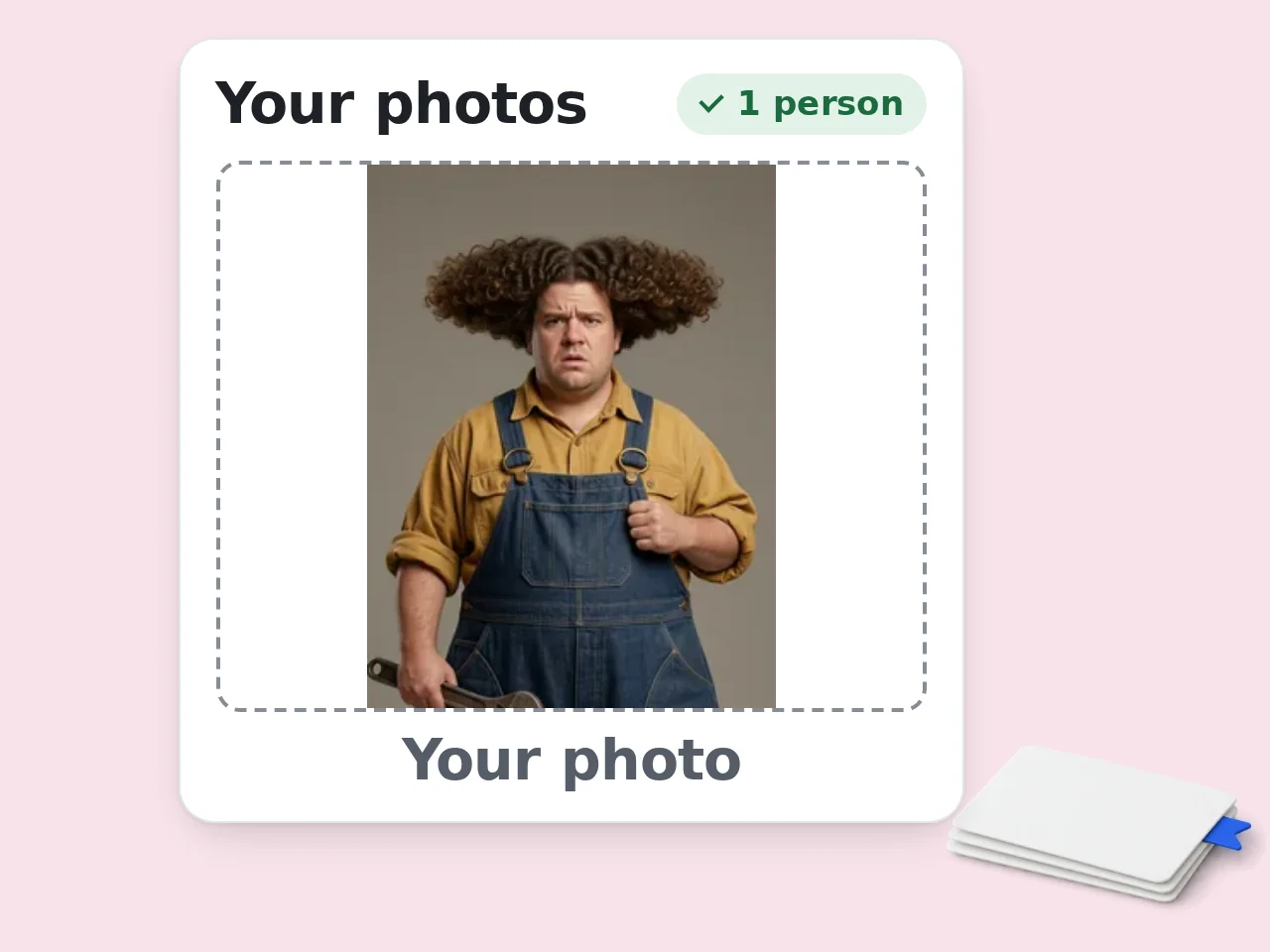
Upload Your Photo
Use a clear photo of one person facing the camera. A full body photo works best because you dance in the outfit you wear in it.
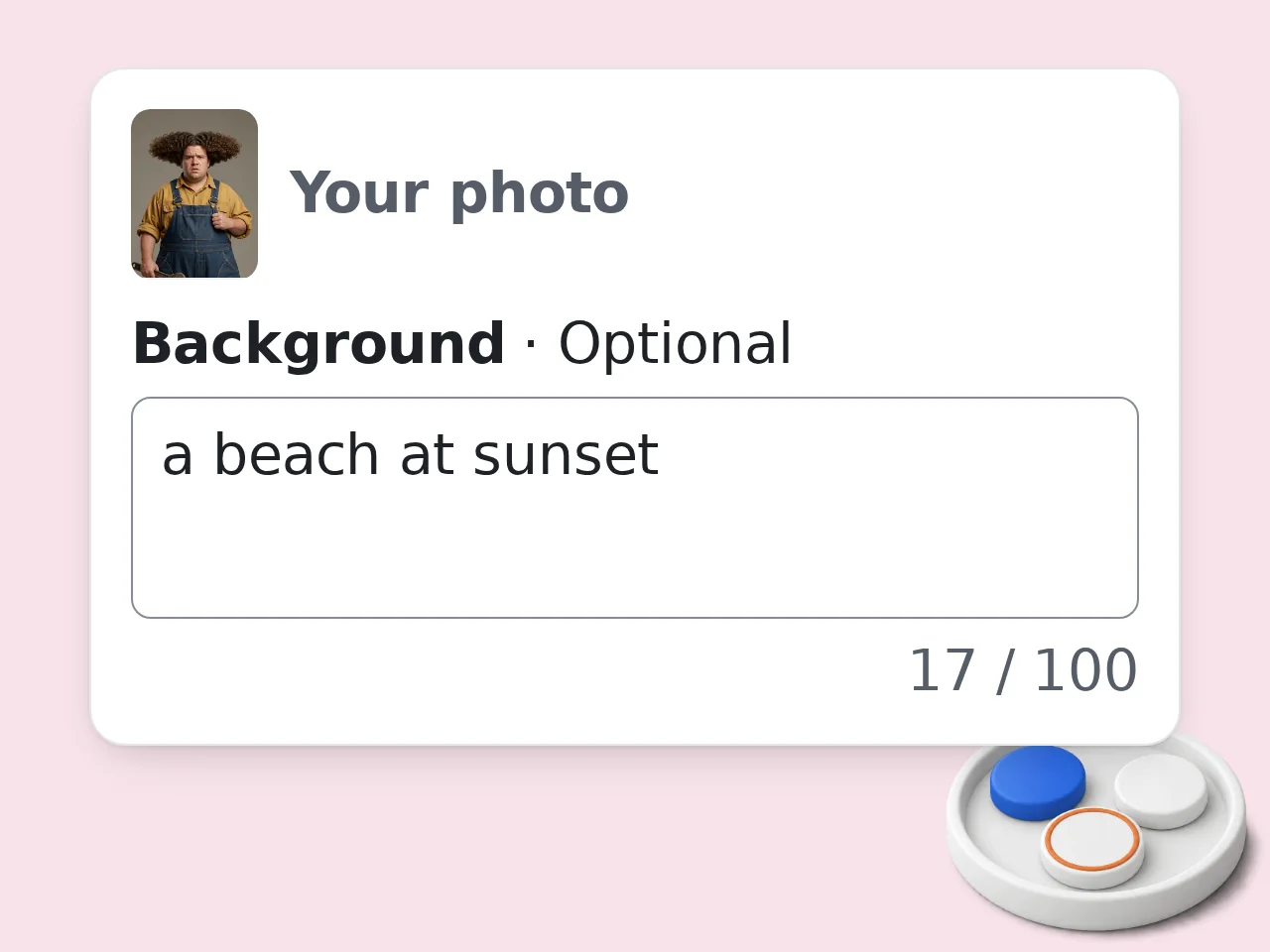
Describe a Setting if You Like
Leave the box empty for the warehouse hall, or type one short line such as a beach at sunset or a parking lot at dusk.
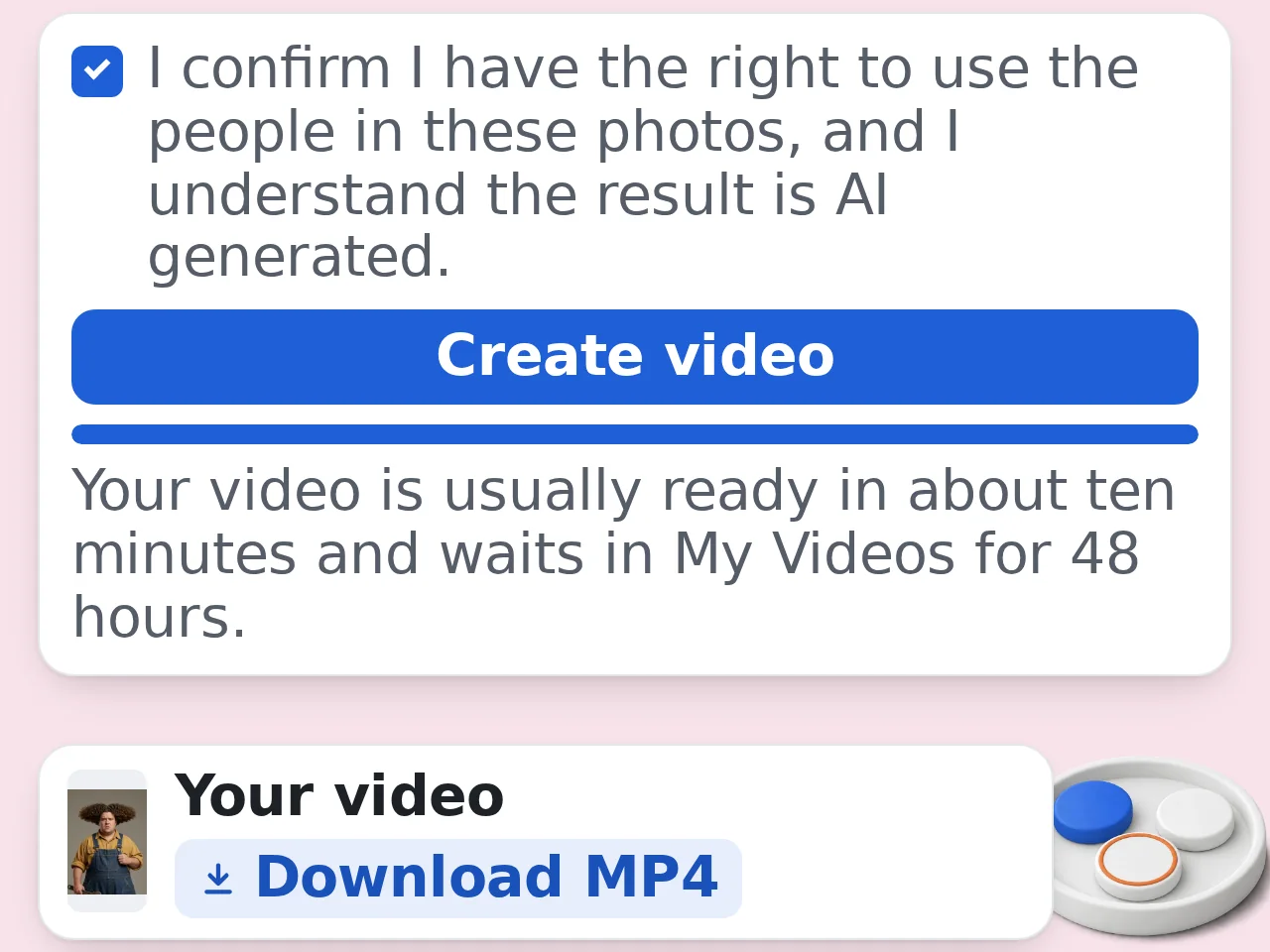
Create and Download
Tick the consent box and press Create video. The price is shown on the button. Your video is usually ready in about ten minutes and waits in My Videos for 48 hours.
Related Tools
Explore more AI tools in this category
Burning Bridges AI
Upload one photo and get an AI video of you partying in the burning bridges scene
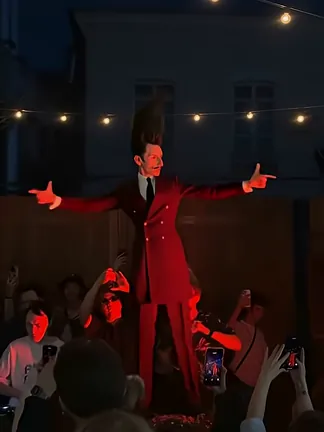
Tecktonik Dance AI
Upload one photo and get an AI video of you dancing Tecktonik on the red stage in front of a packed crowd
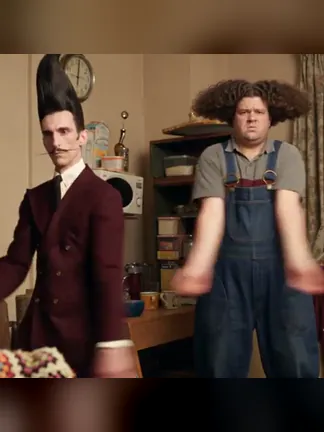
Tecktonik Brothers AI
Upload two photos and get an AI video of you and a friend dancing Tecktonik in sync
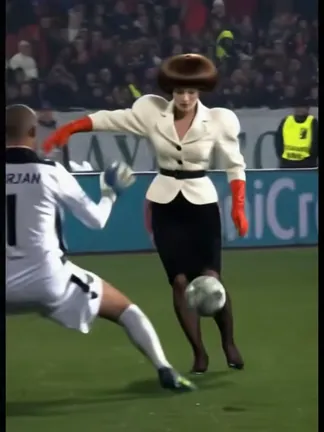
Mesut Ozil Goal AI
Upload one photo and get an AI video of you in the Mesut Ozil goal trend, from the chip over the keeper to the empty net
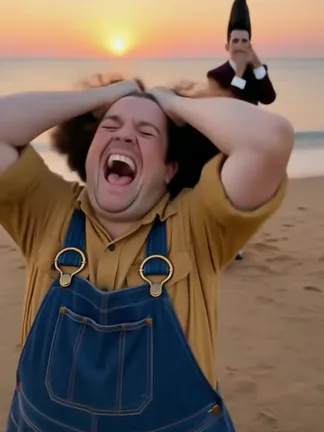
Smalltown Boy Dance AI
Upload two photos and star in the Smalltown Boy dance trend with a friend: the scream into the lens, the swap and the street duet to the end
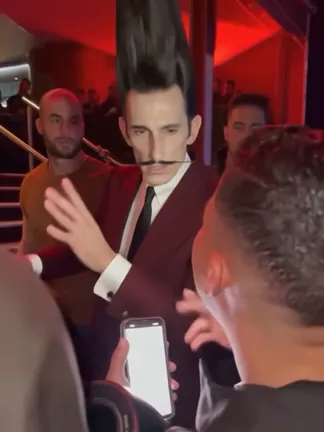
Bulin 47 AI
Bulin 47 AI video generator: upload one photo and star in the viral Bulin 47 freestyle, with the red lights, the crowd and the original sound
Why Make Your Babydoll Dance AI Video Here
Your own dance video in the style of the Babydoll trend
You Lead the Two-Step
The AI creates a new video of you dancing in the middle of a three person line, with every bounce and hand move of the Babydoll two-step on the beat.
The Opening Turn
Your video starts with your back to the camera. You turn around, slip on black sunglasses in a close up and lead the dance from there.
Pick Your Setting
Dance in a big warehouse hall, or describe the place you want in one short line, like a rooftop at sunset or a wedding hall.
Babydoll Dance AI FAQ
What people ask before making their own version
What is the Babydoll dance?
It is the two-step that took off on TikTok and Instagram with Jamie Miller's song Babydoll, released in August 2026. He posted clip after clip of himself doing a simple bouncing two-step with different partners, and actors, singers and dancers joined in. People also search for it as the baby doll dance or the Babydoll trend.
What is a Babydoll dance AI video?
It is a 15 second AI video of you doing the Babydoll dance. You upload one photo and the AI creates the dance with you in the center of a three person line: the turn to the camera, the sunglasses close up and the two-step, set to the music of the trend.
Can my friends join as the side dancers?
Not in this version. The two dancers next to you are part of the scene, and only the center spot uses a photo. Upload one photo of one person.
Can I change the background?
Yes. Type one short line in the background box, such as a beach at sunset or a school gym. Leave it empty to dance in the warehouse hall. The AI tries to follow your line, but the dance always comes first, so busy or very detailed requests may not show up fully.
What will I wear in the video?
You dance in the outfit from your photo, plus black sunglasses, since the opening move uses them. If the photo shows only part of your outfit, the rest is made to match.
What kind of photo works best?
A full body photo of one person facing the camera, sharp and evenly lit. Skip heavy filters and harsh flash. Use PNG, JPEG or WebP up to 5 MB, each side 256 to 4096 pixels.
How long is the video?
15 seconds, in vertical 720p with music, ready for TikTok, Reels and Shorts.
Why does my video look a little different from my photo?
The video is made by AI and some results miss. A blurry, dark or partly covered photo is the most common cause, and fast turns can confuse the AI for a few frames. If a generation fails, the credits go back automatically.
Is this made with Jamie Miller?
No. This tool is made by EAST.IM and is not linked to Jamie Miller, his label or anyone who appears in the trend.
How much does it cost?
Each video costs the number of credits shown on the Create video button. Video tools are open to subscribers and credit pack buyers.
Can I post the video on TikTok or Instagram?
Yes, as a personal post. Download the MP4 within 48 hours. Do not sell the clip or use it in ads, and turn on the AI label when you post.
Whose photo can I use?
Use your own photo or one of someone who agreed to be in the video. Do not upload strangers, children or public figures.
Still have questions?
Contact our support teamReady to Make Your Babydoll Dance AI Video?
Upload one photo and get your own Babydoll dance video. Failed generations are refunded automatically.