Burning Bridges AI
Upload one photo and get an AI video of you partying in the burning bridges scene
 Preview
Your outfit: you appear in the clothes from your photo. If it shows only part of your outfit, AI completes the rest to match, so a full body photo gives the most accurate result.
Videos are made by AI, so some results may not turn out right. Common causes include photos that are blurry, too dark, too bright or partly covered, and movement the AI cannot follow. Photos of public figures may be rejected or not replaced.
JPG, PNG or WebP · 5 MB max
Failed or blocked videos are refunded
Ready in about 10 to 20 minutes
How to Make a Burning Bridges AI Video
One photo and about 10 to 20 minutes
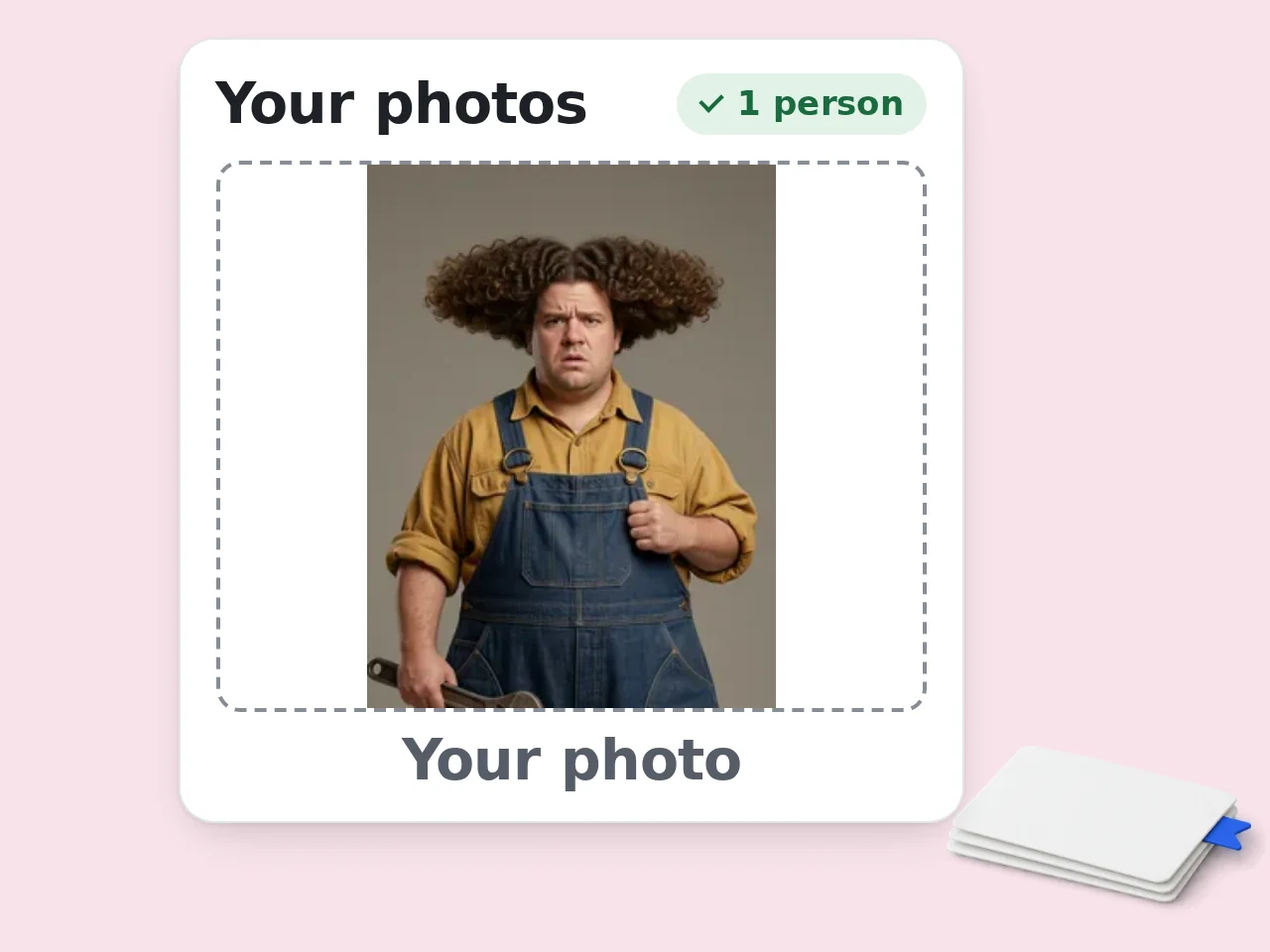
Pick a Full Body Photo
A full body photo of one person facing the camera gives the best result, because the AI copies your outfit from it. Keep the face sharp and the light even.
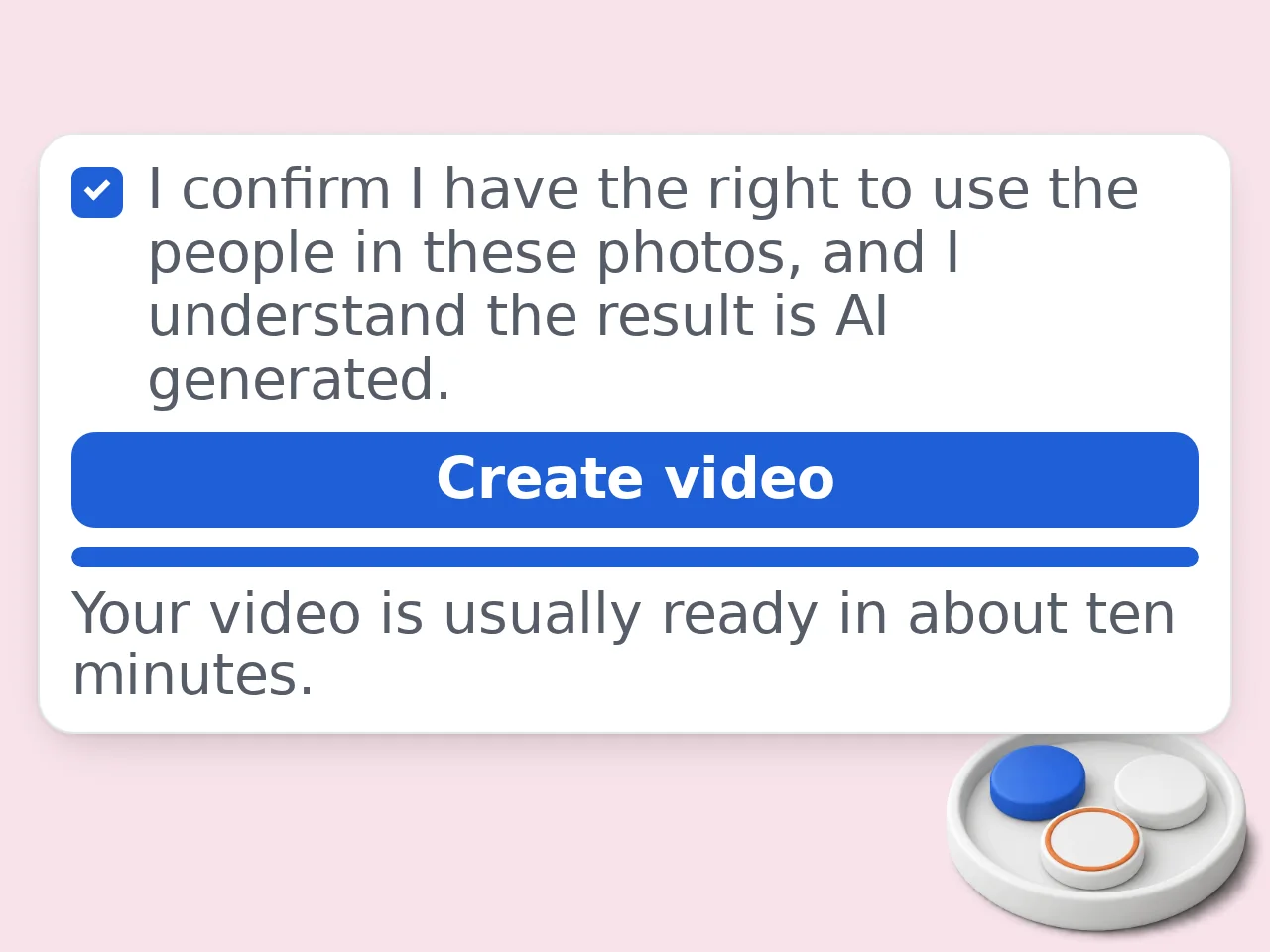
Upload and Confirm
Add the photo, tick the consent box and press Create video. The price is shown on the button before you start.
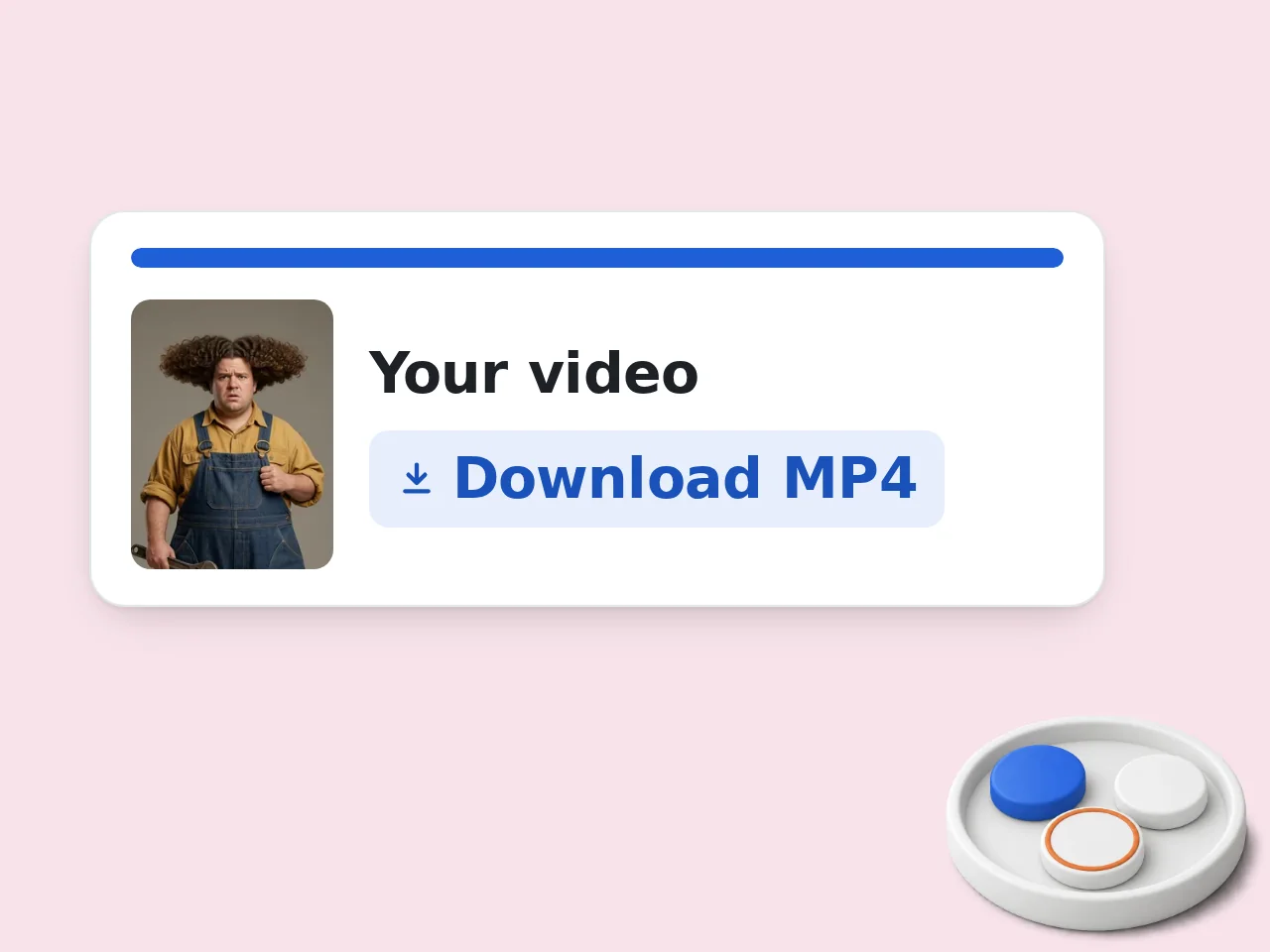
Watch and Download
Your video is usually ready in about 10 to 20 minutes. You can leave the page while it renders, and it waits in My Videos for 48 hours. Want the backstory before you post? Our guide covers the song, the Toronto shoot and the World Cup moment behind "Where she at?".
How the Trend StartedWhy Make Your Burning Bridges AI Video Here
The Drake party clip from the trend, with you in the middle of it
You, Not Drake
The AI replaces Drake with the person in your photo in every frame. Face, skin tone, build and glasses come from your picture, so friends can tell it is you.
Your Own Outfit
The durag and leather jacket are gone, while the silver chain stays. You wear the clothes from your photo and your hair follows your photo too.
The Same Room and Moves
Every wave, head turn and lip movement, the metal cup, the handheld camera and the friends behind you come from the original 15 second shot.
Burning Bridges AI FAQ
What people ask before making their own version
What is the burning bridges AI trend?
It is a run of short AI clips built on the party scene from Drake's "Burning Bridges" video. Someone else stands where Drake stood, often a friend or a TV character. Many versions add the "Where she at?" move.
How does this Drake Burning Bridges AI video maker work?
We cut a 15 second shot from the party scene and set it up as a template. You upload one photo. The AI replaces Drake with the person in your photo, frame by frame, while the moves, the camera, the crowd and the song come from the template.
Is this the same as Higgsfield Genjutsu?
No. Genjutsu is a character swap tool from Higgsfield, and many of the first burning bridges AI clips were made with it. That is why Higgsfield AI and Genjutsu AI come up so often with the trend. This tool is made by EAST.IM, not by Higgsfield. Here the clip is ready, so you only add a photo.
Does my Drake AI video still show Drake?
No. The person in your photo takes his place for the whole clip, in their own clothes. The friends behind look as they do in the original video.
What kind of photo works best?
A full body photo of one person facing the camera, with both eyes visible. The AI copies the outfit from what it can see. Skip heavy filters and harsh flash. Use PNG, JPEG or WebP up to 5 MB, each side 256 to 4096 pixels.
Do my clothes or hair change too?
Yes. They follow your photo. The durag and leather jacket are removed, while the silver chain stays. You wear the outfit and other accessories from your picture. If the photo shows only part of your outfit, the rest is made to match.
Can I add two people or use a pet?
No. This template has one role, Drake's spot, so it takes one photo of one person. Crop group shots down first. Pets and cartoon characters are not supported on this tool.
How long is the video?
15 seconds. It is one continuous handheld shot from the party scene, in widescreen 720p with the song from the original clip.
How much does it cost?
Each video costs the number of credits shown on the Create video button. Video tools are open to subscribers and credit pack buyers. If a generation fails, the credits go back automatically.
Can I post the video on TikTok or Instagram?
Yes, as a personal post. Download the MP4 within 48 hours. The footage and the song belong to OVO and Republic Records, so do not sell the clip or use it in ads. Turn on the AI label when you post.
Whose photo can I use, and what happens to it?
Use your own photo or one of someone who agreed to be in the video. Do not upload strangers, children or public figures. Your photo goes to third party AI video services only to make your video, and they may keep copies. This site deletes its own copies 48 hours after the order finishes.
Still have questions?
Contact our support teamReady to Make Your Burning Bridges AI Video?
One photo puts you in Drake's spot at the party. Failed generations are refunded automatically.