Alors on Danse AI
Upload two waist-up photos and get an AI video of you both dancing in the viral white studio scene
 Preview
Close-up photo: you appear in the outfit from the video. Full body photo: you appear in your own outfit.
Videos are made by AI, so some results may not turn out right. Common causes include photos that are blurry, too dark, too bright or partly covered, and movement the AI cannot follow. Photos of public figures may be rejected or not replaced.
JPG, PNG or WebP · 5 MB max
Failed or blocked videos are refunded
Ready in about 10 to 20 minutes
How to Make an Alors on Danse AI Video
Two photos and about ten minutes
Decide Who Plays Which Part
Photo 1 stands on the left and plays the keyboard. Photo 2 sits on the right at the laptop and does the big jump into the camera. Give the jump to whoever has the funnier face.
Upload Two Clear Photos
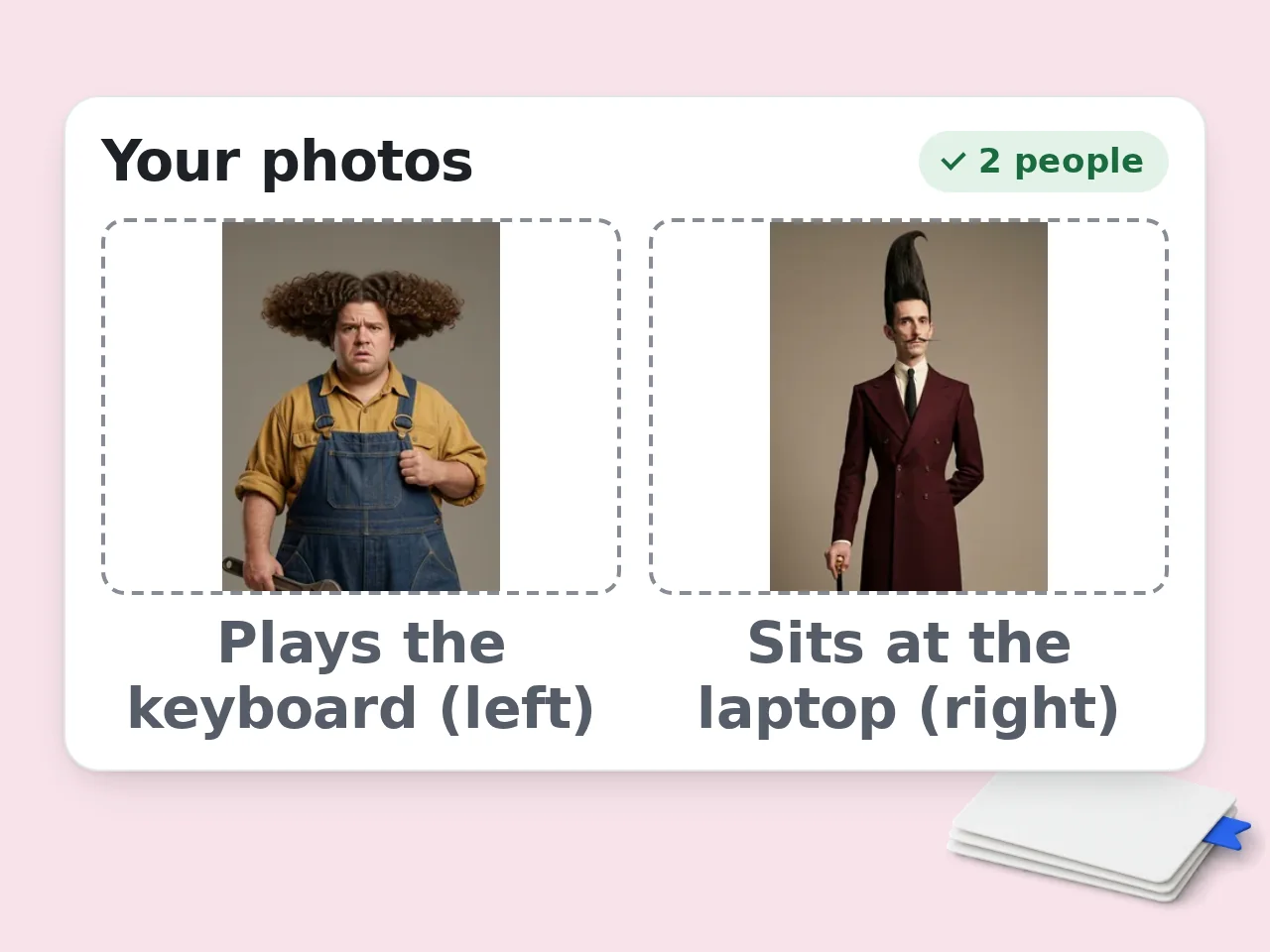
Use one photo per person, from the waist up, so the AI can see the clothes. Keep the face in good light with both eyes visible. Tick the consent box and press Create video. The price is shown on the button before you start.
Download and Share
Your video is usually ready in about ten minutes and you can leave the page while it renders. It waits for you in My Videos for 48 hours.
Why Make Your Alors on Danse AI Video Here
The studio clip everyone is remaking, with your two faces in it
Both Roles, Two Real Faces
Photo 1 takes the spot at the mini keyboard and photo 2 takes the seat at the laptop. Faces, hair and look come from your pictures, so people know who is in the clip right away.
The Best 15 Seconds of the Trend
Your video covers the part people wait for: the back and forth at the desk, the jump into the camera with the open mouth shout and the dance out of the studio.
Original Song, No Editing
The Alors on Danse beat plays under the whole clip. There is no prompt to write and nothing to cut. Download the MP4 and post it.
Alors on Danse AI FAQ
What people ask before they make their own studio clip
What is the Alors on Danse AI trend?
It is a run of AI videos built on a short white studio clip linked to the song Alors on Danse by Stromae. Two people make the beat on a keyboard and a laptop, one jumps into the camera and both dance out. It took off in late September 2026 when a version with Sam Altman and Dario Amodei went viral, and people started putting their own faces in.
How does this Alors on Danse AI video generator work?
You upload two photos. The AI takes our template clip and redraws each person to look like the matching photo, frame by frame. The moves, camera, studio and music come from the template. The faces and look come from your photos.
Which photo goes where?
Photo 1 is the person standing on the left who plays the mini keyboard. Photo 2 is the person sitting at the laptop on the right, who reacts, cheers and then jumps right into the lens. Swap your uploads if you want the other person to do the jump.
What kind of photos work best?
A sharp photo of one person, face forward, showing at least the upper body. The AI dresses each person in the clothes it can see in the photo. Avoid group shots, sunglasses, heavy filters and screenshots of screenshots.
Can I use a selfie or a headshot?
Yes. The face and hair still come from your photo, but the AI cannot see your clothes, so that person wears the outfit from the video. Use a waist-up photo if you want your own clothes in the clip.
Will both people look like their photos?
In most videos they do. Results are most natural when each person has a build similar to the person they replace in the clip. Very different body types or a face hidden in the photo can make one of them come out less like the picture. If one run looks off, try again with a clearer photo.
How long is the video?
It is 15 seconds long in a square format with the original song. That covers the last half of the trend clip, which has the camera jump and the dance out.
How much does it cost?
Each video costs the credits shown on the Create video button. Video tools are open to subscribers and to credit pack buyers. If a generation fails, the credits go back to your balance automatically.
How long does it take?
Most videos are done in about ten minutes. It can take longer when the service is busy. You can close the tab and come back to My Videos later.
Can I post it on TikTok, Reels or YouTube Shorts?
Yes. You get a square MP4 that all three apps accept. Turn on the AI generated label when you post, and download the file within 48 hours because videos are deleted after that.
Is Alors on Danse IA the same thing?
Yes. IA is how Spanish, French and Portuguese speakers write AI, so Alors on Danse IA is the same trend and the same kind of video you can make here.
Is this clip the real making of Alors on Danse?
No. The scene goes back to a 2010 comedy sketch where Jamel Debbouze pretends to help Stromae write the song. Stromae wrote it himself.
Can I use photos of celebrities or strangers?
Only use photos of yourself and people who said yes. Do not upload pictures of public figures, strangers or children. Your photos are sent to the AI video service only to make your video, and this site deletes its own copies 48 hours after the order finishes.
Still have questions?
Contact our support teamReady to Make Your Alors on Danse AI Video?
Two photos, one 15 second studio clip with the original song. Failed generations are refunded automatically.