Gas Station Dance
Upload your photos and get an AI video of you in the viral gas station dance
 Preview
Your outfit: you appear in the clothes from your photo. If it shows only part of your outfit, AI completes the rest to match, so a full body photo gives the most accurate result.
Videos are made by AI, so some results may not turn out right. Common causes include photos that are blurry, too dark, too bright or partly covered, and movement the AI cannot follow. Photos of public figures may be rejected or not replaced.
JPG, PNG or WebP · 5 MB max
Failed or blocked videos are refunded
Ready in about 10 to 20 minutes
How to Make a Gas Station Dance Video
Three steps from photos to a finished clip
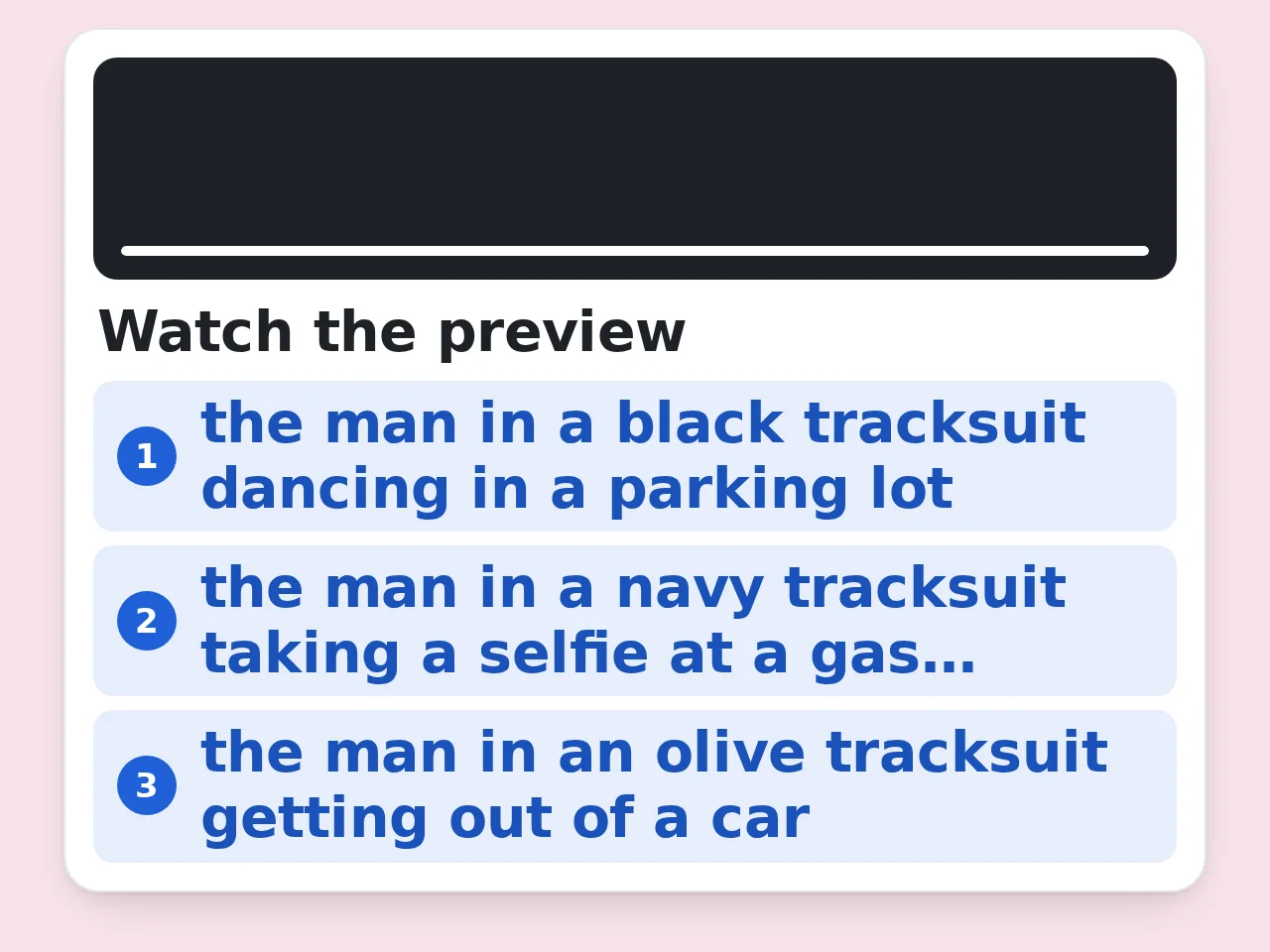
Watch the Template
Play the gas station dance clip at the top of the page and decide who takes each role. The dancer shows up first, then the selfie, then the slow walk out of the car.
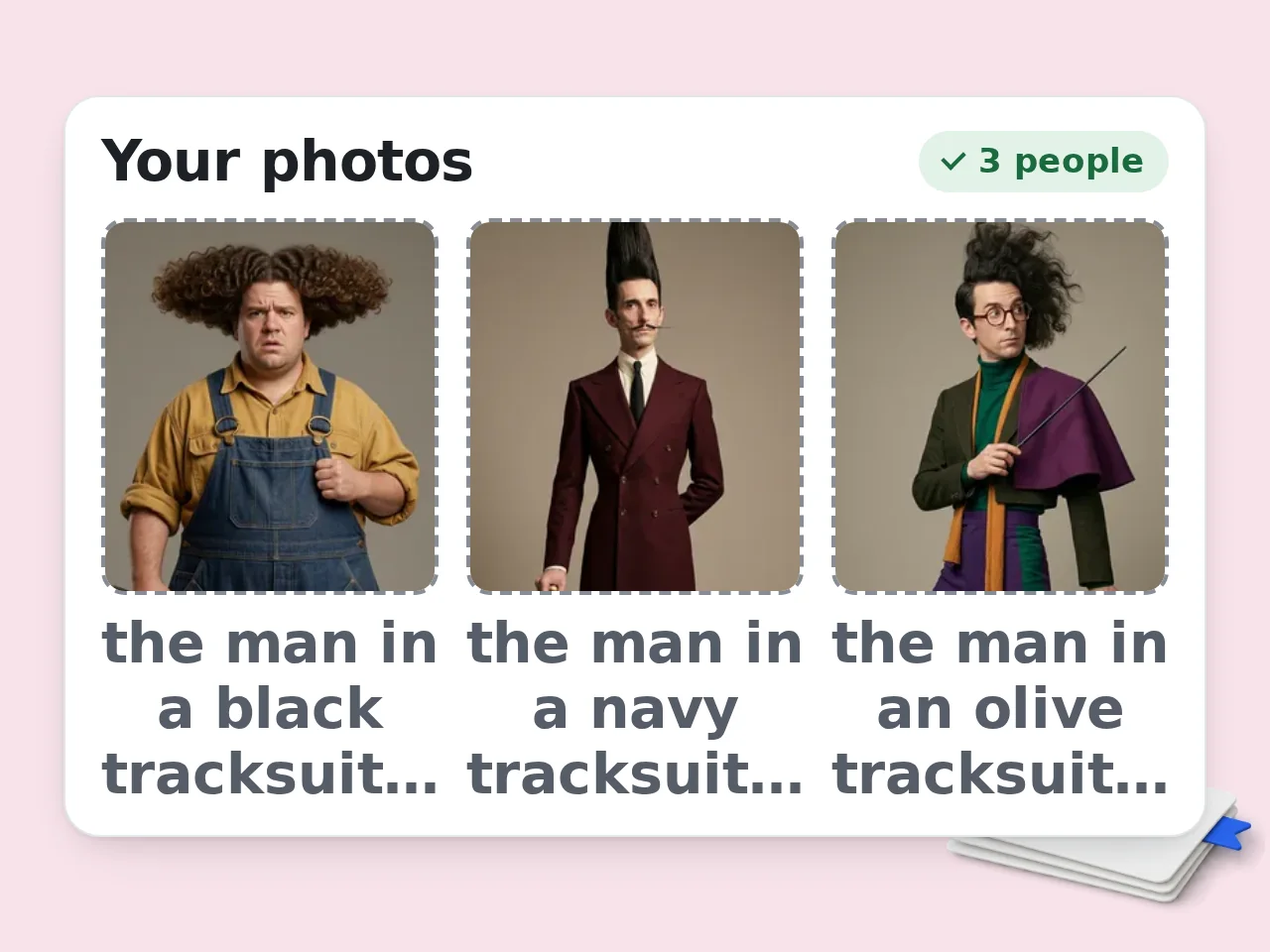
Upload Your Photos in Order
Add one clear, front-facing photo per person in the same order the roles appear.
Generate and Download
Confirm you have permission to use everyone in the photos, then press Create video. Rendering usually takes 10 to 20 minutes and you can close the page while it runs. Your video waits in My Videos for 48 hours.
Why Make Your Gas Station Dance Video Here
The same clip everyone is posting, starring you
Three Roles, Three Photos
Photo 1 becomes the dancer, photo 2 films the selfie and photo 3 steps out of the car. Want to play every part yourself? Upload the same photo in all three slots.
Same Moves, Same Camera
The AI keeps the original dance, camera moves and cuts. Only the people change, so your version lines up beat for beat with every other gas station AI video on the feed.
Ready for Vertical Feeds
You get the whole 15 second clip at 720 by 1280, the same shape as the original trend. Post it to TikTok, Instagram Reels or YouTube Shorts without cropping.
Gas Station Dance Video FAQ
What people ask before they make their own version
What is the gas station dance trend?
The gas station trend started with a late night road trip clip of Russian blogger Mikhail Litvin and his friends Ravshan and Adel. One dances wildly by the pumps, one films a quick selfie and one climbs out of the car like he is arriving at a premiere. In 2026 the clip turned into an AI template, so anyone can now put their own face into those three shots. The full story behind the trend is on the EAST.IM blog.
How do I make a gas station dance video with my own face?
Upload a photo for each role on this page, check the consent box and press Create video. The AI replaces the dancer, the selfie taker and the person stepping out of the car with the people in your photos while keeping the original moves, camera and cuts. When the video is ready it plays on this page and is saved in My Videos, where you can download the MP4.
How many photos do I need for a gas station AI video?
Three photos give you the classic version with three different people. They are used in order: the first photo becomes the dancer, the second films the selfie and the third steps out of the car. If you want to star in every shot, upload the same photo more than once. The tool needs exactly three photos, one for each man, and the same photo can be used more than once.
What kind of photos work best?
Use one person per photo, facing the camera with both eyes visible. A waist-up or full body shot helps the AI copy clothes as well as the face. Pick the original image from your camera roll instead of a screenshot, since compressed images lose the details that make a face look like you. Even daylight works better than harsh shadows or heavy filters. Each photo can be PNG, JPEG or WebP up to 5 MB.
How long does it take to generate the video?
Most gas station dance videos finish in 10 to 20 minutes. Face swapping a full video is much heavier work than generating a still image, because the AI has to keep each face consistent across every frame. You do not need to keep the page open. The video keeps rendering in the background and shows up in My Videos when it is done.
How much does one gas station dance video cost?
Each video costs 850 credits and the tool is available on paid plans. The credits are taken when you press Create video. If a generation fails, for example because a photo is rejected by the safety check, the credits go back to your balance automatically. See the pricing page for how many credits each plan includes.
What length and resolution is the finished gas station dance video?
You get the full template, about 15 seconds long, as a vertical 720 by 1280 MP4 file. That is the same format the gas station trend uses on TikTok, Instagram Reels and YouTube Shorts, so you can post it as it is. There is nothing to trim. The whole clip is generated every time.
Can I use a photo of a celebrity or a friend who did not agree?
No. Only upload your own photos and photos of people who said yes to being in the video. Do not use pictures of strangers, children or public figures. A fake video of a real person can break platform rules and cause real trouble for the person in it. Before you generate, you confirm that you have the right to use everyone in your photos.
Should I label my video as AI generated?
Yes. TikTok, Instagram and YouTube all ask creators to mark realistic AI content, and each app has a simple label option when you post. Labeling also keeps the joke clear for your followers. Everyone knows the gas station trend is an AI remix, and the label stops anyone from thinking a friend really danced at a gas station at 4 a.m.
What happens to my photos after the video is made?
Your photos are stored privately and only used to make your video. The finished clip stays in My Videos for 48 hours, then the video and the photos you uploaded are deleted together. Download the MP4 before then if you want to keep it.
Still have questions?
Contact our support teamReady to Join the Gas Station Trend?
Each video costs 850 credits on any paid plan, and failed generations are refunded automatically.