AI Zombie Hug
Star in the last hug zombie trend with the person you love
 Preview
Close-up photo: you appear in the outfit from the video. Full body photo: you appear in your own outfit.
Videos are made by AI, so some results may not turn out right. Common causes include photos that are blurry, too dark, too bright or partly covered, and movement the AI cannot follow. Photos of public figures may be rejected or not replaced.
JPG, PNG or WebP · 5 MB max
Failed or blocked videos are refunded
Ready in about 10 to 20 minutes
How to Make an AI Zombie Hug Video
Two photos and about ten minutes to your own last hug
Choose Who Plays Each Role
Photo 1 holds the gun and photo 2 becomes the zombie. For the most natural result, give each role someone with a similar gender and build to the person in the template.
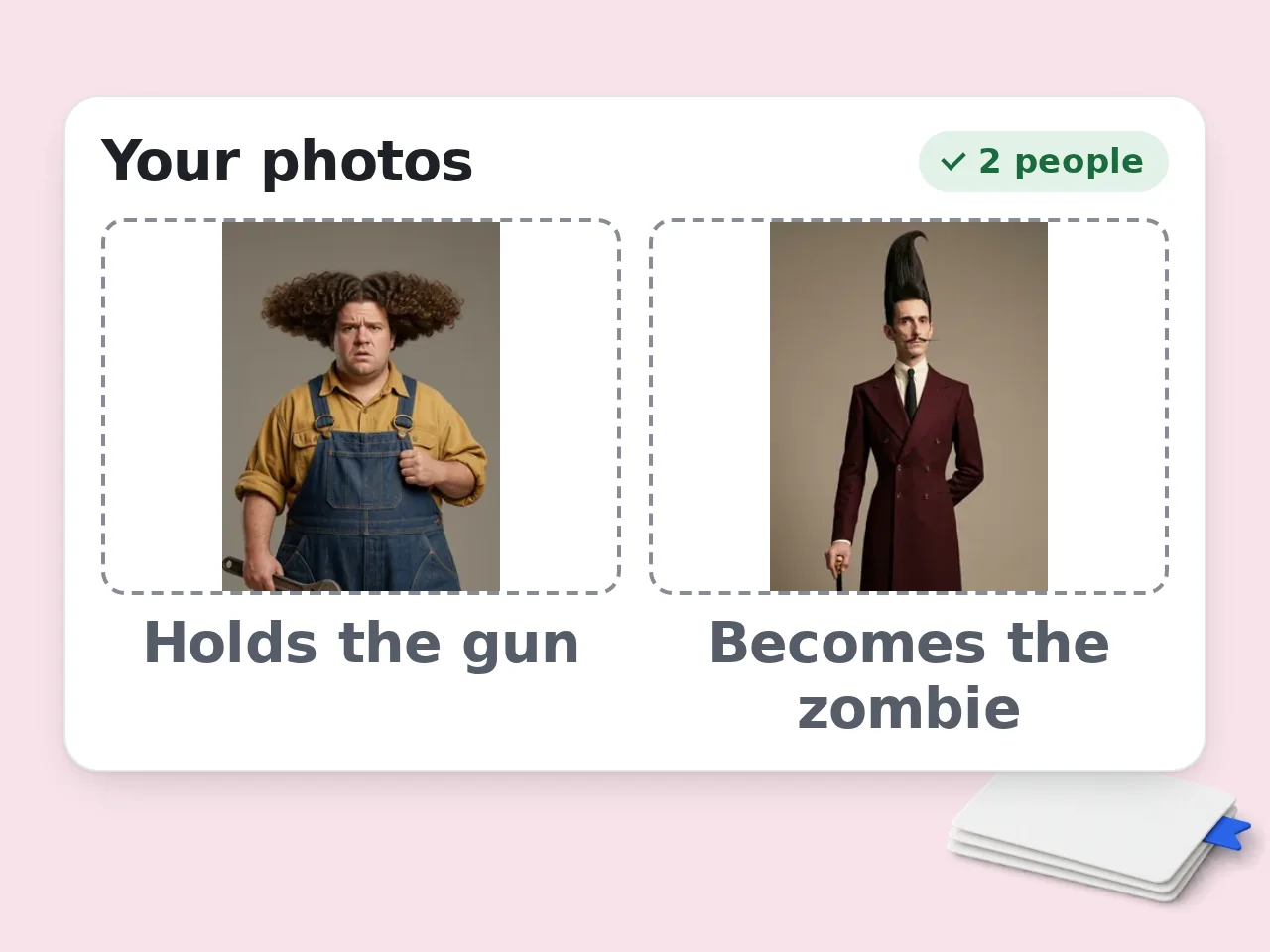
Upload Two Clear Photos
Add one sharp, well lit photo for each person. Pick 480p or 720p and confirm you have permission to use both people.
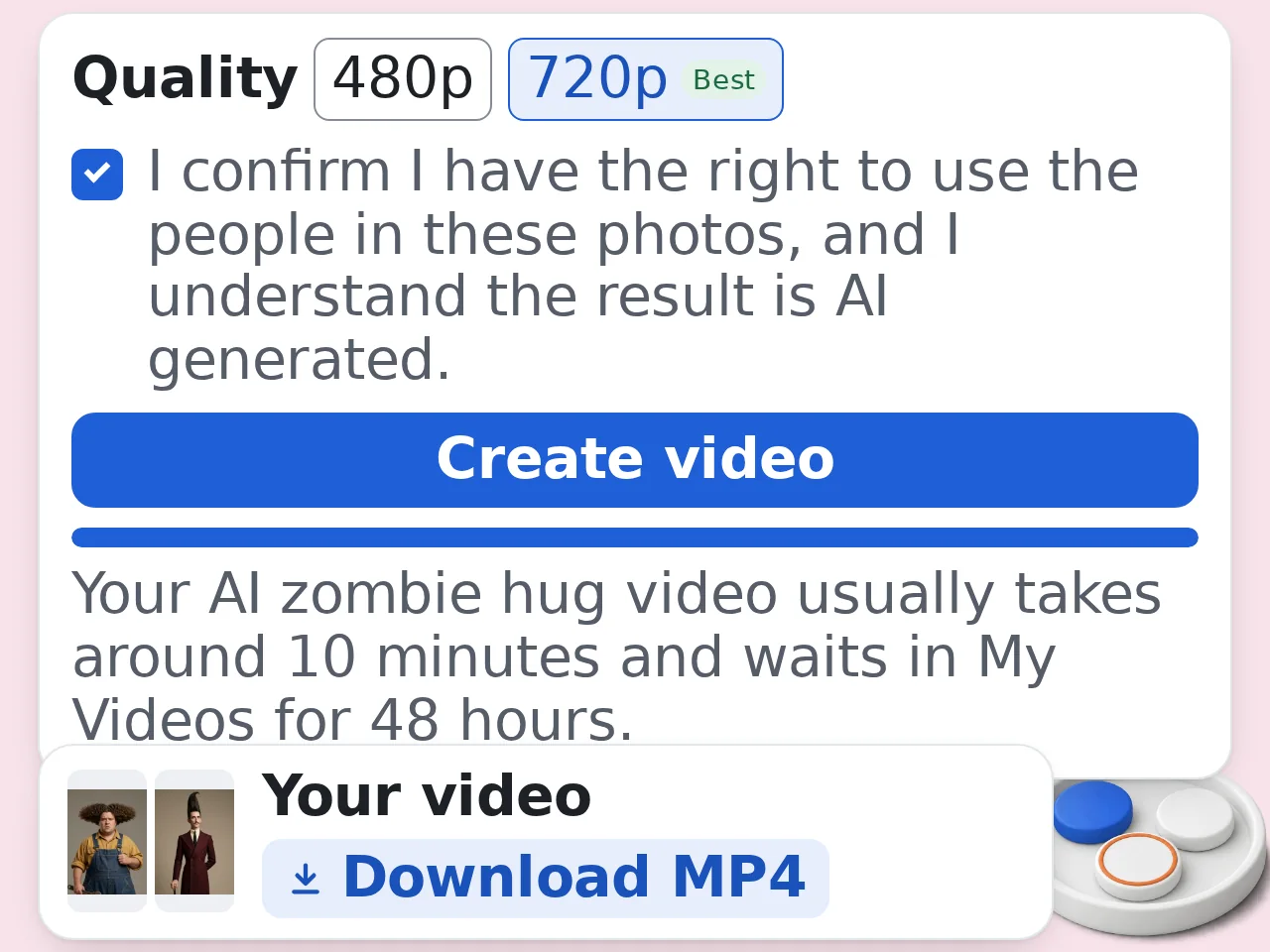
Generate and Download
Press generate and leave the page if you like. Your AI zombie hug video usually takes around 10 minutes and waits in My Videos for 48 hours.
Why Make Your AI Zombie Hug Video Here
The last hug zombie clip everyone is sharing, with your two faces
A Zombie Version of Your Own Face
The AI first turns photo 2 into an infected version of that person, with cloudy white eyes, grey cracked skin and tangled hair. The zombie close ups still look like them.
The Full 24 Second Story With Sound
Every shot of the original stays: the dark house, the shaking gun, the tears and the golden field memories at sunset. Only the two people change.
480p or 720p, You Choose
Pick 480p for 2900 credits or 720p for 5900 credits. You get a widescreen MP4 that is ready to post or keep.
AI Zombie Hug FAQ
What people ask before making their zombie love story
What is the AI zombie hug trend?
The AI zombie hug is a short video trend where someone you love has become a zombie and you cannot shoot them. Many people call it the zombie love story or the last hug. In this version a man in an abandoned house points a gun at the woman he loves. Tears run down his face, he lowers the gun and the film cuts to their summer in a golden field. Some search for a last hug movie because every shot looks like a scene from a film.
What does jadi zombie mean?
Jadi zombie means become a zombie in Indonesian and Malay, and it is how many people in Indonesia and Malaysia search for this trend. You will also see it shared as video AI zombie pelukan, which means AI zombie hug video. In English it often goes by the last hug zombie, and some sites call it the Choice zombie love story. They all point to the same story, so this tool makes the jadi zombie version too, with your faces in it.
How do I make an AI zombie hug video with my own photos?
Upload one photo for the person holding the gun and one for the person who turns, choose 480p or 720p, tick the consent box and press Create video. The AI builds reference portraits from each photo, makes a zombie version of photo 2, then places both of you into every shot of the zombie love story. When it finishes, the video plays on this page and is saved in My Videos as an MP4 you can download.
Is the AI zombie hug video maker free?
No. Making one of these videos needs a paid plan, because each clip runs through several image and video models. A 480p video costs 2900 credits and a 720p video costs 5900 credits. Credits are taken when you press Create video and come back automatically if the generation fails. Anyone can open this page and read how it works. Check the pricing page to see how many credits each plan includes.
Can I make a zombie love story video without an account?
No. You need to sign in with an account on a paid plan before you can generate a zombie love story video. Guests and free accounts can still visit this page and read the whole guide. When they press Create video, the available plans appear so they can choose one and come straight back. Signing in also keeps your finished video in My Videos, so you can download it from any device.
How many AI zombie videos can I make?
You can make as many AI zombie videos as your credits allow, with up to two videos rendering at the same time. Each 480p video uses 2900 credits and each 720p video uses 5900. While one is still in progress, you can start a second one with different photos or a different resolution. On very busy days the tool may stop taking new orders until the next day, so try again tomorrow if that happens.
What photos work best for the zombie AI trend?
Use a clear photo with one person in it, facing the camera with both eyes visible and good light. A waist up or full body photo helps the AI keep your clothes. Each photo can be PNG, JPEG or WebP up to 5 MB, with each side between 256 and 4096 pixels. Blurry, tiny or heavily filtered photos often swap poorly, so pick the sharpest shot you have of each person.
How does the AI make the zombie version of my face?
The AI takes photo 2 and paints an infected version of the same person, with cloudy white eyes, pale grey skin with dark cracks, stained teeth and messy, matted hair. That zombie portrait is used for the scenes in the house, while the original photo is used for the sunny memories, so the person still looks like themselves in both halves. The zombie look is part of the story and cannot be turned off.
Should I choose 480p or 720p for my zombie hug video?
Choose 480p if you mostly share on phones and want to save credits, and choose 720p if you want sharper faces on bigger screens. 480p costs 2900 credits and 720p costs 5900 credits. Both give the full 24 second widescreen clip with sound, and the story and timing are the same. If you are trying new photos, test with 480p first and make the 720p version once you like the result.
How long does an AI zombie hug video take?
Most videos are ready in about 10 minutes, and busy times can push that to 15 minutes or a little more. The AI first prepares your portraits and the zombie version of photo 2, then renders all 24 seconds of the clip. You do not need to keep this page open while it works. The video appears in My Videos when it is done and stays there for 48 hours.
What if my zombie love story video fails or looks wrong?
If the AI cannot use your photos or the generation fails, your credits go back to your balance automatically and the page tells you what happened. A few rare cases are checked by hand first, and the refund follows once that check is done. A finished video uses its credits even if one face is not perfect. Clear, well lit photos of people who match the two roles give the best results.
Whose photos can I use, and what happens to them?
Only use your own photo and photos of people who agreed to be in the video. Do not upload strangers, children or public figures. To make the clip, your photos and the portraits made from them are sent to third party AI video services, which may keep copies. This site deletes its own copies 48 hours after the order finishes. Download the MP4 before then, and label it as AI made when you post it.
Still have questions?
Contact our support teamReady to Make Your AI Zombie Hug Video?
Your own last hug from two photos. Failed generations are refunded automatically.