Christmas Dance AI
Christmas dance AI video maker: upload two photos and do the TikTok Christmas pajamas dance side by side in front of the tree
 Example result
Photo 1 is the dancer on the left and photo 2 is the dancer on the right. Then pick the outfit: matching Christmas pajamas, the outfits from your photos or an outfit photo you upload.
Videos are made by AI, so some results may not turn out right. Common causes include photos that are blurry, too dark, too bright or partly covered, and movement the AI cannot follow. Photos of public figures may be rejected or not replaced.
JPG, PNG or WebP · 5 MB max
Failed or blocked videos are refunded
Ready in about 10 to 20 minutes
How to Make a Christmas Dance AI Video
Two photos, one outfit choice and a short wait
Upload Two Photos
Add one clear photo for each dancer. Photo 1 becomes the dancer on the left and photo 2 the dancer on the right. A full body photo works best.
Choose the Outfit
Keep the matching Christmas pajamas, switch to the outfits from your photos or upload a photo of the outfit you want both dancers to wear.
Create and Download
Choose 480p, 720p or 1080p, sign in, tick the consent box and press Create video. Your video is usually ready in 10 to 20 minutes and waits in My Videos for 48 hours.
Related Tools
Explore more AI tools in this category
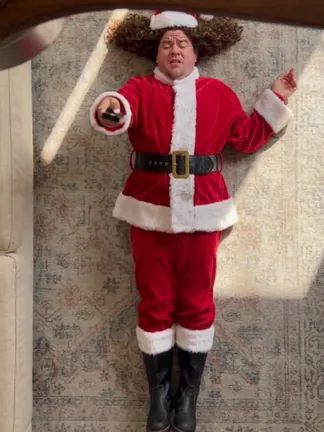
Ceiling Fan Outfit Transition AI
Ceiling fan outfit transition video generator: upload one photo of yourself or your pet, lie under the spinning fan and get a new outfit every time a blade sweeps past
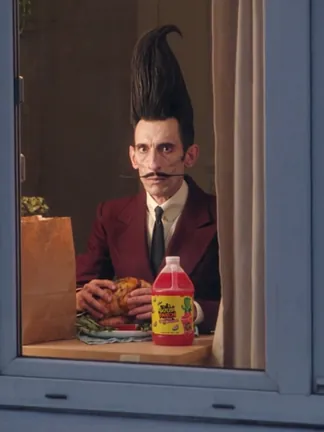
Window Peeper AI
Window peeper video generator: upload your photo, get caught eating at your window and slam the curtain shut
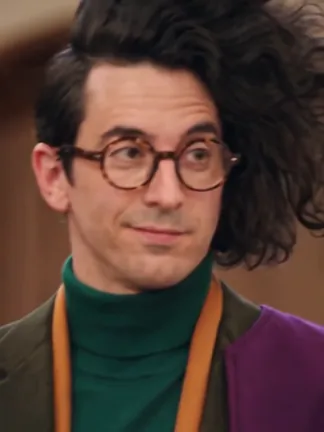
Damon Salvatore Church Scene AI
Damon Salvatore church scene video generator: upload one photo of yourself or your pet, walk through the church doors as Damon and smirk at the camera while the whole room turns around
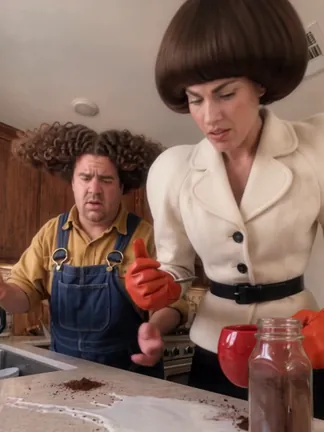
Duo Coffee Trend AI
Duo coffee AI video maker: upload two photos, you and your duo, and watch the two of you make one cup of coffee completely out of sync
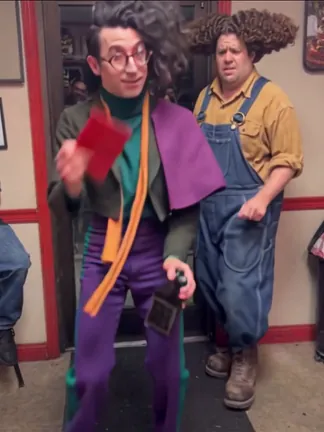
Pimpwalk Entrance AI
Pimpwalk Entrance AI trend video maker: upload one photo and walk into the burger shop with the slow, low pimp walk entrance while someone holds the door
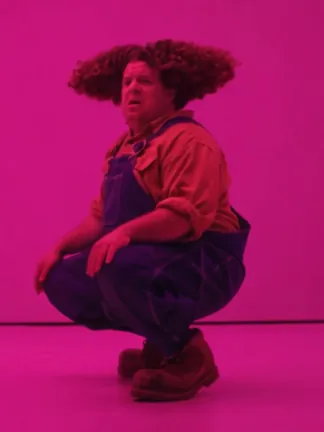
Hotline Bling AI
Hotline Bling AI trend video maker: upload two photos and trade shots dancing in the pink room from the MV
What Is the Christmas Dance Trend?
A TikTok trend from November 2026, tagged #christmasdance. Two people stand side by side and do the same short routine to a Christmas sound, often in matching pajamas. This page makes your own version from two photos.
Two Dancers, One Short Routine
The clips all follow the same idea. Two friends, two sisters or a parent and a grown child stand next to each other and do a quick, easy routine straight to the camera. In this version the two dancers hop with a little foot flick, point at the camera, take turns stepping up close and finish waving while they jog on the spot.
The Christmas Pajamas Dance
Many of the most shared versions are filmed in matching Christmas pajamas, which is why people also search for the Christmas pajamas dance or just the pajamas dance. The clip here is set in a living room at night with a lit Christmas tree, big pink bows, wrapped gifts and a pink rug.
Three Ways to Dress
Pick Matching Christmas pajamas and both of you wear the same pink short-sleeved set with a small Christmas print. Pick Outfits from the photos to keep what each of you is wearing. Or upload one photo of your own pajamas or any other outfit and both dancers wear that.
Christmas Dance AI FAQ
What people ask before they make their own Christmas dance video
What is the Christmas dance trend on TikTok?
It is a duo dance trend that spread on TikTok in early November 2026. Two people stand side by side and do the same short routine to a Christmas sound. The clips are tagged #christmasdance and many are filmed at home next to the tree.
What is the Christmas pajamas dance?
It is the same trend done in matching Christmas pajamas. People also call it the pajamas dance or the Christmas PJs dance. On this page the pajamas version is the default: both dancers get the same pink set with a small Christmas print.
How does this Christmas dance AI work?
Upload two photos, choose the outfit and press Create video. The AI first makes a clean full body picture of each person in the chosen outfit, then puts the two of you in place of the dancers while keeping every move, the room and the sound. You get a 14 second video.
Do I need two photos?
Yes. The dance is made for two people, so both photo slots are required. If you want to dance both parts yourself, upload two different photos of yourself.
Who dances on which side?
Photo 1 is the dancer on the left and photo 2 is the dancer on the right. The dancer on the right steps up to the camera first and the dancer on the left follows. To trade places, use the swap button between the two photo slots.
What will we wear in the video?
You choose. Matching Christmas pajamas dresses both of you in the same pink short-sleeved pajama set. Outfits from the photos keeps the clothes each of you wears in your photo. Upload an outfit photo lets you add one picture of an outfit and both dancers wear it.
Can we wear our own Christmas pajamas?
Yes. Choose Upload an outfit photo and add one clear picture of the pajamas, laid flat or worn by someone. The AI copies the clothes, not the person in that picture. Small prints and text on fabric may come out slightly different.
What kind of photo works best?
A sharp photo of one person facing the camera, with the face evenly lit and nothing covering it. A full body photo helps the AI keep your build. If you choose Outfits from the photos, make sure each photo shows the clothes you want to wear.
How long is the video and what format is it?
14 seconds, delivered as a vertical 9:16 MP4 with sound, ready for TikTok, Reels and Shorts.
What song is in the video?
Your clip keeps the audio of the trend clip it is based on. The sound belongs to its owner. When you post on TikTok you can also pick the trend sound there.
Can I change the room or the dance moves?
No. The living room, the Christmas tree and the routine stay as they are in the clip. You change who is dancing and what they wear.
Is there a free Christmas dance AI?
Not here. Each video costs 800 credits at 480p, 3,500 credits at 720p or 8,000 credits at 1080p. The price is shown on the Create video button. You need to sign in. Video tools are open to subscribers and credit pack buyers. Free monthly credits cannot be used for video. If a video fails, the credits go back automatically.
Why do we look different from our photos?
The video is made by AI and some results miss. Faces are small in a full body dance clip. With two photos the AI can also mix up details between the two people. A blurry, dark or covered photo is the most common cause. If a video fails, the credits go back automatically.
Can I post my Christmas dance video on TikTok?
Yes, as a personal post. Download the MP4 within 48 hours and turn on the AI label when you post. Do not sell the clip or use it in ads. This page is not affiliated with TikTok or the creators of the trend.
Whose photos can I use?
Use your own photo and one of someone who agreed to be in the video. Do not upload strangers, children or public figures.
Still have questions?
Contact our support teamReady for Your Christmas Dance?
Upload two photos, pick the pajamas and dance next to the tree. Failed videos are refunded automatically.