AI Annotated Bibliography Generator
Create complete annotated bibliographies in APA, MLA, Chicago & Harvard format in seconds
How to Use the AI Annotated Bibliography Generator
Get a complete annotated bibliography in 3 simple steps
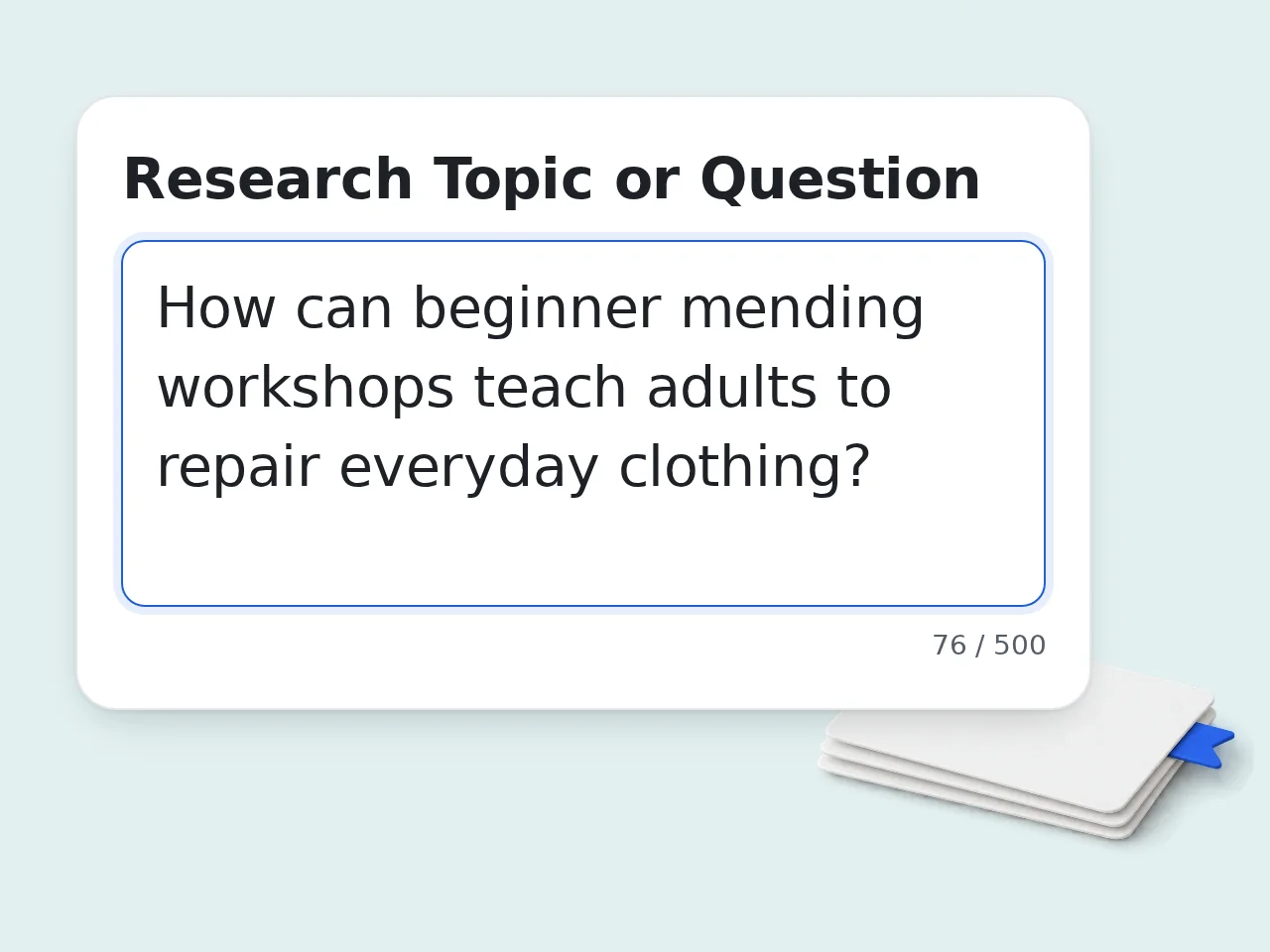
Enter your research topic
Type your research question or topic. The AI annotated bibliography generator uses this to draft source suggestions from model knowledge or annotate the material you provide. It does not search for sources online.
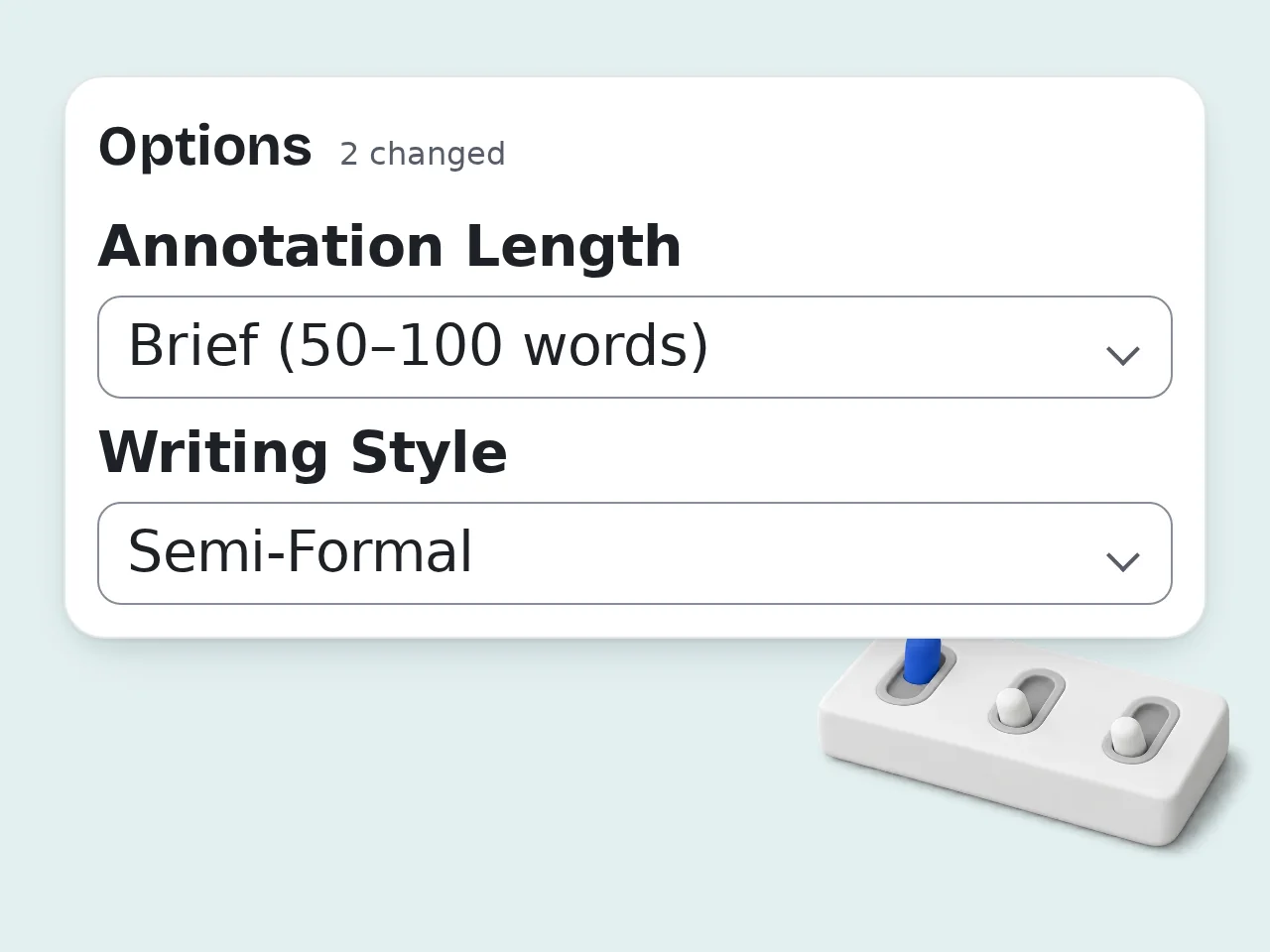
Choose your citation format and annotation type
Select APA, MLA, Chicago, or Harvard. Pick summary, evaluative, or combination annotations. Adjust academic level and length in advanced settings.
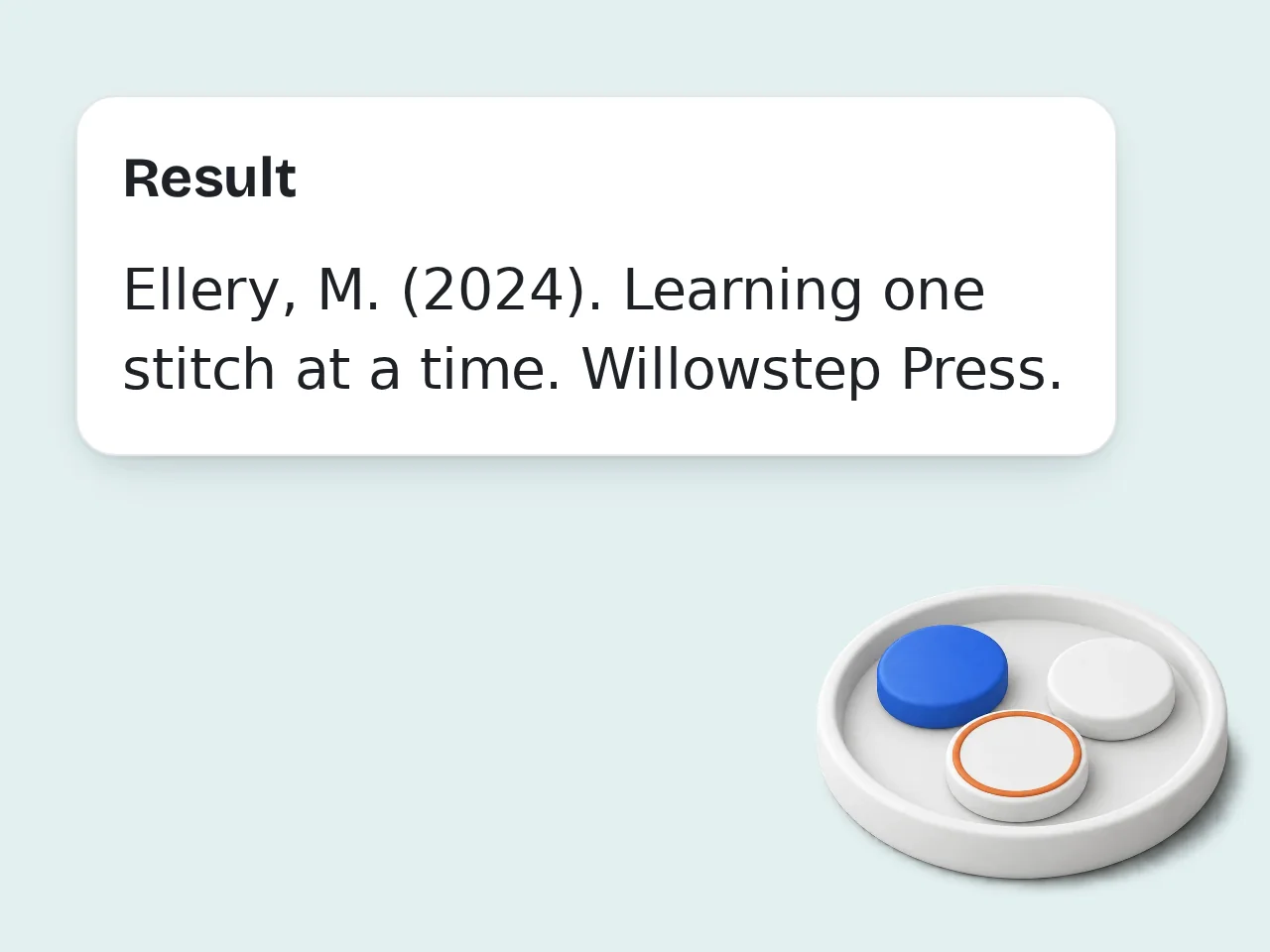
Generate and copy your bibliography
Click Generate to produce your complete annotated bibliography. Copy the formatted entries directly into your paper or download them as a .txt file.
Key Features of the AI Annotated Bibliography Generator
Everything you need to build a complete annotated bibliography in one place
4 Citation Formats Supported
Generate citations in APA 7th, MLA 9th, Chicago 17th, or Harvard format. Switch formats instantly without reformatting by hand.
3 Annotation Types in One Tool
Choose summary-only, evaluative, or combination annotations. Each type matches a different academic assignment requirement.
Works from Topics or Source Lists
Paste complete citation details and source excerpts or descriptions, or just enter your research topic. The AI generates sources and annotations even when you start with nothing.
Frequently Asked Questions about the AI Annotated Bibliography Generator
Common questions about creating annotated bibliographies with AI
What is an AI annotated bibliography generator and how does it work?
An AI annotated bibliography generator is a tool that automatically creates formatted citations plus descriptive or evaluative annotations for academic sources. You provide a research topic, complete citation details and source excerpts or descriptions. The AI drafts citations following your chosen format (APA, MLA, Chicago or Harvard) and writes a scholarly paragraph for each source summarizing its content, assessing its credibility and explaining its relevance based on the material you supply. This replaces hours of manual citation formatting and annotation writing with a single generation step.
How do I use the annotated bibliography generator to get the best results?
Provide as much detail as possible: paste complete citation details and source excerpts or descriptions rather than relying on the topic alone. URLs and DOIs are not fetched or looked up. The more specific your sources, the more accurate the citations and annotations. For best results, also specify your academic level (undergraduate vs. graduate) and annotation type (summary, evaluative or combination). Graduate-level evaluative annotations include critical analysis, while undergraduate summaries focus on content description. If you don't have specific sources yet, enter your research topic alone, and the AI generates representative academic sources typical for that field.
Is the annotated bibliography generator free to use?
Yes. You can start without paying or creating an account. Guest access uses a daily credit allowance, while registered free accounts receive monthly credits. Subscriber allowances depend on the selected plan. Because each generation consumes credits, the exact number of annotated bibliographies available is determined by the current credit cost shown in the interface, not a fixed promise. Citation formats, annotation types, academic levels, and language controls remain available; check your displayed balance before a large research session.
How many times can I use the annotated bibliography generator per day?
Usage is credit-based rather than a fixed number of generations. Guests receive daily credits, free registered users receive monthly credits, and subscribers receive the allowance included with their plan. Divide the credits currently shown in your account by the displayed cost for this tool to estimate how many runs remain. A run with many sources may still produce one bibliography, so prepare and verify your source list before generating to avoid spending credits on incomplete inputs.
Can I use the annotated bibliography generator without creating an account?
Yes. Guest mode lets you create an annotated bibliography without signing up, subject to the daily guest credit allowance. You can enter a topic or sources, choose a citation style and annotation type and review the result immediately. A free account adds monthly credits, while subscriber limits vary by plan. The interface shows the applicable credit balance and cost, so review them before starting a long bibliography.
Which citation formats does the annotated bibliography generator support?
The generator supports four major citation formats: APA 7th Edition, MLA 9th Edition, Chicago 17th Edition, and Harvard style. APA 7th is the standard for social sciences, psychology, and education. MLA 9th is standard for humanities and literature. Chicago 17th is used in history and many arts disciplines. Harvard is common in UK universities and sciences. You can generate the same bibliography in multiple formats by simply switching the format selector and regenerating — no manual reformatting needed.
What types of annotations can the generator create?
The generator produces three annotation types: Summary (descriptive), Evaluative (critical), and Combination. Summary annotations describe what the source covers — main arguments, methodology, and findings — without passing judgment. Evaluative annotations add a critical layer: assessing the author's credentials, identifying limitations, and evaluating the source's reliability. Combination annotations include summary, evaluation, and a statement of the source's relevance to your specific research topic. Most academic assignments specify which type is required. Check your assignment guidelines before selecting.
What if I don't have any sources yet — can the AI generate them for me?
Yes. If you leave the sources field blank and only enter your research topic, the AI generates 4-6 representative academic sources typical for that subject and annotates them. These AI-generated sources are useful for getting started on a literature review, seeing what types of sources are relevant or brainstorming where to search. However, always verify that generated sources actually exist before submitting academic work. AI can occasionally produce plausible-sounding but nonexistent citations. For final submissions, we recommend providing complete citation details and source excerpts or descriptions for maximum accuracy.
How does the AI annotated bibliography generator compare to doing it manually?
Manual annotated bibliographies typically take 20–45 minutes per source: reading, summarizing, formatting the citation, writing the annotation, and checking format compliance. For a 10-source bibliography, that's 3–7 hours of work. The AI generator produces a complete bibliography in seconds. For verifying and lightly editing AI output, allow 5–15 minutes total — a 90%+ reduction in time. The main trade-off: AI annotations are accurate summaries but may lack the deep disciplinary insight of someone who has read extensively in that specific field.
Why use this tool instead of asking ChatGPT for an annotated bibliography?
This tool is purpose-built for annotated bibliographies, with structured inputs for citation format, annotation type, academic level, and annotation length — inputs ChatGPT doesn't prompt you for by default. The specialized prompting produces consistently formatted output that follows the specific rules of APA 7th, MLA 9th, Chicago, and Harvard — including punctuation, capitalization, italics placement, and ordering — which general-purpose AI models handle inconsistently. You also don't need to write a detailed prompt: just fill in the fields and click generate.
What academic levels does the annotated bibliography generator support?
The generator supports four academic levels: High School, Undergraduate, Graduate/Master's, and PhD/Professional. High School annotations use clear, accessible language and basic analysis suitable for secondary education. Undergraduate annotations apply academic tone and evidence-based reasoning typical of university coursework. Graduate annotations include theoretical engagement and sophisticated critique. PhD/Professional annotations use field-specific terminology and rigorous scholarly evaluation. Selecting the correct level ensures the annotation vocabulary and analytical depth match your assignment requirements.
How accurate are the citations produced by the annotated bibliography generator?
Provide the title, author, publication date and publisher information yourself. The AI drafts citations from the details you supply and formats them according to the selected style guide. URLs and DOIs are not fetched or looked up. When generating sources from a topic alone, citation structure (punctuation, ordering, italics) is consistently correct, but the specific sources are AI-generated and may not represent real publications. Always verify before submitting. For the most accurate results, paste complete citation details and excerpts or descriptions of journal articles or books. The more specific the source input, the more accurate the output.
Still have questions?
Contact our support teamBuild Your Annotated Bibliography in Seconds
Free, no account needed. APA, MLA, Chicago, Harvard — all formats supported.