Best Citation Generator
Generate accurate APA, MLA, Chicago and Harvard citations instantly from source details you provide.
How to Use Citation Generator
Three steps to a complete, formatted citation — no sign-up needed.
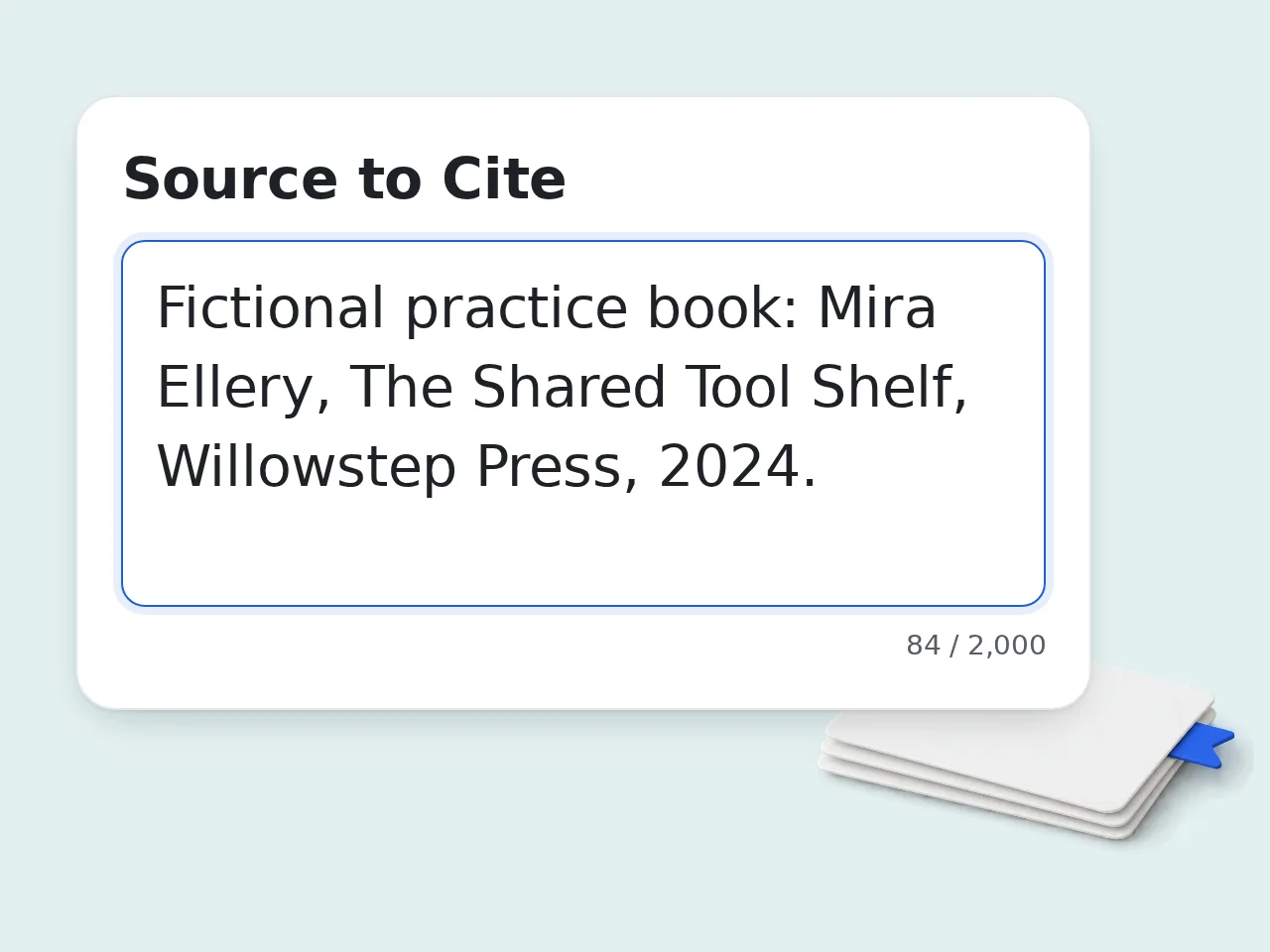
Paste Your Source
Enter complete source details, including the title, author, publication date and any relevant identifiers, into the input box. You can paste multiple sources at once for batch processing.
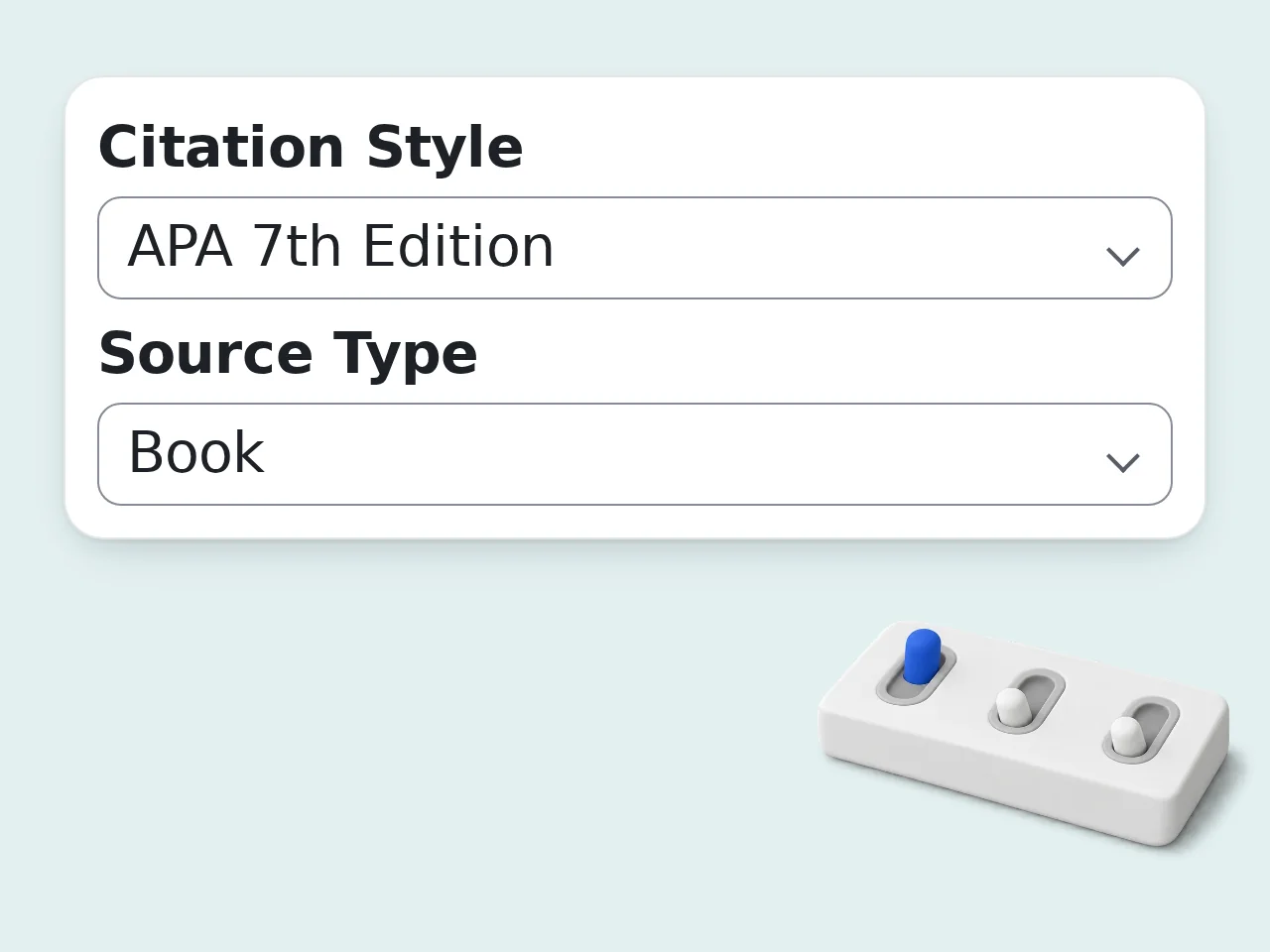
Choose Your Citation Style
Select one of seven styles: APA 7th edition, MLA 9th edition, Chicago Notes-Bibliography, Chicago Author-Date, Harvard, Vancouver and IEEE. Pick your source type (website, book, article or video) or let AI detect it from the details you provide.
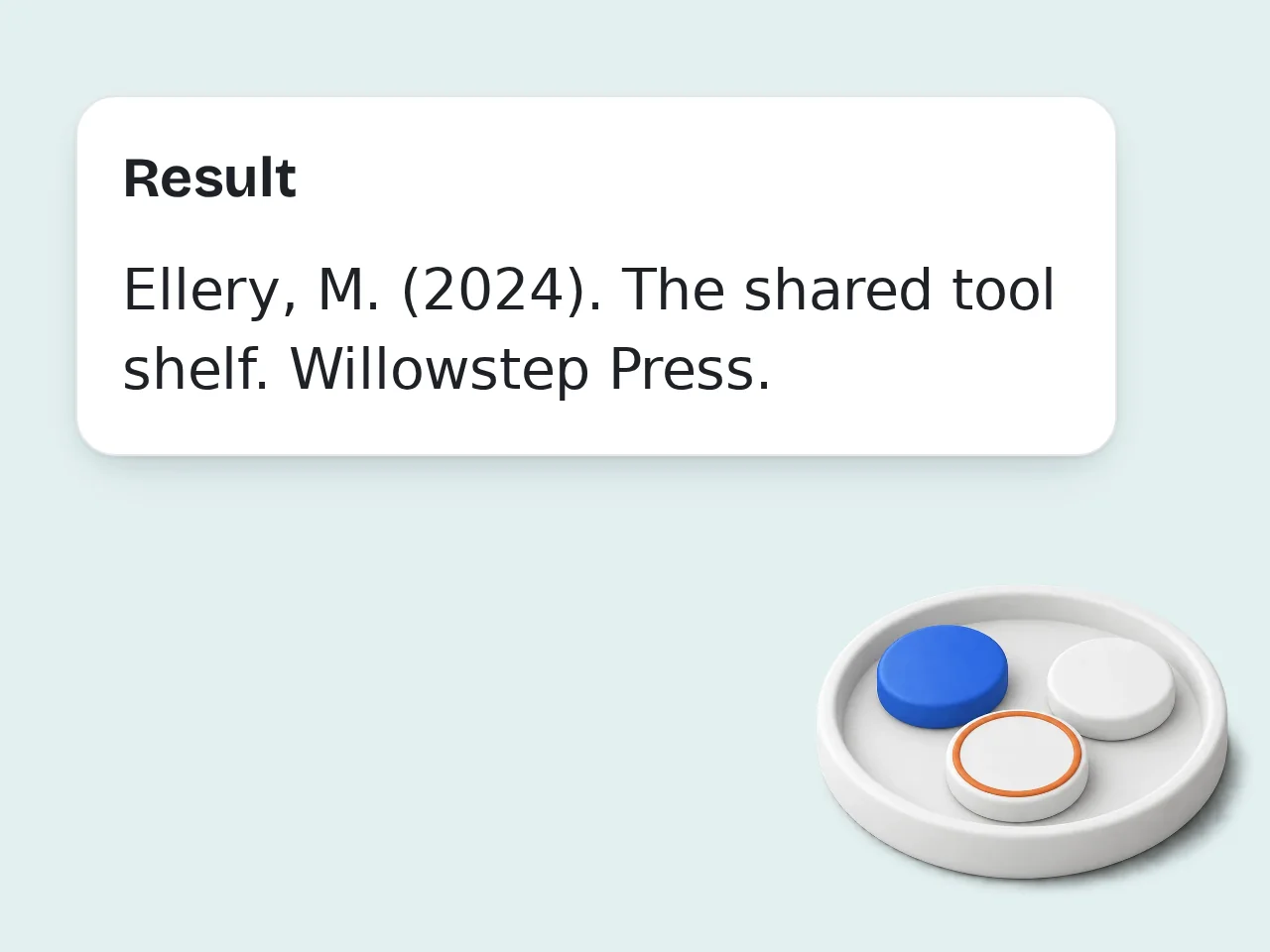
Copy or Download
Review the generated citation, make any edits, then copy to clipboard or download as a .txt file. Both in-text and bibliography formats are available.
Key Features of Citation Generator
Everything you need to build a perfect bibliography — fast, free, and format-accurate.
7 Citation Styles
Covers seven styles: APA 7th edition, MLA 9th edition, Chicago Notes-Bibliography, Chicago Author-Date, Harvard, Vancouver and IEEE. Select another style and run again using the same source details.
Smart Source Detection
Paste source details, including the author, date, title, publisher and any source identifiers. Supports websites, books, journal articles, videos and podcasts.
Copy and Download Options
Copy citations to clipboard or download them as a .txt file. Get both in-text citations and full bibliography entries, ready to drop into any document.
Frequently Asked Questions
Common questions about citation formats, source types, and how the generator works.
What is a citation generator?
A citation generator is a tool that automatically creates properly formatted references for academic papers and research projects. You provide complete source details and the tool formats them according to your chosen style, like APA, MLA or Chicago, saving you the time of manual formatting.
Is this citation generator free?
Yes, you can use free credits with no hidden fees. You can generate citations across any supported style without creating an account using the free daily guest allowance. Each run costs credits and usage depends on your available balance. Copy and .txt download options are also available, making it a genuine free bibliography generator for students and researchers alike.
Which citation styles are supported?
Choose from seven citation styles: APA 7th edition, MLA 9th edition, Chicago Notes-Bibliography, Chicago Author-Date, Harvard, Vancouver and IEEE. Select a style from the dropdown and run again with the same source details.
What source types can I cite?
Websites, books, journal articles, newspaper articles, videos, podcasts, reports, theses, conference papers and more. Simply select the appropriate source type from the menu, or paste complete source details and let the AI detect the type automatically. Provide the author, date, publisher, volume, issue and DOI needed for your citation style.
How do I provide source details for a citation?
Paste complete bibliographic details along with any identifiers. The tool formats the information you provide in your selected style. The whole process takes a few seconds, and you can edit your inputs and run again before copying or downloading the result.
What is the difference between APA and MLA citation format?
APA (American Psychological Association) format is commonly used in social sciences and psychology. It emphasizes the publication date and uses an author-date in-text citation style. MLA (Modern Language Association) format is standard in humanities, particularly literature and language studies, and uses author-page number in-text citations. Both styles differ in how they order elements like author names, titles, and publication details in the bibliography.
Can I generate Chicago and Harvard citations too?
Yes. Chicago style is available in both Notes-Bibliography format (common in history and arts) and Author-Date format (used in sciences). Harvard referencing, widely used in UK and Australian universities, is also fully supported. Select either style from the dropdown, and the citation generator will apply the correct punctuation, ordering, and abbreviation rules for that format automatically.
Do I need to create an account?
No account is required to generate citations. You can use the citation maker immediately without signing up or logging in. Generated citations are available to copy or download right away. If you want to save your citation list for future sessions, you can download it as a .txt file to your device.
Can I cite a book with its ISBN and complete publication details?
Yes, with complete book details. Paste the book title, authors, publisher, edition and publication year along with its ISBN. The information you provide is then formatted into a complete book citation in your chosen style. This works for most published books, including textbooks and edited volumes.
How can I copy or download citations?
You can copy citations directly to your clipboard or download them as a .txt file. These options make it easy to move your bibliography into your writing environment.
How accurate are the generated citations?
Accuracy depends on the quality of the source metadata. Citation details come from the information you provide. Include complete publication details. Always review generated citations against the original source before submitting academic work, as style rules can also vary by institution.
What is the difference between a bibliography and a works cited page?
A bibliography lists all sources consulted during research, even those not directly cited in the text. A works cited page, used in MLA format, lists only the sources actually referenced in your paper. APA uses the term 'References' for its end-of-paper source list. The citation generator can produce entries in any of these formats; selecting the correct citation style automatically applies the right terminology and ordering rules.
Still have questions?
Contact our support teamGenerate Perfect Citations Free
Stop formatting citations by hand. Paste complete source details and get an accurate APA, MLA, Chicago or Harvard citation in seconds.