Sentence Outline Generator and Structure Auditor
Turn rough notes into a full sentence outline with clear paragraph claims
How to Build a Sentence Outline in Three Focused Steps
Supply material, choose the job, and review the plan
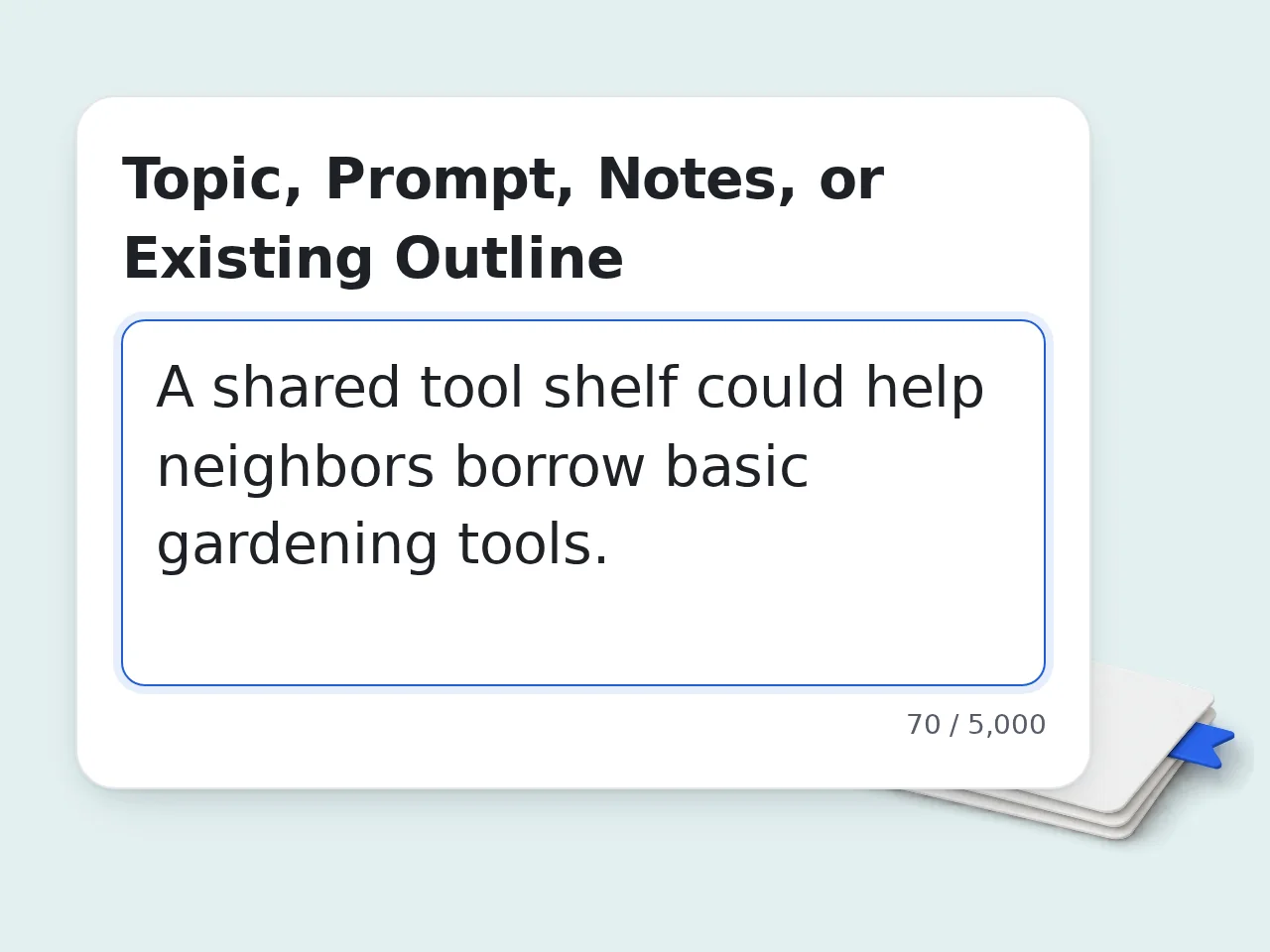
Paste the Writing Material
Add the prompt, thesis, notes, fragment outline, and any verified source notes.
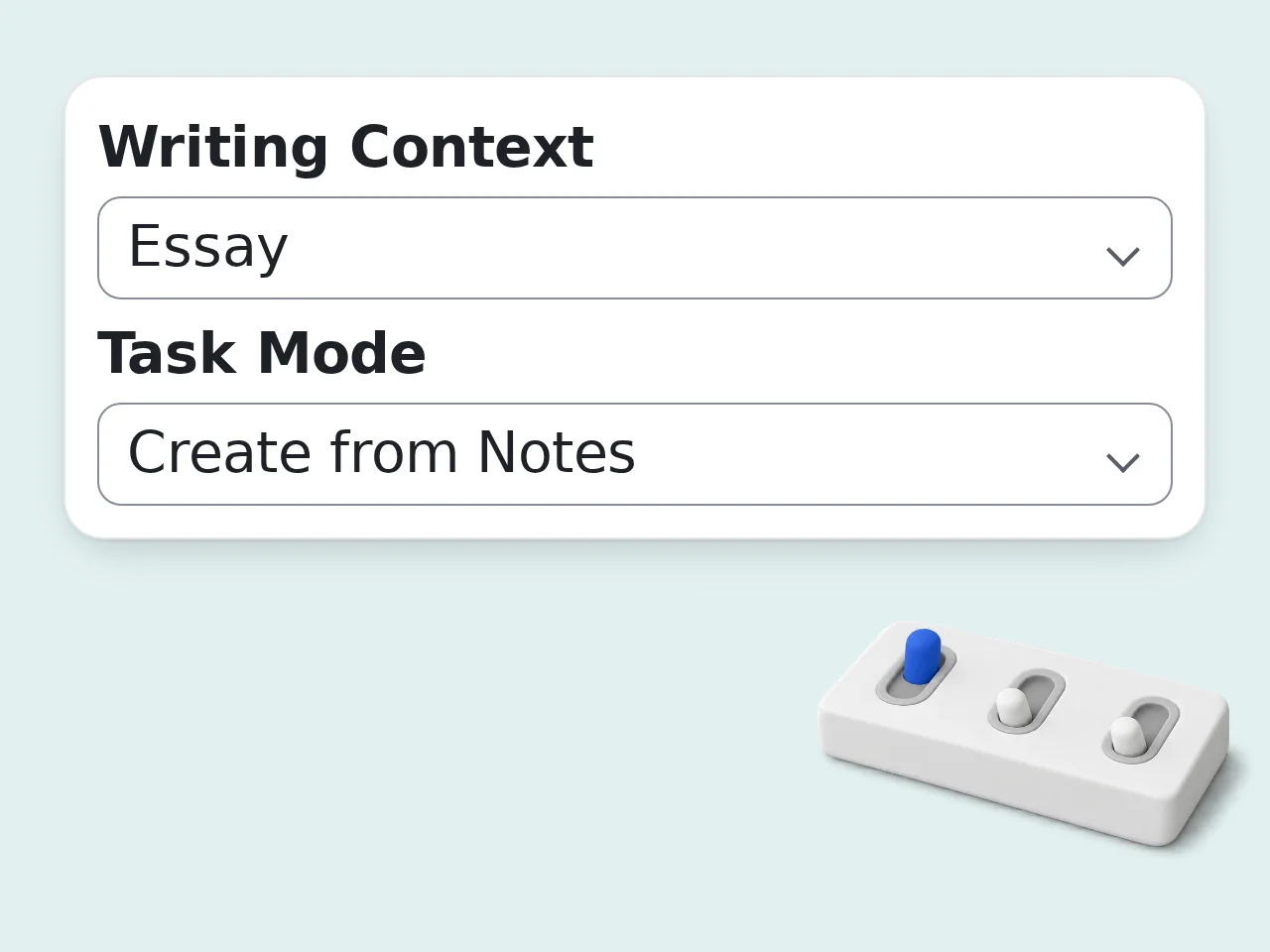
Choose Create, Convert, or Audit
Set the context, goal, depth, numbering, audience, and required sections.
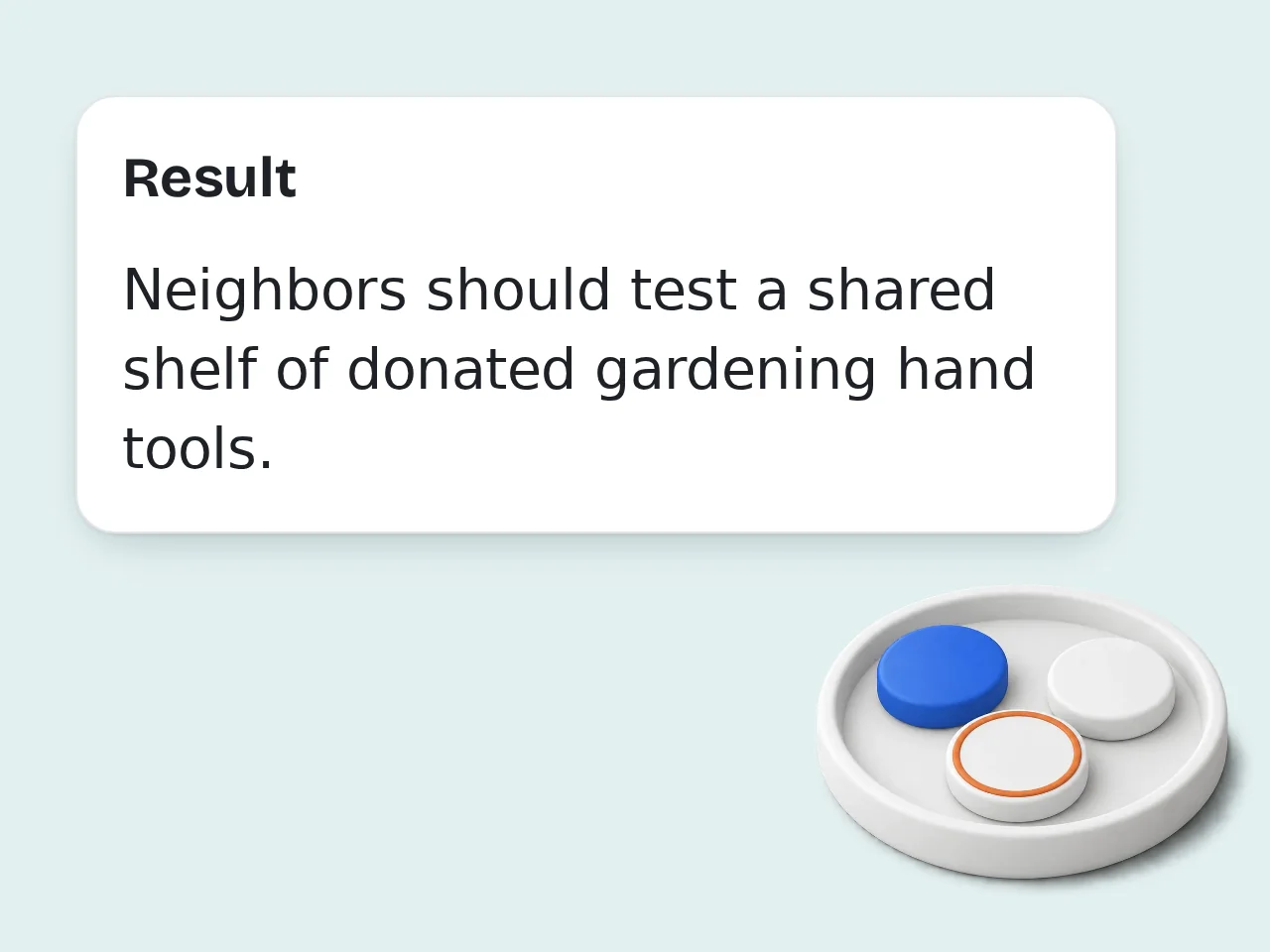
Check the Logic Before Drafting
Use role tags and scores to repair unsupported claims or weak parent-child links.
Sentence Outline Features for Stronger Draft Planning
Build, convert, or audit complete sentences rather than generic headings
Complete-Sentence Hierarchy
Every numbered node states one full thought, revealing paragraph logic instead of vague labels.
Claim and Evidence Mapping
Role tags separate claims, reasons, support, explanation, counterpoints, transitions, and synthesis.
Five-Part Outline Audit
Scores expose incomplete sentences, broken hierarchy, evidence gaps, poor parallelism, and draft risks.
Sentence Outline Questions Answered with Practical Detail
Definitions, examples, evidence rules, credits, and revision advice
What is a sentence outline, and how is it different from a list of headings?
A sentence outline is a hierarchical plan in which every numbered point is a complete declarative sentence, not a label, question, or short phrase. It previews the claim each future section or paragraph will make. Because the ideas are written as sentences, weak reasoning becomes visible before drafting. You can see whether a supporting point actually explains its parent claim and where evidence belongs. Use it when an instructor requests full sentences or when a complex argument needs testing before prose expands.
How do I use the sentence outline generator with rough notes?
Paste your prompt, thesis, notes, or fragment outline into the main field, then choose a writing context and task mode. The generator turns usable ideas into a numbered full sentence outline. Add your audience, rubric, required sections, or real source notes when those details control the structure. Select Convert mode when the input already has headings, or Audit mode when complete sentences need checking. Review assumptions and evidence placeholders before drafting; replace each placeholder with verified support from your own research.
Is this sentence outline generator free to use?
Yes, the sentence outline generator can be tried with included credits, so you can build or inspect a plan before paying for a subscription. Cost is measured in credits rather than a promised number of outlines. Guests receive 10 credits each day, while registered free users receive 100 credits each month. Subscribers receive more credits according to the selected plan. The charge for this tool is shown near the generator. For a quick test, start with compact depth and expand only the sections that need more support.
How many sentence outlines can I create with free credits?
The exact number depends on the credits charged for each run, so there is no honest fixed outline count. Divide your available credits by the displayed per-use cost to estimate current capacity. A guest receives 10 credits per day, and a registered free user receives 100 credits per month. Subscription plans add credits based on the plan rather than removing the cost of every request. Save credits by combining related notes in one input and using Audit mode only after meaningful revisions.
Can I make a sentence outline without creating an account?
Yes, a guest can create a sentence outline without registering, using the daily guest credit allowance. An account is optional for the first trial and useful when you want a larger monthly allowance. Guest access includes 10 credits each day. A registered free account receives 100 credits each month, while subscribers receive the amount attached to their plan. Actual runs still depend on the tool’s per-use charge. Avoid including private student records, confidential client facts, or unpublished sensitive research in any submitted notes.
What is the difference between a topic outline and a full sentence outline?
A topic outline uses short words or phrases to name sections, while a full sentence outline states the precise idea each section will communicate. The latter exposes reasoning that a heading can hide. For example, “Benefits” is only a topic label; “Flexible schedules reduce commuting time for evening students” is a testable sentence with a clear subject and claim. Children of that point should supply reasons, evidence, or explanation. Convert fragments when you need paragraph direction, but keep headings concise when simple navigation is the only goal.
Can a sentence outline work for speeches, reports, and articles as well as essays?
A sentence outline works for any structured nonfiction piece whose sections must advance a clear purpose, including speeches, reports, articles, essays, and research papers. The hierarchy changes with the writing context. A speech may foreground audience transitions and spoken signposts, while a report may organize findings, implications, and recommendations. An article can use reader questions and examples without adopting academic conventions. The generator adjusts role labels accordingly. Choose the closest context, then state any required format in Constraints when the default structure does not fit.
How does the sentence outline handle evidence and citations?
The sentence outline places supplied evidence beneath the claim it supports and labels missing proof instead of inventing a source. It can organize citation notes, but it cannot verify material you did not provide. Paste facts, quotation notes, author names, or source summaries in the Evidence field. The result distinguishes evidence from explanation so a quotation does not stand alone without showing why it matters. Citation style is secondary at this stage. Check every source against the original publication and add page numbers during drafting.
Should I choose alphanumeric or decimal numbering for my sentence outline?
Choose alphanumeric numbering when a class or organization expects the familiar I, A, 1 hierarchy; choose decimal numbering when relationships such as 2, 2.1, and 2.1.1 need to be visually explicit. Logic matters more than the symbols. Both styles should keep sibling points parallel and place each child directly beneath the sentence it supports. Do not create a single subpoint without a matching sibling unless a required template allows it. If an instructor provides a model, follow that model even when another numbering system seems cleaner.
How can I get a better sentence outline from a short assignment prompt?
Add a working position, intended audience, required sections, and any facts you already trust; those details give the sentence outline a real argument to organize. A bare topic usually produces broader assumptions. State what the paper should explain or persuade readers to accept. Include rubric language in Constraints and separate source notes from your own interpretation in the Evidence field. Detailed depth is useful only when enough material exists to support it. After generation, challenge the weakest score first instead of polishing wording across the entire outline.
Can the tool audit an existing full sentence outline without replacing my ideas?
Yes. Audit mode keeps the submitted structure and wording wherever they already function, then repairs fragments, broken hierarchy, duplicated rhetorical jobs, and unsupported transitions. It should not silently replace the writer’s position. The response lists significant repairs and scores five dimensions, making changes easier to trace. If an idea lacks evidence, the tool marks the gap instead of supplying a convenient fact. You can compare the repaired hierarchy with the original line by line. Mention any wording that must remain unchanged in Constraints before running the audit.
Why use this sentence outline tool instead of a general AI chat?
This tool applies a fixed sentence-outline contract: one complete declarative sentence per numbered node, explicit rhetorical role tags, parent-child checks, evidence placeholders, and a five-part audit. A general chat may return headings unless carefully prompted. The dedicated form also separates source material, evidence, context, depth, numbering, and constraints, reducing prompt setup and making repeated assignments more consistent. It remains an assistant rather than an authority on your sources or rubric. Use general chat for open exploration; use this workflow when format compliance and structural diagnosis matter.
Still have questions?
Contact our support teamBuild a Sentence Outline That Is Ready to Draft
Give each point purpose.