Writing Feedback AI for Teachers
Give student writing feedback that leads to one clear next step.
How to Use Writing Feedback AI
Focus on one skill.
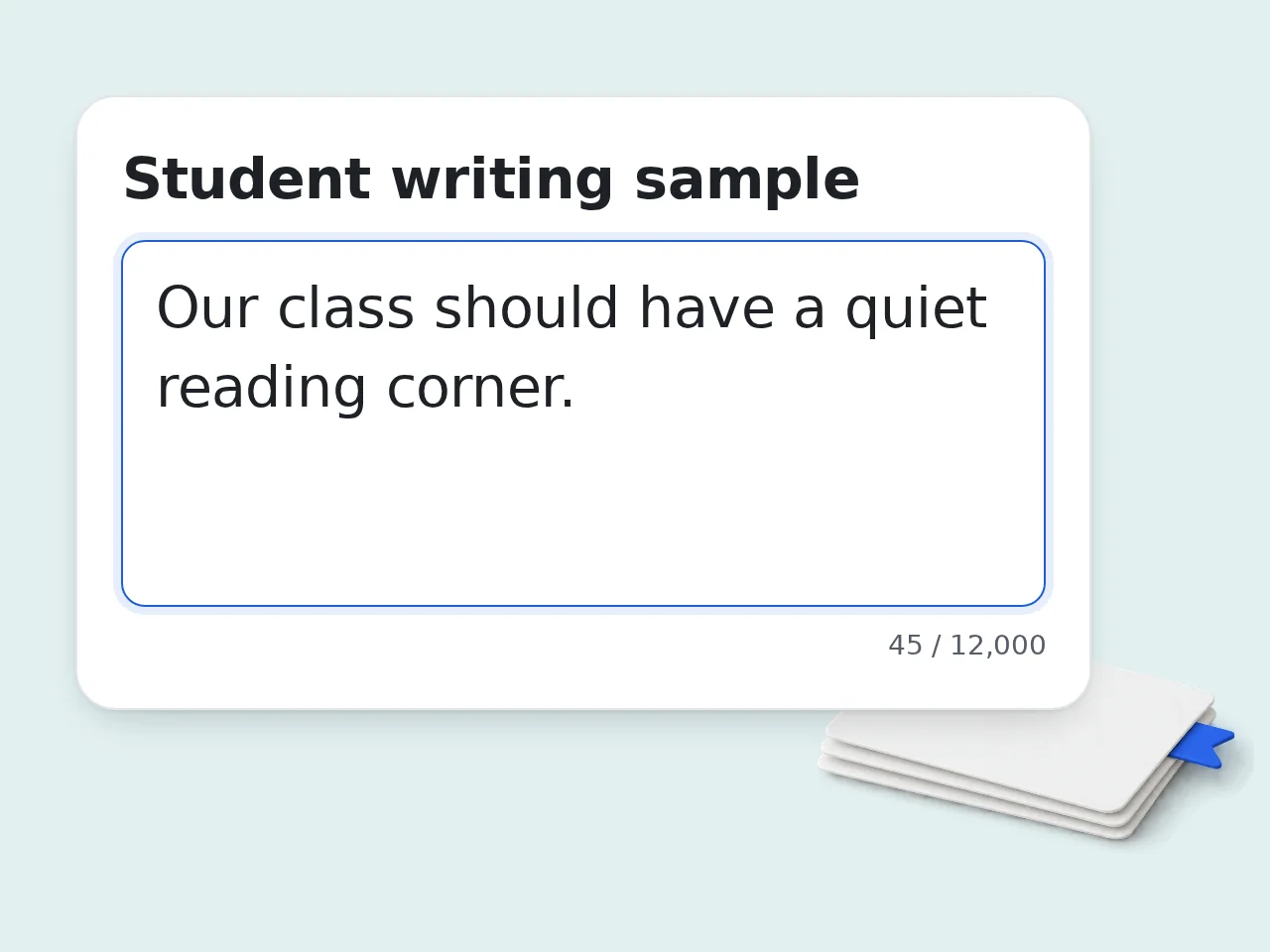
Add a Student Writing Sample
Paste one anonymized sample into Writing Feedback AI. Include enough text to observe the target: a sentence for sentence craft, a fuller passage for paragraph development.
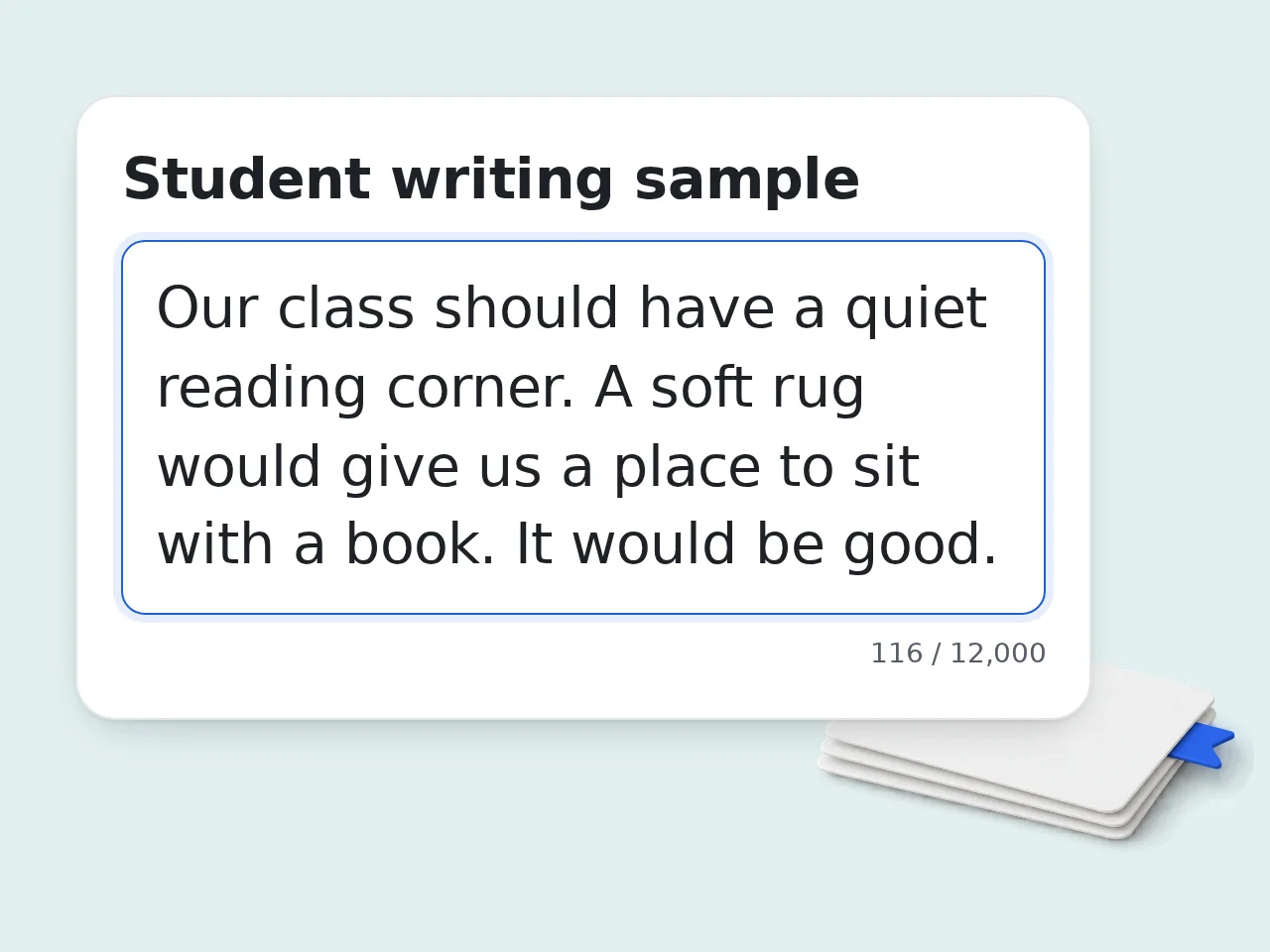
Name the Learning Target
State the goal and learner stage. Add relevant context. “Explain how one detail supports the claim” is more useful than “write better.”
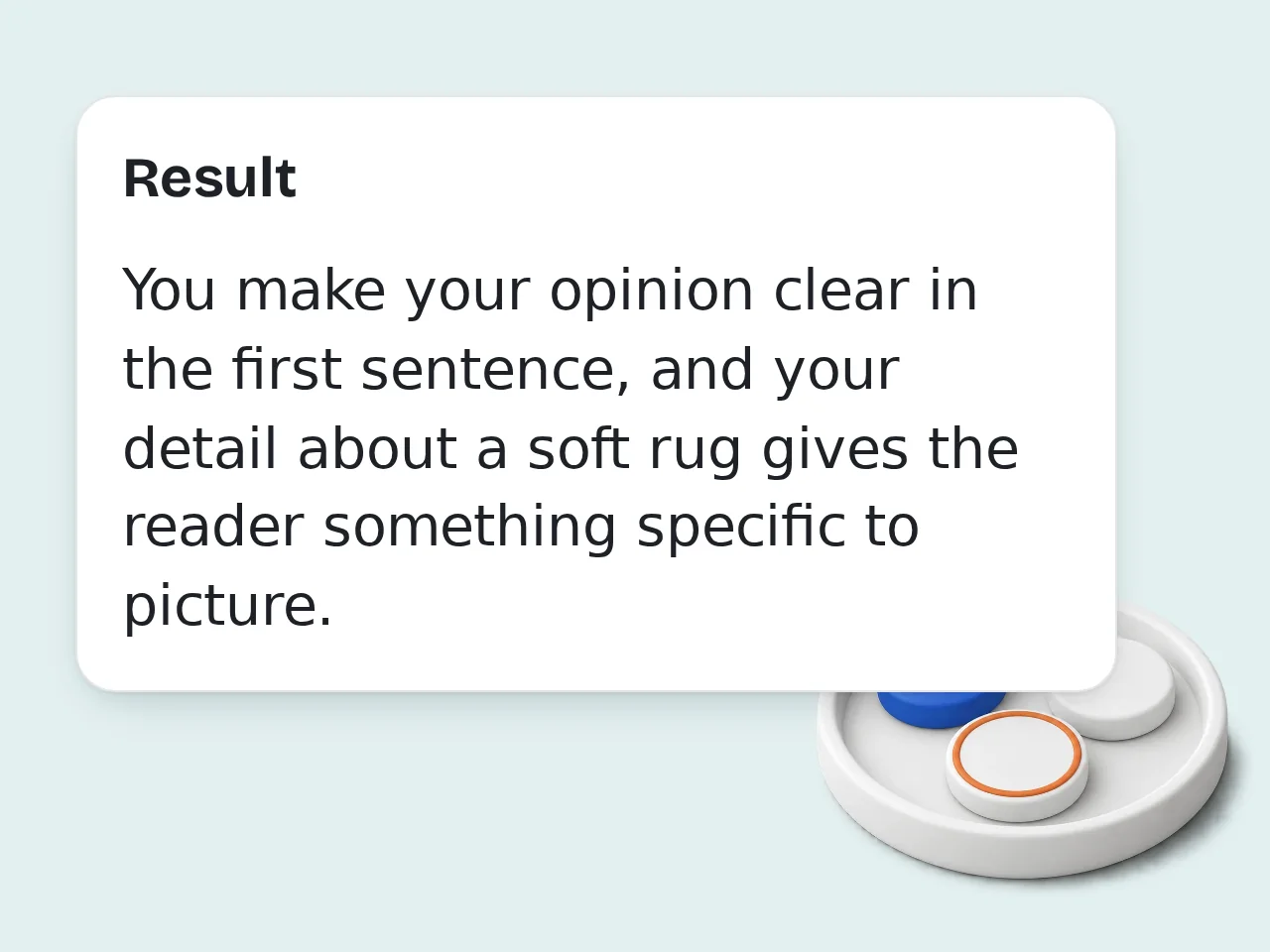
Review the Writing Feedback AI Response
Check quotations, edit the comment, and confirm the task fits your lesson. Share only approved parts. Keep teacher notes separate from student feedback.
Writing Feedback AI Built Around Teaching
From evidence to practice.
Writing Feedback AI Evidence Notes
See which words support the target and which parts are not yet visible. Keep teacher observations separate from textual evidence; a missing detail does not prove inability.
Student Writing Feedback to Review
Review one compact comment with a demonstrated strength and an achievable next action. Match the learner stage without scoring or rewriting the assignment.
AI Writing Feedback With Practice
Offer a brief exercise on the same target. Questions and cues leave the thinking to the student; follow-up checks show what to observe next.
Writing Feedback AI Questions for Teachers
Targets and classroom comments.
What does Writing Feedback AI do for a teacher?
Writing Feedback AI helps a teacher turn a student sample and a specific learning target into a short, actionable comment. It also supplies separate evidence notes, one practice task, and follow-up checks. The focus is formative teaching: showing a learner what to try next. It does not assign a grade, judge overall ability, or replace your knowledge of the student. Use it between drafts or before a writing conference, when there is still time to practice the target.
How do I get useful student writing feedback?
Paste a readable student sample, name one concrete learning target, and describe the learner’s stage. Those three inputs give the response a teaching focus instead of inviting a general list of faults. For example, pair a paragraph with “explain how one detail supports the claim.” Include the assignment prompt if it changes what counts as relevant evidence. Add observations you actually made. Before sharing the student writing feedback, verify each quotation and remove any advice that does not fit your lesson.
Is Writing Feedback AI free to try?
Yes. Writing Feedback AI can be tried with included credits, so you can inspect a response before choosing a paid plan. Guests receive daily credits, and free registered users receive a monthly allowance. This tool uses the displayed credit amount for each request. More complex work does not justify assuming a fixed number of free comments; check the cost before running another sample. Start with one anonymized paragraph and a clear learning target to judge whether the feedback is useful.
How many free credits can I use for feedback?
Guests receive 10 free credits each day, and registered free users receive 100 free credits each month. Subscribers receive additional credits according to their plan, rather than a universal number of comments. Each Writing Feedback AI request deducts the amount shown for your user type. These allowances describe credits, not a guaranteed count of students or assignments you can review. Check the displayed cost and available balance before processing another sample, especially when planning a larger feedback session.
Can I try Writing Feedback AI without an account?
Yes. Guests can use Writing Feedback AI with the daily guest credit allowance without first creating an account. That is enough to test the workflow on a sample before deciding how to use it regularly. Remove names and unnecessary personal details before pasting student work. Save any comment you approve yourself; this page does not promise a class roster, student delivery, or a permanent feedback archive. A free account changes the credit allowance, not the need to review the generated comment.
How is this different from an AI essay grader?
An essay grader evaluates a piece against a scoring framework. This AI writing feedback tool instead focuses on one taught skill and produces a student comment, a small practice task, and evidence for teacher review. A paragraph may contain a clear claim but no supporting detail. Here, the useful outcome is a prompt to add and explain one example, not a numerical penalty for everything else missing. Use the existing essay grader when you need a broader score report rather than formative comments.
How is it different from general writing feedback?
General writing feedback helps an author improve the effect of a whole draft. Writing Feedback AI is built for a teacher preparing a response to one learner’s specific instructional target, with teacher and student notes separated. It deliberately avoids a comprehensive editing checklist. The practice activity and next-sample checks keep attention on learning, even when the draft contains other weaknesses that could also be discussed. Choose the broader writing feedback tool when your main goal is independent revision, creative critique, or reader impact.
Can I use a rubric or a broad writing objective?
You can paste a relevant rubric criterion, but choose the part being taught now. A target such as “connect evidence to the claim” leads to more focused feedback than an entire multi-category scoring rubric. If the objective is simply “improve writing,” the response should flag that it is broad and suggest a provisional focus for you to confirm. It must not invent a curriculum standard or pretend that suggestion was assigned. Keep the next practice task aligned with the confirmed target.
What if the student sample is incomplete or very short?
A short sample can support a narrow observation, but it cannot demonstrate skills that require missing context. The response should distinguish “not shown in this sample” from a conclusion that the learner cannot perform the skill. For a sentence-level target, one meaningful sentence may be enough. For paragraph development, include the relevant paragraph. An unreadable fragment should trigger a request for usable text, not fabricated evidence. Use the teacher notes to identify what additional writing would make the next observation fair.
Will the tool rewrite the student’s work or assign marks?
No. Writing Feedback AI is designed to give a next learning action without grading the student or replacing their text. The student comment explains what to try; the practice task leaves the thinking to the learner. An exercise might ask for one supporting detail and a sentence explaining its connection. It should not supply a polished replacement paragraph or claim a predicted improvement in marks. If the response drifts into rewriting, keep the evidence note and revise the exercise before sharing it.
What does a teacher need to check before sharing comments?
Check that every quotation appears in the sample, the suggested action matches your taught target, and the language suits this learner. A plausible sentence is not enough if it misreads the work or your lesson. Teacher observations are context, not proof of what appears in the text. Remove assumptions about effort, ability, motivation, or diagnosis. Keep private teacher notes separate from the student-facing comment. Finally, make sure the practice task is feasible with the materials and time you actually have.
Why use this instead of a general AI chat prompt?
This workflow keeps the same teaching sequence visible: target, textual evidence, student comment, practice, and next observation. A general chat assistant can do similar work, but you must specify and check that sequence yourself. The structured inputs make missing context easier to spot. They do not guarantee better judgments or eliminate teacher review, and the tool does not connect to a learning management system or send messages. Use the structure as a preparation aid, then adapt the wording to your own teaching voice.
Still have questions?
Contact our support teamPrepare Clear Student Comments With Writing Feedback AI
Review one student comment before sharing it.