AI Comment Generator
Write thoughtful comments and replies for any platform
How to Use the AI Comment Generator
Write a better comment in 3 simple steps
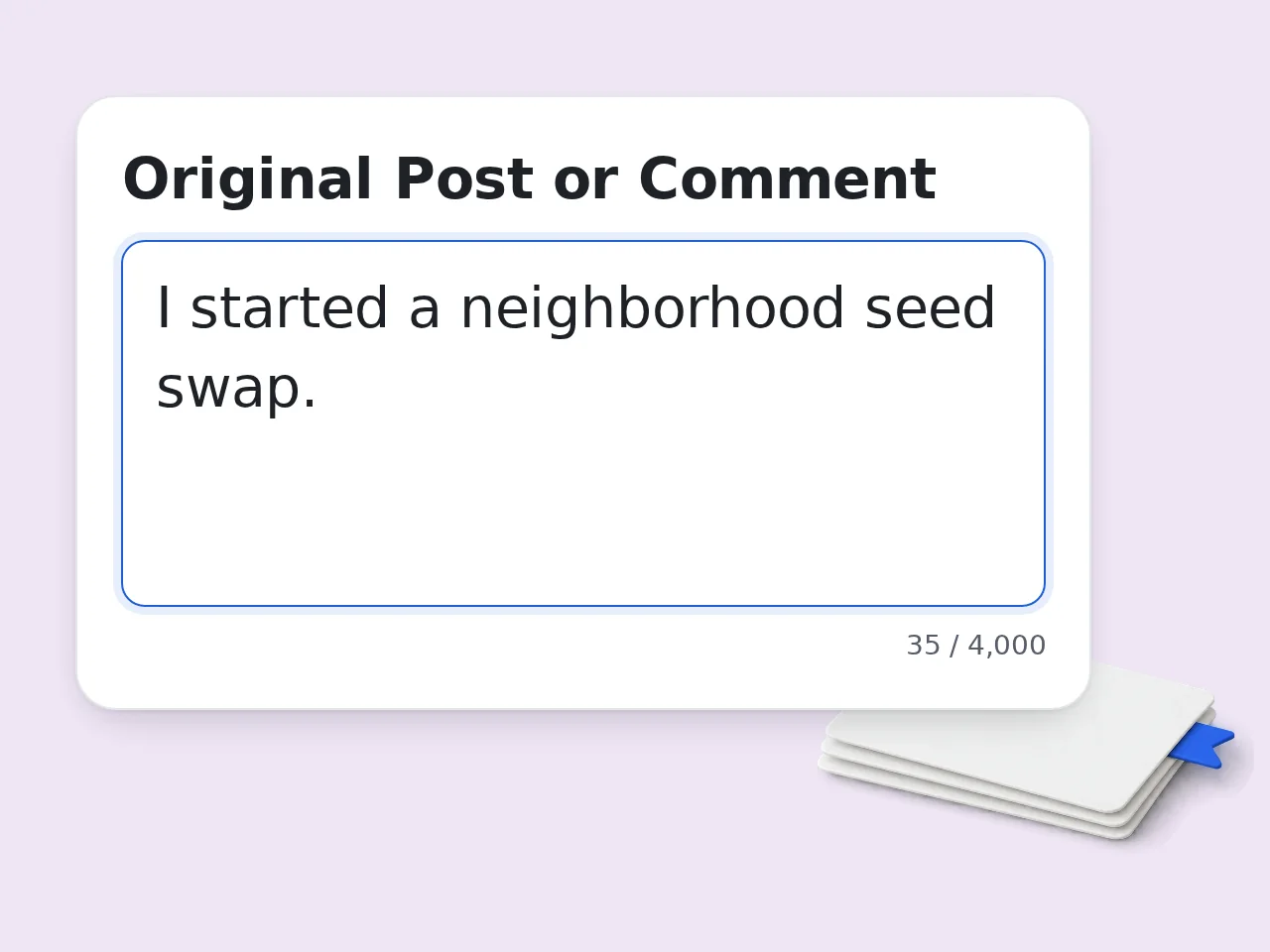
Paste the original content
Add the post, comment, review, DM, or discussion prompt you want to reply to.
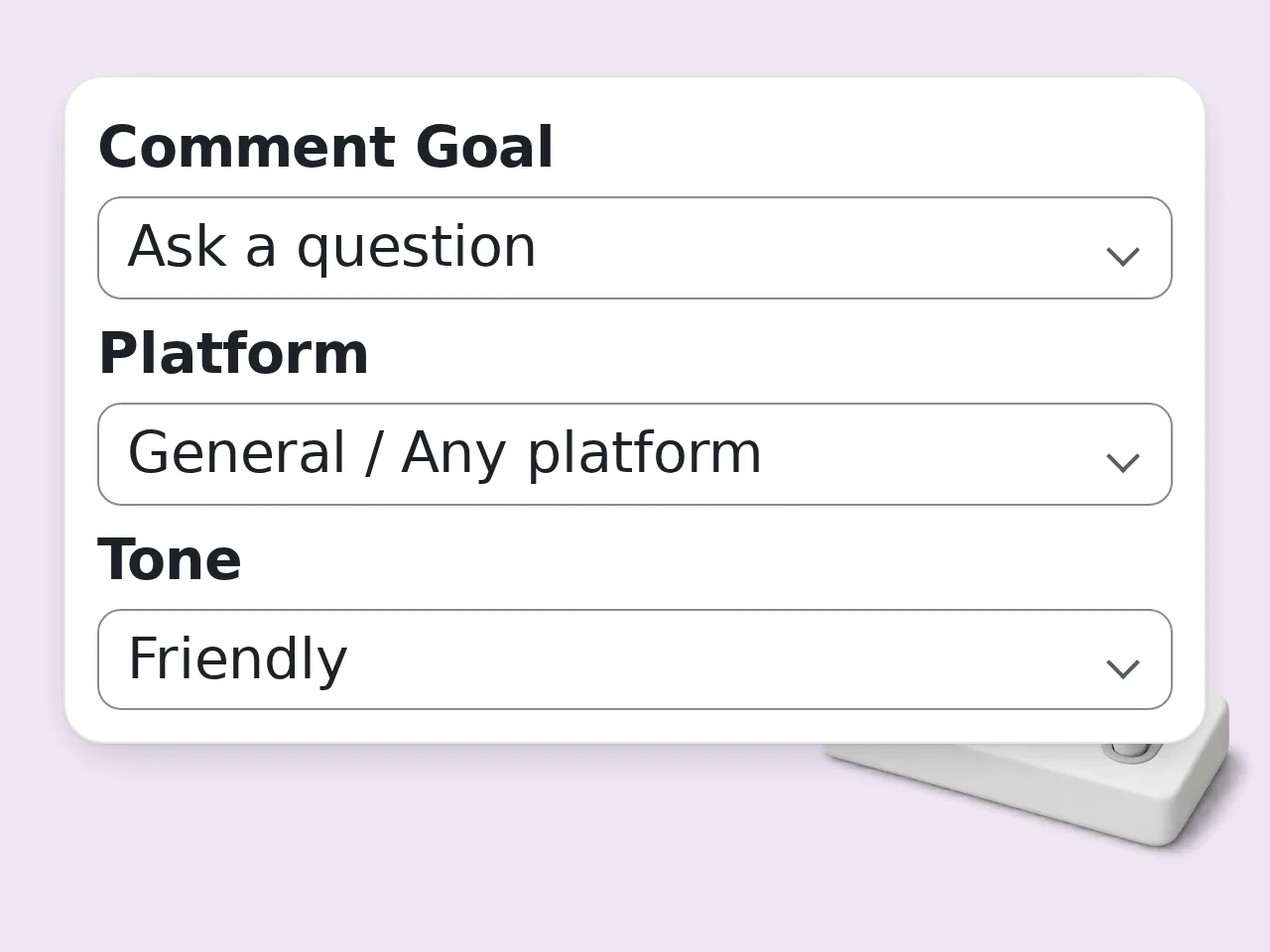
Choose goal, platform, and tone
Set the reply goal, platform style, tone, length, emoji level, and optional brand notes.
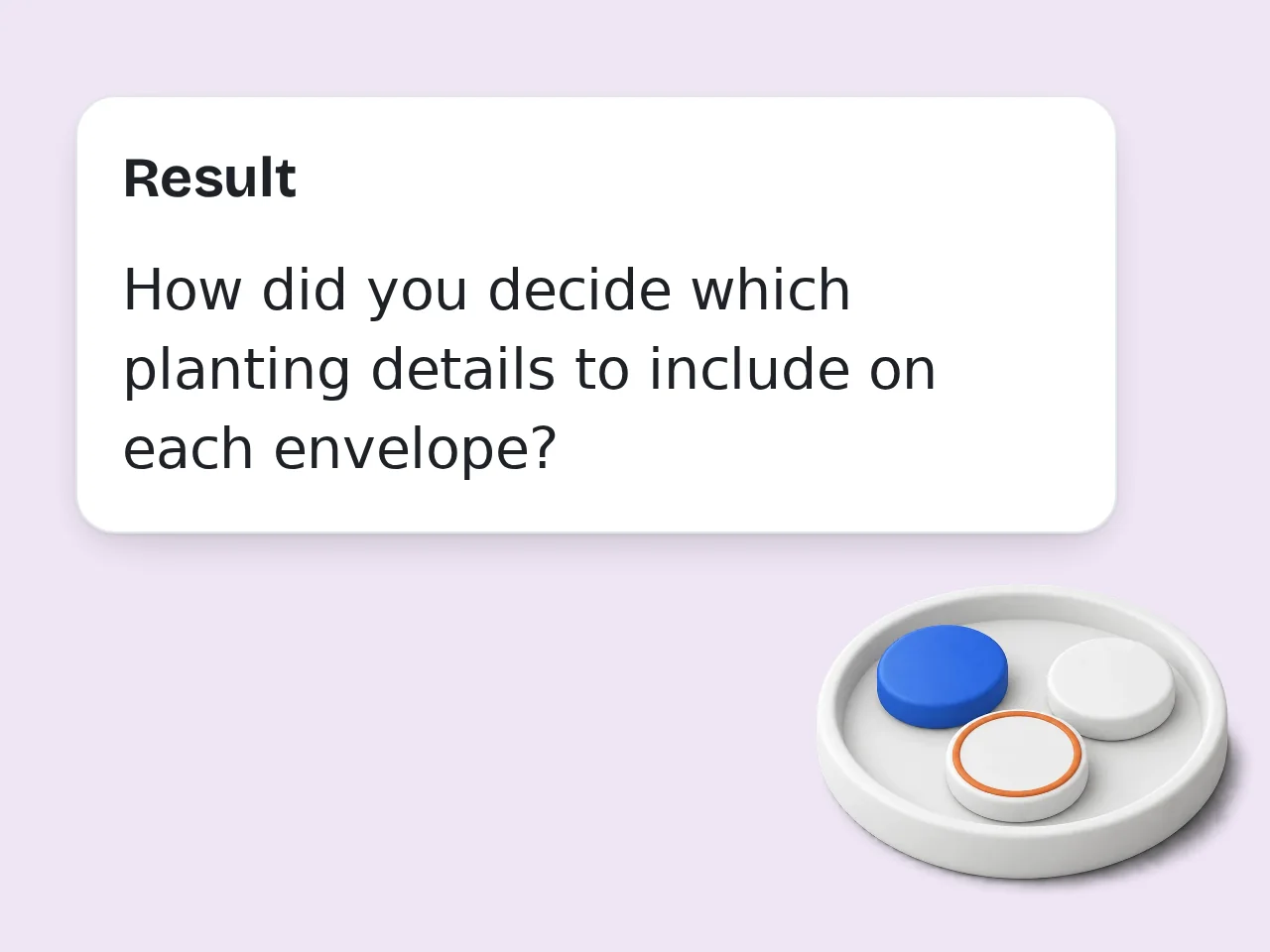
Generate and personalize
Pick the strongest option, then add a small personal detail before posting if needed.
Key Features of AI Comment Generator
Make every reply more specific, natural, and platform-aware
Context-Aware Comments
Paste the original post or message and get comments that respond to the actual idea instead of generic praise.
Platform and Tone Control
Adjust comments for LinkedIn, Instagram, TikTok, Reddit, YouTube, reviews, DMs, and more.
Multiple Copy-Ready Variations
Generate one, three, or five distinct options so you can pick the best reply or combine the strongest lines.
Frequently Asked Questions about AI Comment Generator
Practical answers for writing better comments with AI
What is an AI comment generator?
An AI comment generator helps you turn a post, message, review, or discussion prompt into a natural comment. Instead of giving you a generic line, it uses the context you paste and creates replies that match your goal, tone, platform, and preferred length. This AI comment generator is useful for creators, marketers, community managers, founders, students, and anyone who wants to join conversations without sounding robotic.
How do I use this AI comment generator?
Paste the original post or comment, choose your platform, pick the goal and tone, then generate. You can add brand voice notes or key points if the reply needs to include a specific opinion, product detail, or answer. The tool will create copy-ready comment options, plus short notes to help you choose the best one.
Can I use it for Instagram, TikTok, LinkedIn, and Reddit?
Yes. The platform setting changes the style of the output. LinkedIn comments lean professional and insight-driven, Instagram and TikTok comments can be warmer or more playful, and Reddit replies stay value-first and less promotional. You can also choose the general option for blogs, forums, review sites, or any comment section.
Will the generated comments sound like AI?
The tool is designed to avoid empty praise and generic wording. It references the original content, follows your tone notes, and creates comments that feel specific. For the best result, add one personal detail or edit a phrase before posting. That keeps the reply aligned with your real voice.
Can it write customer service replies?
Yes. Choose the brand or customer reply goal and use an empathetic or professional tone. The tool can draft replies to compliments, questions, complaints, reviews, and public support comments. It should still be reviewed before posting, especially when the message involves refunds, policy promises, medical topics, legal issues, or sensitive customer data.
Can I generate more than one comment option?
Yes. You can choose 1, 3, or 5 variations. Multiple options are helpful when you want one friendly reply, one more thoughtful reply, and one shorter version for fast-moving platforms. The variations are intentionally different rather than small rewrites of the same sentence. Add enough context so the wording matches the exact situation instead of sounding generic.
What should I paste into the original post field?
Paste the full post, caption, message, review, or discussion prompt if possible. If the text is long, include the most important paragraph and a short note about what you want to respond to. Specific input produces stronger comments. A vague topic usually leads to safer, more general replies.
Can the AI comment generator include emojis?
Yes. The emoji setting lets you choose no emojis, light emoji use, or a more expressive style. Light emoji use is usually best for professional comments, while expressive emoji can work well on Instagram, TikTok, and casual creator communities. The tool avoids emoji overload unless you ask for a more playful result.
Is this useful for LinkedIn networking?
Yes. For LinkedIn, choose a professional or thoughtful tone and the insight goal. The tool can help you write comments that add a takeaway, ask a smart question, or connect the post to your experience. This is better than dropping generic praise because it gives the author something meaningful to respond to.
Can it help with YouTube or TikTok comments?
Yes. For video comments, paste the caption, transcript snippet, or a short summary of the video. The generator can create supportive, funny, curious, or value-add replies that fit shorter comment sections. If you want a very short comment, choose the short length option. The best output should be useful as a draft while still leaving the final judgment to you.
Does it support multiple languages?
Yes. Use the output language field to generate comments in another language. This is useful for international communities, multilingual creators, and teams responding to audiences in different regions. For best results, paste the original content in the same language when possible. Add enough context so the wording matches the exact situation instead of sounding generic.
Should I post AI-generated comments without editing?
You can use the results directly, but a quick human edit is recommended. Add a name, a tiny personal detail, or a specific reference if you have one. AI is best used as a drafting partner. The strongest comments usually combine the generated structure with your real judgment.
Still have questions?
Contact our support teamWrite Better Comments in Seconds
Use the AI comment generator to draft thoughtful replies for social media, reviews, DMs, and discussions.