Excuse Generator
Create believable work, school, and social excuses in seconds
How to Use Excuse Generator
Create a polished excuse in 3 simple steps
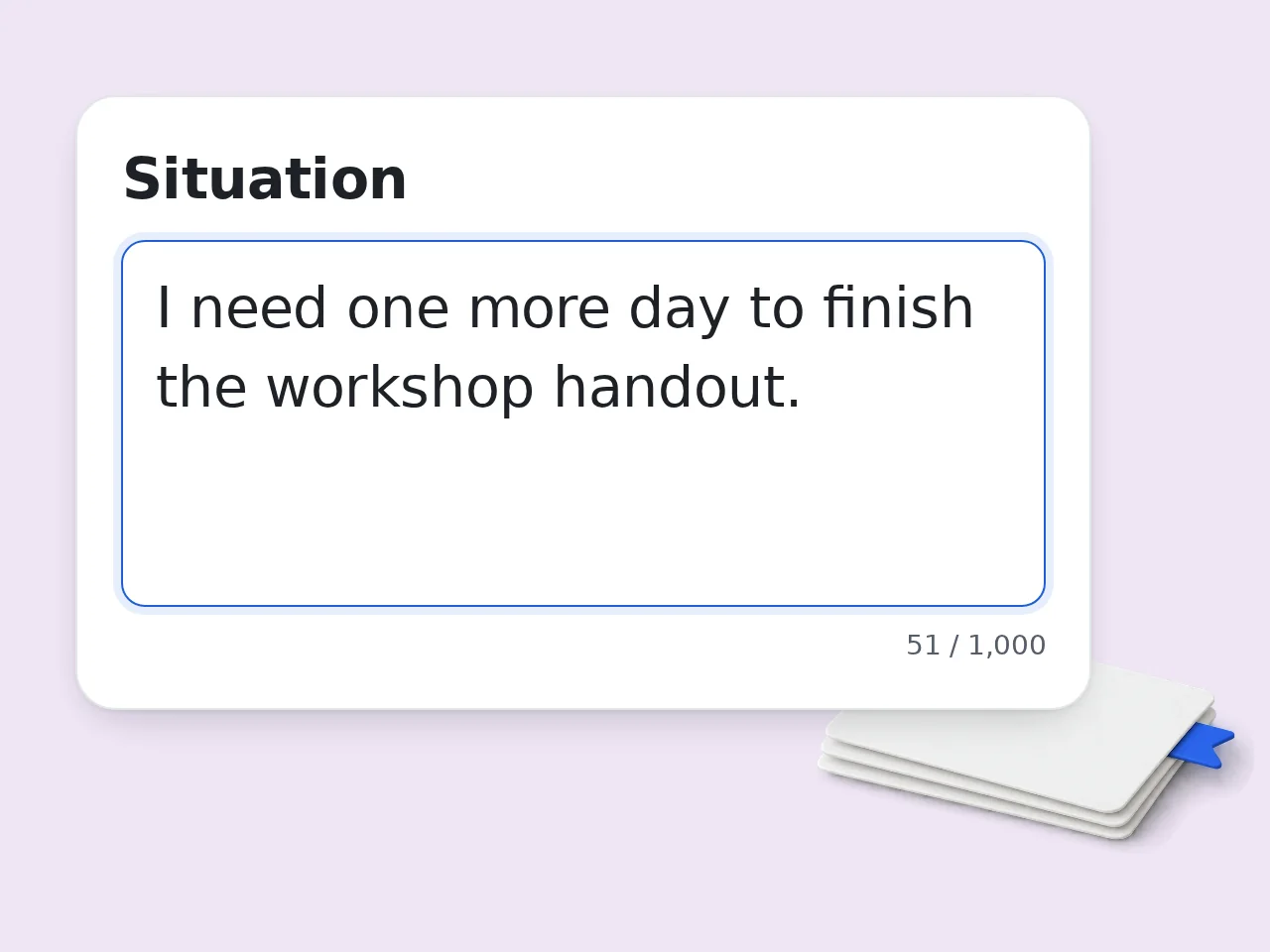
Describe the Situation
Tell the excuse generator what happened, who is affected, and what outcome you need. Simple facts work better than long stories.
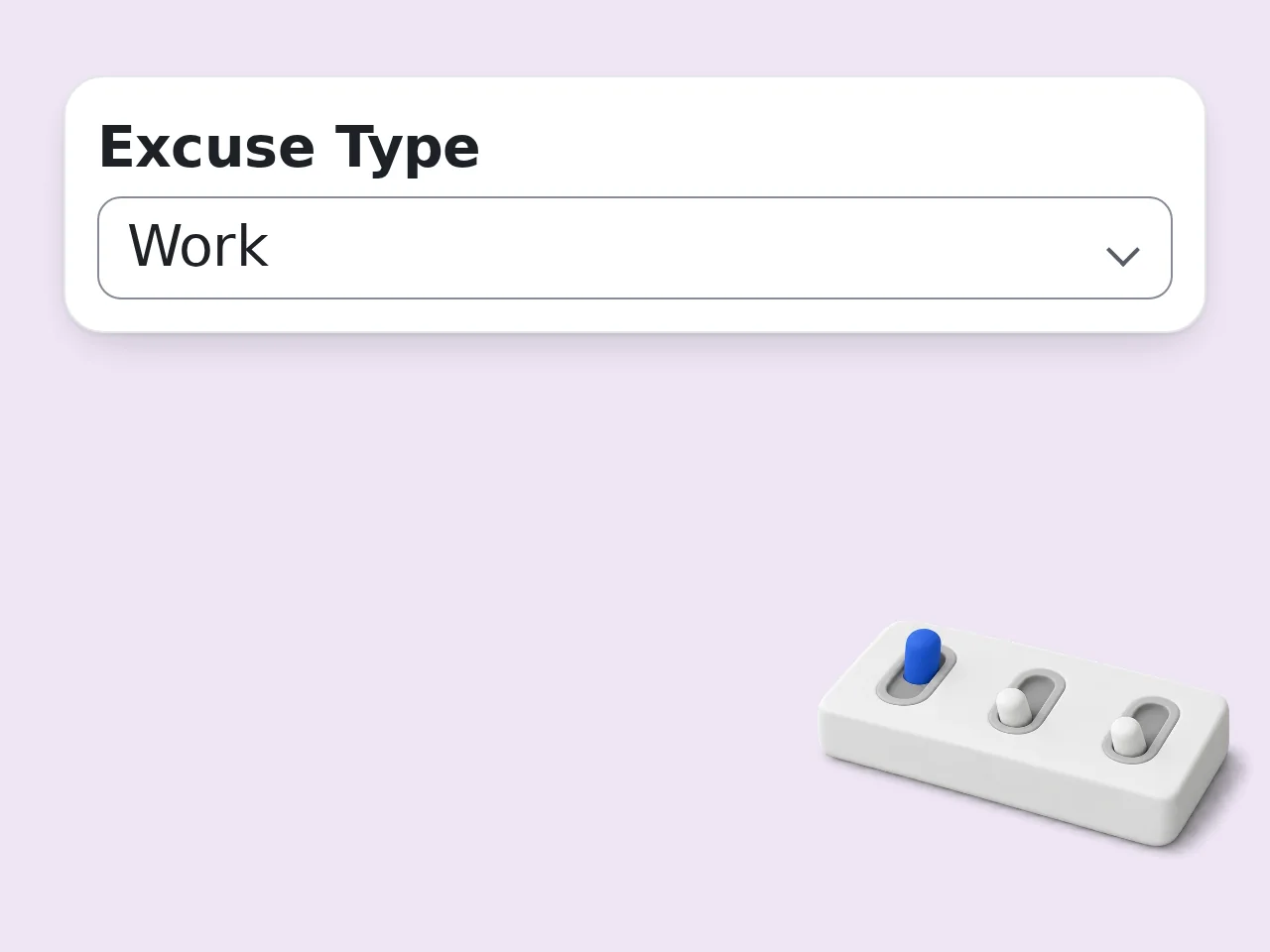
Choose Tone and Format
Pick the recipient, excuse type, tone, honesty level, and whether you want a short message, email, or three options.
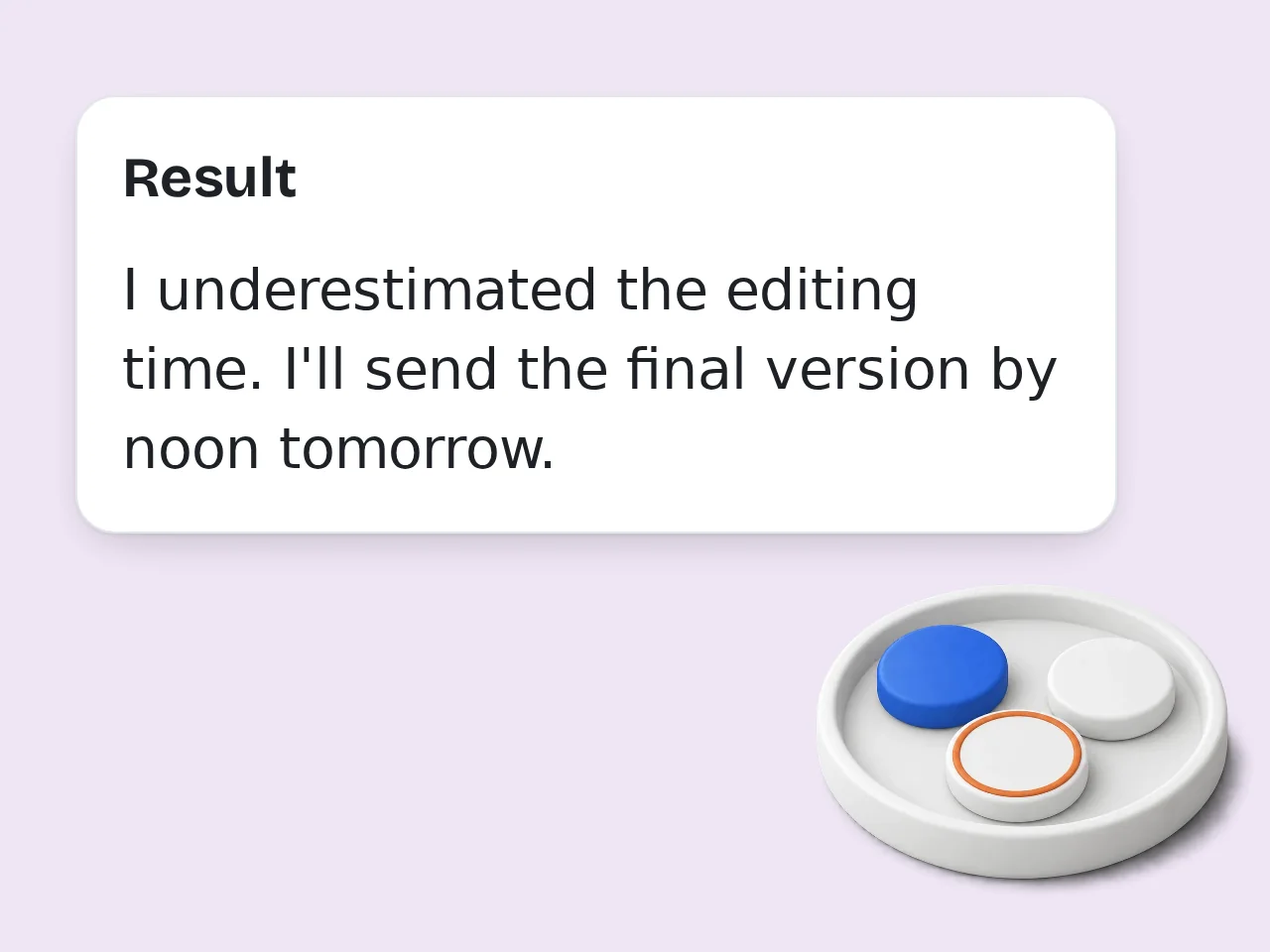
Edit Before Sending
Use the generated excuse as a draft. Remove anything that does not fit your real situation and add a clear next step.
Key Features of Excuse Generator
Everything you need to create a believable excuse in one place
Work, School, and Social Excuses
Create messages for deadlines, absences, late replies, cancelled plans, or awkward scheduling problems.
Tone and Honesty Controls
Choose professional, apologetic, casual, firm, or lightly funny wording, then set how truthful or playful the excuse should be.
Message, Email, or 3 Options
Generate a short text, a complete email, or three alternative excuses so you can pick the safest wording.
Frequently Asked Questions
Common questions about the excuse generator answered
What is an excuse generator and how does it work?
An excuse generator creates a ready-to-send explanation for missed plans, delays, school issues, or work problems. You enter the situation, the recipient, and the tone, then the tool writes a believable message. The excuse generator works best when you add a little context, such as what happened, how formal the relationship is, and what you can do next. That helps the output sound specific without becoming dramatic. For safer results, choose low-risk wording and edit any detail that does not match your real situation.
How do I use the excuse generator to get the best results?
Use the excuse generator by describing the situation in plain words, choosing who the message is for, and selecting a tone. A short, honest description usually works better than a complicated story. For example, write “I missed a team deadline and need one more day” instead of only “deadline excuse.” Add the recipient, such as boss, teacher, client, or friend, so the message matches the relationship. If the first result feels too formal or too casual, change the tone and generate again.
Is the excuse generator free to use?
Yes, the excuse generator is free to try. Guests get limited daily free tries without creating an account, and registered free users have a monthly credit allowance. The free access is enough for quick messages, short emails, and casual excuse ideas. Subscription plans are available for users who need higher limits or use AI tools often. No credit card is needed to start. Open the tool, fill in the fields, and generate a message. See the pricing page for current details.
How many times can I use the excuse generator per day?
Guests get limited daily free tries with the excuse generator. Free registered users have a monthly credit allowance, while subscribers receive higher limits. These limits help keep the tool available for everyone while still covering normal casual use. If you only need an occasional work excuse, school excuse, or social-plan message, the free tier is usually enough. For frequent writing tasks, signing in gives you more room to generate and revise. See the pricing page for current details.
Can I use the excuse generator without creating an account?
Yes, you can use the excuse generator without creating an account for limited daily generations. That makes it useful when you need a quick message right away. Guest access works well for one-off situations such as declining an invitation, explaining a short delay, or drafting a polite apology. Creating a free account increases your usage allowance and makes repeated use easier. If you only need one excuse today, start as a guest and edit the result before sending.
What can I use an excuse generator for?
You can use an excuse generator for work delays, school absences, missed deadlines, declined invitations, late replies, rescheduling, or lighthearted fictional excuses. It turns awkward situations into cleaner wording. The tool is especially helpful when you know what happened but cannot find the right tone. It can write a short text, a careful email, or several options with different levels of formality. Use it as a draft, not as a truth replacement. Keep the final message accurate enough to stand behind.
Does the excuse generator support work and school situations?
Yes, the excuse generator supports both work and school situations. Select the matching excuse type, describe the problem, and choose a tone such as professional, apologetic, casual, or firm. For work, it can draft messages about deadlines, meetings, late arrivals, or workload issues. For school, it can help with absences, assignments, class participation, or rescheduling a discussion with a teacher. Avoid false serious claims. A simple, respectful explanation is usually more believable and safer.
Why use an excuse generator instead of writing manually?
An excuse generator helps when stress makes wording harder than the situation itself. It gives you a structured starting point with an apology, reason, and next step. Writing manually can take longer because you may over-explain, sound defensive, or choose the wrong tone. The tool keeps the message short and focused, which often feels more professional. Still, review the draft before sending. Personal edits make the excuse sound more natural.
Why use this excuse generator instead of asking ChatGPT?
This excuse generator is faster than asking ChatGPT because the form already asks for the details that matter: situation, recipient, tone, excuse type, format, and honesty level. You do not need to write a long prompt or explain the format every time. The tool produces a message that is ready to edit, with safer boundaries around exaggerated or risky claims. Use ChatGPT for open-ended brainstorming; use this tool when you need a focused excuse quickly.
How can I make the excuse sound more believable?
A believable excuse is usually simple, calm, and not too detailed. Use the excuse generator to create a short explanation, then remove anything that feels dramatic or hard to verify. Add one practical next step, such as “I can send it by 3 PM” or “Can we reschedule for tomorrow?” That makes the message feel responsible instead of evasive. The safest approach is to stay close to the truth and avoid specific claims you cannot support.
What if the generated excuse is not what I expected?
If the generated excuse is not right, adjust the situation, tone, or honesty level and try again. Small input changes can make the excuse generator produce a much better draft. For example, switch from humorous to professional for a boss, or add context like “I want to keep the relationship positive.” You can also choose 3 options to compare different versions. Treat the output as a draft. Copy the useful parts and rewrite anything that feels off.
Can I use the excuse generator for funny or fictional excuses?
Yes, the excuse generator can create funny or fictional excuses when you choose a playful tone or a social excuse type. That works well for games, writing prompts, comedy sketches, or casual jokes. For real work, school, or client messages, choose a professional or apologetic tone instead. The tool is more useful when the style matches the stakes of the situation. If the excuse is meant as a joke, make that clear so nobody mistakes it for a serious claim.
Still have questions?
Contact our support teamReady to Write a Better Excuse?
Create a polite message in seconds, then edit it your way.