Subtitle Translator AI
Translate subtitle text, SRT blocks, and caption lines into natural viewer-ready language without wrecking timing or structure.
How to Use Subtitle Translator AI
Translate subtitles in 3 simple steps
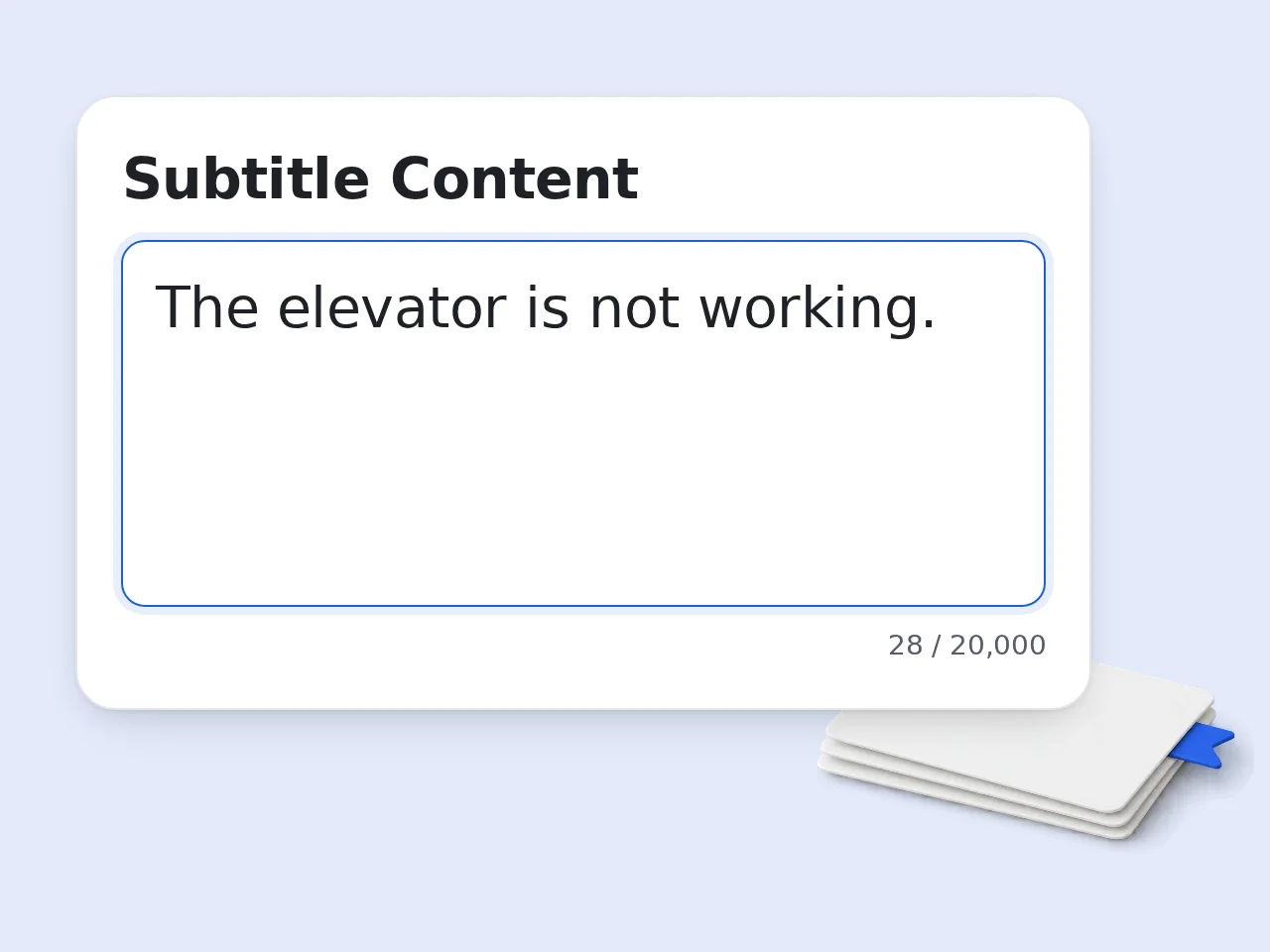
Paste your subtitle content
Drop in subtitle lines, SRT text, or caption blocks. If timestamps are already present, keep them in place for the cleanest result.
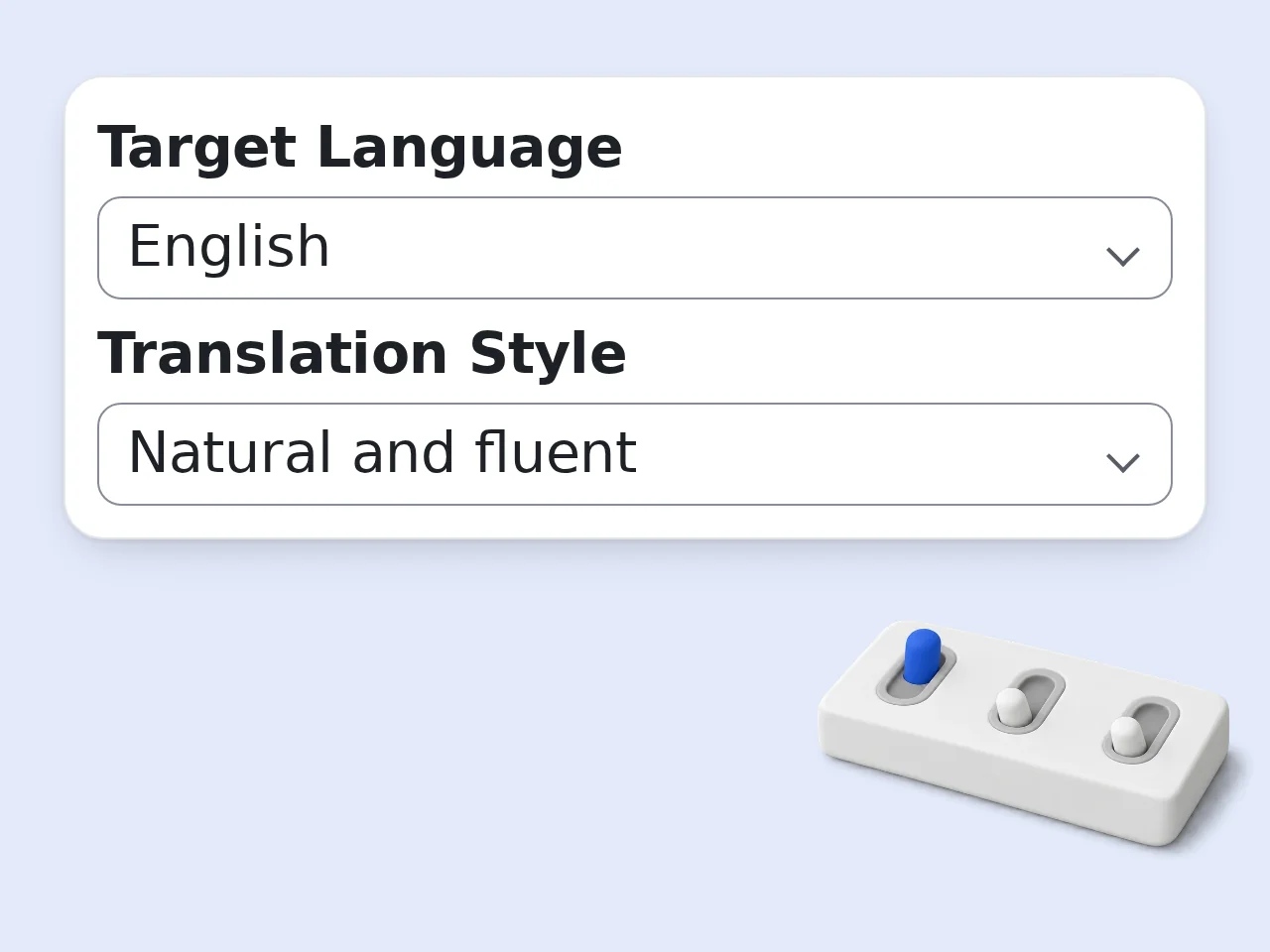
Pick language and style
Choose the target language, decide how natural or literal the translation should be, and set whether timestamps must stay untouched.
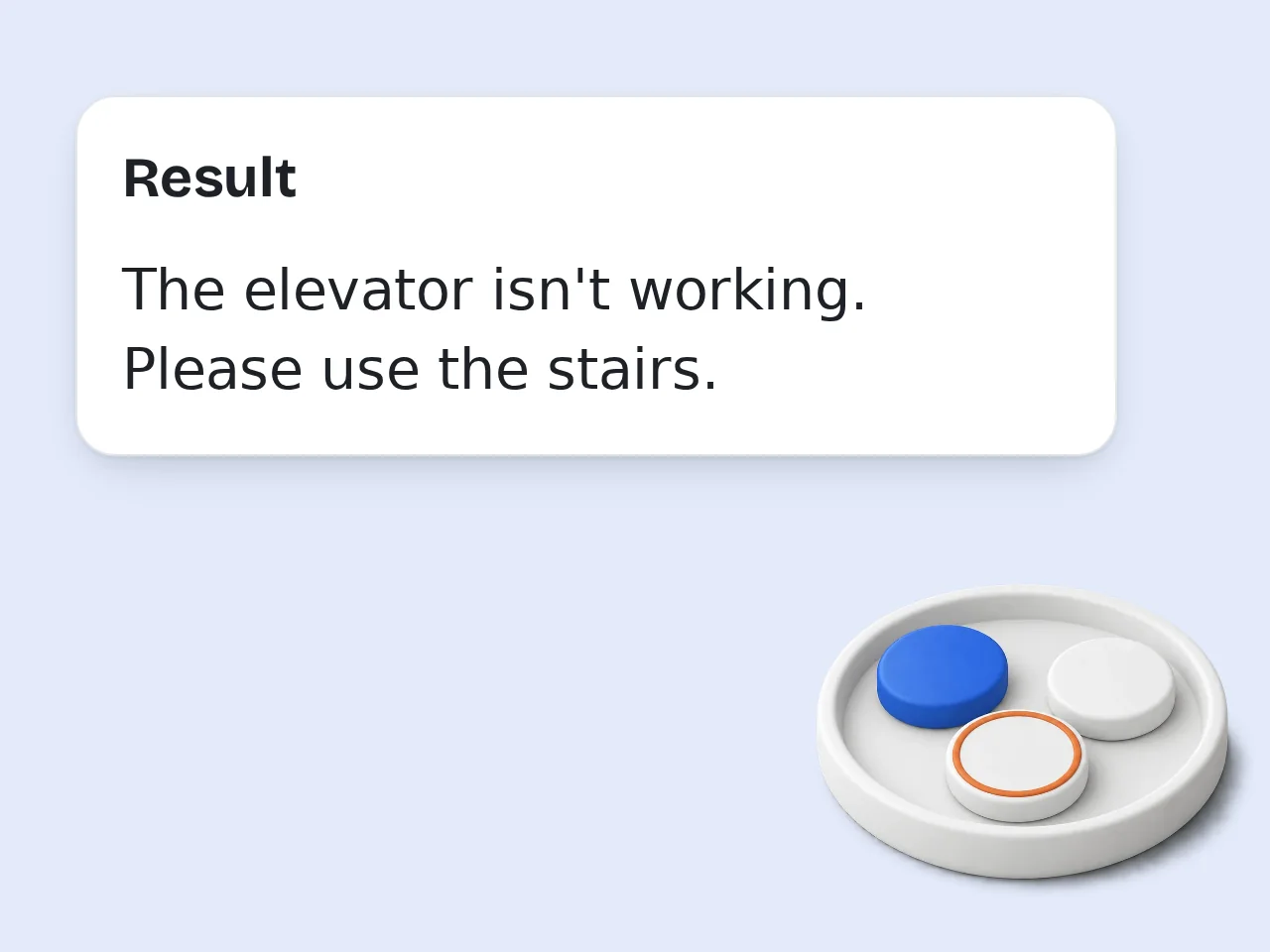
Generate and review
Run Subtitle Translator AI, then scan the translated blocks for terminology, names, or line-length tweaks before exporting or reusing them.
Key Features of Subtitle Translator AI
Built for subtitle translation, not generic chat output
Keeps Subtitle Structure Intact
Preserve numbering, timestamps, and block order when your subtitle file already has them. That makes the output easier to reuse in SRT-style workflows.
Natural Viewer-Friendly Translation
Translate captions into clean language that sounds normal on screen, not stiff or over-literal. This helps subtitles stay readable at real playback speed.
Works for Video, Courses, and Social Clips
Use it for movie scenes, YouTube captions, tutorial subtitles, interviews, or short-form content that needs fast multilingual localization.
Frequently Asked Questions about Subtitle Translator AI
Common questions about translating subtitles online
What is Subtitle Translator AI?
Subtitle Translator AI is a tool that translates subtitle text, SRT blocks, and caption lines into another language while keeping the result usable as subtitles. It is designed for readability on screen, not just raw sentence conversion. That means it tries to preserve subtitle structure, timing patterns, and clean line flow when possible. It works well for video localization, content repurposing, and quick subtitle cleanup.
Can Subtitle Translator AI translate SRT files?
Yes. You can paste SRT content directly, including numbering and timestamps, and Subtitle Translator AI can translate only the subtitle text while keeping the structure stable. That is useful when you want a fast draft before final subtitle QA. It also helps if you need to localize captions without manually rebuilding the file layout.
Does Subtitle Translator AI keep timestamps?
Yes, if your input already includes timestamps and you choose to preserve them. Subtitle Translator AI is built to keep numbering, timing, and subtitle block order when that structure matters. That makes the output easier to reuse in subtitle editors or subtitle pipelines. If you only want translated text, you can turn that off and get a cleaner plain-text result.
What subtitle formats work best?
SRT-style text works best because it already includes clear blocks, numbering, and timing. Subtitle Translator AI also works with plain caption lines, VTT-like text pasted into the box, and subtitle chunks copied from editors. If the formatting is messy, the tool still tries to translate the visible subtitle text cleanly. The clearer the structure, the cleaner the result.
Is Subtitle Translator AI good for YouTube subtitles?
Yes. Subtitle Translator AI works well for YouTube subtitle drafts, creator captions, interview clips, and repurposed long-form video content. It is especially useful when you need a readable translation fast and plan to do a final pass afterward. For multilingual publishing, it can save a lot of first-draft time.
Can it handle slang or casual dialogue?
Yes. Subtitle Translator AI can translate casual speech, conversational phrasing, and slang more naturally than rigid word-for-word output. If you choose a localized style, it can adapt expressions so they feel more native to viewers. If precision matters more, use the literal mode instead.
Who should use Subtitle Translator AI?
It is useful for creators, editors, educators, marketers, agencies, and anyone localizing video captions. Subtitle Translator AI fits fast production workflows where you need subtitle-ready language rather than generic translation output. It also helps students and researchers who need readable subtitle translations for analysis. Small teams can use it as a quick first-pass localization layer.
Can I translate subtitles into Japanese, Chinese, Korean, and other languages?
Yes. Subtitle Translator AI is built for multilingual subtitle translation and can be used for common localization targets like Japanese, Chinese, Korean, English, Spanish, and more. The exact result still depends on subtitle quality and context. Adding a little context about the video type usually improves terminology choices.
Why use Subtitle Translator AI instead of a generic chatbot?
A generic chatbot can translate text, but Subtitle Translator AI is set up around subtitle work. It focuses on structure, timing preservation, concise lines, and viewer-ready phrasing. That means less prompt-writing and fewer formatting mistakes. If subtitles are the job, a subtitle-focused workflow is simply cleaner.
How do I get better subtitle translation results?
Paste complete subtitle blocks, keep timestamps if you have them, and add terminology notes for names or brand words. Subtitle Translator AI works best when the input shows clear subtitle boundaries and context. If a translation feels stiff, switch to natural or localized mode. If precision matters for compliance or education, stay closer to literal mode and review key lines.
Is Subtitle Translator AI free to use?
Yes, Subtitle Translator AI is positioned for free trial-style use, which makes it easy to test on short subtitle sections or draft translations. That is enough for checking quality before using it more heavily in a workflow. If you handle lots of subtitle files, use the free runs to validate fit first.
Can I use Subtitle Translator AI for movies, courses, and training videos?
Yes. Subtitle Translator AI works well for movie scenes, internal training videos, course subtitles, webinars, tutorials, and creator content. It is especially handy when you want a quick readable draft before polishing terminology and timing in a subtitle editor. For professional release, a final human review is still smart.
Still have questions?
Contact our support teamReady to Try Subtitle Translator AI?
Paste your captions and translate subtitle text in seconds.