AI Memo Writer for Clear, Actionable Business Memos
Turn decisions, updates, policies, and requests into a professional memo with the right structure.
How to Use the AI Memo Writer Online
Provide the verified message, select the communication style, and review the completed draft before distribution.
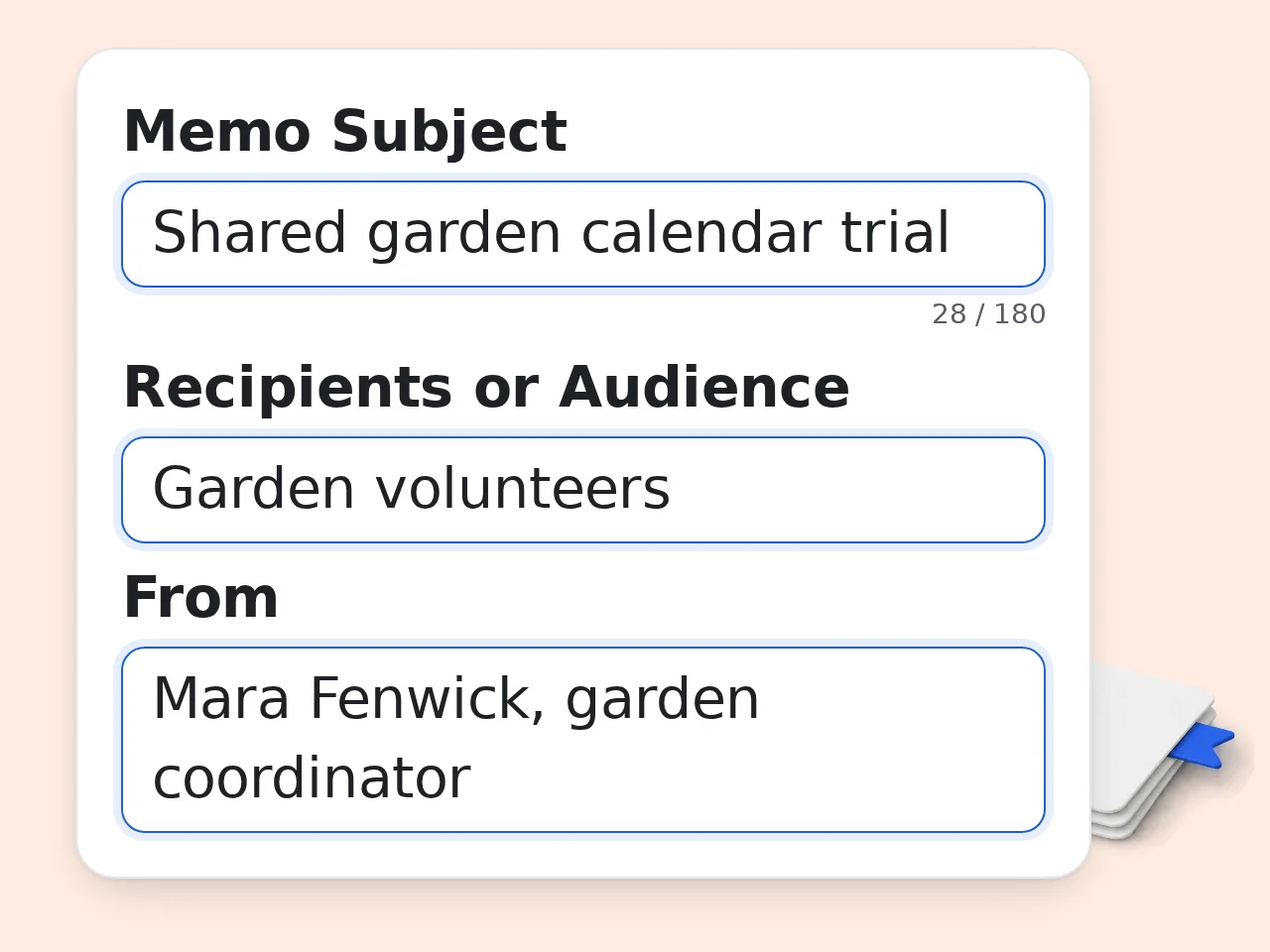
Define the Memo and Audience
Enter a precise subject, recipients, sender, and purpose. Identify whether readers need awareness, approval, a decision record, or immediate action.
Add Confirmed Facts and Required Action
List the decision, rationale, effective date, affected teams, constraints, exceptions, owners, and deadlines. Mark tentative information clearly.
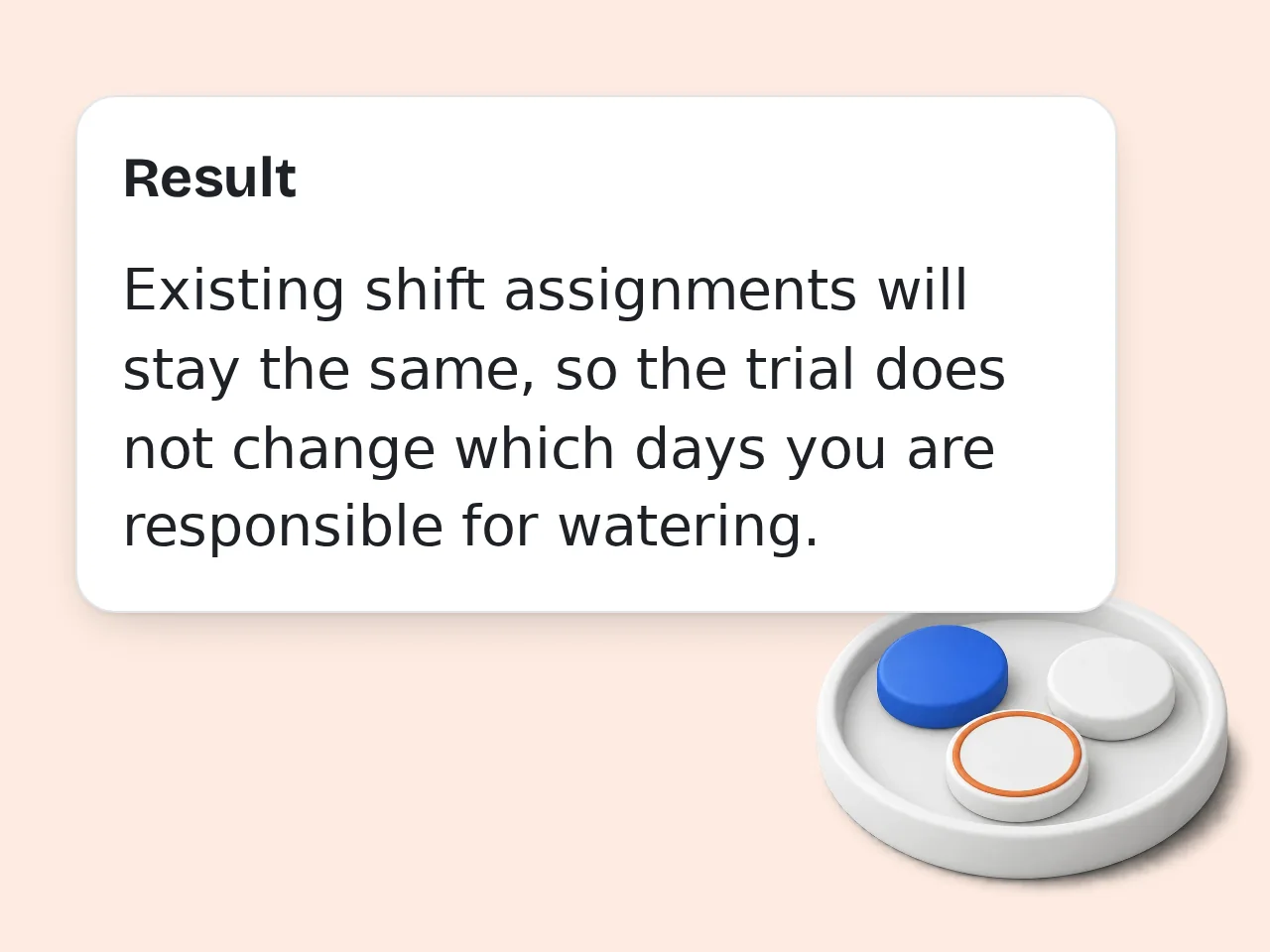
Generate, Verify, and Approve
Use the AI memo writer, then compare every name, number, date, condition, link, and responsibility with source records before sharing.
AI Memo Writer Features for Professional Communication
Build a memo around the decision, audience, evidence, and action—not generic corporate filler.
Purpose-Based Memo Structure
Create announcements, policy explanations, requests, decision records, project updates, or incident summaries. The AI memo writer chooses headings that fit the communication goal.
Facts, Owners, and Deadlines Stay Visible
Supply dates, numbers, affected teams, exceptions, responsibilities, and deadlines. The prompt tells the AI memo writer to preserve them and flag missing essentials rather than guess.
Tone, Length, and Language Controls
Choose a professional, concise, persuasive, or supportive voice; set brief, standard, or detailed length; and select the final output language for recipients.
AI Memo Writer Frequently Asked Questions
Practical answers about memo format, input details, policy updates, incident communication, languages, and human review.
What is an AI memo writer, and what does it produce?
An AI memo writer turns organizational facts into a structured internal memorandum. You provide the subject, recipients, purpose, key points, required action, tone, and preferred length. It then arranges that material under standard memo fields and useful headings. Unlike a general article generator, an AI memo writer emphasizes decisions, effective dates, affected teams, responsibilities, and next steps. The finished draft should still be carefully checked against source records before distribution.
How do I use the AI memo writer for a stronger draft?
Begin with a precise subject and name the actual audience. In Key Facts and Points, include the decision or update, why it matters, dates, affected groups, constraints, and confirmed figures. Use Action Required to state who must do what and by when. The AI memo writer can organize incomplete notes, but clearer source details produce a more useful memo. Review names, dates, policy wording, links, owners, and deadlines before sending the result.
Which kinds of business memos can the tool create?
The AI memo writer supports announcements, policy or procedure explanations, approval requests, decision summaries, project updates, and incident or issue reports. Those categories cover common internal communication such as schedule changes, new operating rules, budget decisions, rollout updates, and service disruptions. Choose the closest purpose, then describe the specific situation. The same facts may require different emphasis depending on whether readers need awareness, approval, a decision record, or immediate action.
What information should I include in the memo form?
Include the memo subject, intended recipients, sender or department, purpose, and all facts readers need to understand the message. Useful details include dates, locations, decision owners, affected systems or teams, reasons, exceptions, dependencies, and required actions. If a claim is tentative, label it as an estimate or proposal. The AI memo writer should not have to infer whether something is approved, who owns a task, or when a change becomes effective.
Does the AI memo writer follow a standard memo format?
Yes. The generated draft begins with To, From, Date, and Subject, then moves into a concise purpose statement and descriptive sections. When the input contains responsibilities or deadlines, it adds an Action Required section that makes them easy to scan. The exact headings vary with the purpose: a project update may use Status and Next Milestones, while a policy memo may use Change, Effective Date, and Responsibilities. This keeps the format standard without forcing every memo into identical wording.
Can it write a short executive memo or a detailed memo?
Yes. Select Brief for a compact update of roughly 150 to 250 words, Standard for a balanced 300 to 500 word memo, or Detailed when readers need background, constraints, and implementation notes. Length does not authorize invented detail. A brief memo should still show the central decision and required action; a detailed memo should use only facts supplied by you. If the draft feels repetitive, shorten the background before removing deadlines, exceptions, or responsibilities.
How does the tool handle missing facts or uncertain decisions?
The AI memo writer is instructed not to guess. When an essential item is absent, it may insert a short bracketed note such as [confirm effective date] or [confirm owner]. It also distinguishes proposals from approved decisions and estimates from confirmed numbers. Replace every bracketed note and verify every status before distribution. For uncertain situations, clearly label what is known, what remains under review, who will decide, and when the next update is expected.
Can I use the AI memo writer for policy and procedure changes?
Yes. Provide the old rule when comparison matters, the approved new rule, effective date, affected people, exceptions, implementation steps, and contact for questions. The AI memo writer can arrange these details into a clear policy memo with responsibilities and deadlines. It cannot decide whether the policy is lawful, complete, or properly authorized. Human owners should verify governance, employment, legal, privacy, security, and regulatory implications before publishing a consequential organizational change.
Is the tool appropriate for incident or issue memos?
It can draft a factual incident or operational issue memo from confirmed information. Include what occurred, when it was detected, affected services or groups, current impact, response actions, unresolved questions, and the next update time. Avoid unsupported blame, speculation, or personal data. The AI memo writer will organize the record, but incident leaders must review technical accuracy, confidentiality, legal privilege, notification duties, and any language that could be interpreted as a final root-cause finding.
Can the memo be generated in another language?
Yes. Choose an output language in the advanced settings. The AI memo writer will create the memo in that language while keeping the supplied structure and facts. Translation can change nuance in policy terms, titles, dates, or obligations, so bilingual review is important for consequential communication. Preserve official names and defined terms exactly where required. If recipients use different languages, maintain one approved source version and document which translation controls when interpretations differ.
Is an AI-generated memo ready to send without review?
No. Treat it as a writing draft, not proof that the underlying decision, policy, schedule, or incident account is correct. Compare the memo with meeting notes, approvals, source documents, and current data. Confirm recipients, confidentiality level, names, figures, dates, links, responsibilities, and action deadlines. A manager or subject owner should approve high-impact communication. The AI memo writer saves drafting time, but accountability for accuracy and distribution remains with the organization.
How can I make a memo easier for employees to act on?
Put the outcome near the top, use headings that describe the message, and separate context from instructions. State who is affected, what changes, when it takes effect, and what each group must do. Use bullets for parallel tasks and name one owner and deadline per action where possible. Remove background that does not change understanding or behavior. After using the AI memo writer, ask a colleague unfamiliar with the issue to identify the required action from a quick scan.
Still have questions?
Contact our support teamDraft Your Next Memo with the AI Memo Writer
Add the facts and required action, generate a structured memo, and verify it before distribution.