Simplifier Text: Clear Plain-Language Converter
Use a text simplifier to make dense writing easier to read without turning it into a loose summary.
How to Use Simplifier Text Online
Provide complete source text, choose the right controls, and compare the rewrite with the original.
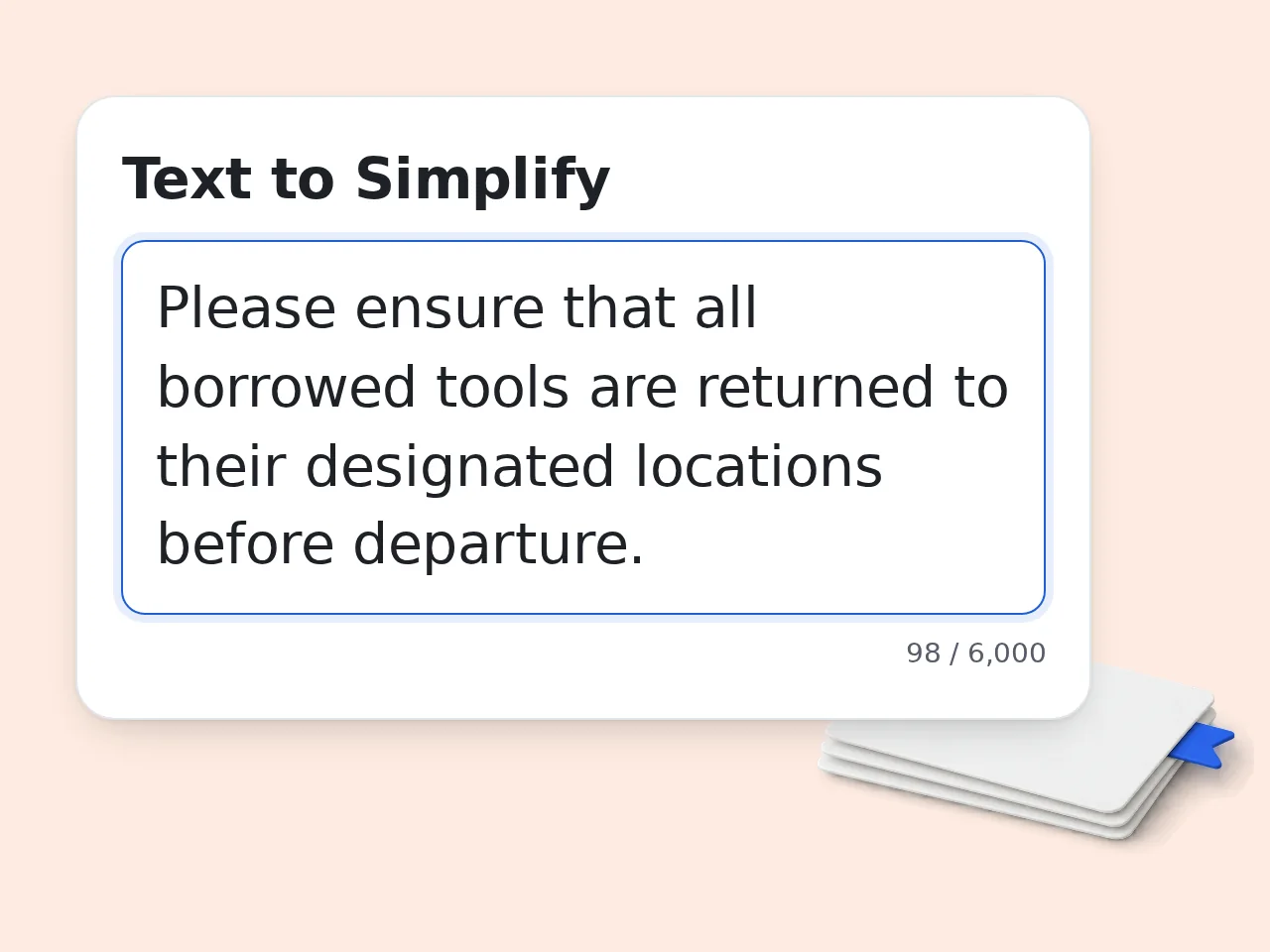
Paste the Full Text to Simplify
Add the sentence, paragraph, email, policy, instructions, or technical passage. Include nearby context when pronouns, conditions, exceptions, or references depend on earlier sentences.
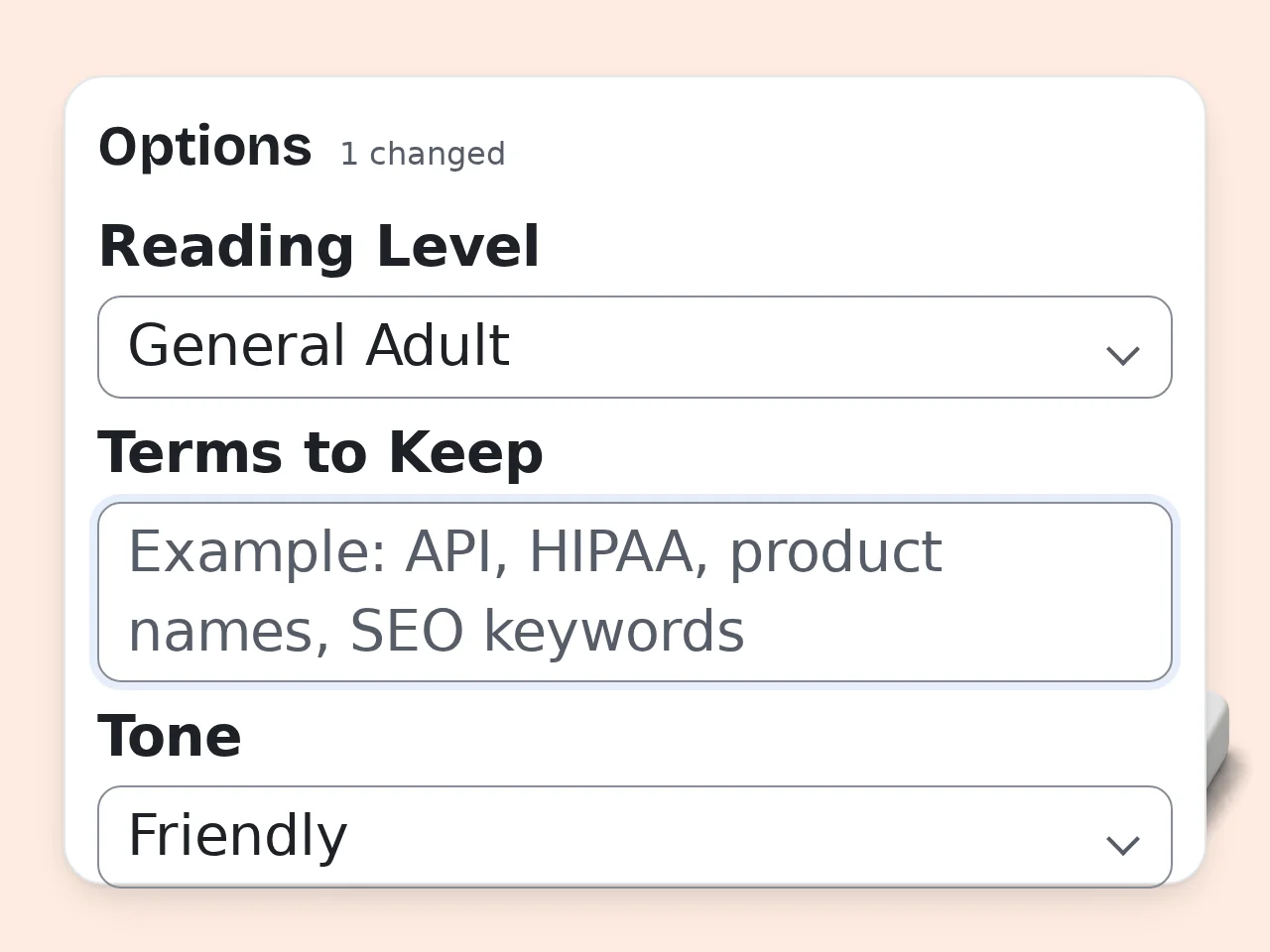
Choose Mode and Advanced Settings
Select a simplification mode, reading level, tone, and output language. Enter every acronym, name, phrase, keyword, or technical term that must remain visible in Terms to Keep.
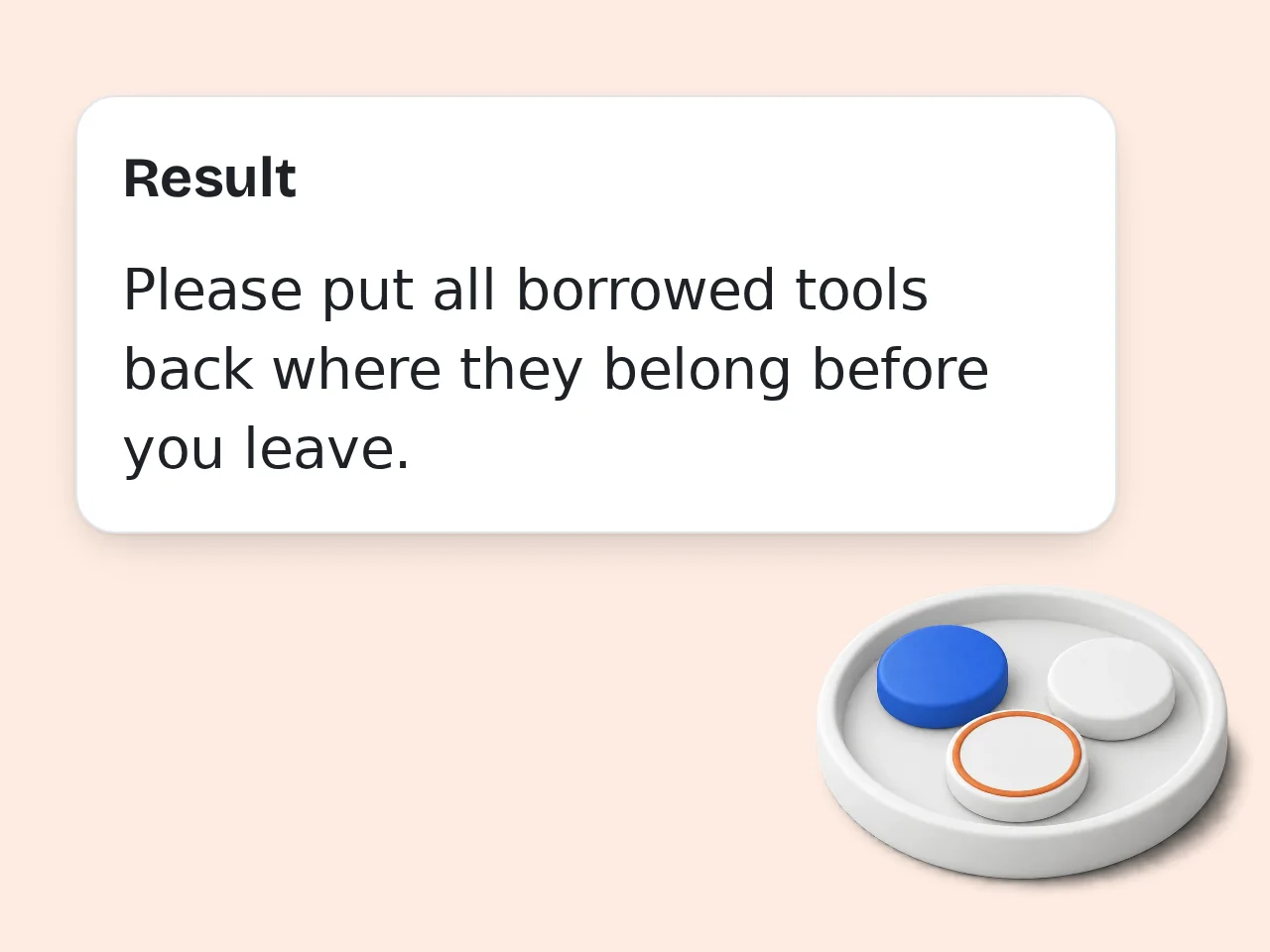
Generate and Perform a Meaning Check
Read the simplified text beside the source. Check every number, deadline, condition, negative statement, warning, exception, and defined term; revise the settings or input if meaning has drifted.
Simplifier Text Features for Meaning-Preserving Rewrites
Change readability and wording while keeping the source text—not outside information—as the basis of the result.
Four Practical Simplification Modes
Choose clear plain language, simplify and shorten, explain difficult terms, or preserve the original structure. Each mode changes how simplifier text handles wording, repetition, definitions, headings, lists, and paragraph order.
Protected Details and Required Terms
The text simplifier is instructed to retain names, numbers, units, dates, negation, conditions, exceptions, warnings, attribution, and causal links. Add product names, acronyms, legal phrases, or technical labels to Terms to Keep.
Reading Level, Tone, and Language
Set very easy, easy, general adult, or professional-but-clear reading. Choose a neutral, professional, friendly, or conversational tone, then select the output language that should be used for the simplified version.
Simplifier Text Frequently Asked Questions
Answers about plain-language rewriting, summaries, protected details, technical material, output languages, credits, and meaning checks.
What is simplifier text, and how does it work?
Simplifier text is a plain-language converter that rewrites text you supply so it is easier to read while aiming to preserve the original meaning. It changes wording and sentence structure rather than researching the topic. The selected mode, reading level, protected terms, tone, and output language guide the rewrite. The source remains the only factual basis for the result. Always compare important output with the original, because language simplification can still introduce omissions or meaning drift.
How do I use the text simplifier for a better result?
Paste a complete passage, choose the simplification mode, and set the reading level, tone, protected terms, and output language. Complete context helps the text simplifier keep references, limits, and relationships clear. Use Clear for a full plain-language rewrite, Shorten for repetition, Explain Terms for brief definitions, or Preserve Structure for headings and lists. After generating, compare both versions line by line and adjust the input or settings if an important detail changed.
Is simplifier text free to use?
Yes, simplifier text is free to try with included credits. Guests receive daily credits, free accounts receive monthly credits, and subscribers receive credits according to their plan. Each request uses the credit cost shown for this tool, so a credit balance should not be described as a fixed number of simplifications. Costs and available balances may differ by account type. Check the credit display before submitting a long passage or requesting another version.
How many credits are available for simplifying text?
Credit access depends on account type: guests receive a daily credit allowance, free accounts receive a monthly allowance, and subscribers receive credits according to their plan. The interface shows the balance currently available to you. A tool request consumes the displayed credit cost, so credits do not equal a guaranteed number of outputs. Revisions and additional versions may require separate requests. Prepare the source, protected terms, and settings first so one request addresses the intended reading need.
Can I simplify text online without creating an account?
Yes, you can simplify text online as a guest while guest daily credits are available. Creating an account is not required for an initial attempt, although account types have different credit allowances. The text simplifier only works from the text and settings submitted in the form. It does not need a concept name, website link, image, or outside source. Copy the result you want to keep and review it before using it in another document.
Is text simplification the same as summarization?
No. Text simplification aims to express the same information more clearly, while summarization intentionally selects and compresses the main points. Simplifier text should not remove important qualifications merely to make a passage shorter. The Shorten mode can remove repetition and filler, but facts, conditions, warnings, and exceptions should remain. A true summary may omit many supporting details. If every detail matters, choose Clear or Preserve Structure and check the rewrite against each source sentence.
Will the plain-language converter keep numbers, conditions, and exceptions?
It is instructed to preserve names, numbers, units, dates, deadlines, negation, conditions, exceptions, warnings, attribution, and causal links. These details often control the meaning of policies, instructions, contracts, and technical passages. Even careful rewriting can make a qualifier less visible or connect it to the wrong sentence. Lists and nested conditions deserve extra attention. Compare each protected detail with the source, especially words such as not, unless, only, except, before, and after.
How do Terms to Keep help with technical text?
Terms to Keep tells the text simplifier which acronyms, product names, legal phrases, technical labels, or SEO keywords should stay visible. Add terms exactly as they appear when spelling and capitalization matter. In Explain Difficult Terms mode, necessary jargon can remain while the surrounding language or a brief contextual definition becomes clearer. The tool does not verify whether the technical claim is correct. Review definitions with the source or a subject specialist before publishing specialized material.
Which reading level, tone, and output language should I choose?
Choose the reading level for the intended reader, the tone for the situation, and the output language for the final text. Very Easy uses common words; Professional but Clear retains necessary specialist language. Tone changes presentation, not facts: neutral is direct, professional is polished, friendly is approachable, and conversational is informal. Output language may also require translation during simplification. When exact wording matters across languages, ask a fluent reviewer to compare the result with the source.
Can simplifier text preserve headings and handle high-risk text?
Yes. Preserve Original Structure asks simplifier text to keep headings, lists, paragraph order, and formatting while simplifying sentences. It can process medical, legal, financial, safety, and policy wording as language, not professional advice. High-risk passages may depend on defined terms, jurisdiction, formulas, dosage, exclusions, or precise warnings. A clearer sentence can still be wrong if one relationship shifts. Check the result against the original and use a qualified professional when decisions or safety depend on it.
What should I do if the simplified text changes the meaning?
Stop using that version and identify the changed fact, condition, reference, or relationship. Restore the missing context, add essential phrases to Terms to Keep, and choose Clear or Preserve Structure instead of a shorter mode. Long inputs with nested clauses may work better when divided into complete sections, but do not split definitions from the rules that rely on them. Regenerate, compare again, and keep the original wording wherever simplification cannot preserve the required precision.
Still have questions?
Contact our support teamUse Simplifier Text for a Clearer Version
Turn supplied writing into clearer language, then check the result against the original before you use it.