Website Description Generator
Create factual homepage, About page, directory, and SEO descriptions from the details you provide
How to Use the Website Description Generator
Add trustworthy site details, choose the destination, then edit the strongest draft
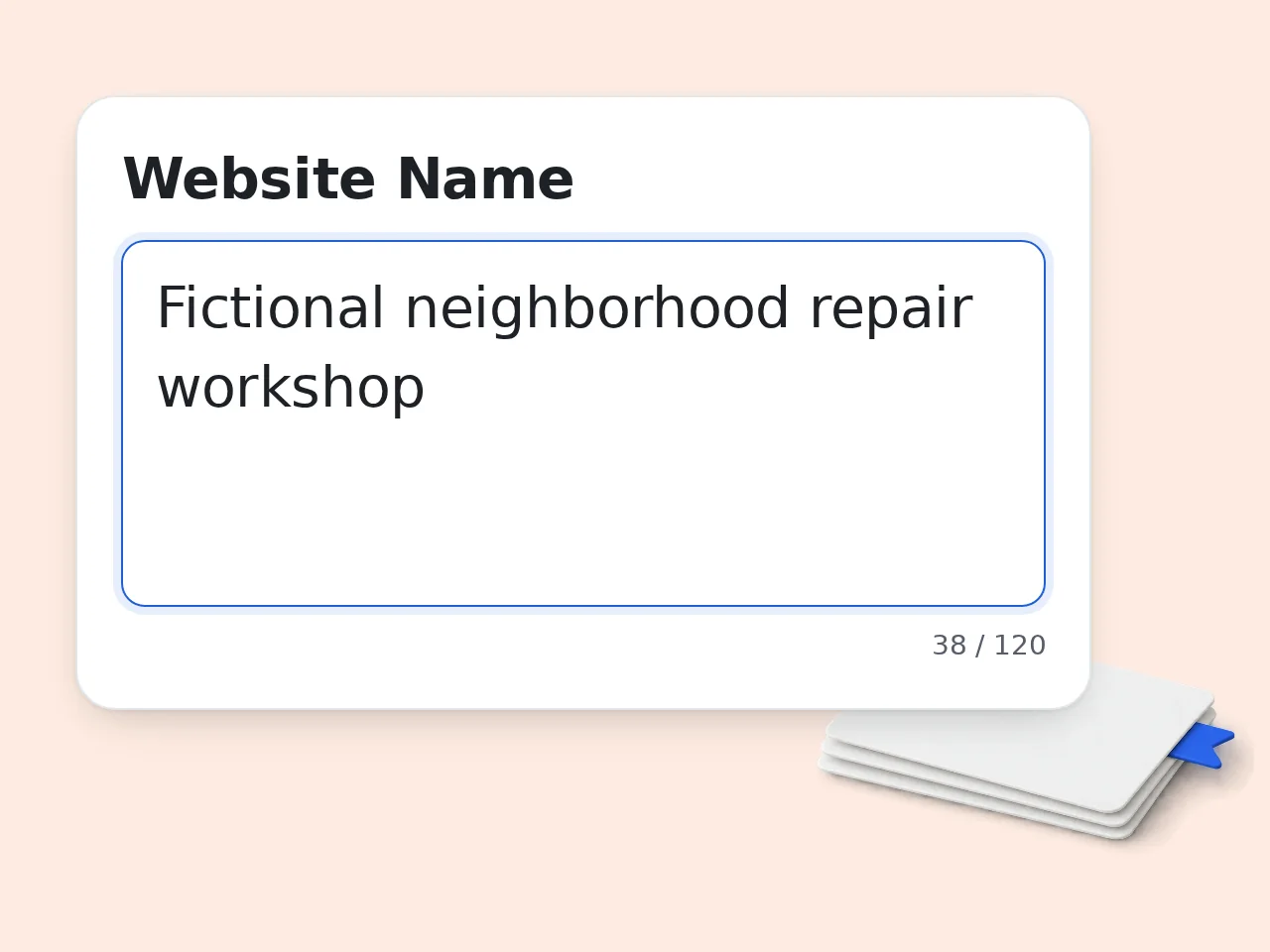
Describe the Website Clearly
Enter the website name, type, purpose, target audience, and key features. Use concrete facts such as services, topics, workflows, or user outcomes rather than broad claims like innovative, leading, or best.
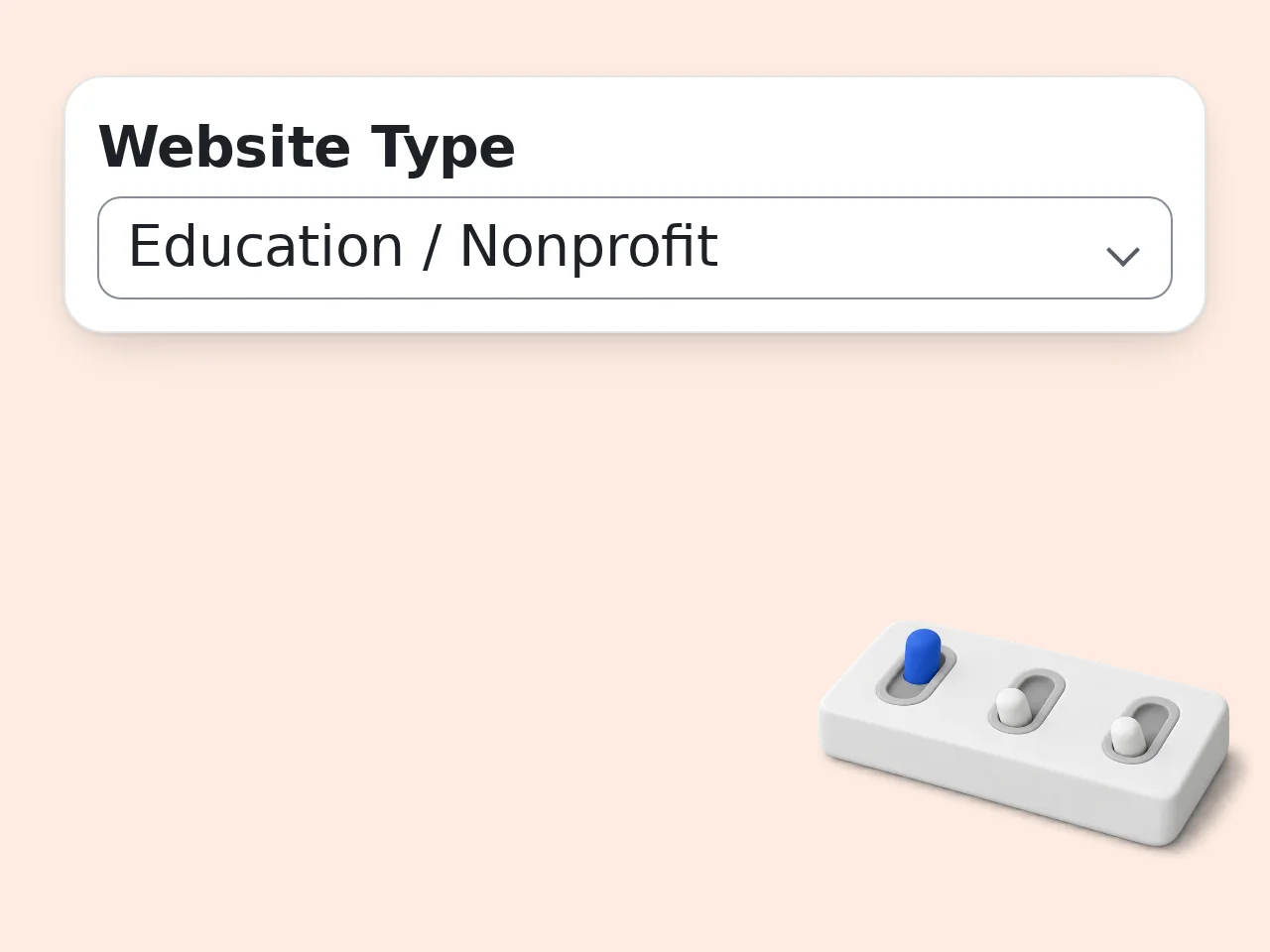
Choose Purpose, Tone, and Length
Select where the copy will appear and how it should sound. Add a genuine differentiator and relevant keywords when available; leave uncertain optional details blank rather than asking the generator to guess.
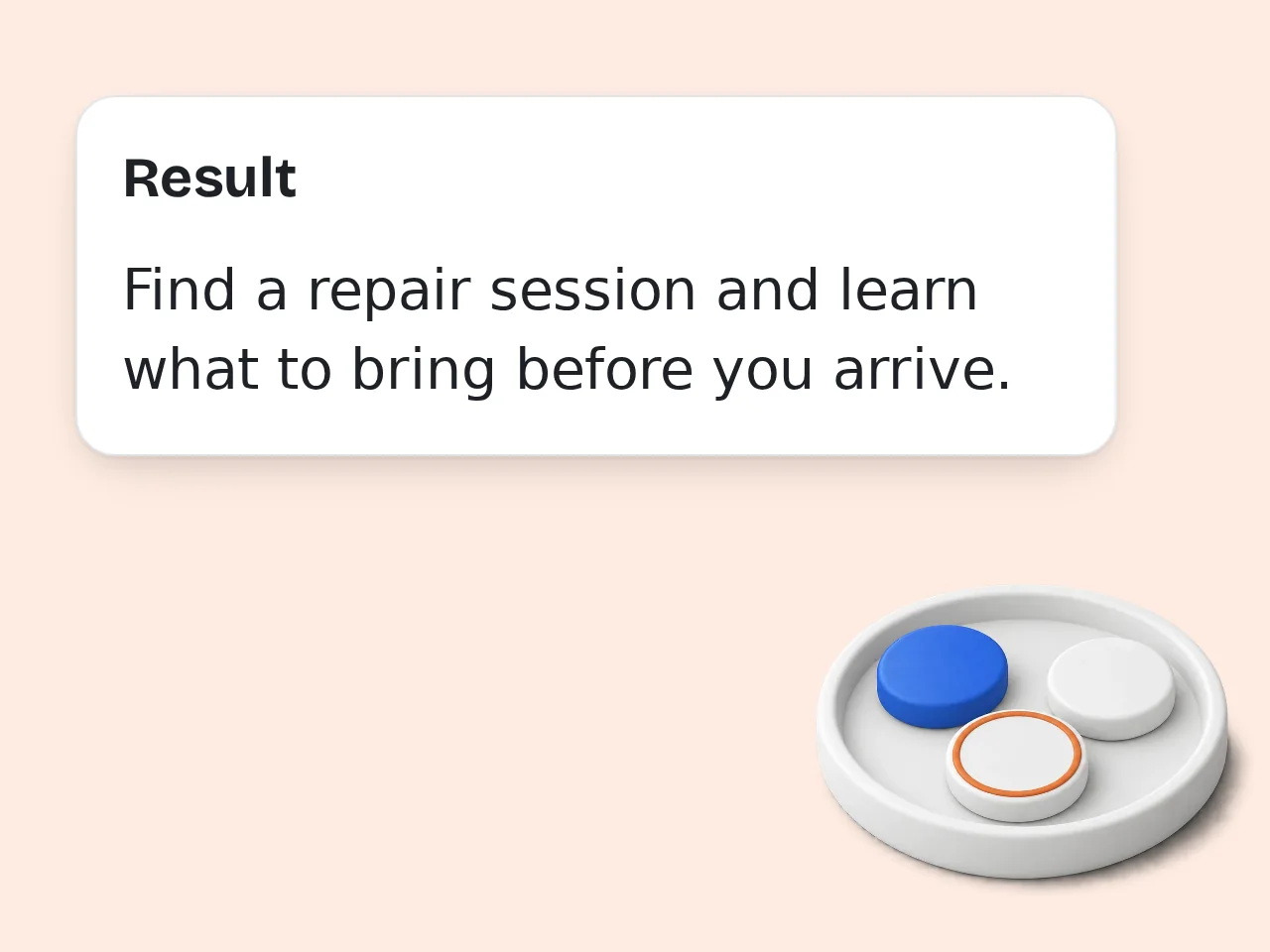
Generate, Verify, and Publish
Compare the main and compact descriptions, inspect the meta description, and check every factual statement. Edit the wording for brand voice, confirm current links or offers, and publish only the version you can support.
Website Description Generator Features
Controls for useful website copy without invented claims or generic filler
4 Website Description Formats
Create copy for a homepage, About page, business directory, or structured website overview. The website description generator changes the emphasis and organization for each placement instead of returning the same paragraph with a different heading.
Dedicated SEO Meta Description
Receive a separate search-snippet draft built from your supplied purpose, audience, features, and keywords. The result targets a practical length and readable wording, but it does not promise rankings or replace a final check in a snippet preview.
Fact-Constrained Website Copy
The prompt tells the model not to invent traffic, customers, awards, certifications, security controls, integrations, or performance results. Missing details are treated as gaps to review, helping you keep the final website description accurate.
Website Description Generator Frequently Asked Questions
Answers about inputs, SEO descriptions, URL handling, credits, accounts, and editing
What is a website description generator and how does it work?
A website description generator turns the facts you provide into clear copy explaining a site’s purpose, audience, features, and value. It organizes those details for a homepage, About page, directory listing, or project overview. The tool also creates a compact version and a separate SEO meta description, so one set of inputs can support several placements. Review the output before publishing because the generator cannot verify facts that were missing, vague, or outdated in your source details.
How do I use the website description generator for better results?
Start with the website name, purpose, intended audience, and three to five concrete features or services. Explain the main user benefit and a real differentiator instead of relying on broad marketing adjectives. Next, choose the destination, tone, and length, then add only keywords that accurately describe the site. Generate the draft and compare both versions. For the final edit, remove unsupported claims, shorten repeated ideas, and make sure the opening answers what the website does within two sentences.
Is the website description generator free to use?
Yes, the website description generator is free to try with included credits. Guests receive 10 credits per day, free registered users receive 100 credits per month, and subscribers receive more credits according to their plan. Each request uses the credit cost configured for this tool, so the allowance is not a fixed number of descriptions. The current cost appears near the generator. Prepare your site facts before running a request to reduce unnecessary retries and get more value from the available credits.
How many free credits do I get for website descriptions?
Guests receive 10 free credits each day, while free registered users receive 100 credits each month. Subscribers get a larger allowance based on the subscription plan they choose. Credits should not be treated as a guaranteed generation count because different tools can have different per-request costs. Check the displayed cost and your balance before generating. Save useful drafts outside the tool, then spend another request only when a changed audience, format, or message requires a genuinely different version.
Can I create a website description without an account?
Yes. You can use the website description generator as a guest while the daily guest credit allowance is available, so an account is not required for an initial draft. A free account provides a monthly credit allowance and may be more convenient when you need versions for several pages or listings. Account status does not remove the need for review. Avoid entering passwords, private customer information, confidential strategy, or any detail that should not appear in a working marketing document.
Can this tool write an SEO meta description for my website?
Yes. Select the SEO meta description use case and provide the page purpose, audience, key features, and relevant search terms. The tool returns a concise snippet draft separate from the longer website copy. A strong meta description summarizes the page accurately and gives searchers a useful reason to click, but it cannot guarantee rankings or traffic. Search engines may also rewrite snippets. Check length in a current preview tool, keep the main point near the beginning, and remove keywords that make the sentence sound forced.
What information should I provide for an accurate website description?
Provide the website name, site type, core purpose, target audience, and the most important features, services, or content areas. Add a real differentiator, location, qualification, or workflow only when it is relevant and verifiable. The generator can write around missing optional details, but vague inputs usually produce vague copy. It should never invent customer counts, awards, security claims, integrations, or measurable results. Before publishing, compare each statement with the live offer and update anything that has changed since the information was entered.
Does the website description generator visit or crawl my URL?
No. The website description generator does not visit, crawl, or analyze the URL you enter. The URL is treated only as reference text, and the output is based on the facts entered in the form. This makes the tool usable for websites that are private, under development, or not yet launched. It also means missing page details cannot be discovered automatically. Paste the important facts into the purpose and feature fields, then verify that the generated copy does not imply a page review that never occurred.
Why use this generator instead of asking a general chatbot?
This generator provides dedicated fields for the facts and choices that shape website copy, including audience, placement, tone, length, differentiator, and keywords. Its prompt also requests several useful output formats and limits unsupported claims. A general chatbot can produce similar copy, but you must build and repeat that structure yourself. The focused form is helpful for consistent work across sites, clients, or page types. Choose the workflow that makes factual review easiest; neither option replaces human editing or responsibility for published claims.
What should I do if the generated website description feels generic?
Replace broad inputs with specific details about the site’s users, tasks, content, services, and distinctive process. Name the problem solved and the practical outcome without promising results you cannot prove. Then regenerate with the correct placement and a tone that matches the existing brand. If only one sentence is weak, edit it directly instead of spending credits on repeated full drafts. Read the opening aloud, remove repeated adjectives, and ask whether a first-time visitor can understand the site’s purpose and audience immediately.
Still have questions?
Contact our support teamCreate Your Website Description Now
Turn verified site details into clear copy for the page, listing, or search snippet you need.