AI Business Description Generator
Turn business facts into clear company copy for websites, profiles, plans, and pitches
How to Use the AI Business Description Generator
Create a credible business description in three focused steps
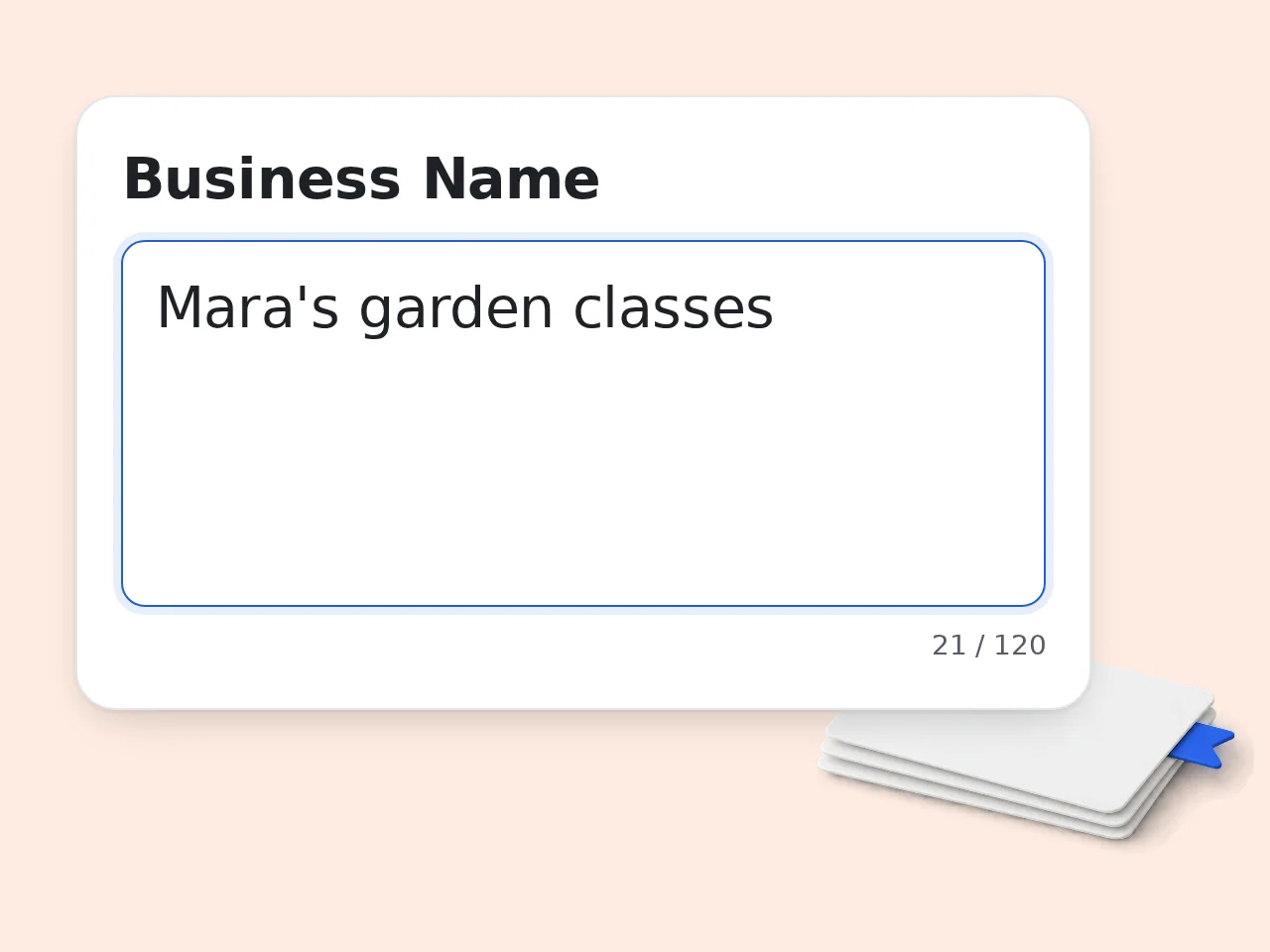
Add the Business Facts
Enter the business name, industry, products or services, target customers, service area, and genuine differentiators. Specific facts give the AI business description generator enough material to avoid vague company language.
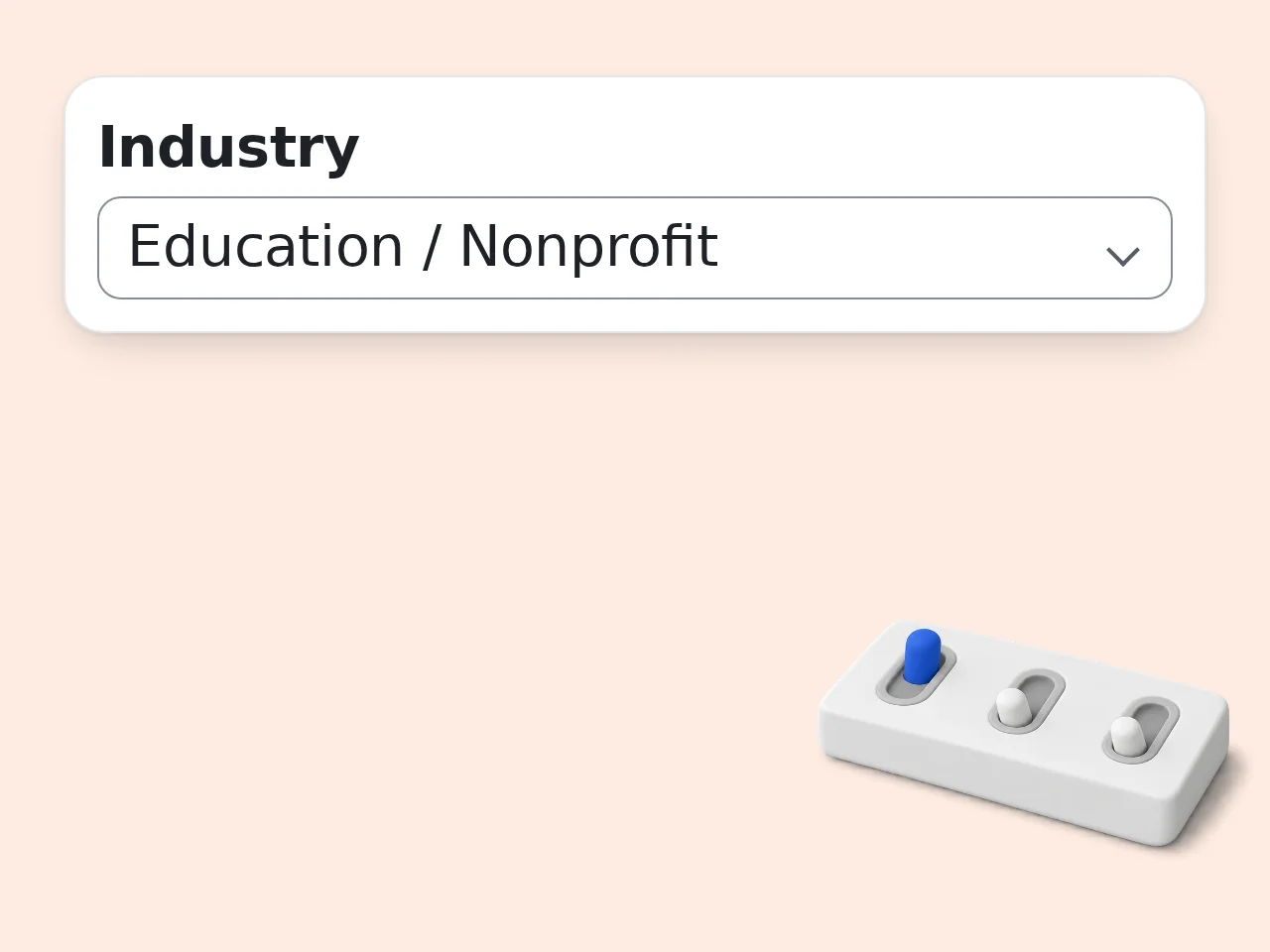
Choose the Placement and Voice
Select where the copy will appear, then choose tone and length. Add required keywords only when they describe the real offer, location, specialty, or category customers use to find the business.
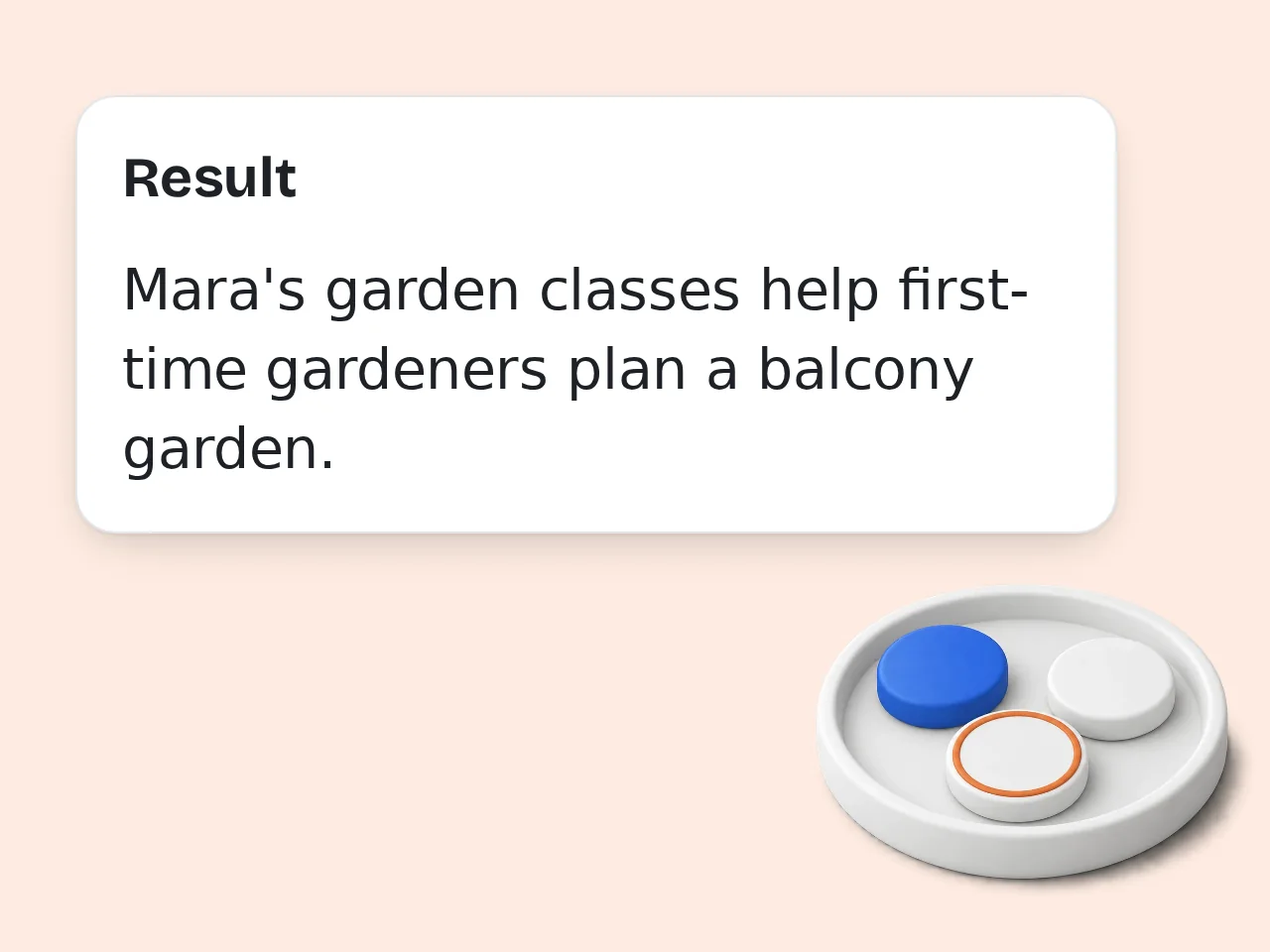
Generate, Check, and Edit
Review the main description, compact version, and message check. Confirm every factual claim, remove anything that overstates the offer, and make small brand-voice edits before publishing the final business description.
Key Features of the AI Business Description Generator
Practical controls for useful company descriptions instead of generic marketing filler
6 Business Description Formats
Write for an About page, Google Business Profile, business plan, pitch deck, directory listing, or social profile. The structure and emphasis change for the selected placement, so the same business facts do not become one recycled paragraph.
Fact-Constrained Business Copy
The generator uses the details you provide and avoids making up founding dates, customer counts, awards, certifications, rankings, partnerships, or results. Missing proof is flagged for review instead of being turned into a confident but unsupported claim.
Tone, Length, and Keyword Controls
Choose professional, friendly, persuasive, concise, premium, or casual copy. Set a clear word range and add important service or SEO phrases. Keywords are placed naturally, with clarity taking priority over mechanical repetition.
AI Business Description Generator Frequently Asked Questions
Straight answers about inputs, platforms, credits, factual accuracy, and editing
What is an AI business description generator?
An AI business description generator turns basic company facts into a clear explanation of what the business offers, who it serves, and why it is relevant. It organizes your details rather than asking you to begin with a blank page. The result can be adapted for a website, profile, plan, pitch, or directory. You still control the facts and final wording. Review every claim, add verified proof where useful, and edit the draft to match the company’s established voice.
How do I use the AI business description generator?
Start with the business name, industry, offer, target customer, and any location that matters. Add a real differentiator such as a specialized process, verified experience, or service model. Next, choose the publishing purpose, tone, and length, then generate the draft. Read the main version and short version aloud. Correct facts, remove broad promises, and replace generic phrases with language customers actually use. Better source details produce a more specific business description with fewer editing rounds.
Is the AI business description generator free to use?
Yes, the AI business description generator is free to try with included credits. Guests receive 10 credits each day, free registered users receive 100 credits each month, and subscribers receive more credits according to their plan. A request uses the credit cost configured for this tool, so the allowance is not a fixed number of descriptions. Prepare the company facts before generating to reduce unnecessary revisions. The credit indicator shows the current cost and remaining balance before another request.
How many free credits do I get for business descriptions?
Guest users get 10 free credits per day, while free registered users get 100 credits per month. Subscription plans add more credits based on the selected plan. The number of business descriptions you can create depends on the per-request credit cost shown for this tool; it should not be treated as a guaranteed generation count. Save useful drafts outside the generator, then revise the strongest one before spending credits on another direction. Focused inputs usually produce better value from each request.
Can I generate a business description without an account?
You can generate a business description as a guest while the daily guest credit allowance is available. No account is required for a quick first draft. A free account provides a monthly credit allowance and is more suitable when you need several versions for a website, directory, plan, and social profile. Regardless of account type, avoid entering confidential strategy, private customer data, passwords, or information you would not place in a working marketing document. Use only the facts needed for the copy.
Where can I use the generated business description?
The generated copy can support an About page, homepage introduction, Google Business Profile, business plan, pitch deck, proposal, marketplace listing, company directory, or social profile. Each placement has different limits and reader expectations, so choose the intended purpose before generating. A pitch deck should emphasize market relevance, while a local profile should make the service and area clear. Recheck character limits, prohibited claims, formatting, and platform policies before pasting the final description into a live listing.
Can it write a Google Business Profile description?
Yes. Select Google Business Profile as the output purpose and provide the real service area, main category, core services, and customer type. The draft should explain the business plainly without links, promotional gimmicks, keyword lists, or claims that cannot be verified. Google may enforce its own content and character policies, which can change, so check the current profile rules before publishing. Keep the strongest service and location information near the beginning, where customers can understand it quickly.
What details should I include for the best business description?
Include what the business sells, the problem it solves, the people it serves, the service area, and a genuine reason customers choose it. Useful evidence can include a verified specialty, process, qualification, material, delivery method, or support model. Avoid vague claims such as best, leading, or trusted unless you can support them. If the business has several offers, name the primary one first. Clear priorities help the generator write a focused description instead of an unfocused list of everything available.
Will the generator invent facts about my company?
The prompt is designed to use only supplied facts and to flag missing information rather than manufacture proof. Even so, AI output always needs human review because wording can imply more than the source details justify. Check dates, locations, qualifications, guarantees, statistics, customer counts, partnerships, awards, and performance claims line by line. If a sentence sounds impressive but you cannot point to its source, remove or rewrite it. The business owner remains responsible for the accuracy of published copy.
Why use this tool instead of asking ChatGPT directly?
This tool provides a focused form for the facts that business descriptions commonly need, including audience, service area, placement, tone, length, and required keywords. The system prompt also applies factual constraints and returns a short version plus a message check. A general chat can do similar work, but users must build and repeat that structure themselves. The dedicated workflow is useful when you want consistent inputs across clients, locations, product lines, or team members without writing a new prompt each time.
How can I improve a generated business description?
Replace broad language with concrete nouns, active verbs, and details customers can verify. Put the main offer and audience in the first two sentences, then add the strongest differentiator. Remove repeated adjectives, long origin stories, and services that distract from the primary purpose. Read the copy as a new customer: it should answer what, for whom, where, and why within seconds. Finally, compare the wording with actual sales conversations, search terms, and brand guidelines before publishing.
Still have questions?
Contact our support teamCreate an AI Business Description Now
Turn the facts you already know into clear copy for the page or profile you need.