Continue the Sentence
Turn an unfinished thought into clear, natural writing with several distinct directions to choose from.
How to Continue the Sentence in 3 Steps
Give the unfinished line, set the direction, and compare usable completions.
Paste the Exact Sentence Starter
Enter the unfinished sentence or complete thought you want to extend. Include punctuation if you know where the break belongs. Add optional context when the continuation must mention specific facts, fit an audience, or connect with a surrounding paragraph.
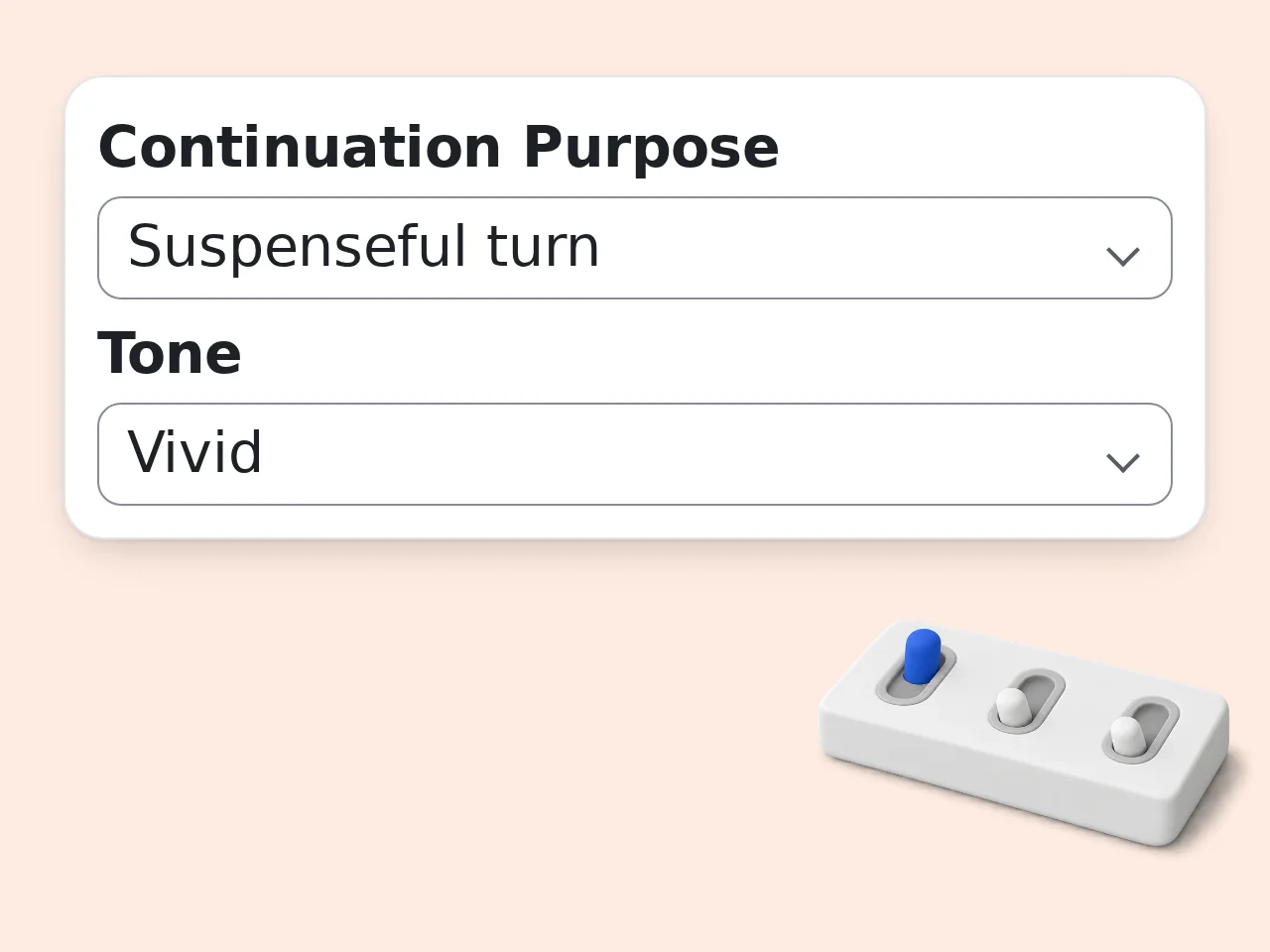
Choose Purpose, Tone, and Length
Select the job the continuation should do, such as explaining, persuading, entertaining, or building suspense. Then set the voice, output length, number of options, and language. Matching the original tone is the safest default.
Compare, Copy, and Refine
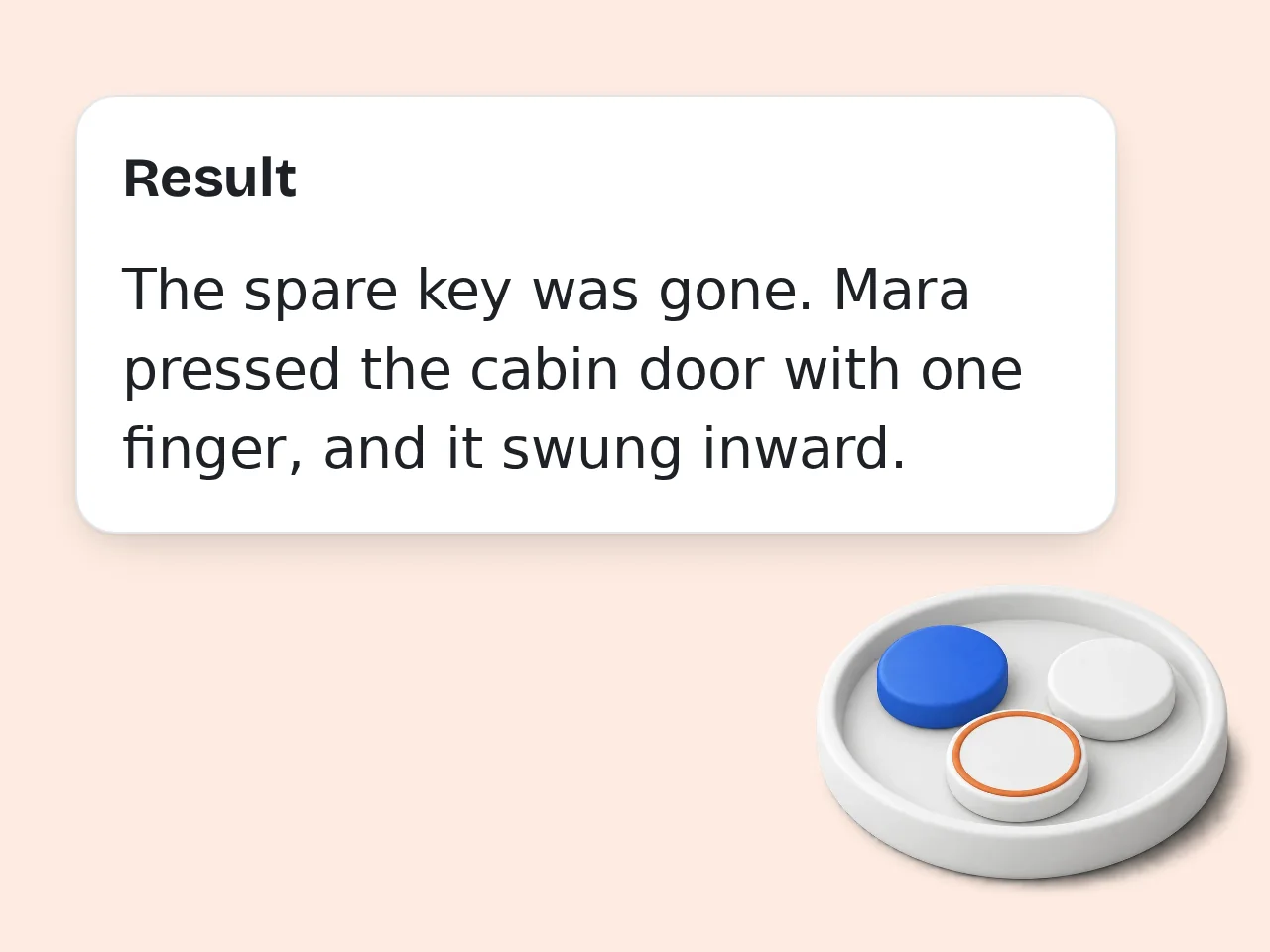
Generate several alternatives and pick the one that best advances your idea. Check facts, adjust wording to sound like you, and rerun with clearer context if the endings move in the wrong direction or feel too broad.
Continue the Sentence with Better Control
Shape the direction, voice, and length instead of accepting one generic ending.
Context-Aware Sentence Continuation
Add the audience, surrounding paragraph, key facts, or intended point. The sentence finisher uses those boundaries to continue the sentence logically while preserving names, tense, point of view, and the meaning already established in your starter.
7 Purposes and 7 Tones
Move naturally, develop an academic explanation, strengthen a persuasive point, write professionally, add humor, or create suspense. Pair the purpose with a matching, clear, casual, formal, warm, vivid, or dramatic tone for more useful sentence completion choices.
3 to 8 Distinct Endings
Compare several genuine directions rather than minor synonym changes. Choose a clause, one sentence, two sentences, or a compact paragraph, then receive three, five, or eight alternatives that all begin from the same supplied text.
Frequently Asked Questions
Practical answers about sentence completion, context, accuracy, and revision.
What does Continue the Sentence do?
Continue the Sentence takes an unfinished line or completed thought and writes a logical next part. It can finish the current clause, add a full sentence, create two connected sentences, or develop a short paragraph. Unlike a general sentence generator, it keeps your supplied opening at the beginning of every option. You can also specify context, purpose, tone, language, and the number of alternatives, making the results easier to fit into an existing draft.
How do I get a natural sentence completion?
Start with enough information for the intended direction to be clear. Include the subject, action, and any important constraint in the sentence starter, then use the context box for the audience or surrounding idea. Choose Match my writing when you want the same voice and rhythm. If the first results feel generic, request a more specific purpose or add the fact the next sentence must establish. Focused input produces more coherent and less predictable endings.
Can the tool finish a sentence without changing my words?
Yes. Every option is instructed to begin with the exact sentence starter you provide. Only tiny repairs to spacing, capitalization, or punctuation are allowed when they are necessary for a grammatical continuation. The tool should not replace your opening, reverse its meaning, or switch named people, tense, or point of view. Review the result before publishing, especially when a punctuation change could alter emphasis or when your starter intentionally uses unconventional grammar for style.
What kinds of writing can I continue?
The sentence finisher works with essays, reports, emails, blog drafts, social captions, fiction, scripts, personal notes, product copy, and many other common short-form tasks. Select Academic for formal explanation, Professional for workplace communication, Persuasive for an argument, Creative for imaginative prose, or Suspenseful for narrative momentum. For specialized material, add terminology and factual boundaries in the context field so the continuation stays relevant instead of drifting into a generic response.
How many continuation options can I generate?
You can request three, five, or eight distinct options in one result. Three is useful when the direction is already clear, while five gives a balanced range for everyday writing. Eight works well for brainstorming a story turn, headline-like ending, or persuasive angle. The options are designed to differ in idea or structure rather than merely swapping synonyms. More choices can take longer to review, so use the smallest set that gives you enough useful variation.
Can I continue a complete sentence instead of a fragment?
Yes. If your input already ends as a complete sentence, the tool treats it as the opening of a longer passage and adds a logically connected next sentence. This is useful when you know the first claim but cannot decide how to explain, support, contrast, or develop it. Select a two-sentence or short-paragraph length for more room. The original sentence remains intact, so you can compare different next moves without losing the wording you already like.
Will the continuation match my tone and point of view?
The Match my writing setting asks the model to preserve register, tense, person, point of view, and sentence rhythm. You can override that choice with clear, casual, formal, warm, vivid, or dramatic tone when the draft needs a deliberate shift. Results are strongest when the starter contains enough style to imitate. A five-word fragment offers little evidence, while a fuller sentence and one line of context make it easier to maintain a consistent voice.
Can Continue the Sentence invent facts or citations?
It should not invent citations, quotations, statistics, or personal claims. The prompt treats your context as the factual boundary and asks for cautious, plausible language when details are missing. Still, generated text can occasionally introduce an unsupported assumption, especially in academic, medical, legal, financial, or technical writing. Verify every factual statement against a reliable source before using it. For safer output, provide the exact facts that the continuation may use and ask for no additional claims.
Is Continue the Sentence free to use?
The tool uses the site's credit system rather than promising a fixed number of free generations. Guests receive 10 daily credits, free registered users receive 100 monthly credits, and subscribers receive credits according to their plan. This tool normally costs 8 credits for a guest and 5 credits for a free or subscribed user per generation. Your actual number of uses depends on the credits available in your account, so check the displayed balance before generating.
How is this different from a sentence generator or rewriter?
A sentence generator creates a new sentence from a topic, while a rewriter changes wording that already exists. Continue the Sentence keeps your opening and supplies what should come next. That distinction matters when a draft has the right beginning but lacks a conclusion, transition, explanation, or narrative turn. The context, purpose, tone, length, and option controls focus on forward movement, so the output supports an existing line instead of replacing it with unrelated copy.
Still have questions?
Contact our support teamContinue the Sentence and Keep Writing
Paste the unfinished line, choose a direction, and compare several natural ways to move the thought forward.