YouTube Channel Description Generator
Write a clear YouTube About section with audience, niche, keywords, and an honest reason to subscribe.
How to Use the YouTube Channel Description Generator
Give the generator trustworthy channel facts, choose the voice, then review the copy before it goes live.
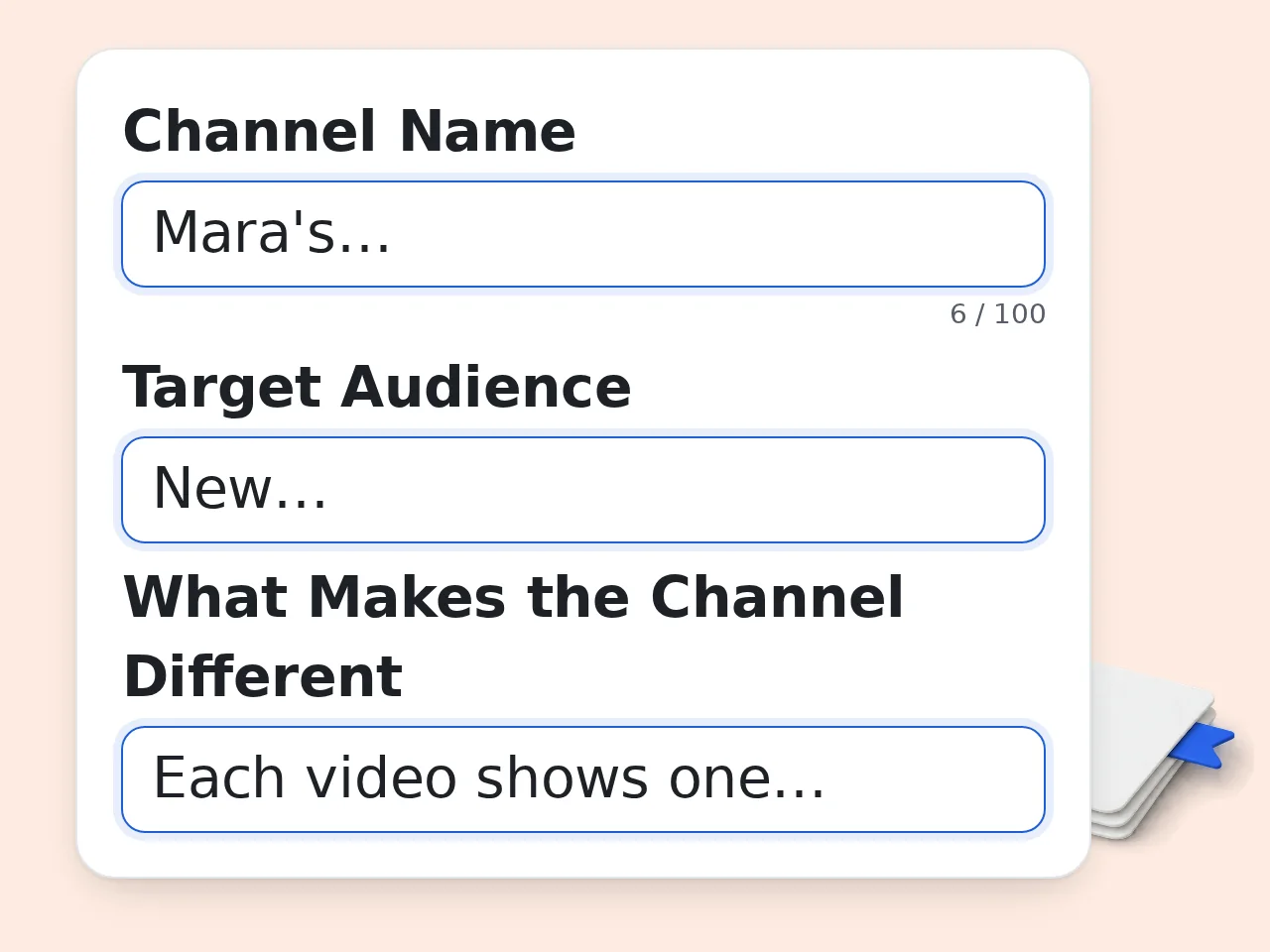
Describe the Channel Honestly
Enter the channel name, main topics, video formats, and what viewers can expect. The YouTube channel description generator performs best when you include concrete examples instead of broad labels such as entertainment or lifestyle.
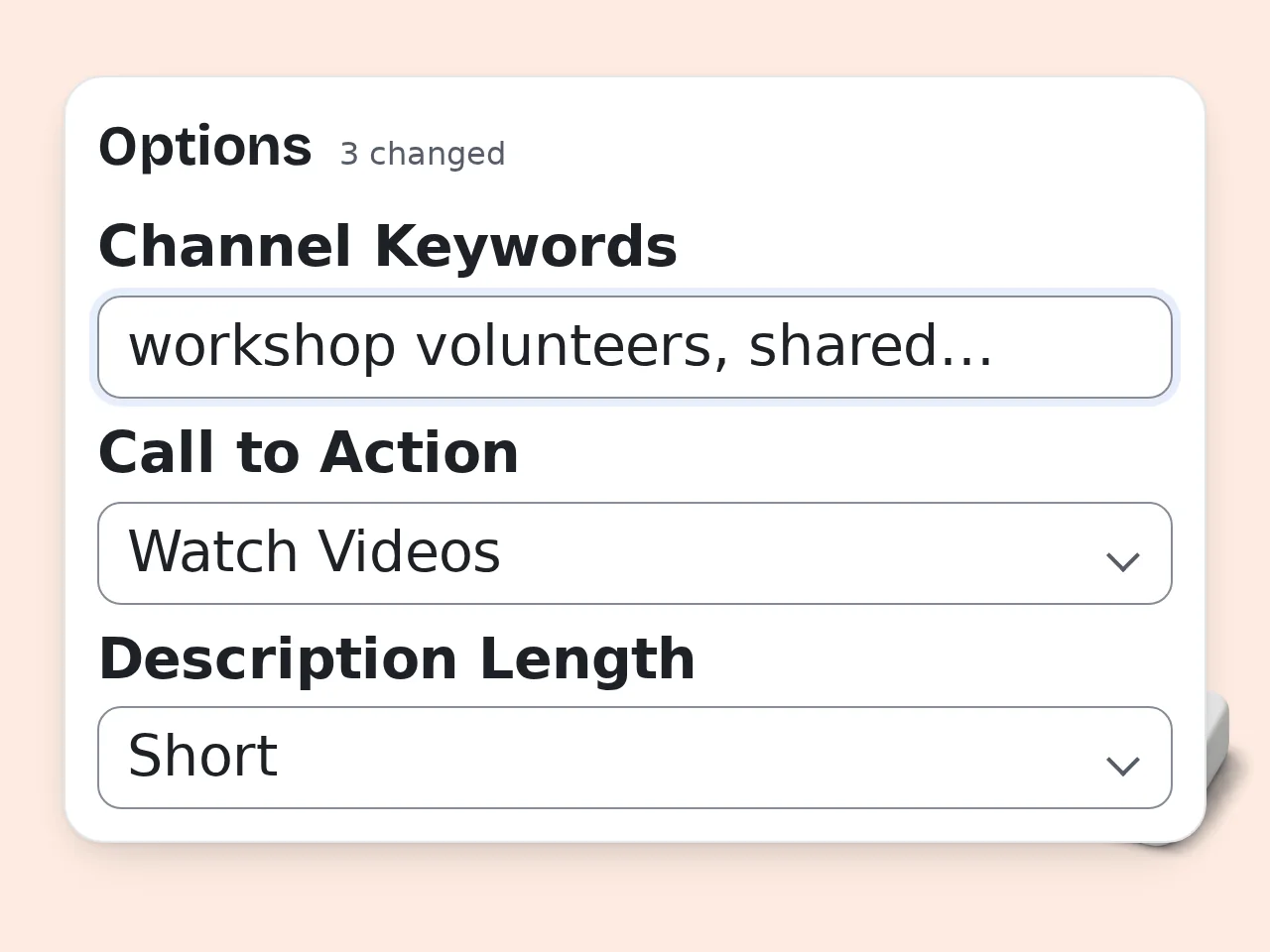
Add Audience and Brand Choices
Identify the people you want to reach, explain what makes the channel different, and choose a tone, length, keywords, schedule, and CTA. Leave optional fields blank when the information is uncertain rather than guessing.
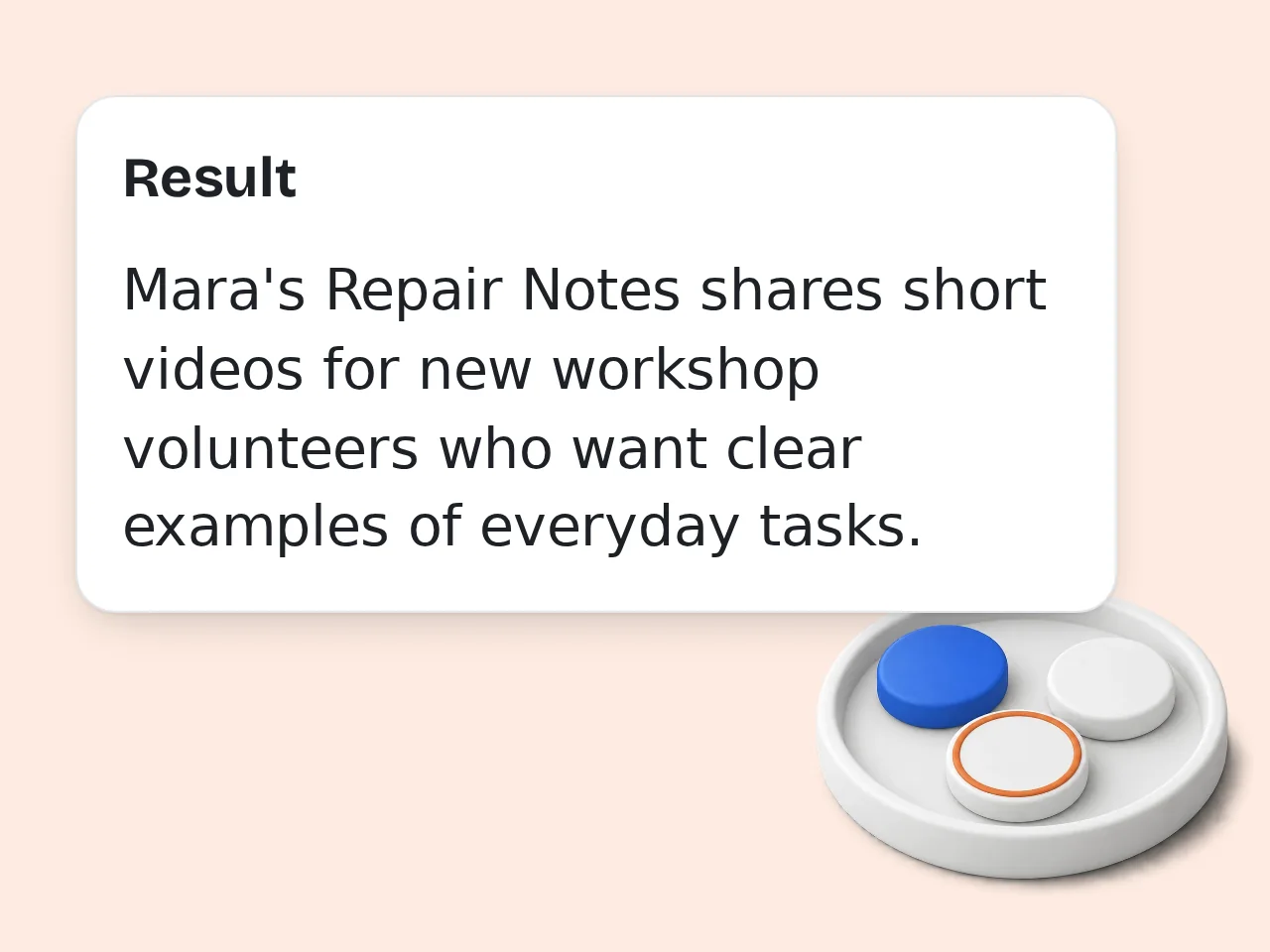
Edit and Publish the Best Version
Read both generated versions, confirm every claim, and adjust wording to match your normal voice. Check keyword flow, upload promises, and any links before pasting the final YouTube channel description into the About section.
YouTube Channel Description Generator Features
Build specific channel copy from facts instead of filling your About page with generic claims.
Channel-Specific Description Structure
The YouTube channel description generator organizes your niche, recurring video formats, target viewer, and real value into an opening that explains the channel quickly. It includes details only when you provide them, so the draft stays accurate and useful.
Natural Keyword Placement
Add important channel topics and the generator works them into readable sentences rather than repeating a search phrase. You also receive a note showing which terms were used and which were skipped because they did not fit naturally.
Full and Short Versions
Create a complete About description and a separate compact version in one result. The shorter option helps with quick profile tests, while the full version gives space for audience benefits, upload details, and a practical call to action.
YouTube Channel Description Generator Questions
Straight answers about channel bios, About copy, credits, keywords, length, and accurate AI-assisted writing.
What is a YouTube channel description generator and how does it work?
A YouTube channel description generator converts your channel facts into organized About-page copy. It uses the name, topics, audience, value, keywords, tone, and CTA you provide to draft a readable introduction. The result explains what viewers can expect without requiring you to plan every sentence. This tool also returns a shorter version and notes about keyword use. Always verify claims, schedules, links, and qualifications before publishing because the generator should not invent missing facts.
How do I use the YouTube channel description generator for the best result?
Start with specific information about the videos you publish, the people you serve, and the reason your channel is different. Clear details give the YouTube channel description generator enough material to avoid vague copy. Mention recurring formats, useful outcomes, and an accurate upload schedule if one exists. Add only keywords that truly match the channel. After generation, read the opening aloud, remove unsupported claims, and rewrite any phrase that does not sound like your normal voice.
Is the YouTube channel description generator free to use?
Yes, the YouTube channel description generator is free to try with included credits. Guests receive 10 credits per day, free registered users receive 100 credits per month, and subscribers receive more credits according to their plan. Each request uses the credit cost configured for this tool, so the number of available generations can vary by account and current pricing. Check the credit indicator before generating, especially when you plan to test several tones or description lengths.
How many free credits do I get for channel descriptions?
Guests get 10 free credits each day, while free registered users get 100 credits each month. Subscribers receive a larger credit allowance based on the plan they choose. Credits are not the same as a fixed generation count because tools can have different per-request costs. Your available uses depend on the current cost shown beside the generator. For efficient testing, prepare complete channel details first and compare tone or length only when a second draft is genuinely useful.
Can I generate a YouTube channel description without an account?
Yes. A guest can use the YouTube channel description generator without creating an account, subject to the daily guest credit allowance. This makes it possible to test a channel bio before deciding whether to register. An account can help when you need monthly credits or other signed-in features, but it is not required for the initial guest use. Avoid entering private information, unpublished contact details, or claims you would not want displayed publicly on the channel page.
What details should I include in a YouTube channel description?
Include the channel topic, common video formats, intended viewer, practical benefit, and a believable reason to subscribe. Add a schedule, credentials, links, or achievements only when they are accurate and current. A strong description usually gives the clearest value in the first two sentences, then adds supporting details and one relevant CTA. The channel name should appear naturally. Skip background information that does not help a visitor decide whether the videos match their interests.
Does a channel description help with YouTube SEO?
A relevant description can help YouTube and viewers understand your channel topic, but it cannot guarantee rankings, views, or subscribers. Keywords work best when they describe the videos accurately and fit normal sentences. The YouTube channel description generator can place supplied terms naturally and report which ones it used. Repeating the same phrase many times makes copy harder to read and may look manipulative. Prioritize useful videos, clear titles, thumbnails, audience retention, and consistent topic coverage alongside the About text.
How long should a YouTube channel description be?
A useful channel description is long enough to explain the topic and viewer benefit, yet short enough to scan quickly. Many channels can communicate the essentials in roughly 100 to 200 words. The opening matters most because visitors may read only the first lines. Put the channel purpose there, then add formats, schedule, differentiator, keywords, and CTA as needed. Use the short setting for a compact profile and the detailed setting only when every extra sentence adds real information.
Why use this tool instead of asking a general chatbot?
This tool collects the channel details that commonly shape a useful About section, so you do not need to explain structure, keyword restraint, length, CTA placement, and factual limits in a separate prompt. The YouTube channel description generator also returns full and short versions, keyword notes, and a pre-publish checklist in a consistent format. A general chatbot can do similar work with careful instructions. Use whichever workflow helps you review facts and maintain your own recognizable channel voice.
What should I do if the generated description feels generic or inaccurate?
Add more concrete channel information and generate again rather than publishing a weak draft. Name recurring series, viewer problems, video formats, subject areas, and the real perspective that distinguishes the channel. If a sentence is inaccurate, remove it and check whether an optional field implied something you did not mean. Change the tone or length only after correcting the facts. The best final description is edited by the creator, sounds natural, and makes no promise the channel cannot consistently keep.
Still have questions?
Contact our support teamCreate Your YouTube Channel Description Now
Turn your real channel details into focused About copy that viewers can understand and you can confidently publish.