Comma Splice Checker
Free online comma splice and run-on sentence checker — paste text, get fixes instantly
How to Use the Comma Splice Checker
Check your writing in 3 simple steps
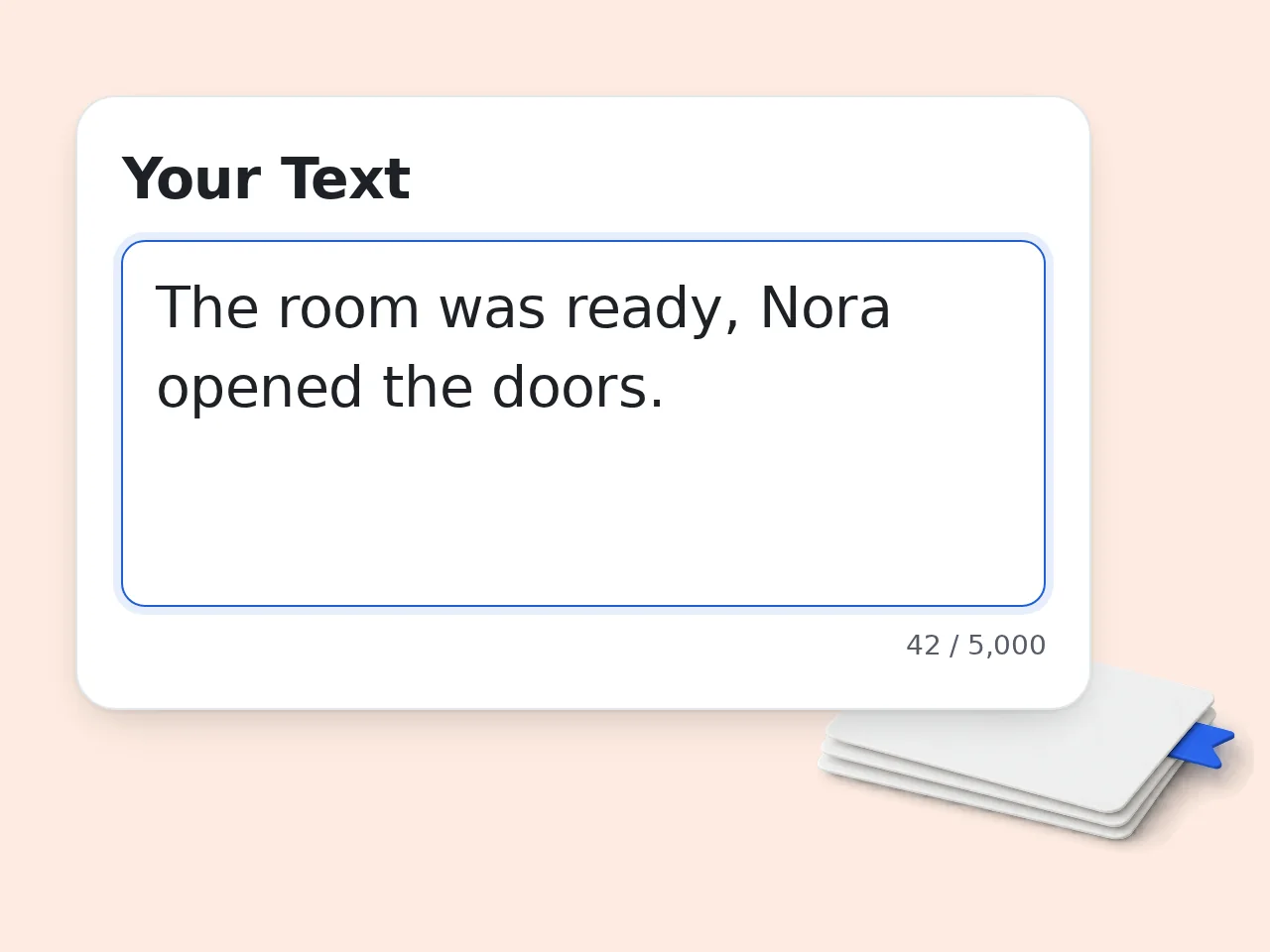
Paste or Type Your Text
Enter the text you want to check in the input box — essays, emails, reports, or any writing up to 5,000 characters. No formatting needed.
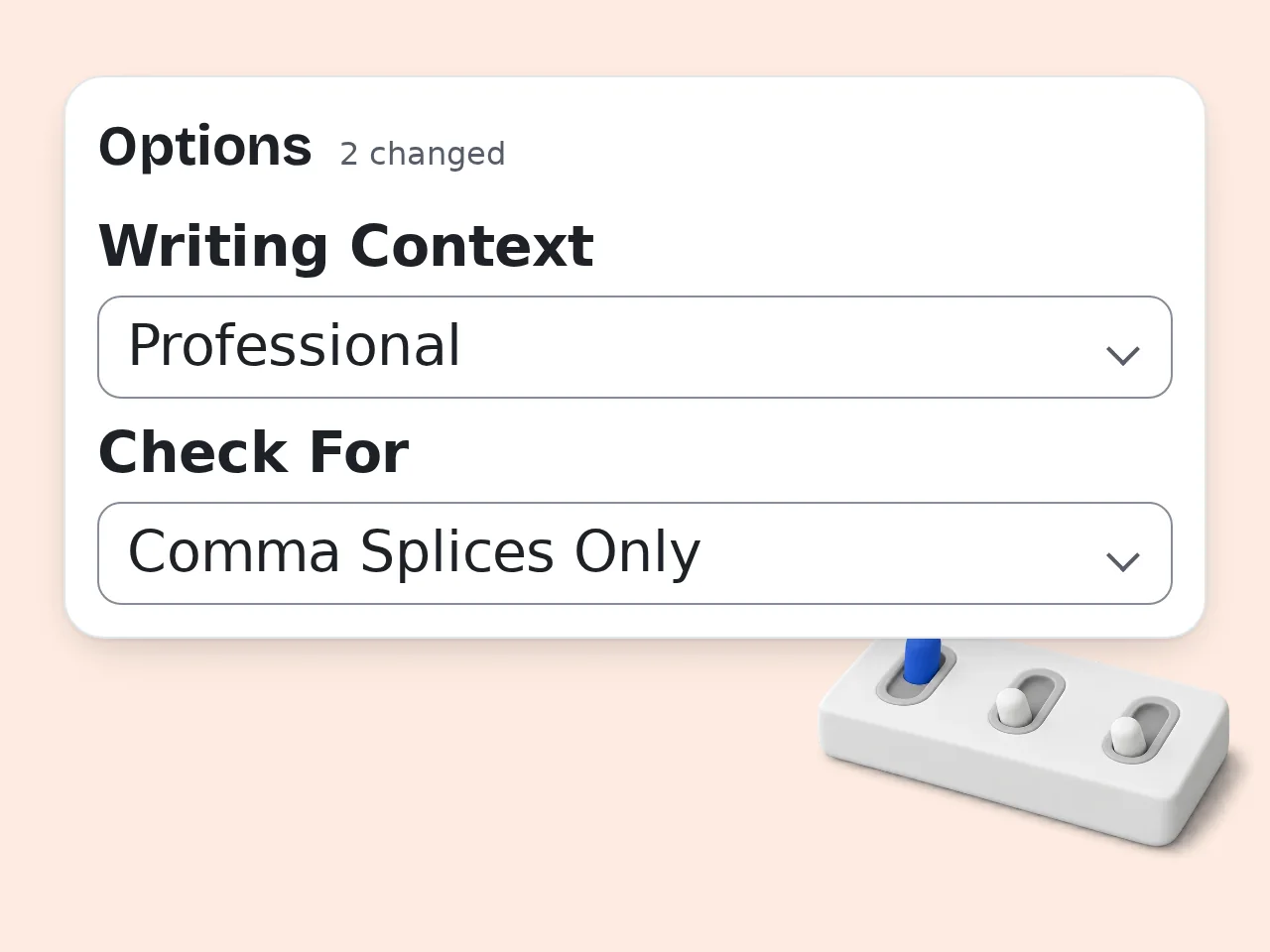
Choose Your Settings (Optional)
Select your writing context and which error types to scan for. Leave the defaults for a standard comma splice and run-on sentence check.
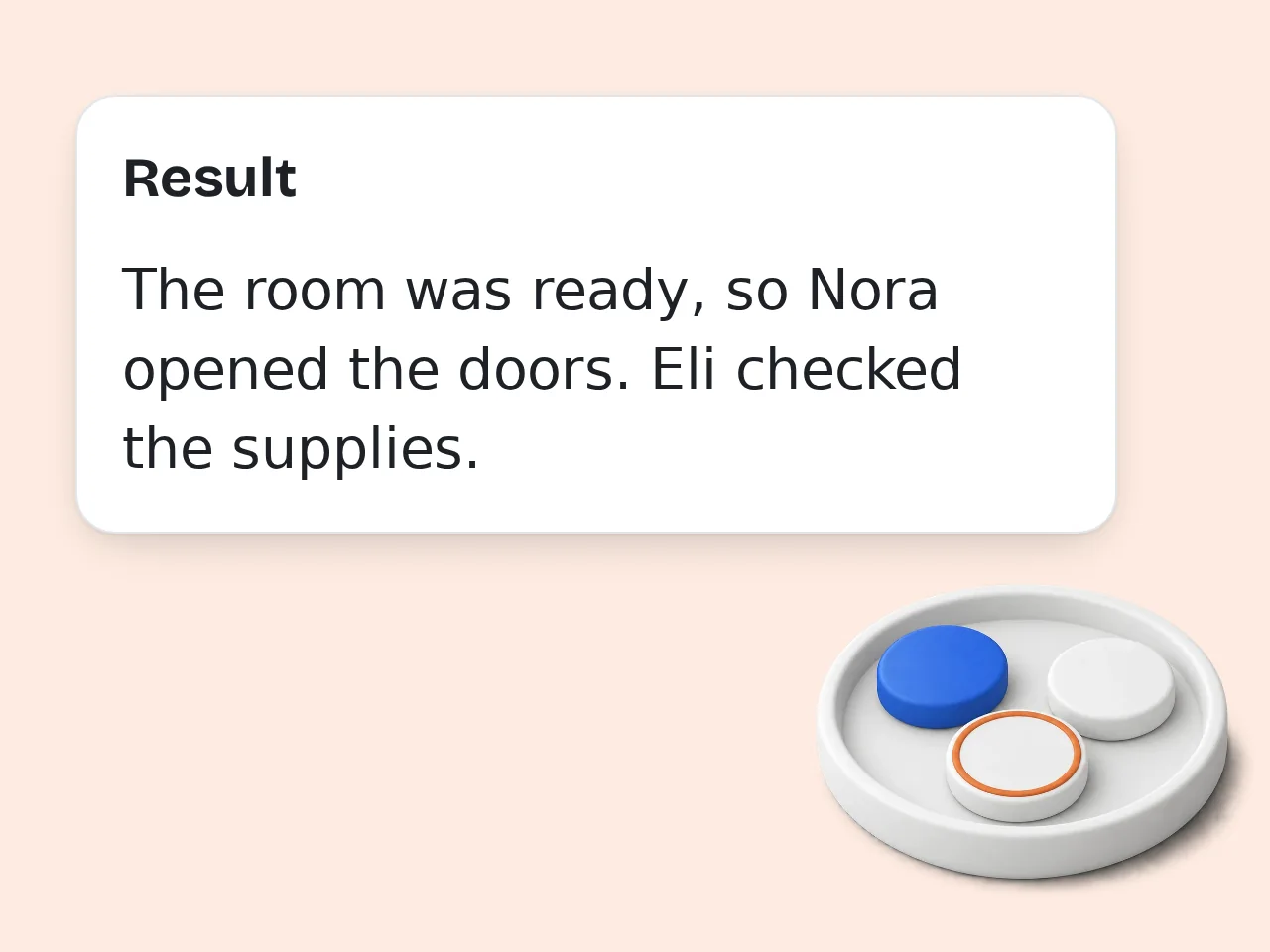
Review and Apply Fixes
Read each flagged error, review the plain-English explanation, and choose the suggested correction that fits your writing best.
Key Features of the Comma Splice Checker
Targeted grammar checks that go beyond basic spell-check
3 Error Types in One Check
Detects comma splices, run-on sentences, and fused sentences in a single pass. Enable all three or focus on comma splices only — your choice in the settings.
Explain Why + How to Fix
Every detected error comes with a brief grammar explanation and 1–2 concrete correction options. You learn the rule while you fix the sentence.
4 Writing Contexts for Smarter Suggestions
Choose Academic, Professional, Creative, or Casual mode. Correction suggestions adjust to match your actual writing goals instead of defaulting to one rigid style.
Frequently Asked Questions
Common questions about the comma splice checker
What is a comma splice?
A comma splice happens when two independent clauses — complete sentences that each have their own subject and verb — are joined with only a comma. For example, "I finished the report, it was due Monday" is a comma splice. The comma alone is not strong enough to connect two full sentences. To fix it, replace the comma with a period, use a semicolon, or add a coordinating conjunction such as "and" or "but" between the two clauses.
How do I use this comma splice checker?
Paste your text into the input box and click Check. The checker scans for comma splices, run-on sentences, and fused sentences depending on your selected error type setting. Each detected error is highlighted with an explanation of why it is wrong and one or two specific fix suggestions. For best results, select your writing context — Academic, Professional, Creative, or Casual — before running the check to get suggestions that fit your writing style.
Is the comma splice checker free?
Yes, the comma splice checker is free to use. Guests get limited daily free tries without any account. Creating a free account gives you a monthly credit allowance, which covers most personal and academic writing needs. For heavier usage — editing long documents, batch checking, or professional workflows — a paid subscription unlocks a higher monthly limit. Free users get full access to all error types, explanations, and fix suggestions on every check they run. See the pricing page for current details.
How many times can I use it per day?
Visitors without an account get limited daily free tries. Free account holders have a monthly credit allowance — enough for regular writing tasks, student essays, or occasional professional editing. Subscribers get a higher monthly limit suited for frequent use, such as editing multiple documents per week. If you hit the free limit regularly, signing up for a free account is the easiest way to extend access without interruption. See the pricing page for current details.
Can I use it without an account?
Yes. No account or login is required to get started. Visit the page, paste your text, and get results immediately. Guests get limited daily free tries with no registration at all. Creating a free account gives you a monthly credit allowance and saves your preferences between sessions. If you only need an occasional comma splice check — for a cover letter, school essay, or quick email — the free no-account tier handles that comfortably. See the pricing page for current details.
What can the comma splice checker detect?
The checker scans for three related error types: comma splices (two independent clauses joined by only a comma), run-on sentences (two clauses merged without any punctuation or conjunction), and fused sentences (two clauses written as one with no separator at all). You can focus on comma splices only, or enable all three types in the settings panel. Each flagged issue includes a clear error label so you always know exactly which type of error you are looking at.
How does the AI detect comma splices?
The checker uses an AI language model to parse sentence structure and identify independent clauses — groups of words with their own subject and verb — then flags any that are connected only by a comma without a coordinating conjunction. Unlike simple rule-based grammar tools, the AI can distinguish between a true comma splice and a correctly punctuated list, appositive, or complex sentence. This significantly reduces false positives and keeps the results focused on genuine structural errors.
Who should use a comma splice checker?
Anyone who writes in English can benefit. Students use it to clean up essays before submission. Professionals use it to polish emails, reports, and presentations. Non-native English speakers find it especially useful because comma splice rules differ from those in many other languages. Even writers who already know the rule benefit — proofreading your own work is harder than it looks. A quick automated check before submitting any important document catches errors that tired eyes tend to miss.
Why use this instead of Grammarly?
Grammarly is a broad grammar platform covering spelling, tone, and style across dozens of categories. This comma splice checker focuses specifically on comma splices and run-on sentences, which means fewer distracting suggestions and more targeted explanations for this one error type. The writing context setting — Academic, Professional, Creative, or Casual — also tailors fix suggestions to your actual goals rather than defaulting to Grammarly's generic style preferences. For focused structural grammar work, a dedicated tool often gives cleaner and more relevant results.
What makes this better than manual proofreading?
Manual proofreading is difficult because your brain knows what you intended to write. It predicts the next word and skips over structural errors like comma splices because it fills in meaning automatically. An automated checker reads each sentence as literal text with no memory of your intent — comma splices that look fine to the writer get flagged immediately. Combining automated checking with a final human read gives you the most reliable result and catches what either method alone would miss.
What if I disagree with the suggested corrections?
The suggested fixes are recommendations, not requirements. Some comma splices — especially in creative or informal writing — are used intentionally for rhythm or stylistic effect. You can read the explanation, understand why the checker flagged it, and choose to ignore the suggestion if the original phrasing serves your purpose. The writing context setting helps: switching to Creative mode adjusts sensitivity. If default suggestions feel too rigid for your style, changing context usually produces corrections that are a better fit.
What is the difference between a comma splice and a run-on sentence?
A comma splice uses a comma to join two independent clauses: "I was tired, I went to bed." A run-on sentence — also called a fused sentence — does the same thing with no punctuation at all: "I was tired I went to bed." Both errors involve joining two complete sentences incorrectly; the only difference is whether a comma is present. This checker detects both types and labels each one clearly. The fix options are the same: add a period, semicolon, or coordinating conjunction between the two clauses.
Still have questions?
Contact our support teamCheck Your Writing for Comma Splices Free
Find comma splice errors, run-on sentences, and fused sentences — with a clear explanation for each. No signup needed to start.