Fix It Grammar
AI grammar fixer that corrects grammar mistakes, spelling, and punctuation in seconds
How to Fix Grammar in 3 Steps
Simple steps to fix any grammar mistake
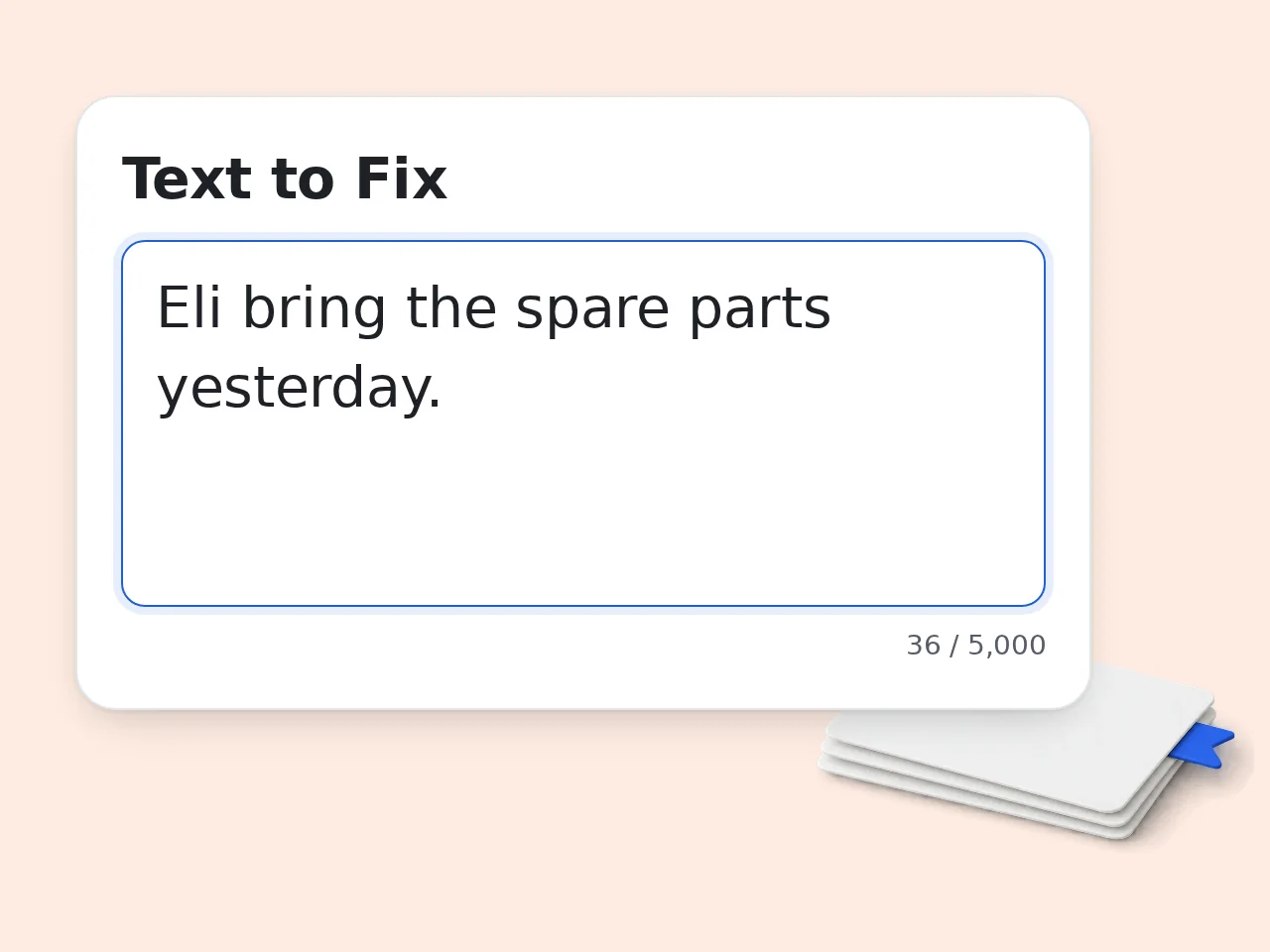
Paste Your Text
Paste or type the text you want to fix into the input field. Works with emails, essays, reports, social posts, and any English writing.
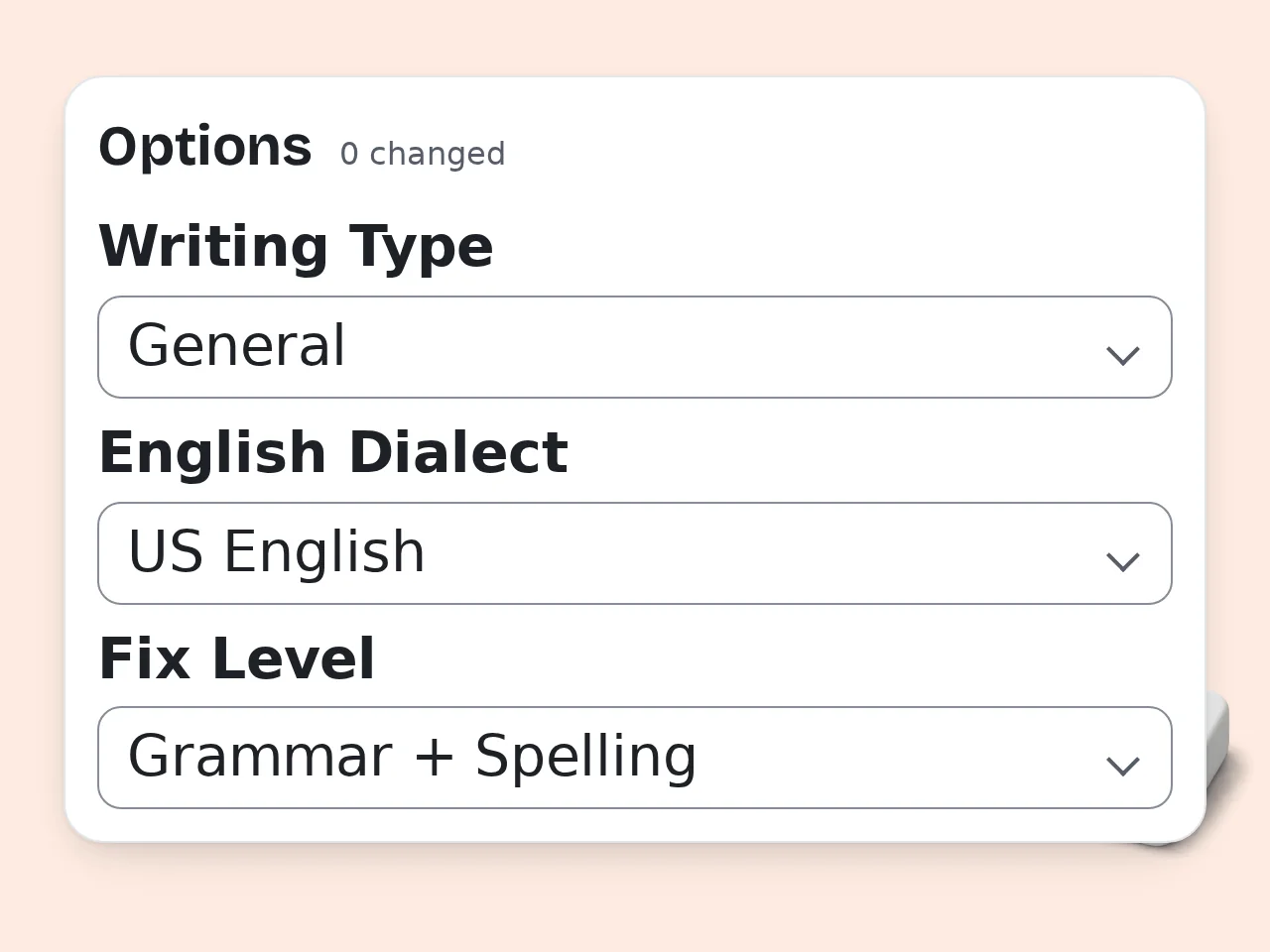
Choose Your Settings
Select your writing type — academic, business, casual, or creative — and your preferred English dialect (US, UK, Australian, or Canadian) so the grammar fixer applies the right rules.
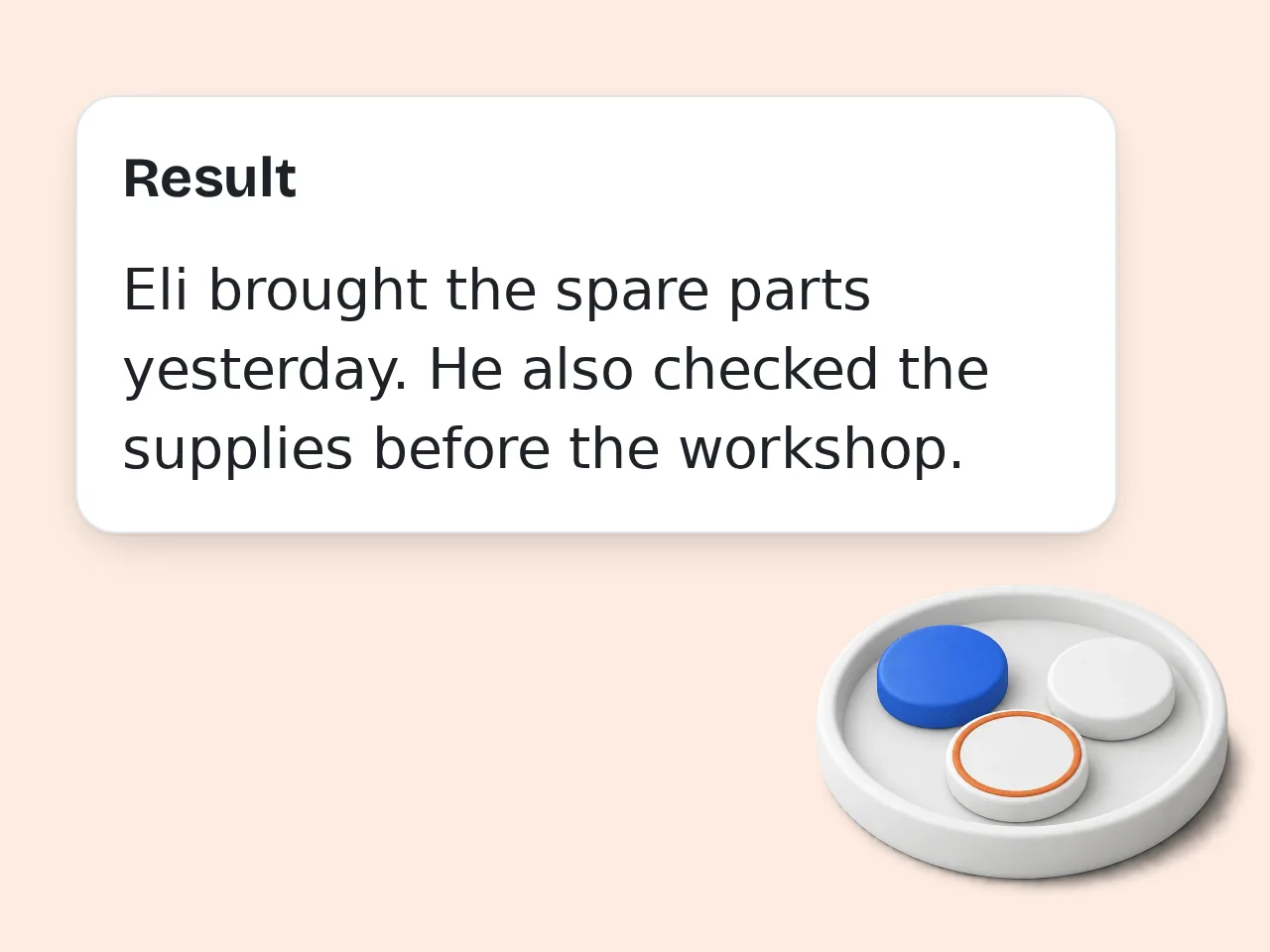
Review the Fixed Text
Get your corrected text instantly, along with a detailed breakdown of each grammar mistake that was fixed and why the change was made.
Key Features
Everything you need to fix grammar mistakes
Instant Grammar Corrections
Detects and fixes grammar mistakes, spelling errors, and punctuation issues in seconds. Paste your text and get a corrected version without waiting.
Clear Fix Explanations
Every grammar correction comes with a plain-language explanation. See exactly what was changed, why it was wrong, and what grammar rule applies.
Multiple Writing Modes
Choose from general, academic, business, casual, or creative writing modes. The grammar corrector adapts its fixes to match your context and audience.
Frequently Asked Questions
Common questions answered
What is Fix It Grammar?
Fix It Grammar is an AI-powered grammar fixer that detects and corrects errors in English writing. It identifies grammar mistakes, spelling errors, and punctuation issues, then returns a corrected version of your text with clear explanations for each change. It supports multiple writing types — academic, business, casual, and creative — and four English dialects, making it useful across a wide range of writing contexts and audiences.
How does the grammar fixer work?
Paste your text into the input field and click Fix Grammar. The AI scans your writing and returns a corrected version within seconds. You can also select your writing type and English dialect before running the fix, which helps apply the most relevant grammar rules for your context. After correction, a full breakdown of each change is shown so you can review what was fixed and why the correction was made.
Is this grammar fixer free to use?
Yes, the grammar fixer is free to use without any payment or subscription. Free users can run corrections without creating an account, though usage limits apply. Guests get limited daily free tries, while free registered accounts have a monthly credit allowance. Subscribers have access to higher usage limits and additional features. Most casual users will find the free tier sufficient for everyday grammar correction needs. See the pricing page for current details.
How many times can I use the grammar fixer per day?
Guests get limited daily free tries with the grammar fixer. Free accounts have a monthly credit allowance, which suits students and occasional writers. Subscribers have access to higher limits for daily or professional use. Creating a free account is quick and gives you significantly more headroom than the guest limit. Subscription plans are available for writers, professionals, and anyone who needs frequent grammar correction throughout the day. See the pricing page for current details.
Do I need an account to fix grammar mistakes?
No account is required. You can paste your text and fix grammar mistakes right away as a guest user. Guests get limited daily free tries. Creating a free account gives you a monthly credit allowance. If you use the tool regularly (for daily writing, school assignments or work emails), registering for a free account is the better choice to avoid hitting the daily guest limit. See the pricing page for current details.
Who benefits most from using a grammar fixer?
Anyone who writes in English regularly can benefit, but a grammar fixer is especially valuable for non-native English speakers, students, and professionals. Students use it to check essays and assignments before submission. Non-native speakers rely on it to catch grammar mistakes in emails and reports. Professionals use it to polish client-facing writing. Writers working across different styles benefit from the writing mode selector, which tailors corrections to academic, business, casual, or creative contexts.
Does the grammar corrector support languages other than English?
The grammar corrector is designed specifically for English and works best with English text. It supports four English dialects — US, UK, Australian, and Canadian — so spelling conventions like color versus colour and other dialect-specific grammar rules are applied correctly for your intended audience. For non-English content, the tool may produce unreliable results. If you write primarily in another language, a dedicated grammar checker for that language would be more accurate and consistent.
How is this different from using ChatGPT to fix grammar?
Unlike ChatGPT, this grammar fixer is purpose-built for grammar correction rather than general conversation or content generation. ChatGPT tends to rewrite sentences rather than fix only the specific errors, often changing your original voice and word choices. This tool makes targeted corrections while preserving your writing style, and it explains each change clearly. You also get structured options like writing type and English dialect, which apply the right grammar rules for your specific context.
How does this compare to Grammarly?
Both fix grammar mistakes, but they work differently. This grammar fixer runs directly in the browser without installing an extension or creating an account. You paste your text, choose a writing mode and dialect, and get a corrected result with a full breakdown of changes. Grammarly is a browser-wide assistant integrated into multiple platforms with a subscription model. For users who want quick, on-demand grammar correction without installing software or committing to a paid plan, this fixer offers a more flexible alternative.
Why use a grammar fixer instead of proofreading manually?
Manual proofreading is useful but slow and prone to human error — especially for writers who make the same grammar mistakes repeatedly. A grammar fixer catches errors you might skim past, including subject-verb agreement issues, misused words like effect versus affect, comma splices, and punctuation problems, all in seconds. Using both together is the most effective approach: run the grammar fixer first to catch obvious errors, then do a final read for tone and flow that automated tools cannot fully evaluate.
How do I get the best results from the grammar fixer?
Start by selecting the correct writing type and English dialect before fixing your text. These settings directly affect how grammar rules are applied. For academic or business writing, choose the matching mode to ensure formal grammar standards are used rather than casual ones. Selecting your dialect prevents unnecessary spelling changes. After reviewing the corrected text, read through the explanations for each fix — understanding the reason behind each correction helps you avoid repeating the same grammar mistakes in future writing.
What does the corrected output look like?
The output includes two parts: the fully corrected text and a detailed list of changes explaining each grammar fix. Each correction shows the original phrasing, the corrected version, and a plain-language explanation of the grammar rule applied. This makes it easy to understand what was wrong and why the change improves the writing. The format is especially helpful for learners and non-native speakers who want to build better English grammar habits over time, not just fix a single document.
Still have questions?
Contact our support teamReady to Fix Your Grammar?
Paste your text and get clean, corrected English in seconds — no signup needed to start.