Free AI Article Outline Generator
Turn one topic into a writer-ready outline with headings, research notes, and a natural next step.
How to Use the AI Article Outline Generator
Give the planner enough context to build a useful brief, then adapt the result with your real research.
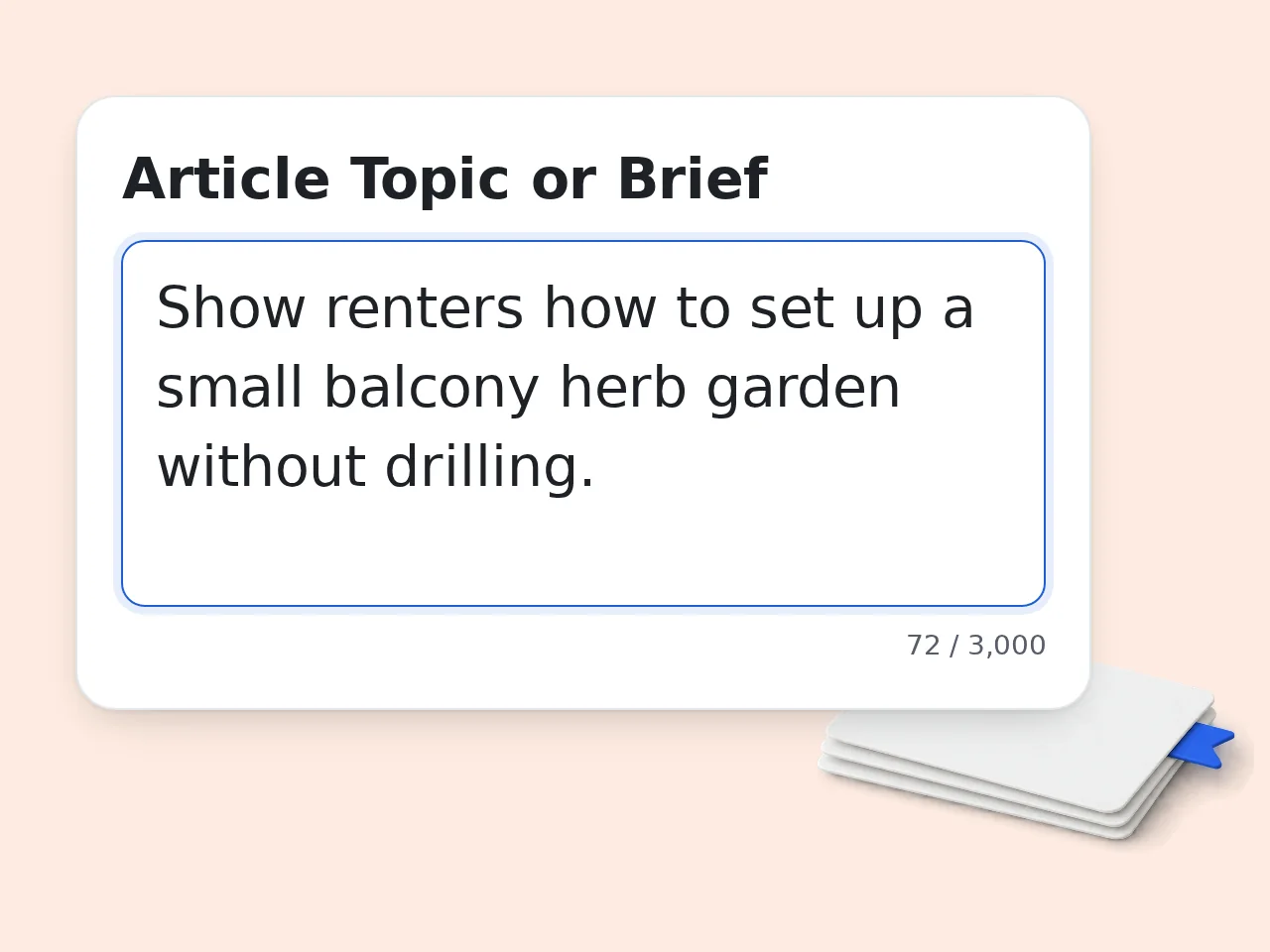
Describe the Article and Reader
Enter the topic or rough brief, name the intended reader, and add an optional primary keyword. Specific context helps the free AI article outline generator choose a sharper angle.
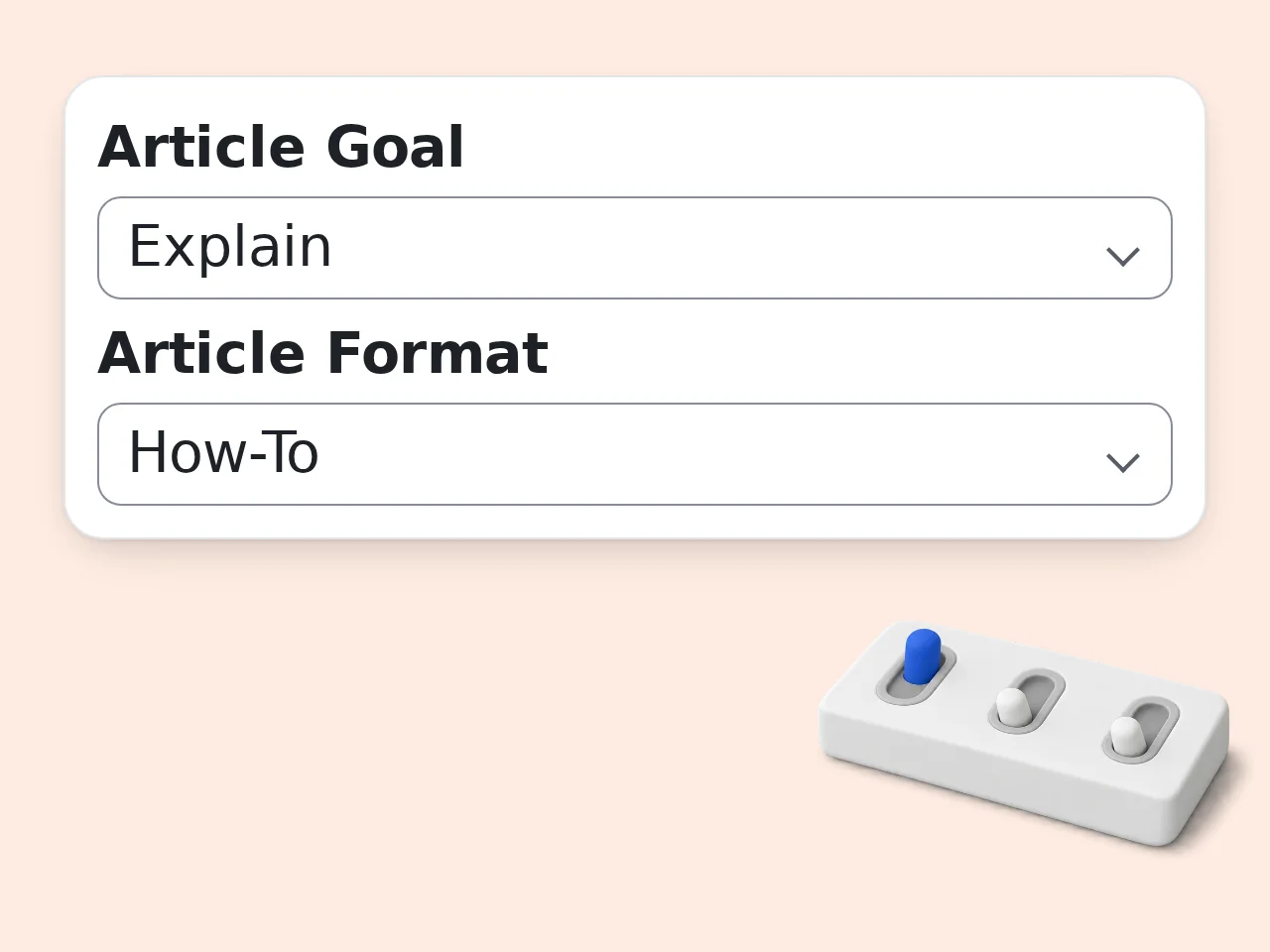
Choose Goal, Format, and Depth
Select the article's job, such as explaining or comparing, then choose a how-to, guide, list, opinion, comparison, or case-study structure and the level of heading detail.
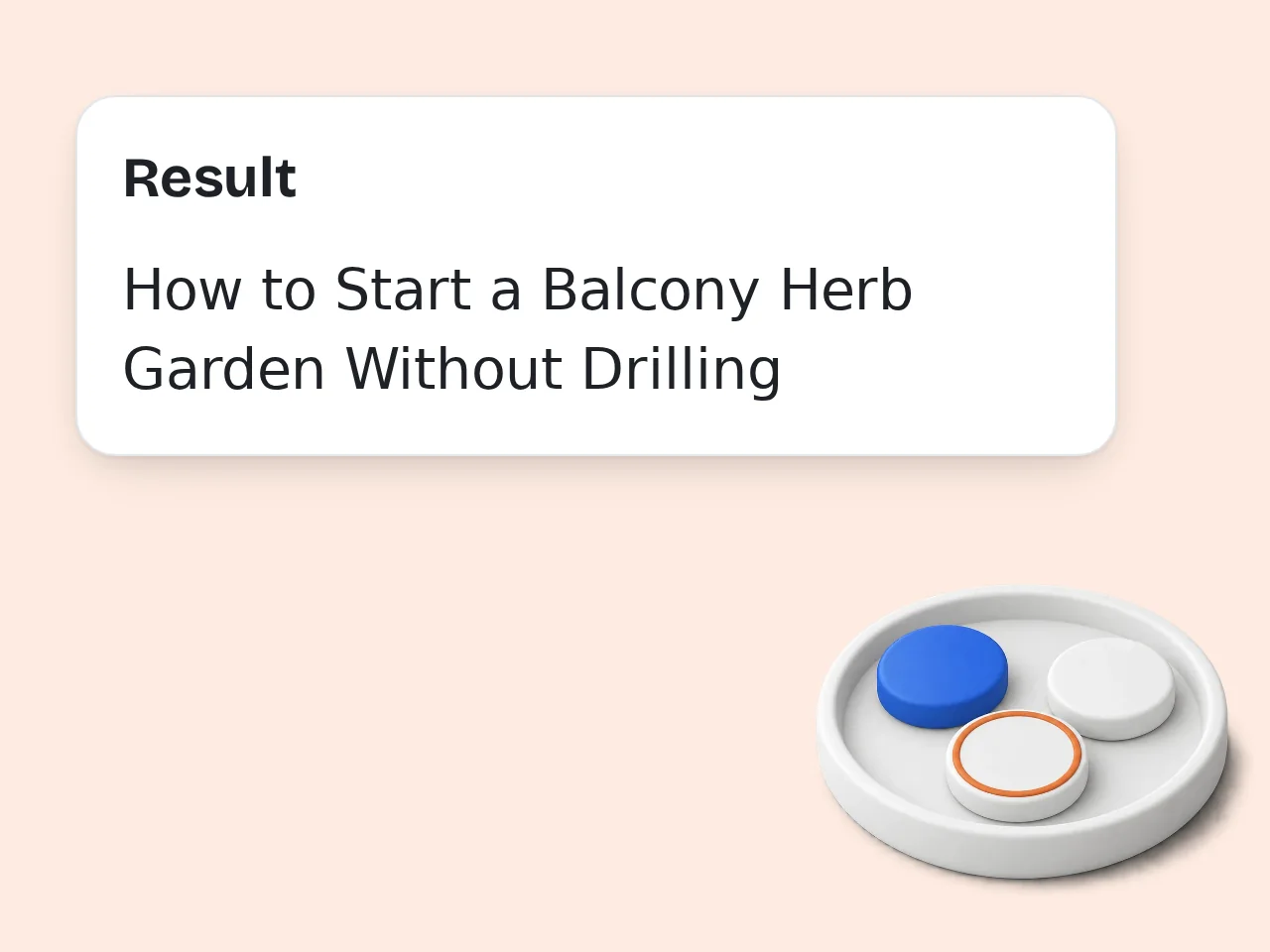
Review the Editorial Blueprint
Check each section's purpose, talking points, evidence needs, transitions, and CTA plan. Replace assumptions with verified facts before assigning the outline or starting the draft.
Free AI Article Outline Generator Features
Plan the reader journey, heading hierarchy, and editorial handoff in one focused workspace.
Reader-First Article Direction
Start with the audience, problem, promise, and article goal. The outline gives every section a job, so writers know why a heading exists instead of receiving a loose list of topics.
H1, H2, and H3 Planning
Choose a concise H2 map, a detailed H2/H3 structure, or a full editorial brief. The hierarchy stays valid and includes talking points without drafting the article for you.
Evidence and CTA Checks
Mark claims that need verification, find missing prerequisites, remove repeated sections, and place a proportional call to action only after the reader has received useful information.
Free AI Article Outline Generator Questions
Practical answers about article planning, research, credits, editorial handoffs, and responsible use.
What is a free AI article outline generator?
A free AI article outline generator turns a topic, audience, and editorial goal into an ordered plan for writing. It proposes a reader promise, title direction, headings, talking points, evidence needs, and a sensible ending. Unlike a finished draft, the result shows what each section must accomplish and where research is still required. You can edit the hierarchy before committing time to prose. Treat it as a planning document, then support the final article with verified sources and firsthand expertise.
How do I use the AI article outline generator effectively?
Describe one article, identify its reader, and state the outcome you want before choosing a format and outline depth. Add required questions, facts, examples, product details, or source notes in the must-cover field. The AI article outline generator will arrange that context into an editorial direction and heading hierarchy. Review whether every section moves the reader toward the promised result. Delete weak sections, add missing evidence, and adjust the order before a writer begins drafting.
Is the free AI article outline generator free to use?
Yes. You can try the free AI article outline generator with the credits included for your user type. Guests receive 10 credits per day, while free registered users receive 100 credits per month. Each run uses the credit amount shown for this tool, so the available number of runs depends on your remaining balance and the configured cost. Subscribers receive more credits according to their plan. Check the credit indicator before generating a detailed brief.
How many free credits can I use for article outlines?
Guests receive 10 credits each day, and free registered users receive 100 credits each month. Subscribers receive a larger allowance based on the plan they choose. These are credit balances, not a promised number of outlines. The cost of one article outline is displayed with the tool and may differ from other tools. Your possible runs equal your available credits divided by that cost. For careful planning, combine related requirements into one well-prepared request.
Can I create an article outline without an account?
Yes. Guests can use the article outline generator without creating an account and receive 10 credits per day. A free registered account receives 100 credits per month and makes it easier to manage ongoing work. The credits required for a run appear with the tool, so check the displayed cost rather than assuming a fixed number of outlines. Subscription plans provide more credits when you need higher usage. Avoid entering confidential client material in any shared planning request.
What article formats can this outline generator plan?
It can plan how-to articles, lists, complete guides, comparisons, opinion or analysis pieces, and case studies. Each format changes the recommended sequence instead of forcing every topic into the same introduction-and-conclusion template. A how-to plan emphasizes prerequisites and ordered actions, while a comparison uses consistent criteria and a case study separates context, actions, evidence, results, and lessons. Choose the closest format first, then adjust headings that do not fit your actual assignment.
Does the tool analyze live Google results or SEO competitors?
No. The tool does not inspect live Google results, competitor pages, traffic, keyword difficulty, or search volume. It builds the article plan only from the topic, reader, keyword, and notes you submit. That boundary prevents invented research from being presented as current SEO evidence. If rankings matter, collect reliable SERP and keyword data separately and paste relevant findings into the must-cover field. Always verify current claims before using them in a published article.
How is this different from a generic outline generator?
A generic outline generator usually returns broad headings from one topic. This article planner also defines the reader problem, article promise, section purpose, talking points, evidence gaps, transitions, and a proportionate call to action. Those details make the output useful as an editorial handoff, not just a brainstorming list. You can also choose heading depth and an article-specific format. The extra structure is most valuable when several writers or reviewers must agree on scope before drafting.
Why use this article outline generator instead of ChatGPT directly?
This tool packages a repeatable editorial workflow into clear fields and a fixed output contract. You do not need to design a long prompt every time or remember to request reader intent, heading hierarchy, evidence markers, transitions, and CTA placement. A general chat can still be useful for open-ended discussion, but its structure varies with each prompt. The dedicated planner produces a more consistent handoff for writers. Use chat later for focused questions, not as a substitute for source verification.
How can I get a stronger AI article outline?
Give the AI article outline generator a specific reader, a narrow problem, and a clear outcome. Add source notes, questions, examples, product facts, exclusions, and any claims that must appear instead of submitting only a broad keyword. Choose detailed editorial brief mode when another writer will use the result. After generation, check that headings are distinct and that every section advances the same promise. A focused brief usually improves the outline more than adding extra sections afterward.
Can editors use the outline as a writer handoff?
Yes. Detailed editorial brief mode is designed for handoffs because it pairs headings with purpose, reader questions, talking points, evidence needs, example opportunities, and transitions. A writer can see both the structure and the reasoning behind it. Editors should still add house style, deadlines, approved sources, subject-matter contacts, and legal or brand restrictions outside the generated plan. Before assignment, remove assumptions and confirm that the expected article length can support the proposed depth.
What should I verify before drafting from the generated outline?
Verify every statistic, quotation, product specification, legal statement, medical claim, financial statement, current event, and comparison before drafting. The outline marks likely evidence needs, but those markers are not sources and do not prove a claim. Also confirm that the reader, angle, primary keyword, and CTA match the real publishing brief. Remove sections that repeat the same idea under different headings. Finally, ask a knowledgeable reviewer to check sensitive or specialized material before publication.
Still have questions?
Contact our support teamBuild Your Next Article Outline Free
Turn a clear brief into an ordered, evidence-aware writing plan before the first draft.