Triple Integral Solver
Solve triple integrals with steps, bounds, and coordinate-system guidance
How to Use the Triple Integral Solver
Solve a triple integral in 3 simple steps
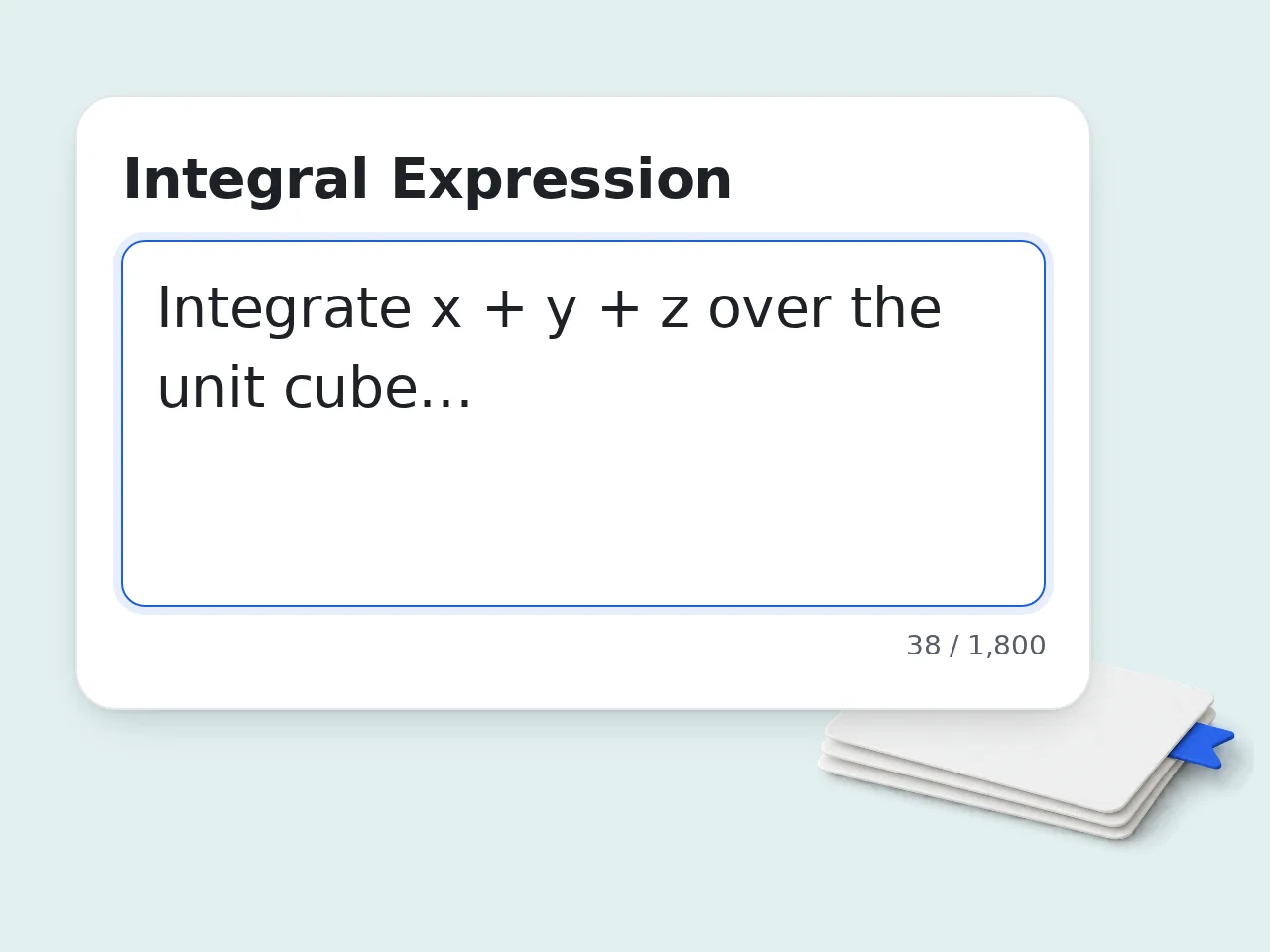
Enter the expression
Paste the triple integral or type the integrand with variables such as x, y, and z.
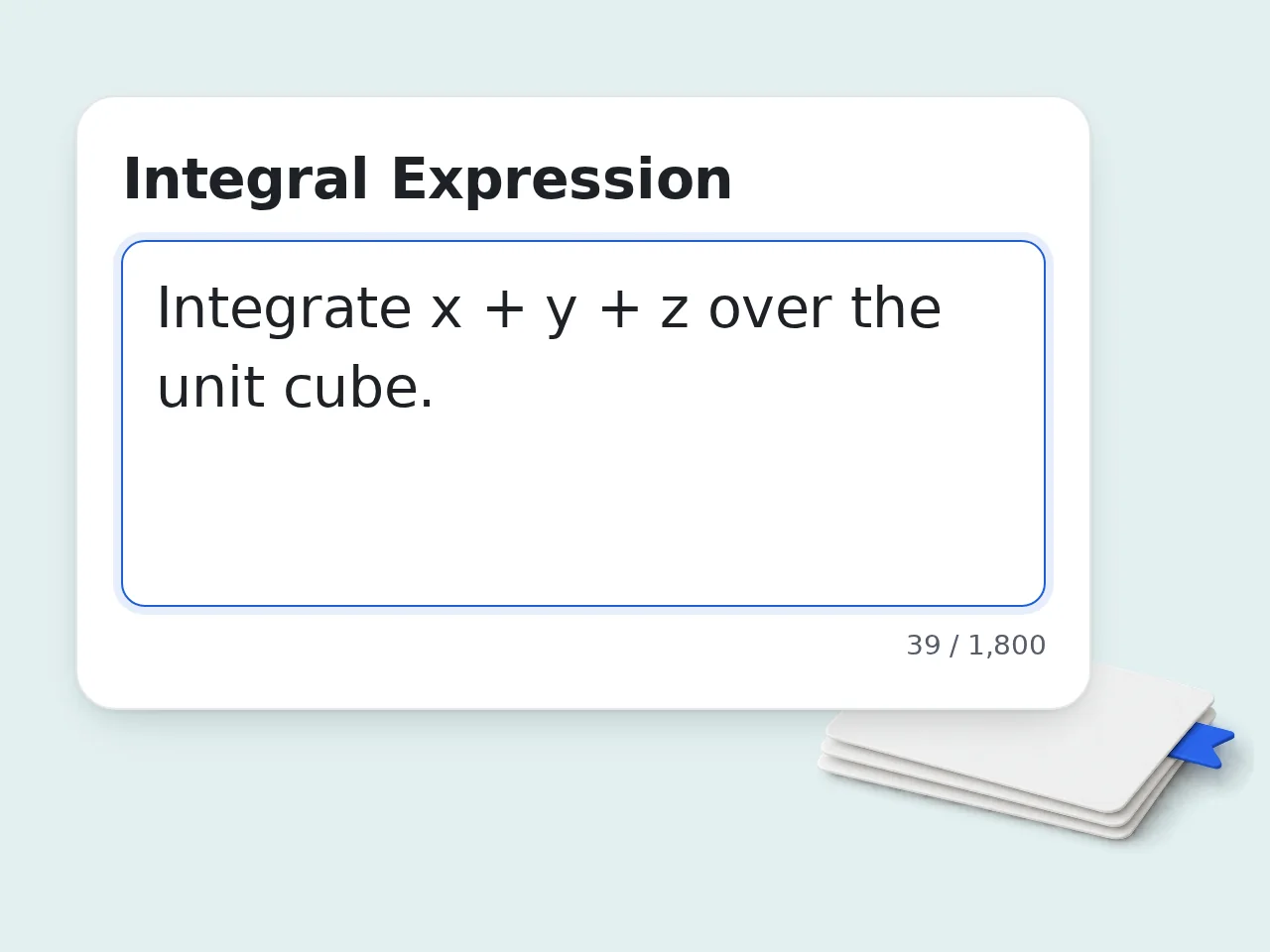
Describe the bounds
Add limits for each variable or describe the 3D region, such as a box, cylinder, sphere, cone, or plane-bounded solid.
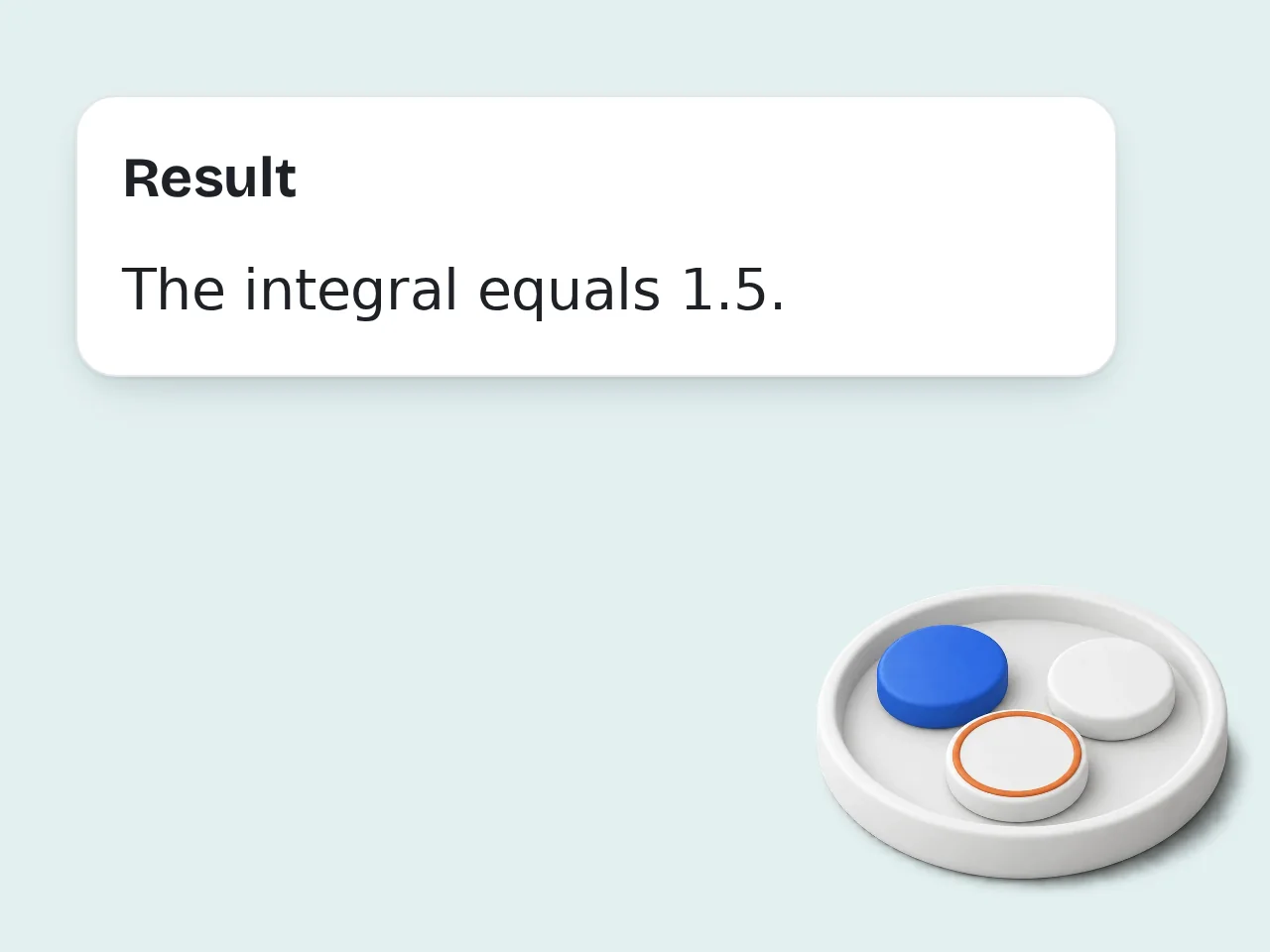
Generate the solution
Choose the detail level and let the triple integral solver explain the setup, computation, and final answer.
Key Features of Triple Integral Solver
Everything needed to solve triple integrals in one place
Step-by-Step Triple Integral Solutions
See the parsed problem, integration order, intermediate steps, and final answer instead of only a number.
Coordinate System Guidance
Work in Cartesian, cylindrical, or spherical coordinates, with Jacobian factors explained when coordinates change.
Bounds and Region Checks
Catch missing bounds, unclear regions, and variable-order mistakes before they ruin the solution.
Frequently Asked Questions about Triple Integral Solver
Clear answers about triple integrals, bounds, coordinates, and step-by-step solutions
What is a triple integral solver and how does it work?
A triple integral solver evaluates integrals over three-dimensional regions. It reads the integrand, variables, bounds, and coordinate system, then works through the nested integration in a clear order. This triple integral calculator is useful for volume, mass, density, charge, and probability problems where a quantity is spread through space. It can explain Cartesian, cylindrical, and spherical setups. For best results, include the full bounds or describe the 3D region carefully.
How do I use the triple integral solver for best results?
Enter the function, then describe each bound or the region in words. The triple integral solver can handle direct bounds like x: 0 to 1 or a region description such as inside a sphere. Choose auto coordinate selection if you are not sure. The solver will explain whether Cartesian, cylindrical, or spherical coordinates fit the shape better. Add any class requirements, such as showing every step or using a specific variable order.
Is this triple integral solver free to use?
Yes, this triple integral solver is free to try. Guests get limited daily free tries, free registered users have a monthly credit allowance, and subscribers have higher limits. The main features are available for free, including step-by-step solutions, coordinate advice, and setup explanations for common calculus problems. If you solve many homework problems, signing in gives a steadier monthly allowance. See the pricing page for current details.
How many triple integrals can I solve per day?
Guests get limited daily free tries for solving triple integral problems. Free users have a monthly credit allowance, while subscribers have higher limits for repeated study and longer solutions. Each generation should focus on one problem. Long worksheets with many integrals are better split into separate requests so each solution stays readable. For exam review, save your best examples and reuse their setup patterns. See the pricing page for current details.
Can I use the triple integral calculator without an account?
Yes, you can use the triple integral calculator without creating an account for quick homework checks or one-off study questions. Guest access is designed for occasional use. Creating a free account gives a larger monthly allowance and makes it easier to work through several multivariable calculus problems in one study session. If you only need to check one setup or final answer, guest access is usually enough.
What can I use a triple integral solver for?
You can use a triple integral solver for volume, mass, density, center of mass, total charge, probability density, and 3D accumulation problems. It is built for Calculus III and engineering math. The tool is especially helpful when the hard part is setting up limits or choosing between Cartesian, cylindrical, and spherical coordinates. Use it as a tutor-style checker, not just a final-answer machine.
Does the solver support cylindrical and spherical coordinates?
Yes, the solver supports Cartesian, cylindrical, and spherical coordinates. It can also choose the best system automatically when the region suggests circular, radial, or box-like symmetry. For cylindrical coordinates, it includes the factor r. For spherical coordinates, it includes the factor rho squared times sine phi when using standard notation. Always verify notation with your course, because angle conventions can differ.
Why use this triple integral solver instead of doing it manually?
Use this triple integral solver when you need a clear setup, not just arithmetic. Manual work is still valuable, but bounds, order, and coordinate changes are easy places to make mistakes. The tool explains why a coordinate system fits and where Jacobian factors enter, which helps you learn the method rather than copy an answer. After generating, redo the main integration once by hand for practice.
How is this different from asking ChatGPT for a triple integral?
This triple integral solver asks for math-specific fields first, so the output is more structured than a broad chat prompt. It separates expression, bounds, coordinate system, and solution detail. General AI chat can solve integrals, but vague prompts often lead to guessed bounds or skipped setup details. This tool is designed to flag ambiguity. Use the structured fields when accuracy matters for homework or exam review.
Can the tool show step-by-step triple integral solutions?
Yes, the tool can show step-by-step triple integral solutions with parsed bounds, integration order, intermediate antiderivatives, and the final value. You can also request a shorter answer. When the setup is the difficult part, choose the teaching option. It will spend more time on region interpretation and coordinate choice before computing. That format is better for learning than only seeing the final number.
How can I get better results from the triple integral calculator?
Better results come from complete input. Include the integrand, variables, lower and upper bounds, region description, and any required coordinate system or order of integration. If the region is geometric, describe it plainly: inside a sphere, above a cone, below a plane, or over a disk. These details guide coordinate choice. If the answer seems off, regenerate with clearer bounds before assuming the calculus is wrong.
What if the triple integral output is not what I expected?
If the output is not what you expected, check whether the bounds, variable order, or coordinate system were interpreted correctly. Most triple integral errors start with the region setup. Add the original textbook wording, a diagram description, or the required order such as dz dy dx. The solver can then revise the setup and calculation. For graded work, compare the assumptions section with your instructor’s notation.
Still have questions?
Contact our support teamReady to Solve Your Triple Integral?
Get a clear setup and step-by-step solution before you submit the work.