Spelling Worksheet Generator
Create printable spelling worksheets, tests, word banks, and practice activities from any word list
How to Use the Spelling Worksheet Generator
Make a printable spelling worksheet in 3 steps
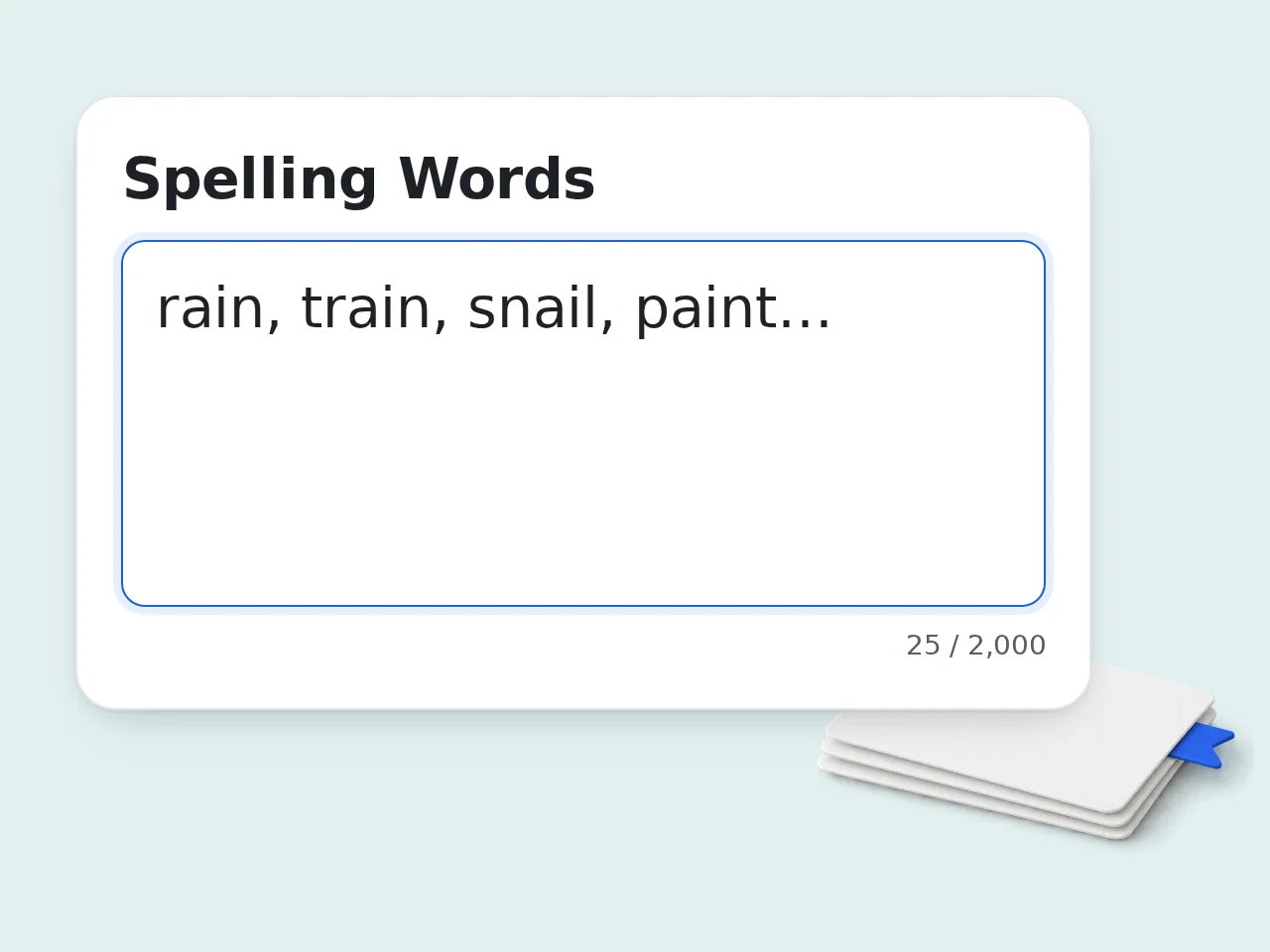
Enter your spelling words
Paste 8–30 words into the spelling worksheet generator, one per line or separated by commas.
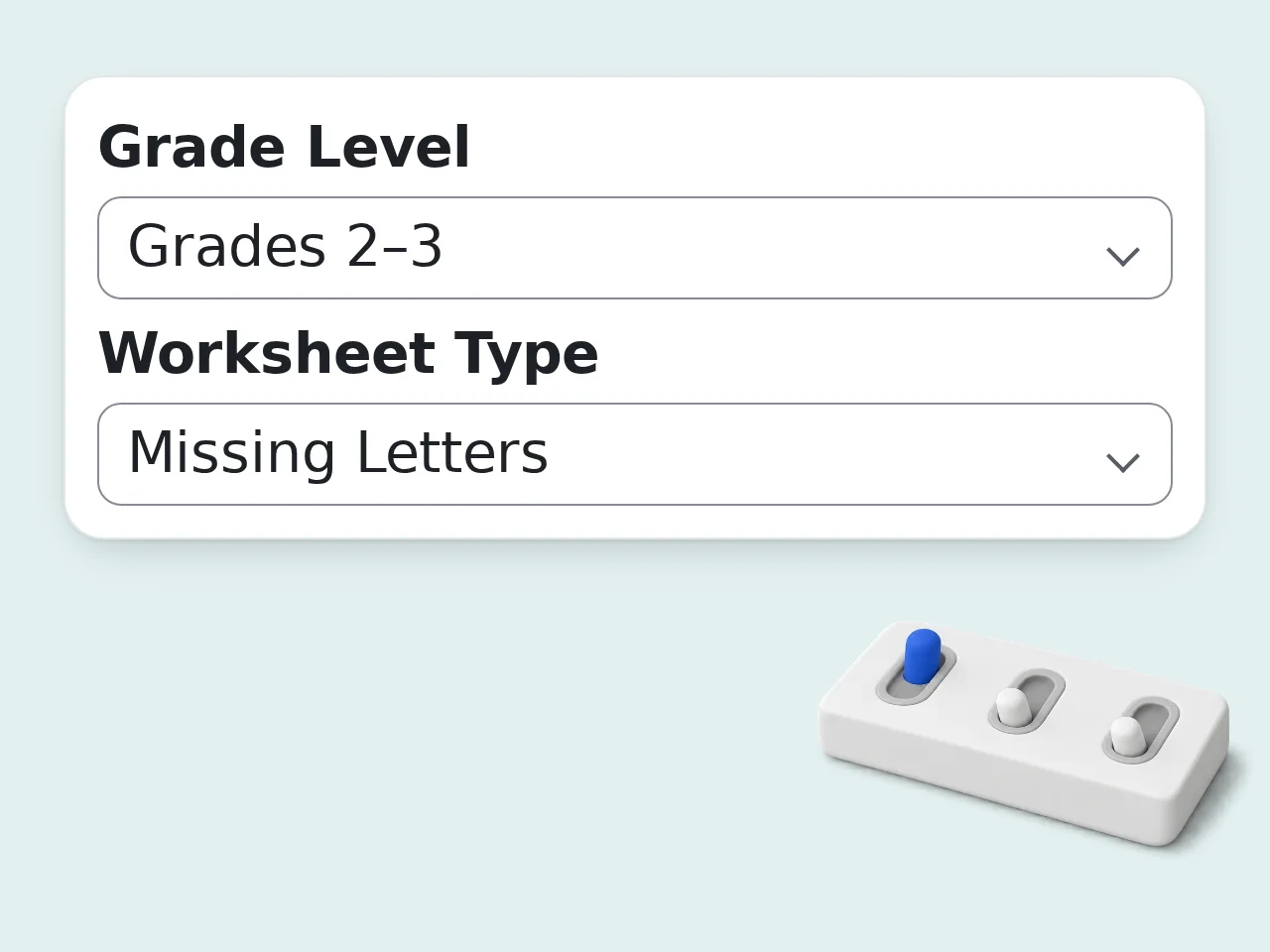
Choose the activity
Select the grade level, worksheet type, difficulty, and optional theme for sentences or clues.
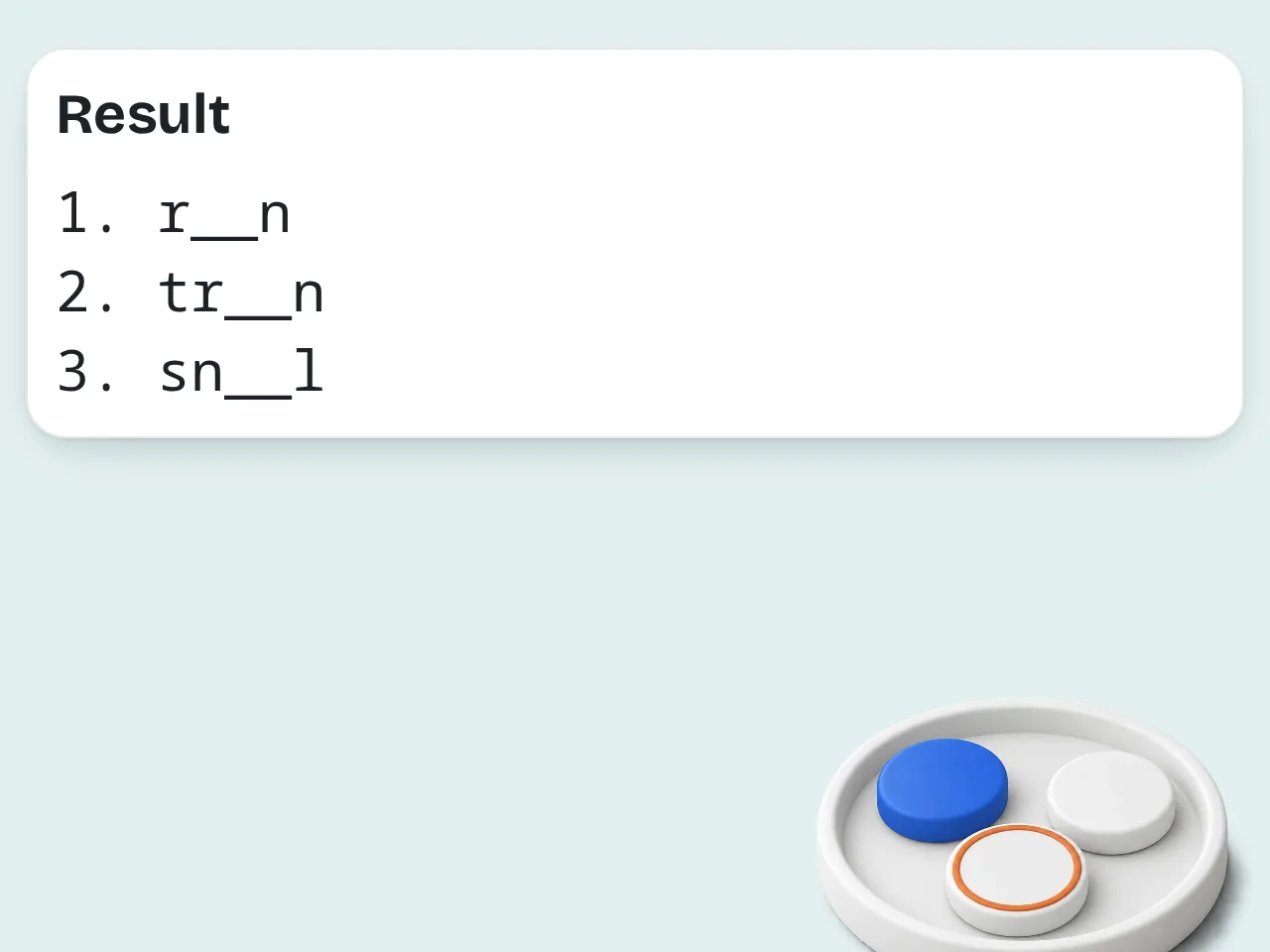
Generate and review
Copy the worksheet, check the answer key, and print or edit the activity for your students.
Key Features of Spelling Worksheet Generator
Fast worksheet creation for teachers, parents, tutors, and ESL lessons
Use Your Own Word List
Paste spelling words from class, homework, phonics lessons, ESL units, or vocabulary review.
Multiple Worksheet Formats
Create missing letters, spelling tests, sentence fill-ins, word banks, definition matching, or mixed practice.
Grade-Level Support
Adjust directions, clues, spacing, and sentence complexity for younger students, older students, or intervention.
Frequently Asked Questions about Spelling Worksheet Generator
Answers for teachers, parents, tutors, and ESL instructors
What is a spelling worksheet generator?
A spelling worksheet generator turns a weekly word list into printable spelling practice. Instead of building a sheet by hand, you paste words, choose a grade level, pick an activity type, and receive a structured worksheet with directions, student tasks, and an answer key. This spelling worksheet generator is useful for teachers, tutors, parents, ESL classes, and intervention lessons. It can create missing-letter drills, spelling tests, sentence practice, word banks, and definition matching from the same list. You still control the final lesson. Edit any sentence, remove words that are too easy, and adjust the activity before printing.
How do I use this spelling worksheet generator?
Paste your spelling words into the main box, choose the grade level, select the worksheet type, and click generate. The spelling worksheet generator will clean the list, format the activity, write student directions, and add an answer key when the activity needs one. For best results, enter 8 to 30 words. Short lists work well for early grades, while longer lists are better for word search, spelling tests, or mixed practice packs. If your class has a theme, add it in the advanced field. A theme helps the tool write more natural sentences and clues.
Is this spelling worksheet generator free to use?
Yes, the spelling worksheet generator is free to try. Guest users can generate a small number of worksheets without an account, free registered users receive a larger monthly allowance, and subscribers have higher limits for frequent classroom use. The core worksheet formats are available for basic use, including spelling tests, missing letters, sentence fill-ins, word banks, and definition matching. If you create worksheets every week, signing in is helpful because it gives steadier access and makes repeated lesson prep easier.
What kinds of spelling worksheets can it create?
The tool can create mixed spelling practice packs, missing-letter worksheets, sentence fill-in-the-blank activities, spelling test sheets, definition matching, word bank practice, and simple word search activities. Each format is built from your own spelling list. A mixed pack is usually best when you want several short activities on one page. A spelling test sheet is better for Friday review or homework. Definition matching and sentence cloze activities are stronger for vocabulary understanding. You can also ask for a custom format in the extra instructions field.
Can I make worksheets from my own spelling words?
Yes. This spelling worksheet generator is designed for your own word list. Paste words from a textbook, weekly homework packet, phonics lesson, vocabulary unit, ESL lesson, or intervention plan, and the tool will build activities around those exact words. The generator does not need a premade list. It can work with simple CVC words, sight words, multisyllable words, content vocabulary, or mixed review lists. If the list has duplicates or very different difficulty levels, the output will note that so you can review it before printing.
Can it create spelling worksheets for different grade levels?
Yes. You can choose early elementary, grades 2–3, grades 4–5, grades 6–8, or ESL and intervention settings. The spelling worksheet generator uses that choice to adjust sentence length, clue style, directions, and the amount of support. Younger students usually need larger spacing, simpler directions, word banks, and short sentences. Older students can handle definitions, context clues, paragraph tasks, and challenge words. Grade level is a guide, not a lock. If your students need extra support, choose a lower level or select gentle practice.
Does the tool include an answer key?
Yes, the tool includes an answer key when the worksheet type needs one. Missing-letter activities, sentence cloze tasks, definition matching, word searches, and spelling tests can all include answers or teacher notes. Answer keys save time, especially when you create homework packets, substitute plans, tutoring sheets, or independent practice. They also make it easier for parents to check work at home. If you do not want an answer key, add that request in the extra instructions field before generating.
Can I make a printable spelling test?
Yes. Choose the spelling test sheet option and paste your weekly spelling words. The generator can create a clean test page with numbered lines, optional word bank settings, teacher notes, and a simple answer key. You can ask for space for name, date, score, challenge words, dictation sentences, or a separate practice section. These details make the sheet easier to use in a real classroom. For younger students, request large writing lines. For older students, ask for definitions or sentence dictation.
How is this different from a normal worksheet template?
A normal worksheet template usually gives fixed boxes and asks you to fit your lesson into the layout. This spelling worksheet generator starts with your words, grade level, and teaching goal, then builds a worksheet around them. That makes it more flexible for mixed lists, ESL learners, phonics patterns, sight words, vocabulary review, and intervention work. You can request simpler clues, themed sentences, answer keys, or multiple short activities. The output is still editable, so you can treat it as a strong first draft for printing.
Can ESL teachers use this spelling worksheet generator?
Yes. ESL teachers can use it to create spelling practice with clearer directions, simpler sentence frames, word banks, and context clues. Choose the ESL or intervention grade setting and add any language support you want in the extra instructions field. The tool can keep English spelling words unchanged while writing directions in another output language. That is useful when students or parents need support understanding the task. For beginners, use short lists and gentle practice. For advanced learners, use sentence cloze or definition matching.
What should I enter for the best worksheet results?
Enter a clean spelling list, choose the closest grade level, and select the activity type that matches your lesson goal. If the words belong to a phonics pattern or theme, mention it so the spelling worksheet generator can make better directions and examples. Eight to thirty words usually works best. Very long lists can make crowded worksheets, while very short lists may need repeated practice formats. Add extra instructions for line spacing, answer keys, challenge words, dyslexia-friendly layout, or homework style.
Can I edit the generated spelling worksheet?
Yes. The generated spelling worksheet is meant to be copied, edited, and adapted. You can shorten directions, replace a sentence, remove an activity, add school-specific formatting, or change the answer key before giving it to students. AI helps with the first draft, but teachers and parents know the class best. A quick review catches words that need special pronunciation notes or sentences that should match classroom context. If the first version is close but not perfect, regenerate with more specific extra instructions.
Still have questions?
Contact our support teamReady to Build a Spelling Worksheet?
Turn your weekly word list into printable practice in seconds.