Vocabulary Quiz Maker
Create a vocabulary test generator for words, meanings, spelling, and classroom review
How to Use the Vocabulary Quiz Maker
Create a word test generator worksheet in 3 steps
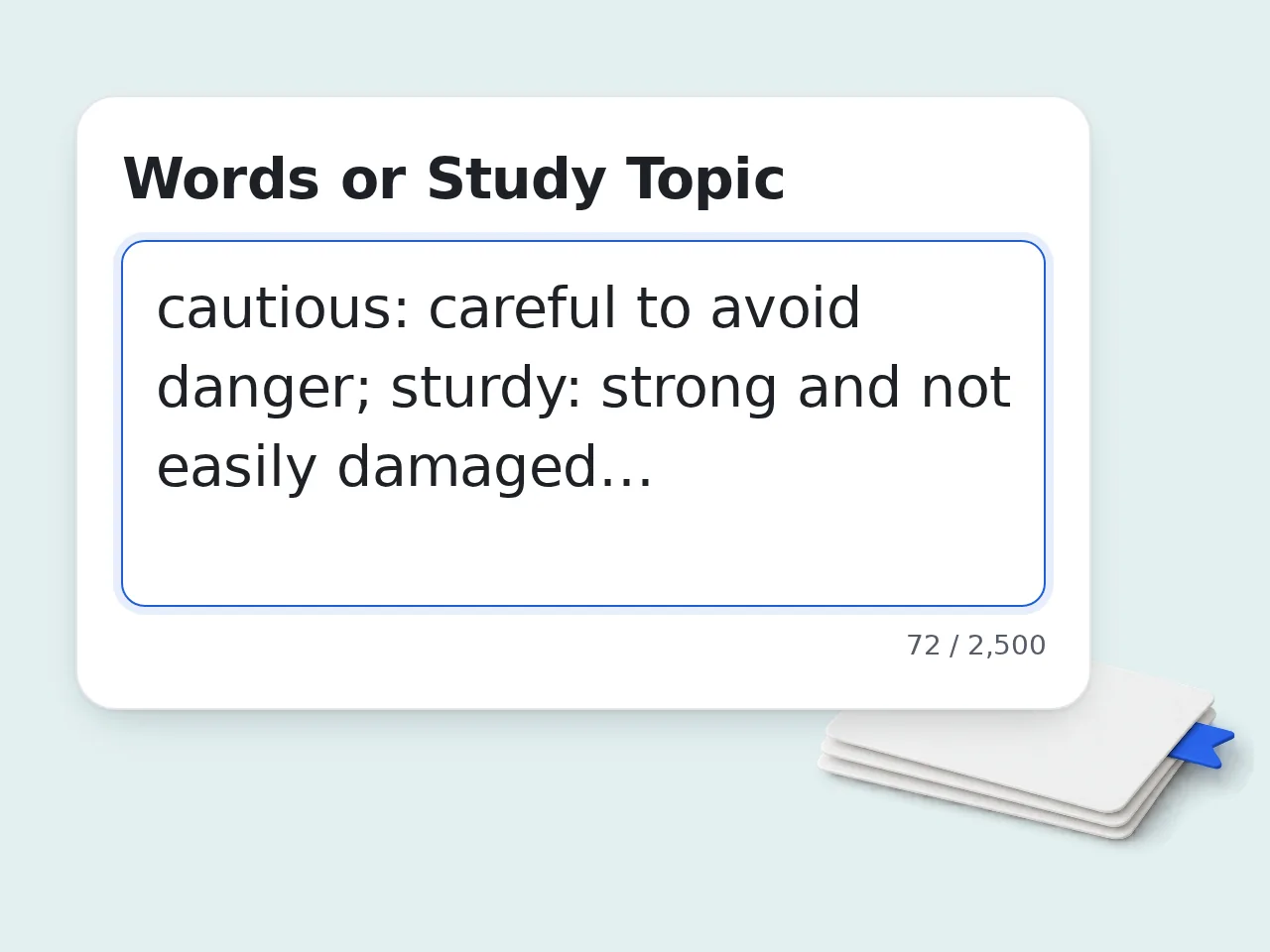
Enter words or a topic
Paste your vocabulary list with definitions, or describe the topic for the vocabulary quiz maker.
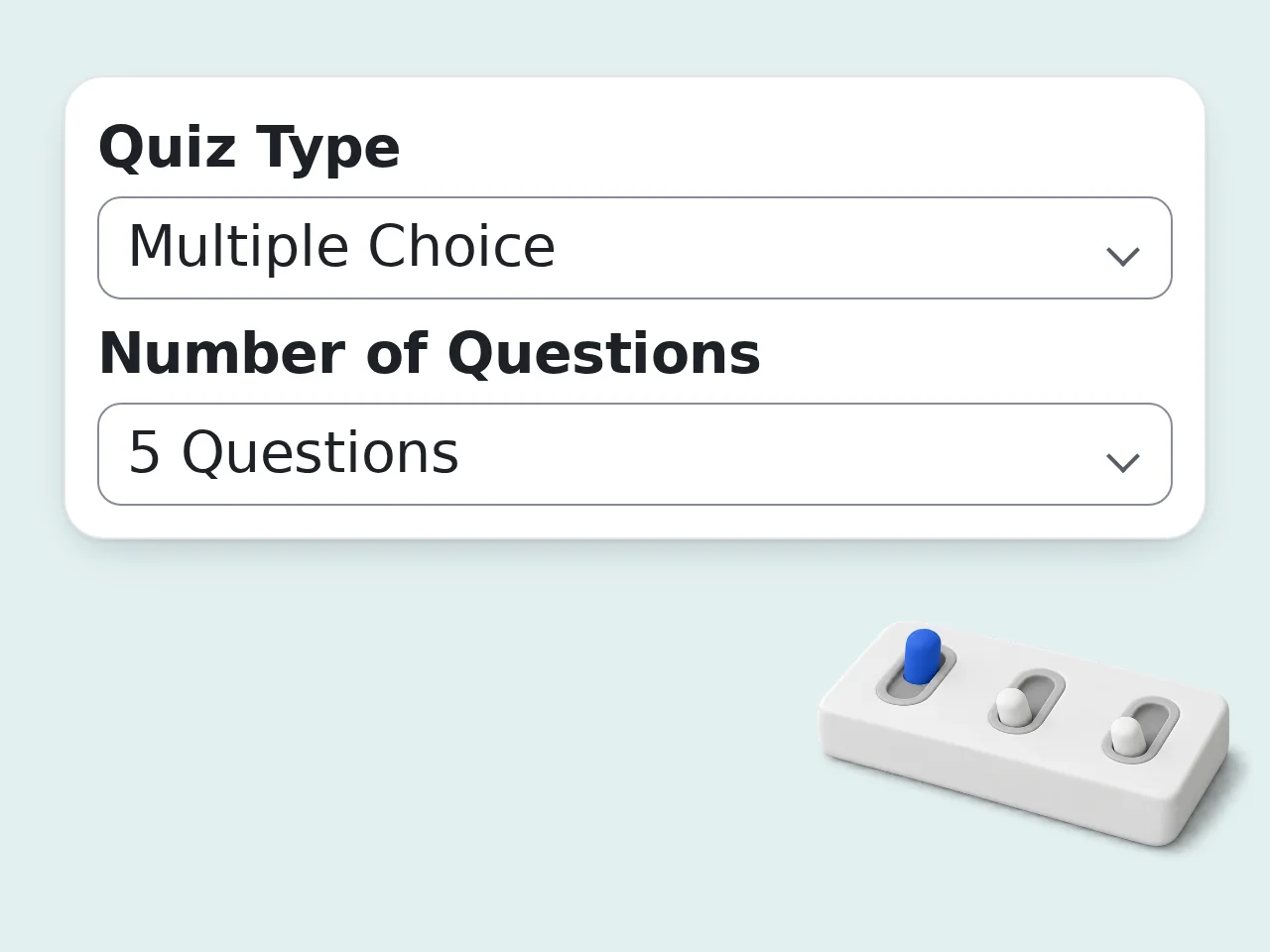
Choose quiz settings
Select question type, question count, difficulty, learner level, and answer key style.
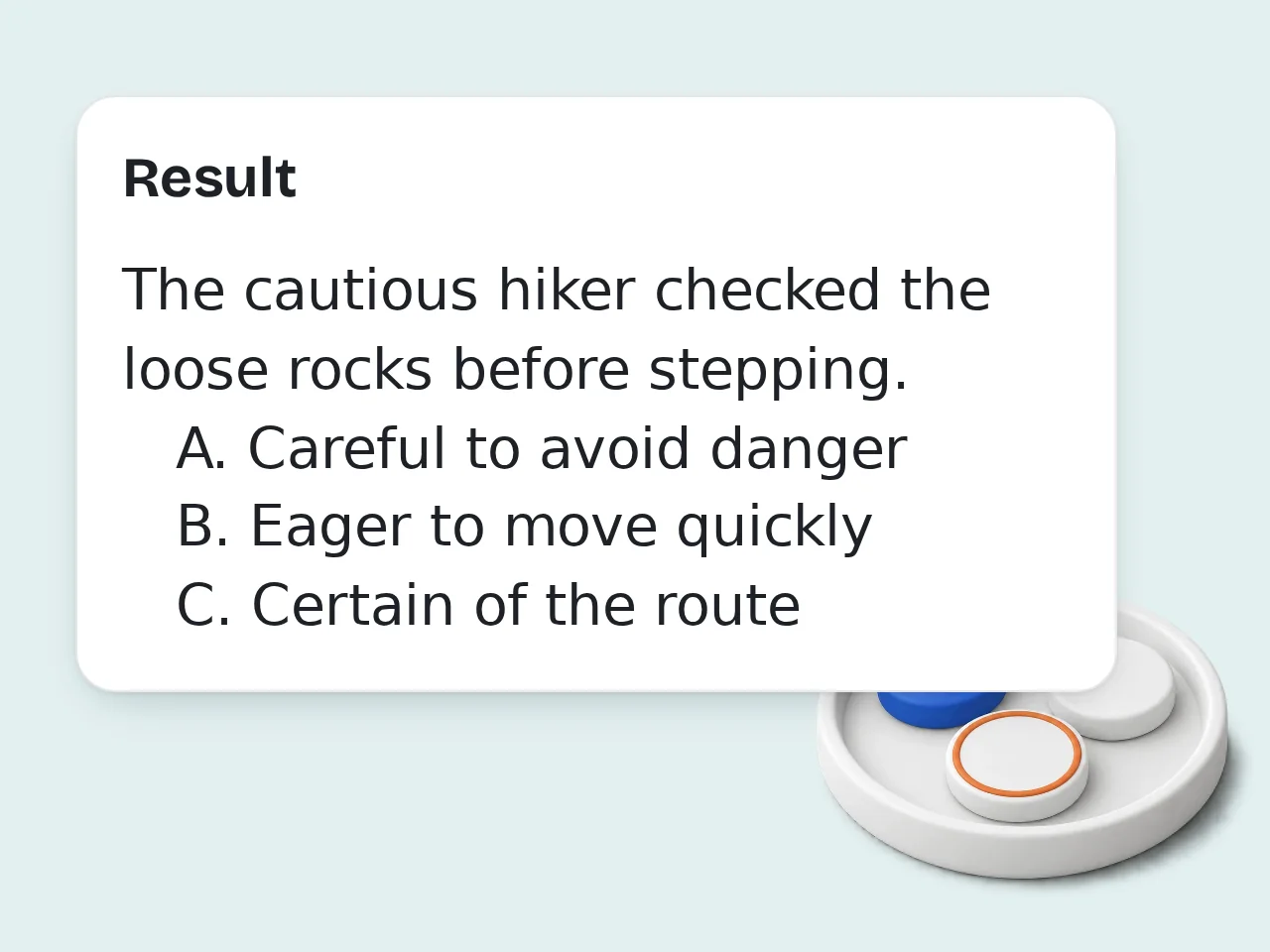
Generate and review
Copy the vocabulary test generator output, check the answer key, and use it in class or self-study.
Key Features of Vocabulary Quiz Maker
Everything needed to create a vocabulary quiz from words or topics
5 Vocabulary Quiz Formats
Create multiple choice, matching, fill-in-the-blank, spelling, or mixed vocabulary quiz worksheets from one input.
Learner-Level Difficulty Control
Set elementary, middle school, high school, adult ESL, or adaptive difficulty for better vocabulary test questions.
Answer Keys with Explanations
Generate answers only, short explanations, or teacher notes so the vocabulary quiz is easier to grade and review.
Frequently Asked Questions about Vocabulary Quiz Maker
Clear answers about vocabulary tests, worksheets, quiz formats, and limits
What is a vocabulary quiz maker?
A vocabulary quiz maker turns word lists, definitions, or study topics into ready-to-use word tests. It can create multiple-choice questions, matching sections, fill-in-the-blank practice, spelling items, and answer keys in a printable format. Teachers use it for classroom checks, tutors use it for review sessions, and learners use it for self-study. You can paste your own words or enter a topic when you need a fresh vocabulary set. For best results, include definitions, example sentences, or learner level. That helps the vocabulary test generator write fairer questions.
How do I use this vocabulary quiz maker?
Paste your vocabulary words or describe the topic, choose a quiz type, pick the number of questions, and generate the quiz. The vocabulary quiz maker returns questions, instructions, answers, and short explanations you can copy. If you already have definitions, include them beside each word. If you only have a topic, the tool can create a suitable list and build the test around it. Review the final answer key before sharing. A quick check keeps classroom quizzes accurate and aligned with your lesson.
Is this vocabulary quiz maker free to use?
Yes, this vocabulary quiz maker is free to try. Guests get limited daily free tries without an account, free registered users have a monthly credit allowance, and subscribers receive higher limits. The free tier supports the main quiz formats, including multiple choice, matching, fill in the blank, spelling practice, and mixed review. You can also request answer explanations. For daily teaching or large word lists, signing in gives a steadier workflow and a more generous monthly allowance. See the pricing page for current details.
How many vocabulary quizzes can I make per day?
Guests get limited daily free tries for making vocabulary quizzes. Free registered users have a monthly credit allowance, while subscribers have higher limits for repeated lesson planning, tutoring, and classroom preparation. Each generation can produce a short quiz with 5, 10, 15, or 20 questions. Very long lists may work better when split by unit, chapter, or learner level. If you need several versions, create one quiz first, review it, then generate alternate forms with changed difficulty or question type. See the pricing page for current details.
Can I use the vocabulary quiz maker without an account?
Yes, you can use the vocabulary quiz maker without creating an account for quick practice or one-off worksheets. Guest access is meant for short word tests, homework review, and last-minute classroom checks. A free account is useful when you need more generations across the month. It also makes the workflow smoother if you create quizzes for several classes or tutoring students. If you only need a single quiz today, guest access is usually enough to get started.
What question types does the vocabulary quiz generator support?
The vocabulary quiz generator supports mixed quizzes, multiple choice, matching, fill in the blank, spelling practice, and short-answer style prompts. It can also include answer keys, explanations, and teacher notes. Multiple choice works well for meaning recognition, matching is useful for quick review, and fill-in-the-blank questions test usage in context. Spelling practice helps with form and recall. Choose Mixed Quiz when you want a balanced worksheet instead of one repeated question format.
Who should use a vocabulary quiz maker?
A vocabulary quiz maker is useful for teachers, ESL tutors, homeschool parents, test-prep coaches, and students who want structured word practice. It saves time when a lesson needs a quick review activity. Elementary learners may need simple definitions and examples. High school, adult ESL, and exam-prep learners often benefit from harder distractors, context sentences, and usage notes. Set the learner level before generating. That keeps the vocabulary questions readable without making them too easy.
Why use a vocabulary quiz maker instead of writing questions manually?
A vocabulary quiz maker is faster than writing every question, option, blank, and answer key by hand. It gives you a complete first draft that you can edit for your lesson. Manual quiz writing is still valuable, but it takes time to create plausible distractors and balanced question types. The tool handles that repetitive structure in seconds. Use the generated quiz as a draft, then adjust any wording that needs your classroom context.
Why use this vocabulary quiz maker instead of asking ChatGPT directly?
This vocabulary quiz maker gives structured controls that a plain chat prompt often misses. You can set quiz type, question count, difficulty, learner level, answer key style, and output language before generation. That form-based workflow reduces prompt writing and keeps the output consistent. It is especially helpful when you create similar quizzes every week for different word lists. ChatGPT can still help with unusual requests, but this tool is faster for repeatable vocabulary test creation.
Can the vocabulary quiz maker create printable worksheets?
Yes, the vocabulary quiz maker can create copy-ready quiz text that works well as a printable worksheet. It includes a title, instructions, numbered questions, and an answer key that can be separated before printing. For a classroom handout, choose 10 or 15 questions and ask for answers with explanations. You can paste the result into Google Docs, Word, or an LMS page. Before printing, remove the answer section from the student version and keep it for grading.
How can I get better results from a vocabulary quiz maker?
You get better results from a vocabulary quiz maker by giving clear input: words, definitions, example sentences, learner level, and the skill you want to test. Specific input creates stronger questions. If you paste only isolated words, the tool may need to infer meanings. That can work for common vocabulary, but definitions prevent confusion for words with several meanings. Add a note like “B1 ESL learners” or “8th grade science unit” for more accurate difficulty.
What if the vocabulary quiz output is not what I expected?
If the vocabulary quiz output is not what you expected, change one setting and regenerate. Try a different quiz type, lower or raise difficulty, or add definitions and example sentences to the word list. Most issues come from vague input, mixed word levels, or words with multiple meanings. The answer explanations can show where the tool made assumptions. For important tests, treat the generated quiz as a draft. Review answers before using it with students.
Still have questions?
Contact our support teamReady to Create a Vocabulary Quiz?
Turn any word list into a clean vocabulary quiz with answers in seconds.