AI Bio Generator for Instagram
Create short, copy-ready Instagram bios with tone, emoji, and CTA options
How to Use the AI Bio Generator for Instagram
Create an Instagram bio in three quick steps
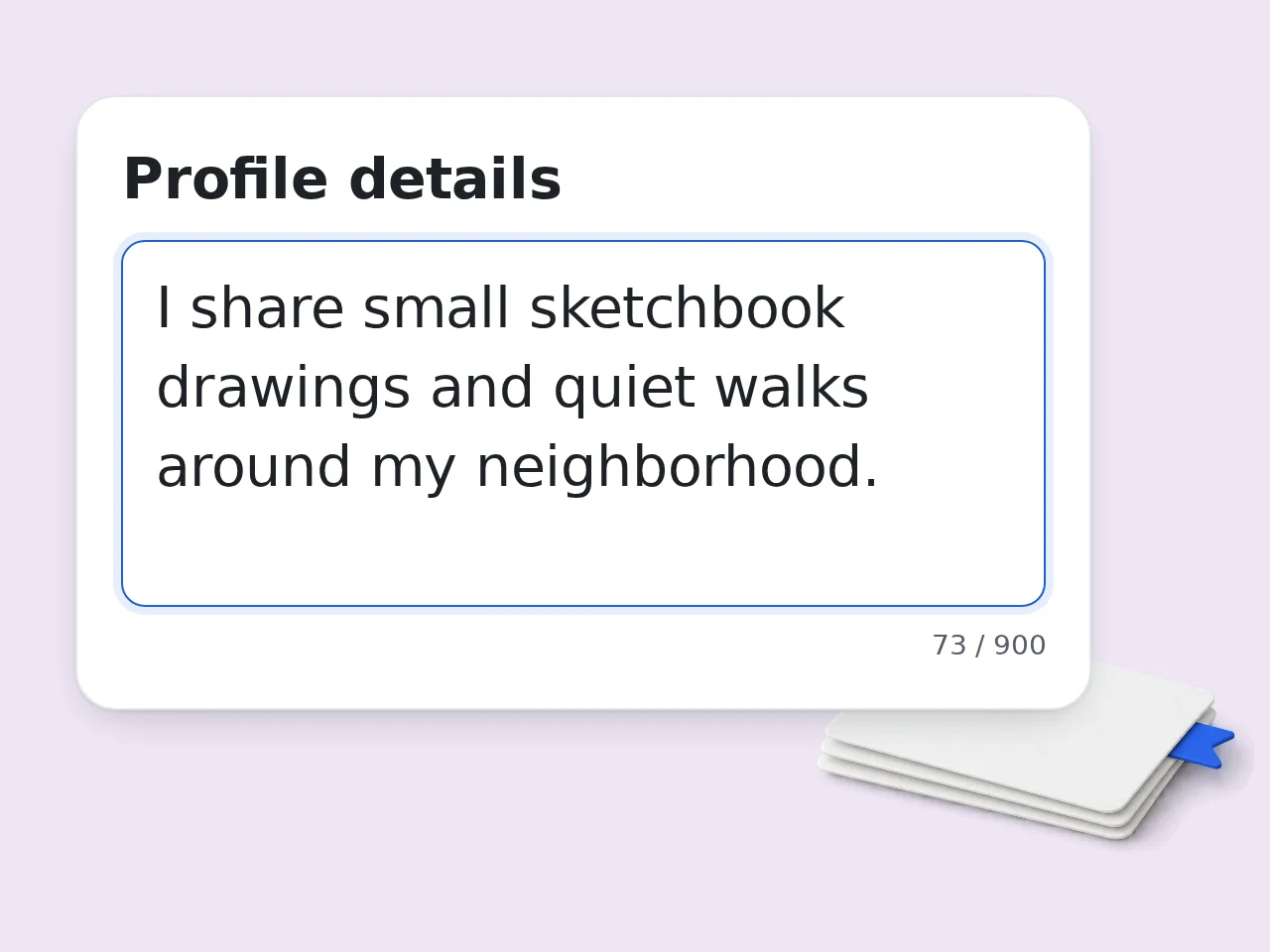
Add your profile details
Enter your niche, interests, products, personality, location, audience, or anything the Instagram bio should mention.
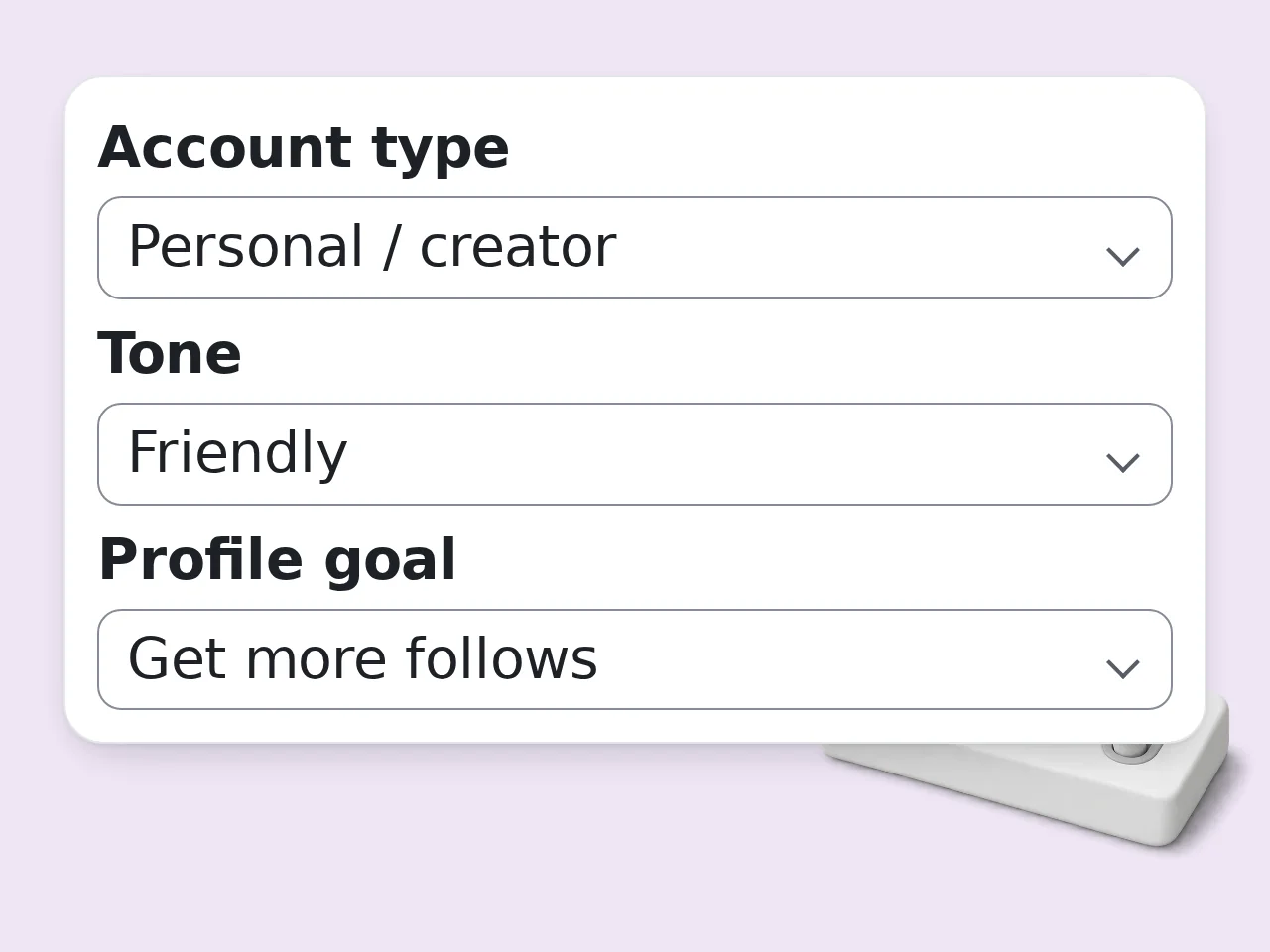
Choose tone and goal
Select the account type, tone, profile goal, bio style, and emoji level so the output matches your page.
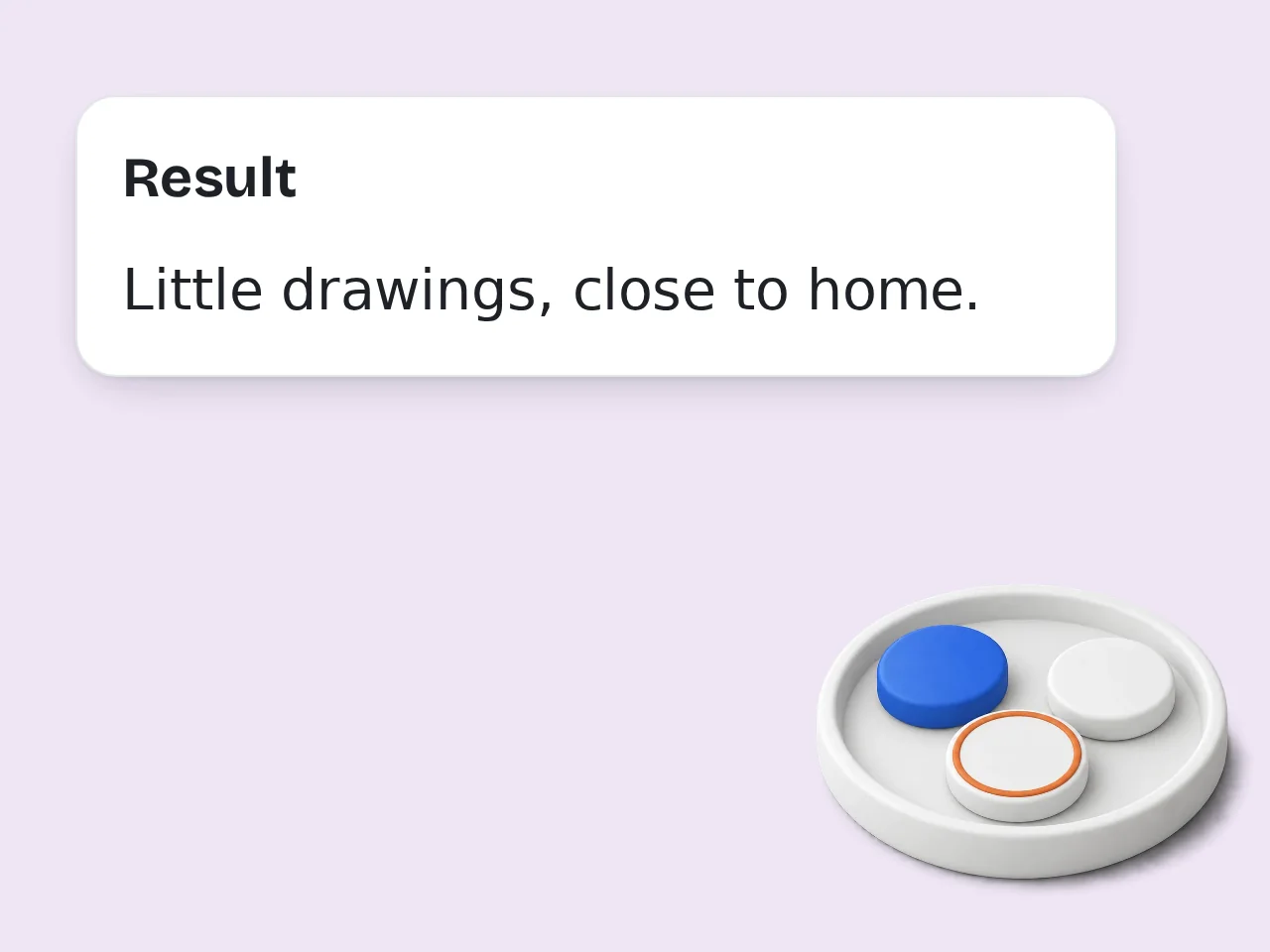
Copy your favorite bio
Review several Instagram bio options, copy the strongest one, or mix lines from different versions.
Key Features of AI Bio Generator for Instagram
Everything needed to create a clear Instagram bio fast
Instagram-Ready Bio Length
Generate short bios designed for the limited Instagram profile space, including one-line and line-break options.
Tone and Goal Controls
Pick friendly, funny, professional, aesthetic, bold, or minimal tone, then match the bio to follows, link clicks, sales, or trust.
Emoji and CTA Options
Add tasteful emojis, separators, and call-to-action lines without making the bio messy or hard to read.
Frequently Asked Questions about AI Bio Generator for Instagram
Common questions about Instagram bio generator tools
What is an ai bio generator for instagram?
An ai bio generator for instagram turns profile details into short, copy-ready Instagram bios. It helps you explain who you are, what your account offers, and why someone should follow or tap your link. For best results, include the audience, purpose, and one concrete detail so the AI bio generator for instagram can shape the draft around a real situation instead of a generic prompt.
How do I use this AI Instagram bio generator?
Enter your profile details, choose an account type, pick a tone, and select your goal. The tool then writes multiple Instagram bio options you can copy, edit, or combine. A focused prompt also makes editing easier because you can judge whether the output matches the tone, length, and use case you had in mind.
Can it write bios within the 150-character Instagram limit?
Yes. Instagram bios are short, so the generator keeps options compact and scannable. You can choose one-line or line-break styles depending on how much detail you want. If the first result feels broad, regenerate with a narrower angle, a clearer format, or one phrase that absolutely needs to appear.
Can I generate bios for a business Instagram account?
Yes. Choose Business or Small shop as the account type. The output can include what you sell, who it helps, trust-building wording, and a clear call to action. You can treat the first draft as raw material, then keep the strongest lines and remove anything that sounds too polished or too vague.
Can it make personal creator bios?
Yes. Add your niche, interests, personality, location, pronouns, or content themes. The generator will create creator-friendly bios that feel more specific than a blank template. This is especially useful when you need a starting point quickly but still want the final wording to sound like you.
Does the tool include emoji and symbols?
Yes. You can choose no emoji, light emoji, balanced emoji, or a more decorated style. The goal is to make the bio look good without becoming hard to read. The tool works best when you add context before generating and review the result before copying it into a real post, class reply, song, or profile.
Can I add a call to action?
Yes. Pick a goal such as link clicks, sales, follows, or trust building. The generator can include CTA lines like “shop below,” “book a session,” or “follow for daily tips.” Small edits after generation usually make the biggest difference: adjust names, examples, transitions, and any line that feels off.
Will the generated bio be unique?
The bios are generated from your own details, tone, and goal. For the most unique result, include concrete information such as your niche, offer, audience, style, or location. If you are comparing several versions, save the best parts from each one and combine them into a cleaner final draft.
Can I use the bios on TikTok or other platforms?
The tool is focused on Instagram, but many short bios can also work on TikTok, Threads, X, Pinterest, or link-in-bio pages after a quick edit. The goal is not to accept every sentence automatically; use the output as a structured shortcut for faster writing.
What should I write in profile details?
Add your name, niche, interests, products, audience, personality, location, CTA, and anything that must appear in the bio. Specific details usually create better results. Clear inputs, practical settings, and a quick human edit will usually produce a much stronger final result than a one-word prompt.
Is this AI bio generator for Instagram free?
Yes. You can use the ai bio generator for instagram to create fast bio ideas without writing a prompt from scratch. You can also rerun the same idea with a different tone when the first version is accurate but not quite the right voice. Add one more pass for clarity before copying it into your profile. Add one more pass for clarity before copying it into your profile. Add one more pass for clarity before copying it into your profile.
How do I choose the best bio?
Choose the bio that says what you do clearly in the first line, matches your personality, and gives visitors one next step. Short, specific bios usually work best. Before publishing or submitting, read the draft once from the audience's point of view and tighten anything that could be misunderstood.
Still have questions?
Contact our support teamCreate Your Instagram Bio Now
Turn a few profile details into short, clear, copy-ready Instagram bios with emojis and CTA options.