AI Quotes Generator
Create original quotes for captions, posters, journals, and speeches
How to Use the AI Quote Generator
Create original quotes in 3 quick steps
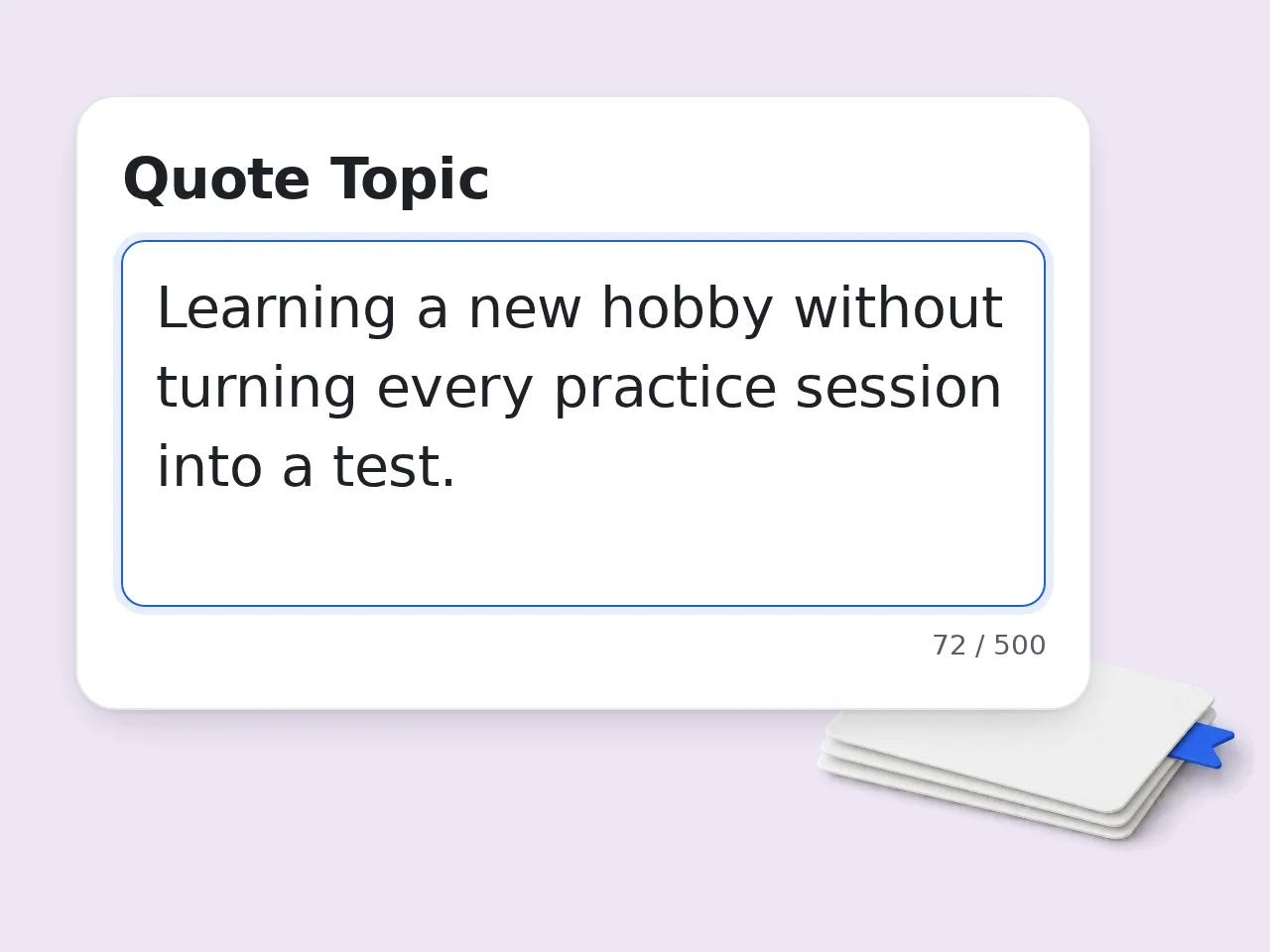
Enter your quote topic
Type the theme, emotion, or situation you want. A specific topic helps the AI quote generator produce stronger, less generic lines.
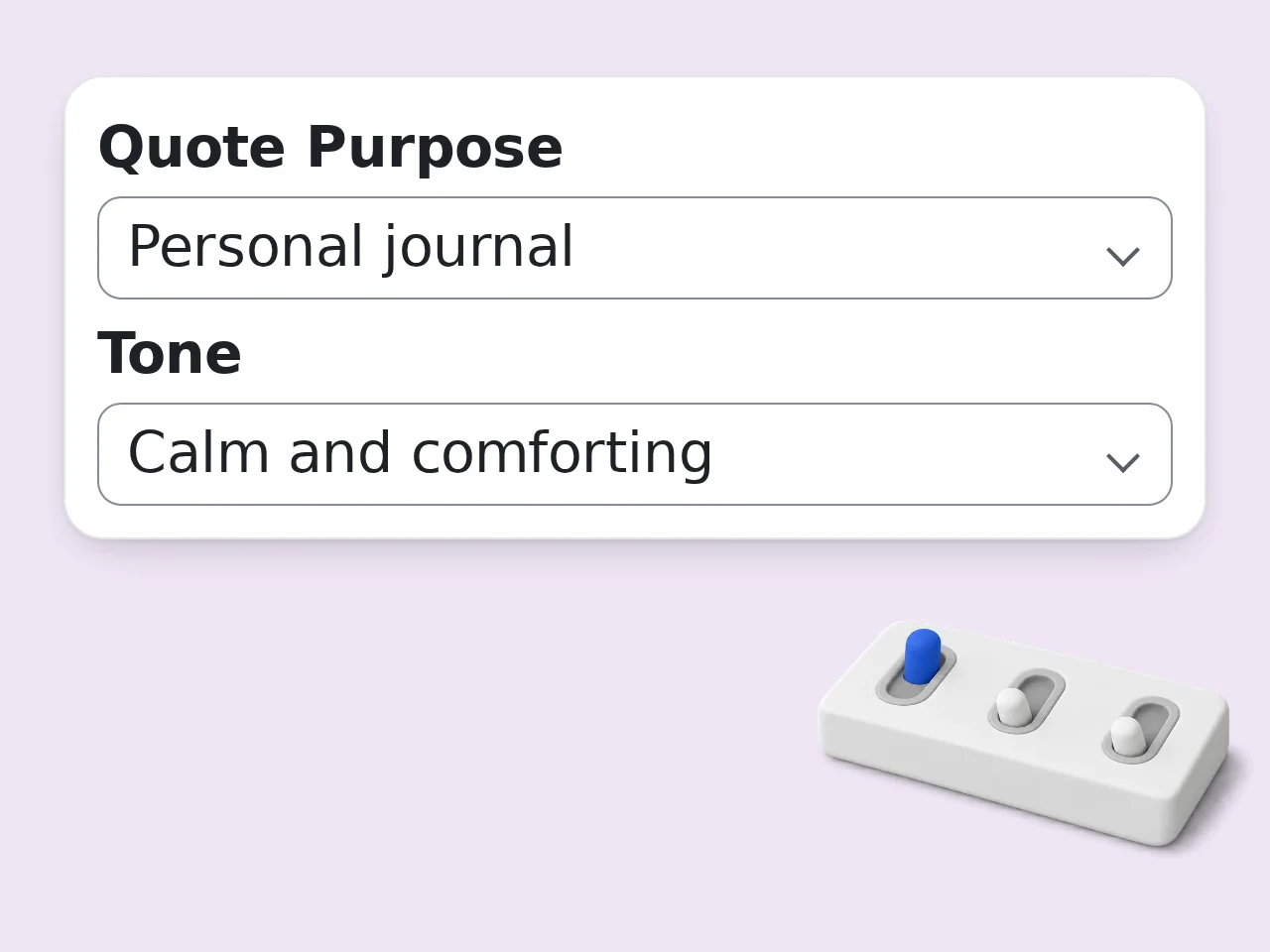
Choose tone, purpose, and length
Pick whether you need a motivational caption, thoughtful journal line, funny quote, comforting message, or poster-ready phrase.
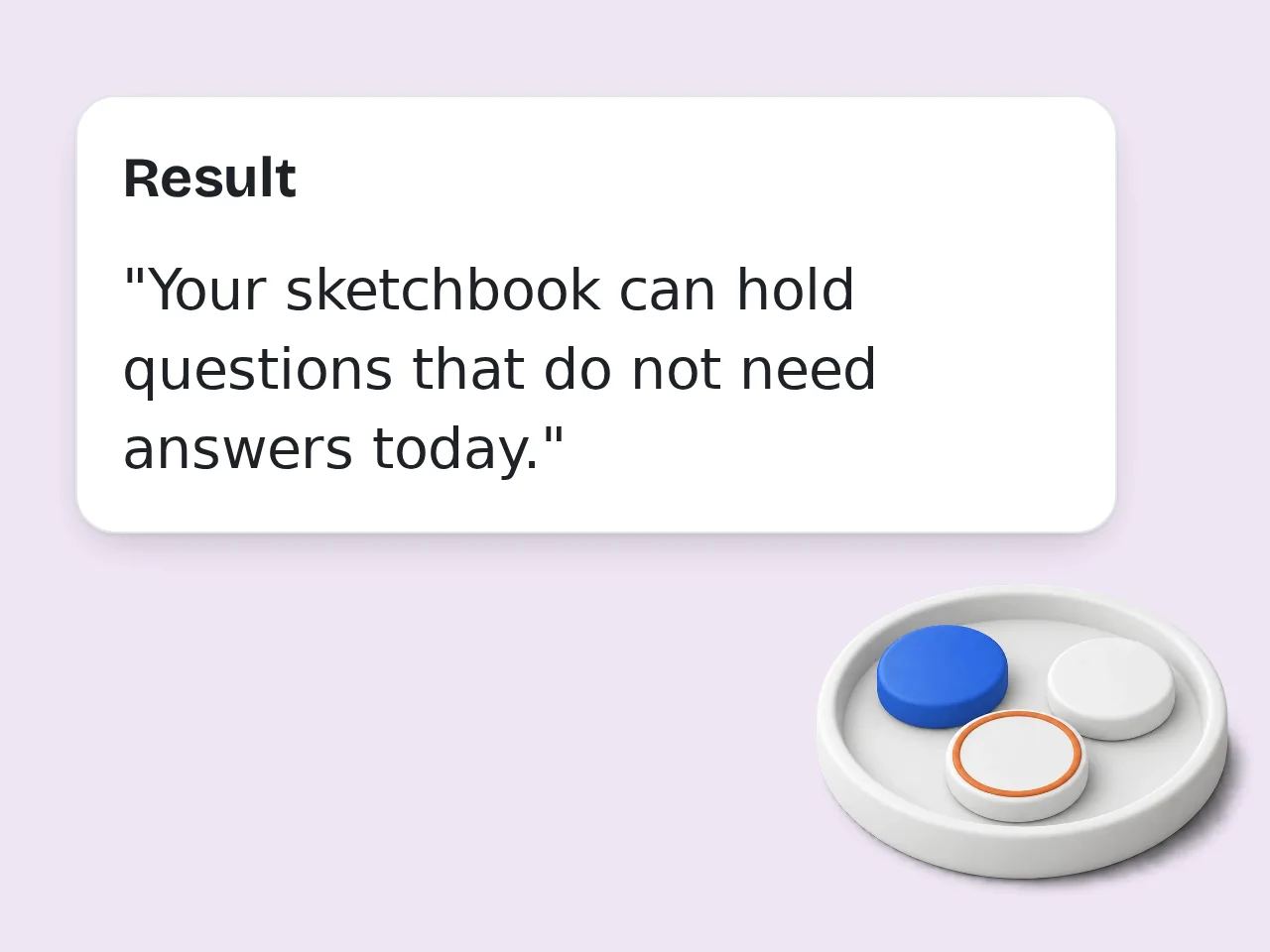
Generate and copy your favorite quote
Click generate to receive several AI generated quotes. Copy the strongest one, edit a few words, and use it wherever you need.
Key Features of AI Quote Generator
Everything you need to create quote ideas quickly
5 Quote Tones Available
Generate motivational, thoughtful, funny, comforting, or bold quotes. The AI quote generator changes wording to match the feeling you want.
Purpose-Based Quote Output
Create quotes for social captions, posters, journals, presentations, or general inspiration without writing a long prompt from scratch.
Multiple Quotes in One Click
Choose 5, 10, or 15 AI generated quotes at once, then copy the best line or combine ideas into your own final version.
Frequently Asked Questions about AI Quote Generator
Common questions about AI quotes generator tools
What is an AI quote generator and how does it work?
An AI quote generator creates original quote ideas from a topic, emotion, or situation you enter. It uses your theme, tone, and purpose to produce short lines that are ready to copy, post, or adapt. Instead of giving generic sayings, this quote generator ai tool can shape quotes for motivation, humor, comfort, journals, posters, or social media captions. You can control length and quantity before generating. For best results, enter a specific theme like “starting over after failure” rather than one broad word like “life.”
How do I use the AI quotes generator to get the best results?
Use the AI quotes generator by typing a clear topic, choosing a tone, selecting a purpose, and then generating several quote options. The more specific your topic is, the more useful the output becomes. For example, “confidence after a career change” will produce sharper AI generated quotes than simply “confidence.” You can also add an audience, such as students, founders, friends, or Instagram followers. After generation, pick the strongest line and adjust one or two words so it fits your voice perfectly.
Is the AI quote generator free to use?
Yes, the AI quote generator is free to use. Guests get limited daily free tries without an account, and free registered users have a monthly credit allowance. All core controls are available, including topic, tone, purpose, length, quantity, and output language. You do not need a credit card to generate short inspirational quotes or social captions. If you need higher limits for regular content work, subscription plans provide more usage. See the pricing page for current details.
How many times can I use the free AI quote generator per day?
Guests get limited daily free tries of the free AI quote generator without signing in. Free registered users have a monthly credit allowance, which is enough for casual posting and personal use. Each generation can return multiple quote options, so one use can create 5, 10, or 15 AI generated quotes depending on your selected quantity. That makes the free tier practical for quick brainstorming. For daily social content calendars or bulk design work, a paid plan gives more room. See the pricing page for current details.
Can I use the AI quotes generator without creating an account?
Yes, you can use the AI quotes generator without creating an account. Enter a topic, choose your settings, and generate quote ideas directly from the page. Guest access is designed for quick one-off needs, such as a caption, journal line, poster phrase, or motivational note. A free account simply increases your monthly usage and may help save work later. If you only need a few quotes right now, skip signup and start with the guest limit.
What can I use AI generated quotes for?
AI generated quotes work well for Instagram captions, Pinterest pins, posters, classroom boards, presentations, journal prompts, greeting cards, newsletters, and personal motivation. The tool is flexible because it starts from your topic. Choose Social Media for short shareable lines, Poster or Design for visual quote layouts, or Presentation for polished wording. The same theme can become very different outputs depending on purpose. For public use, review the quote and make small edits so it matches your brand or personal voice.
Does the AI quote generator support different tones?
Yes, the AI quote generator supports several tones, including motivational, thoughtful, funny, comforting, and bold. Tone changes the rhythm, word choice, and emotional weight of each quote. Motivational works for action and confidence. Thoughtful fits journals and reflective posts. Funny gives lighter caption ideas, while comforting works for encouragement during hard moments. Bold is better for leadership, fitness, or startup themes. If the first batch feels too soft or too serious, switch tone and regenerate.
Why use an AI quote generator instead of writing quotes manually?
An AI quote generator is faster than starting from a blank page. It gives you multiple angles in seconds, so you can compare ideas, choose the strongest line, and refine it. Manual writing is still useful for final polish, but brainstorming quote ideas can take time. This tool speeds up the first draft stage for captions, posters, speeches, or daily inspiration. Think of it as a quote idea partner, not a replacement for your taste.
Why use this quote generator ai tool instead of asking ChatGPT directly?
A dedicated quote generator ai tool is faster because the form already contains the prompt structure. You do not need to explain tone, purpose, quote count, length, and audience every time. The settings keep output consistent across repeated tasks. That helps when creating social posts, quote images, classroom materials, or presentation slides with similar formatting. ChatGPT is flexible, but this AI quote generator is simpler when the job is specifically quote creation.
Can the AI quote generator make quotes for social media?
Yes, the AI quote generator can create quotes for social media captions, bios, image posts, reels, pins, and story slides. Choose Social Media as the purpose for shorter, punchier lines. You can also select funny, motivational, bold, or comforting tone depending on the platform and audience. Short quotes usually work better for Instagram, TikTok overlays, Pinterest graphics, and LinkedIn posts. Pair the best quote with a simple visual background and keep the text easy to read on mobile.
How can I get better AI generated inspirational quotes?
To get better AI generated inspirational quotes, describe the situation behind the emotion. Instead of “hope,” try “hope after losing confidence” or “hope before starting a difficult exam.” Specific context helps the tool avoid generic phrases. Add an audience when possible, such as new parents, athletes, students, creators, or a friend dealing with change. Generate 10–15 options, then combine the best wording from two quotes if one is close but not perfect.
What if the AI quotes generator output is not what I expected?
If the AI quotes generator output feels off, adjust one setting at a time. Change the tone, shorten the quote length, or rewrite the topic with more detail before generating again. Most weak results come from broad input. “Love” may produce generic lines, while “long-distance love after a hard week” gives the AI quote generator a clearer emotional target. You can also ask for fewer quotes if you want more focused, polished options instead of a wide brainstorm.
Still have questions?
Contact our support teamReady to Create Your Next Quote?
Enter a theme and generate original quote ideas in seconds — free, no signup needed.