Random Letter Generator
Pick random letters from A to Z in seconds — uppercase, lowercase, or mixed
How to Use the Random Letter Generator
Generate random alphabet letters in 3 quick steps
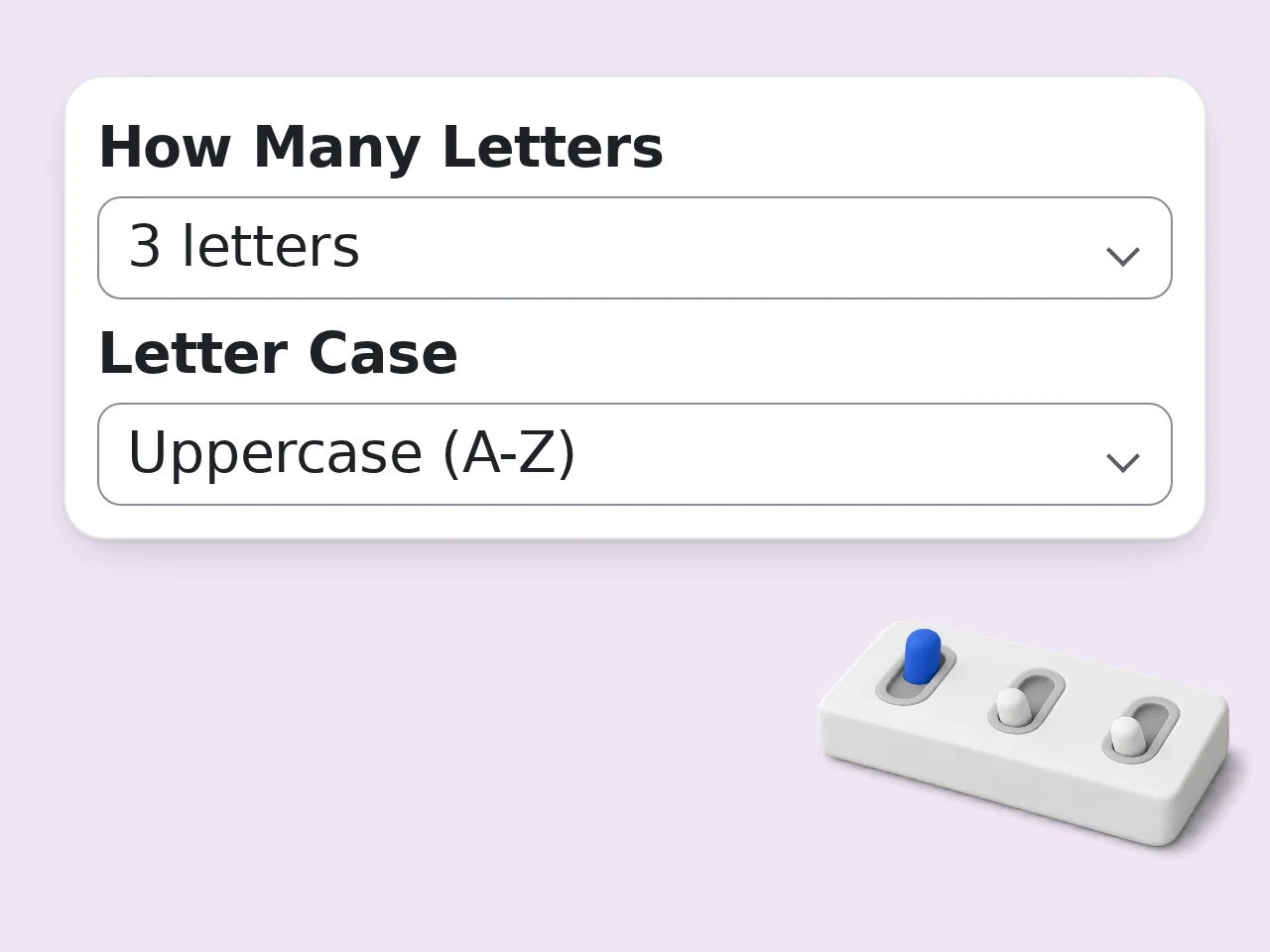
Set how many letters you need
Choose 1, 3, 5, 7, 10 or 26 letters from the dropdown. The random letter generator works for single picks or full alphabet selections.
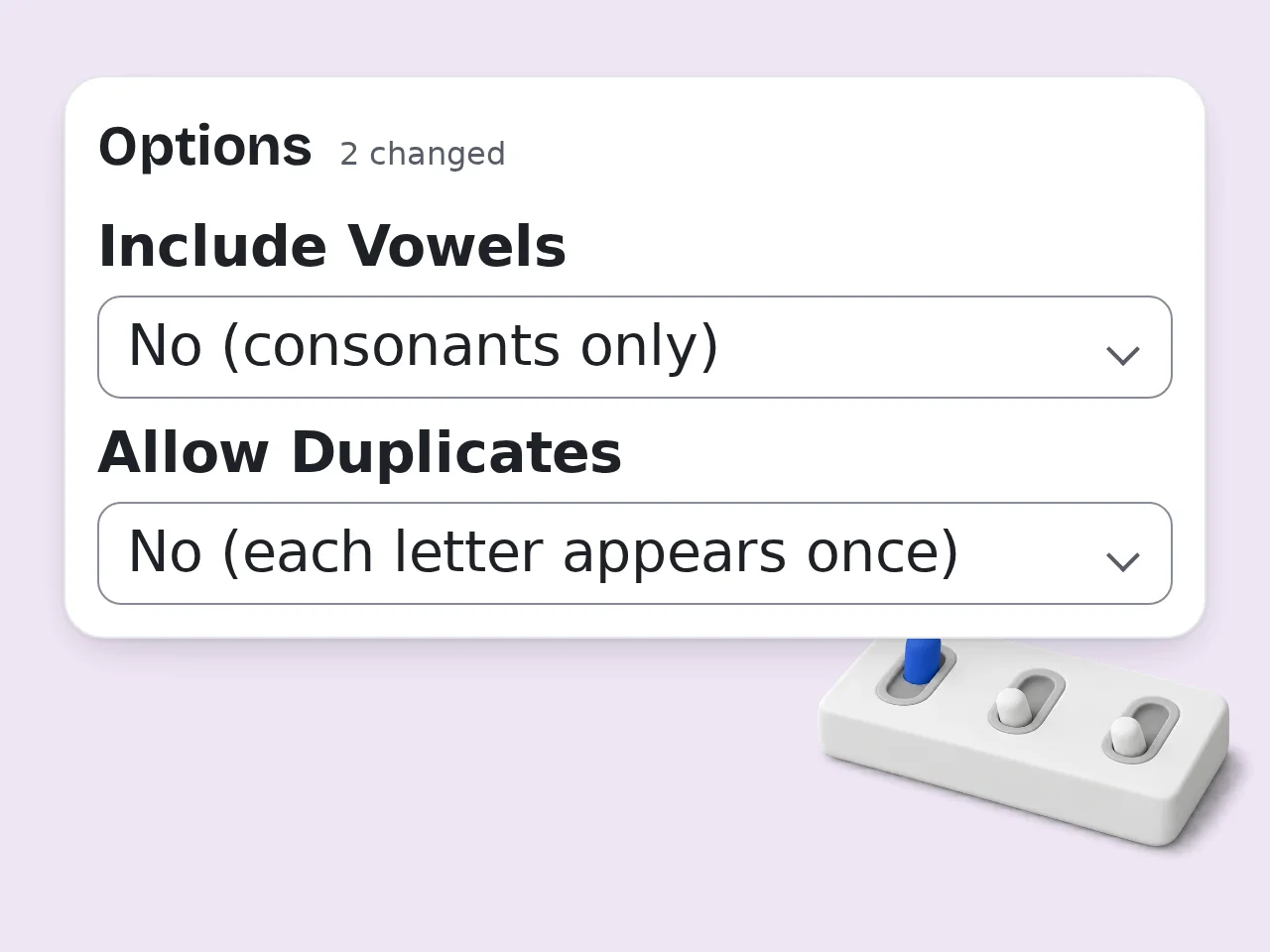
Choose case and optional filters
Select uppercase, lowercase, or mixed. In the advanced options, filter out vowels, disable duplicates, or add bonus info like example words.
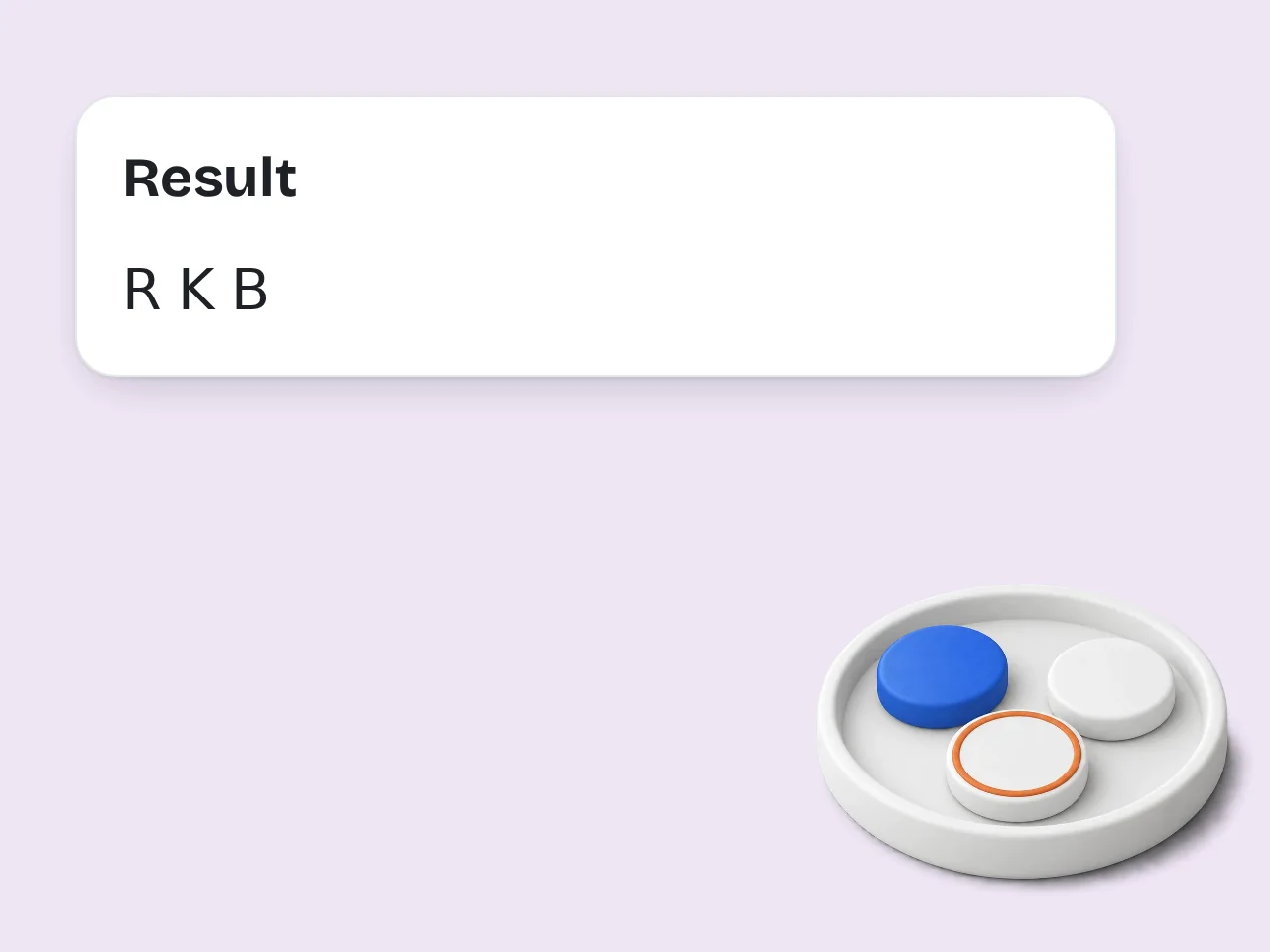
Click Generate and get your random letters
Instant results — your random letters appear with any bonus info you selected. Click again for a fresh set of random alphabet letters.
Key Features of the Random Letter Generator
Everything you need to pick random alphabet letters in one place
1, 3, 5, 7, 10 or 26 Letters in One Click
Pick 1, 3, 5, 7, 10 or 26 letters for games, teaching or creative use.
Case and Filter Controls
Generate uppercase A-Z, lowercase a-z, or mixed case. Exclude vowels to get consonants only, or block duplicates so each letter appears just once.
Bonus Letter Info Built In
Each random letter can come with example words, a memory trick, or a fun historical fact — useful for learners, teachers, and anyone who wants more than just a letter.
Frequently Asked Questions about the Random Letter Generator
Common questions about picking random letters from A to Z
What is a random letter generator and how does it work?
A random letter generator is a tool that picks letters from the alphabet. This tool uses AI to select letters based on your settings. This random letter generator lets you choose how many letters to generate (1, 3, 5, 7, 10 or 26), select uppercase or lowercase and include or exclude vowels. Block duplicates so the same letter never repeats. Generate again to get another AI-generated letter selection.
How do I use the random letter generator to get the best results?
Set your count first — 1 for single-letter games, 5 or 10 for word challenges, 26 for a shuffled alphabet. Then pick your case preference and enable any filters you need. For Scrabble practice, try 7 letters with duplicates allowed. For teaching, choose uppercase with example words turned on. For passwords, try 10 mixed-case letters with no duplicates. The advanced panel holds the most useful settings — vowel filtering and bonus info are there by default.
Is the random letter generator free to use?
Yes, the random letter generator is completely free. No account, no email signup and no payment required to start using it. Guests get limited daily free tries without any account. Free registered users have a monthly credit allowance. Subscribers receive more monthly credits for using advanced features. For most casual use (games, teaching or quick creative picks), the free tier covers everything you need. See the pricing page for current details.
How many times can I use the random letter generator per day?
Without an account, you get limited daily free tries of the random letter generator. Free registered users have a monthly credit allowance. Subscribers receive more monthly credits, with each generation charged against the available balance. If you hit the guest limit, creating a free account takes under a minute and immediately gives you more access. No credit card or payment info is needed for the free plan. For classrooms or repeated use, a subscription provides more credits for random letter generation and other tools on the platform. See the pricing page for current details.
Can I use the random letter generator without creating an account?
Yes. Open the page and start using the random letter generator immediately; no signup, no login, no account needed at all. Guests receive a free daily credit allowance shared across tools. Each standard generation costs 8 of the 10 daily guest credits. Creating a free account is optional but takes under a minute; it adds monthly credits. No credit card required at any step. Works on any device (mobile or desktop) without installing an app.
What can I use the random letter generator for?
The most common uses are word games (Scrabble starting tiles, alphabet soup challenges), teaching the alphabet to children or ESL learners, and creative brainstorming for character names or brand ideas. Other popular uses include generating random initials for placeholder names, assigning letter-coded teams for classroom activities, and picking a letter for decision-making games like 'name something starting with...'. The bonus info feature — example words and fun facts — makes it especially useful in educational settings where context helps retention.
Does the random letter generator support uppercase and lowercase letters?
Yes. Choose uppercase (A-Z), lowercase (a-z) or mixed case where AI selects a mixture of upper and lower case letters. Uppercase is clearest for games, teaching boards and flash cards. Lowercase works well for text-like letter strings and typing practice. Mixed case is best for password-style random letter generation where visual complexity matters. The case setting applies to the whole batch; you cannot assign different cases to individual letters in one generation run.
Can I generate only consonants or only vowels with the random letter generator?
Yes. The 'Include Vowels' filter in advanced options lets you exclude vowels, leaving only the 21 consonants (B C D F G H J K L M N P Q R S T V W X Y Z) in the random pool. Choose Vowels only for A E I O U or choose Custom letter pool and enter your English letters in Custom Pool Letters. Consonants-only mode works well for word game challenges where players must form words from provided consonants.
What makes the random letter generator different from just pressing a random key on my keyboard?
Pressing a key on your keyboard is biased; fingers naturally favor home-row letters like A, S, D, F and J. The random letter generator picks from all 26 letters with no physical bias. It adds controls a keyboard cannot give you: exact count, case type, vowel filtering and duplicate prevention. These make it useful for structured games and classroom activities. This tool uses AI to select letters based on your settings; it is intended for casual games and creative activities.
Why use the random letter generator instead of asking ChatGPT or another AI?
This random letter generator provides preset count, case, vowel and duplicate options, so you can choose your settings without typing a prompt. It uses AI to select letters based on those settings. The page loads instantly.
How can I get better results from the random letter generator?
Turn on the bonus info feature (example words, mnemonics or fun facts) when using the tool for learning. The extra context helps the random letter stick in memory. For word games with strict rules, enable no-duplicates to prevent the same letter appearing twice. For Scrabble-style use, keep duplicates on since real tile bags repeat letters. Use the vowel filter to include or exclude vowels from the AI-generated selection.
What if the results from the random letter generator are not what I expected?
Check your filter settings first. If consonants-only is enabled and you requested more letters than the 21-consonant pool allows without duplicates, the tool generates as many as possible and notes the reason. If the case type looks wrong, confirm the 'Letter Case' selection. Mixed case can look inconsistent because AI combines upper and lower case letters. Clicking generate again requests another AI-generated selection based on your settings.
Still have questions?
Contact our support teamReady to Pick Your Random Letter?
Free to use, no account needed. Generate random alphabet letters in seconds.