Picross Solver
Solve nonogram, picross, and griddler puzzles with clear step-by-step logic explanations
How to Use the Nonogram Solver
Get started in 3 simple steps
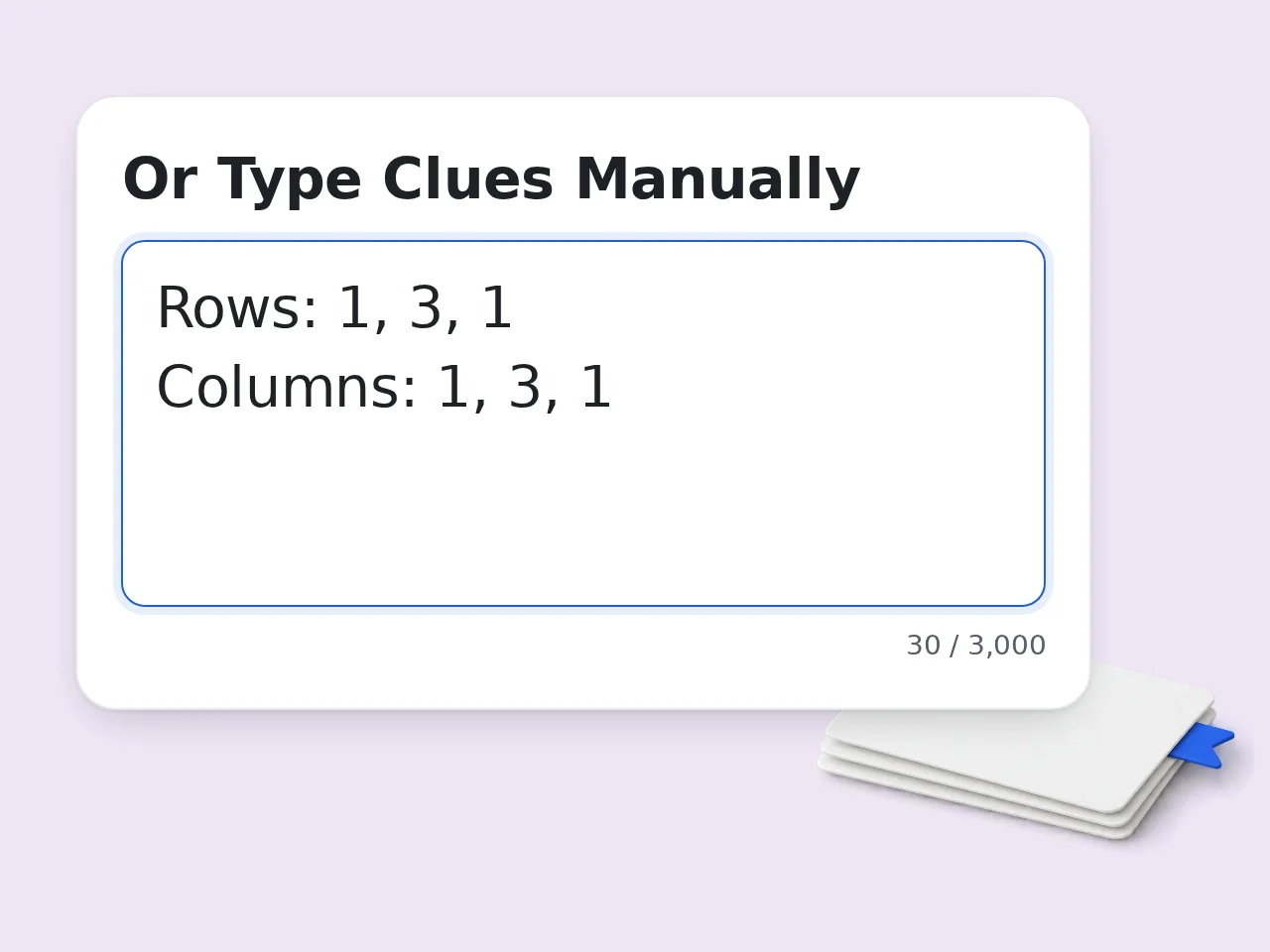
Enter Your Puzzle Clues
Paste the row and column clues into the input box. Use any format you prefer — numbers separated by spaces, commas, or even a full text description of your picross puzzle.
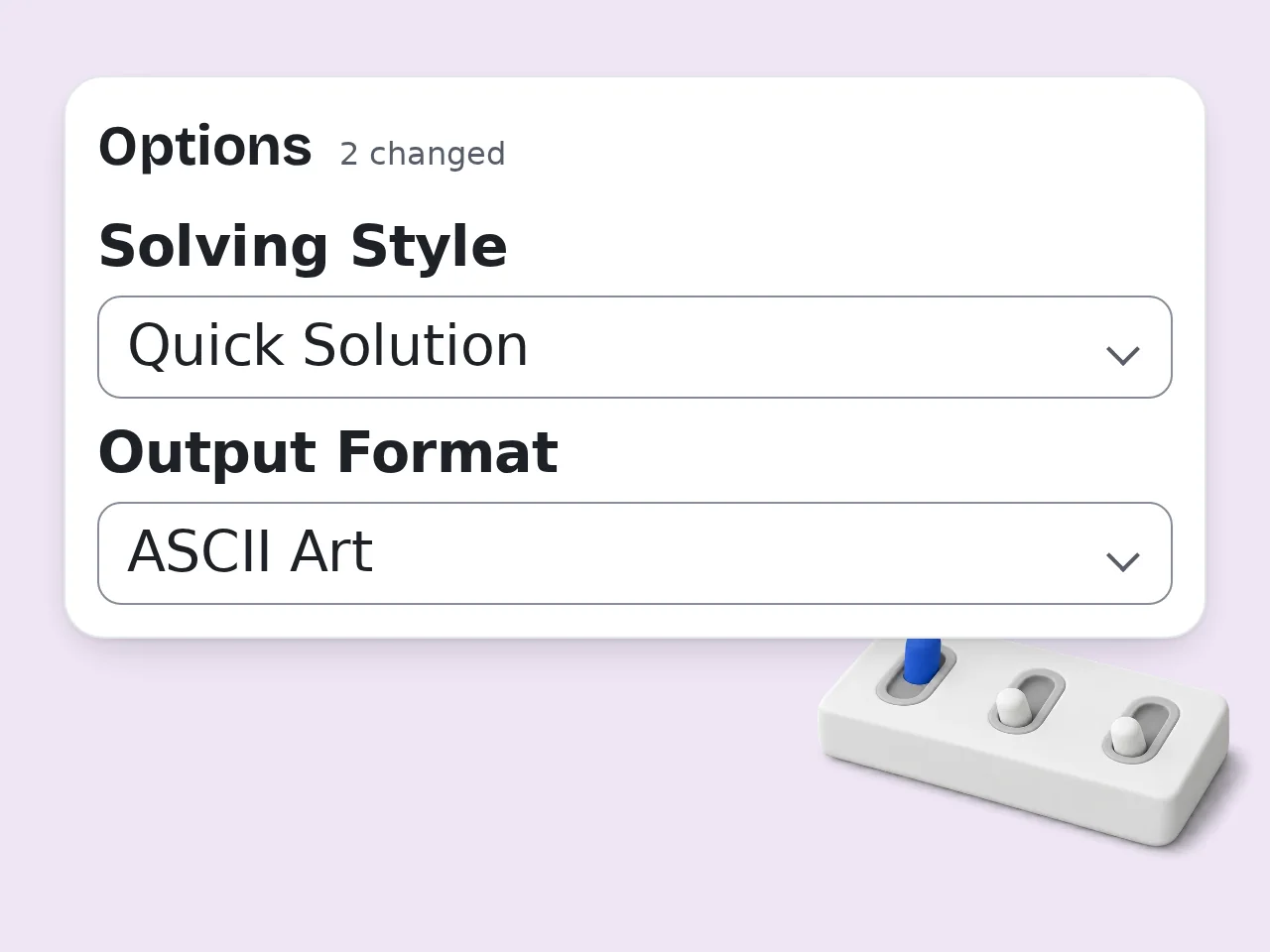
Choose Your Settings
Select a grid size or let auto-detect handle it. Pick a solving style: quick solution for fast answers, step-by-step for a logical walkthrough, or teaching mode for detailed explanations.
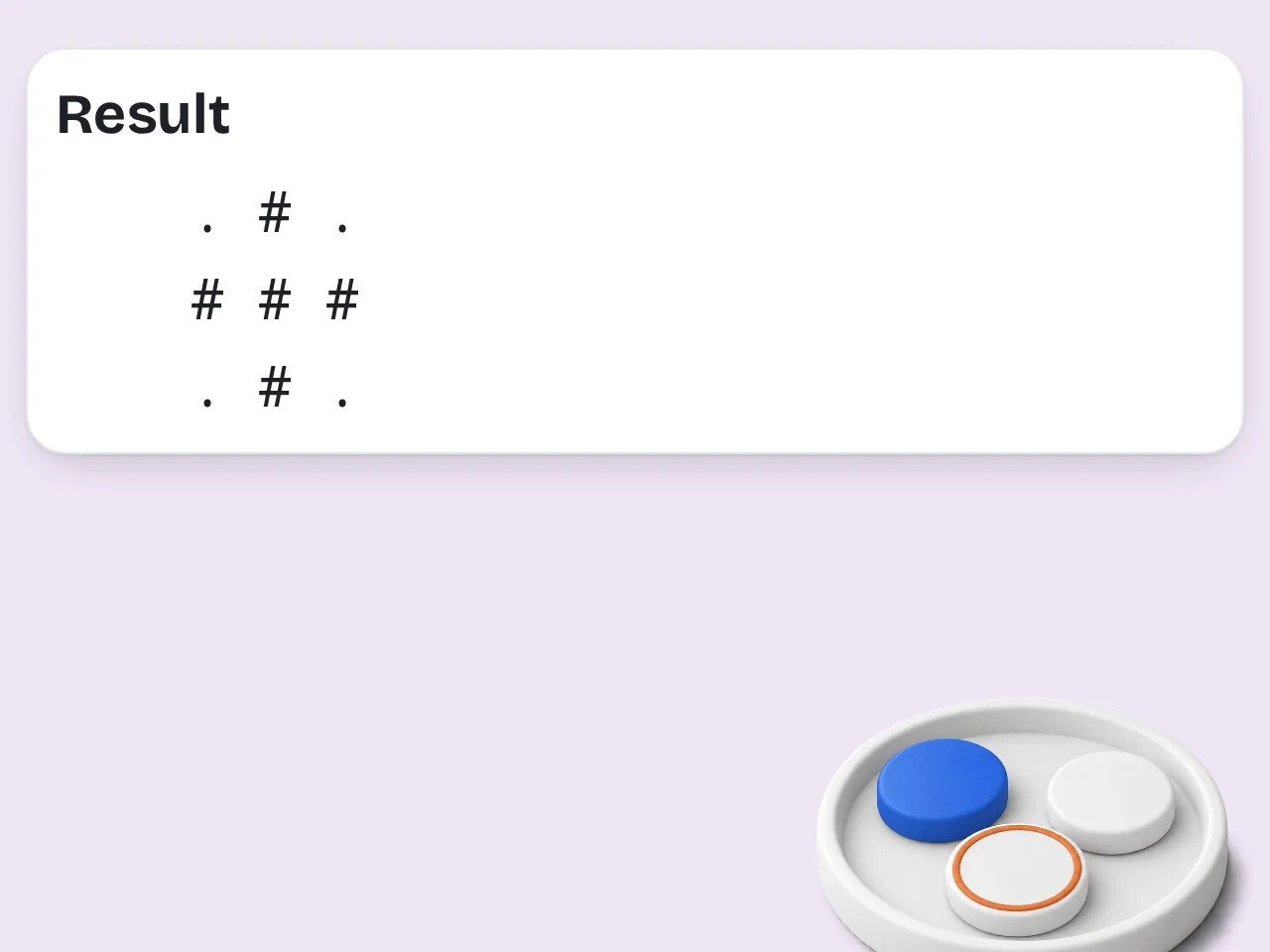
Get Your Completed Grid
Click solve and receive the completed nonogram grid. View results as a visual grid with filled and empty cells, ASCII art, or structured JSON data for further use.
Why Use This Picross Solver
Everything you need to solve picross puzzles in one place
Upload Puzzle Screenshots
Take a screenshot of any picross or nonogram puzzle and upload it directly. The solver reads row and column clues from the image automatically — no manual typing needed. Works with puzzles from mobile apps, newspapers, and websites.
Step-by-Step Logic Explanations
See exactly how each cell gets resolved. The solver walks through line solving, cross-referencing, and elimination — turning every picross solution into a learning opportunity for puzzle enthusiasts.
All Puzzle Variants Covered
Picross, nonogram, griddler, hanjie, paint-by-numbers — same logic puzzle, different names. This solver handles them all with consistent accuracy across grid sizes from 5×5 up to 25×25.
Picross Solver FAQ
What is a picross solver?
A picross solver is a tool that reads row and column number clues from a logic puzzle and produces the completed grid, showing which cells to fill and which to leave empty. It applies the same techniques human solvers use — line solving, overlap analysis, and elimination — but processes every deduction in seconds rather than minutes. This is especially helpful when you are stuck mid-puzzle or want to verify that your nonogram clues lead to a valid unique solution.
How do I solve a nonogram puzzle with this tool?
Paste your row and column clues into the single input box using any common format — space-separated numbers, comma-separated values, or plain text descriptions — then press solve. The picross solver returns a filled grid showing the state of every cell. Step-by-step mode adds logic notes explaining each placement decision so you can follow the full reasoning. Auto-detect determines grid dimensions from the clue count, letting you skip manual size entry and start solving faster.
Is this picross solver completely free?
Yes, this picross solver is free to try with monthly credits for registered free users and no hidden charges; features including step-by-step explanations and teaching mode use credits per run. There are no ads blocking the solution and no software download needed; the number of nonogram puzzles you can process per session depends on your credit balance and account limits. Open the page, enter your clues and receive the completed grid immediately with a free account and available credits.
How many picross puzzles can I solve per day?
Daily usage depends on your account limits and available credits. The tool handles multiple requests in a single session. Larger grids such as 20×20 or 25×25 may need slightly more processing time, but standard 5×5 through 15×15 nonogram puzzles return solutions within seconds each time. Solve griddler or picross puzzles throughout the day.
Do I need an account to use the nonogram solver?
An account and sign-in are required. The picross solver works in your browser: sign in, enter clues and pick your preferred settings to get results. Your puzzle data remains in the active browser session only and is never stored on a server or shared with third parties after you close the tab, keeping the entire solving experience private.
What grid sizes does the picross solver support?
Supported grid sizes range from 5×5 up to 25×25, covering the most common nonogram puzzle dimensions found in mobile apps, daily newspapers, and online competition sites. Select a specific size from the dropdown menu or choose auto-detect, which counts your row and column clues to determine the correct dimensions automatically. This full range handles small beginner grids, mid-range app challenges, and large advanced puzzles without any extra manual configuration needed.
What solving modes are available in this nonogram solver?
Three solving modes are available to match different needs. Quick Solution delivers only the completed grid, ideal when you just want the answer fast without extra detail. Step-by-Step walks through each logical deduction so you can follow along cell by cell at your own pace. Teaching Mode provides the most depth, explaining overlap calculations, elimination rules, and cross-referencing for every move. All three modes work across any picross or griddler puzzle size.
What is the difference between picross, nonogram, and griddler?
Picross, nonogram, and griddler are different names for the same type of logic puzzle where you fill grid cells based on row and column number clues to reveal a hidden picture. Nonogram is the original term coined in the late 1980s, picross comes from Nintendo's picture crossword game series, and griddler is popular in the United Kingdom. Other aliases include hanjie and paint-by-numbers. This solver handles puzzles under any of these names identically.
Can a picross solver help me improve at solving nonograms manually?
Yes — the step-by-step and teaching modes display every logical deduction applied to your puzzle, making them effective study aids for building real skill. By reviewing these explanations you learn overlap analysis, edge logic, and contradiction testing — techniques that transfer directly to manual nonogram solving on paper or in apps. Running the solver on grids you partially completed reveals exactly where your reasoning diverged, helping you strengthen pattern recognition over time.
How is this different from other nonogram solvers online?
Most nonogram solvers online require clues entered in separate row and column fields using a strict numeric format with no flexibility in input style. This picross solver accepts all clues in a single input box and supports flexible formats including plain text descriptions and automatic grid size detection. It also provides three distinct solving modes with full logic explanations for every step, whereas many alternatives return only a bare completed grid with no reasoning at all.
What happens if a picross puzzle has multiple valid solutions?
The solver detects when the given clues produce more than one valid completed grid and alerts you to the ambiguity right away. It returns one complete solution and highlights the specific cells that could differ across alternative valid arrangements. This multi-solution detection helps puzzle creators and editors verify their clue sets lead to a unique answer, which is the standard requirement for properly formed picross and griddler puzzles in publications and competitions.
Can I use this solver to verify clues for a nonogram I designed?
Yes, puzzle designers regularly use the picross solver to validate their creations before publishing them to players. Enter the clues you drafted and run a solve to confirm the grid resolves into your intended image with a single unique solution. If multiple answers or contradictions appear, refine the clues and re-run until one clear result emerges. This verification step ensures players will enjoy a fair, solvable, and satisfying nonogram puzzle experience every time.
Still have questions?
Contact our support teamStart Solving Picross Puzzles Now
Solve any picross, nonogram, or griddler puzzle with step-by-step logic