TikTok Caption Generator
Create TikTok captions, hooks, and hashtags for videos in seconds
How to Use the TikTok Caption Generator
Generate TikTok captions in three quick steps
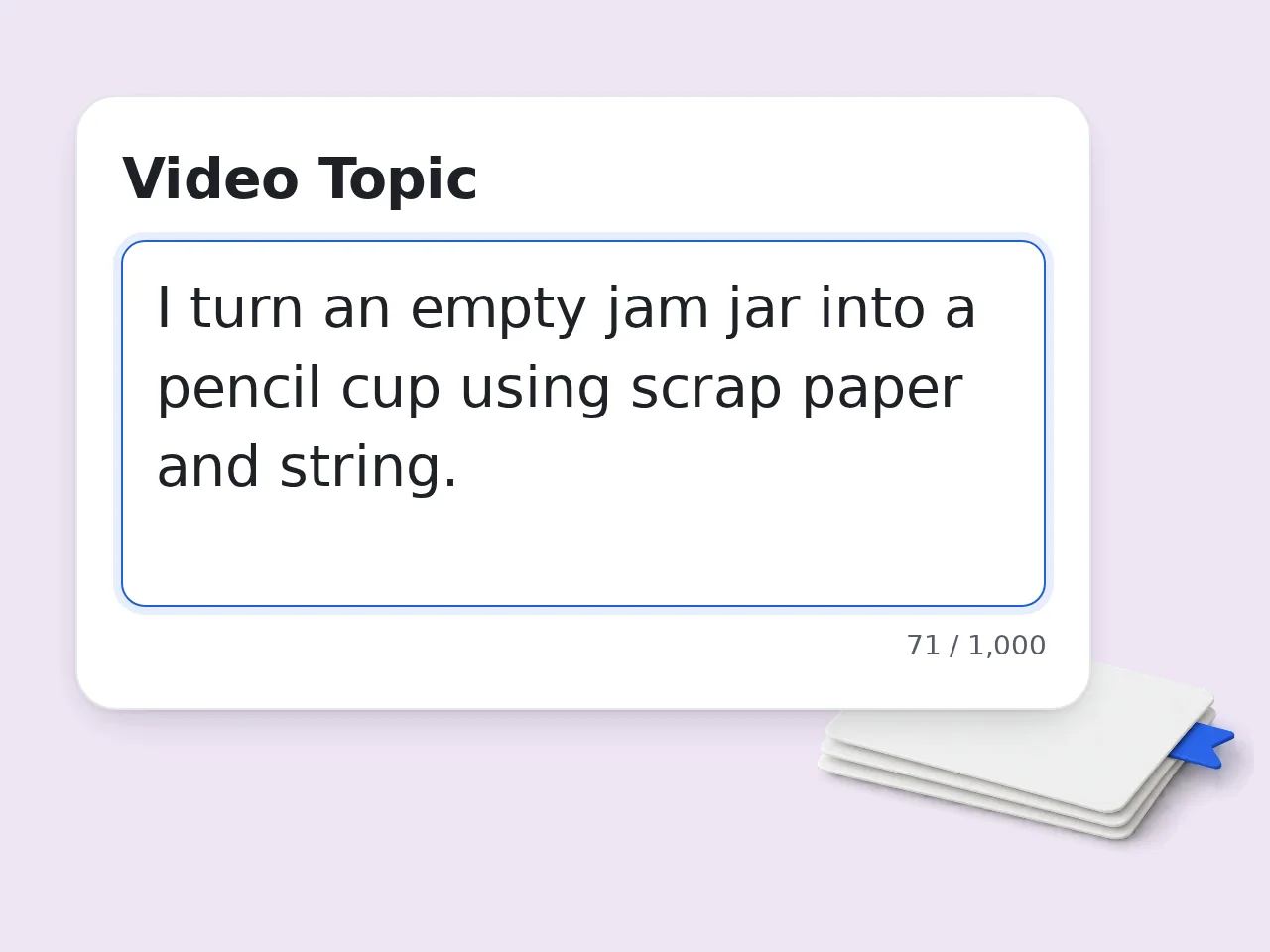
Describe Your Video
Enter the TikTok video topic, product, trend, or scene. The TikTok caption generator works best with one concrete video idea.
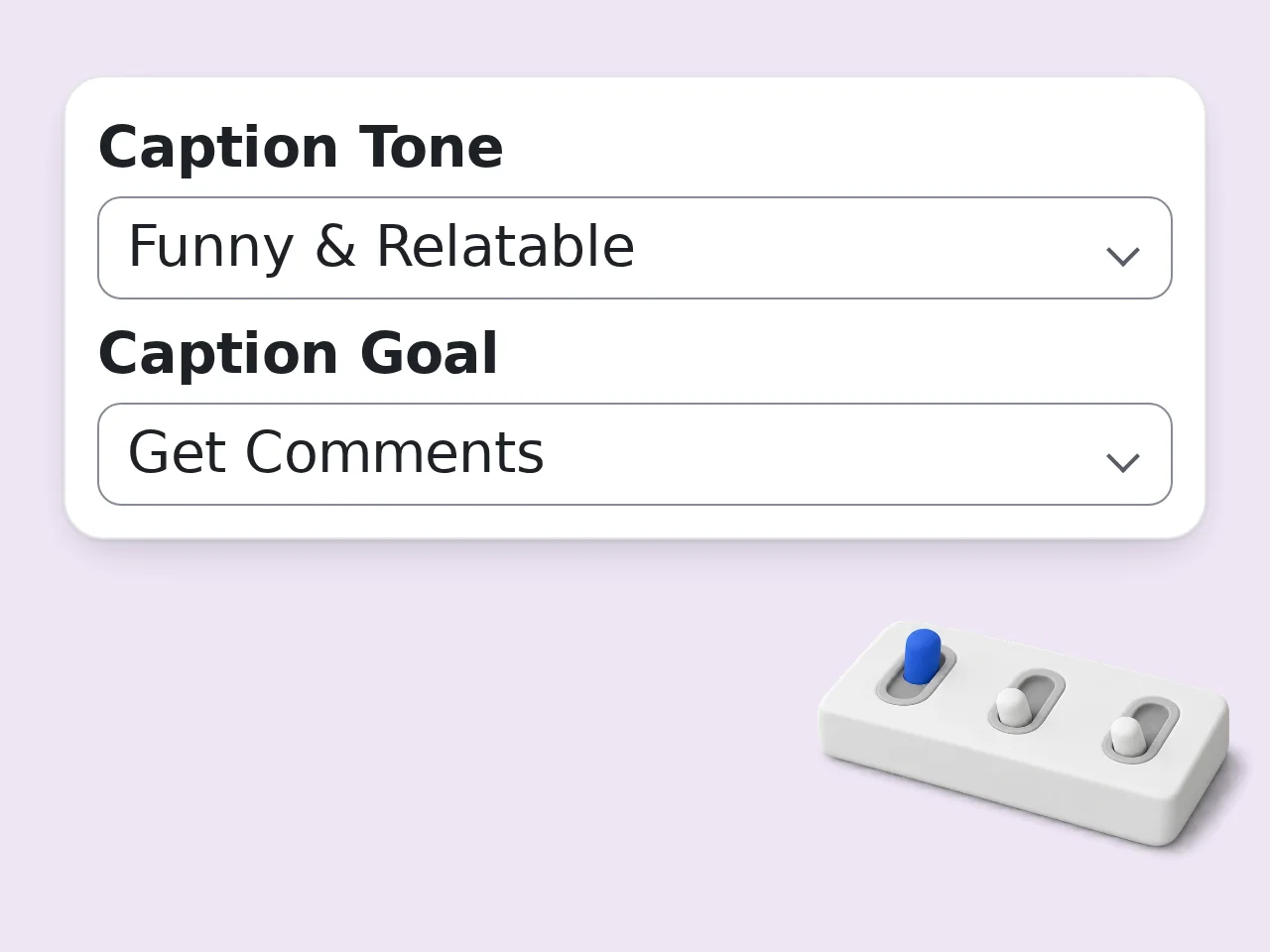
Pick Tone and Goal
Choose the audience, tone, caption goal, length, and hashtag count so the caption matches how you want viewers to react.
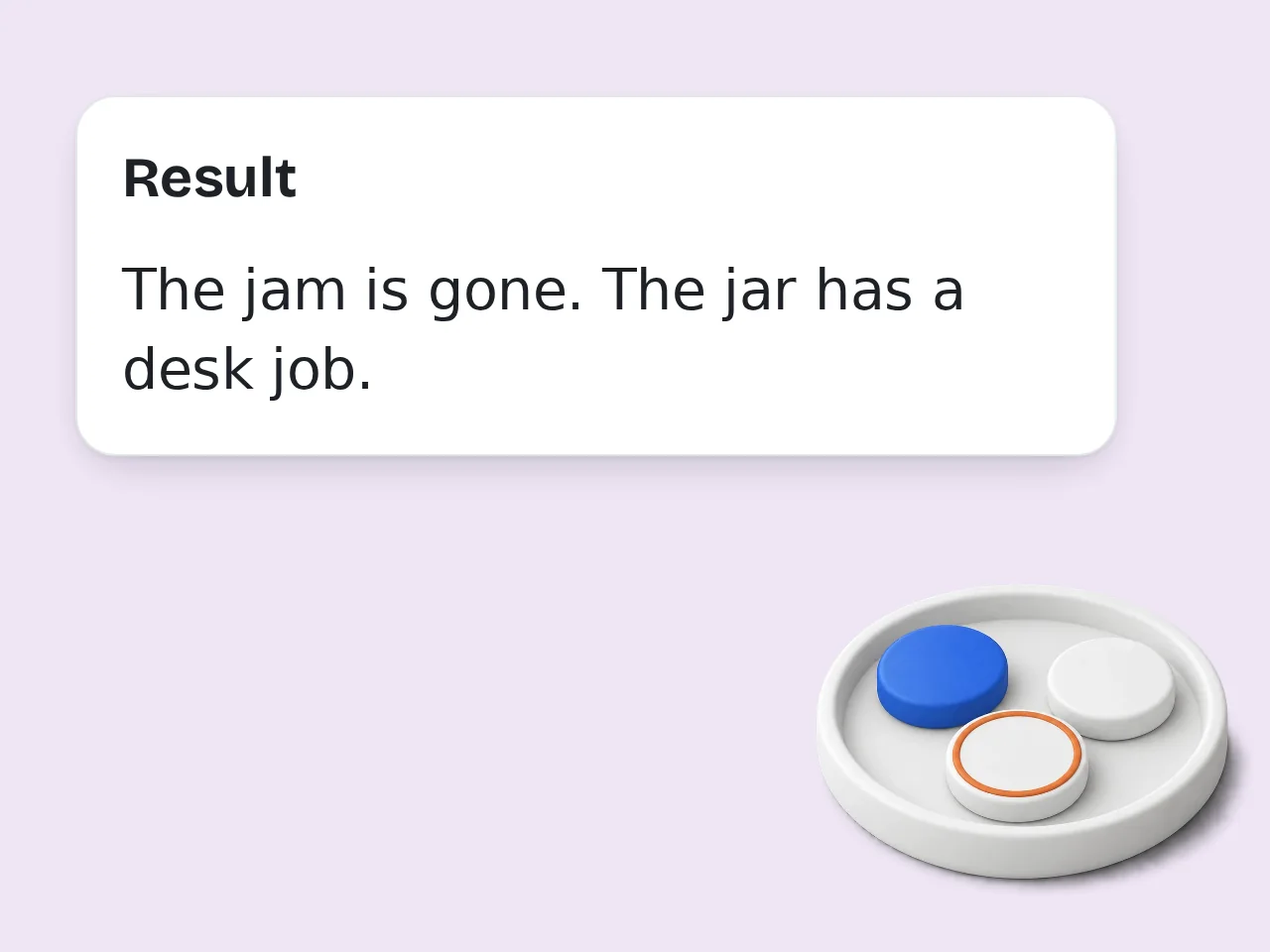
Generate and Personalize
Copy the best caption, review the hashtag ideas, then add any personal detail that makes the TikTok caption sound like you.
Key Features of TikTok Caption Generator
Everything needed to write TikTok captions with hooks, tone, and hashtags
TikTok Captions by Goal
Choose whether the TikTok caption generator should drive comments, shares, product interest, storytelling, or hashtag discovery.
Tone and Length Controls
Create funny, trendy, educational, aesthetic, or promotional captions. Pick short hooks, medium captions, or longer story captions.
Hashtag Ideas Included
Add 3, 5, or 8 hashtags that match the video topic, audience, and caption style without filling the post with spam.
Frequently Asked Questions with TikTok Caption Generator
Clear answers about TikTok captions, hashtags, usage limits, and better results
What is a TikTok caption generator and how does it work?
A TikTok caption generator turns a video topic into ready-to-post caption ideas for TikTok. It reads your topic, audience, tone, goal, and hashtag preference, then writes captions that fit short-form video culture. You can use it for hooks, product clips, trends, tutorials, story videos, and everyday posts. The tool can also suggest hashtags and explain why a caption may encourage comments or shares. For stronger results, describe the actual video moment, not just the broad niche. For best results, include the audience, purpose, and one concrete detail so the tiktok caption generator can shape the draft around a real situation instead of a generic prompt.
How do I use a TikTok caption generator for better captions?
Start with one clear description of your video, then choose the tone, goal, length, and hashtag count. A TikTok caption generator works best when it knows what viewers see in the first few seconds. Add audience details such as beginners, students, shoppers, parents, or fans of a specific trend. That helps the caption sound less generic and more like something a real creator would post. If the first result feels too broad, add one specific emotion, joke, benefit, or call to action. A focused prompt also makes editing easier because you can judge whether the output matches the tone, length, and use case you had in mind.
Is this TikTok caption generator free to use?
Yes, this TikTok caption generator is free to try. Guests can generate captions without paying first, and registered free users get more monthly usage for regular social content work. The free workflow covers common needs such as catchy captions, hashtag ideas, short hooks, product captions, funny captions, and educational post captions. Paid plans are only useful when usage is heavier. For casual posting, the free access is usually enough to draft several caption options quickly. If the first result feels broad, regenerate with a narrower angle, a clearer format, or one phrase that absolutely needs to appear.
How many times can I use the TikTok caption generator per day?
Guests get limited daily free tries of the TikTok caption generator without logging in. Free registered users have a monthly credit allowance, and subscribers receive higher limits for frequent creation. Those limits are designed for quick caption drafting, not automated bulk posting. One generation already returns several caption options plus hashtags, so a single run can cover more than one idea. If you post daily, create an account to avoid hitting the guest limit too quickly. See the pricing page for current details. You can treat the first draft as raw material, then keep the strongest lines and remove anything that sounds too polished or too vague.
Can I use the TikTok caption generator without creating an account?
Yes, you can use the TikTok caption generator without creating an account. Enter your video topic, choose the settings, and generate TikTok captions directly as a guest. An account is useful when you need more monthly generations, test captions for many videos, or create social posts for clients. The basic caption workflow stays simple either way. Guest mode is best when you need a quick caption before posting a single TikTok video. This is especially useful when you need a starting point quickly but still want the final wording to sound like you.
What can I use a TikTok caption generator for?
A TikTok caption generator can help with product videos, daily vlogs, educational clips, trend videos, comedy posts, behind-the-scenes clips, and creator announcements. It turns rough ideas into captions with clearer hooks. You can also use it to create captions for A/B testing, rewrite flat captions, add hashtags, or make a post feel more native to TikTok. The goal setting helps shape the result. Use the output as a draft, then add personal details that only you know. The tool works best when you add context before generating and review the result before copying it into a real post, class reply, song, or profile.
Does the TikTok caption generator include hashtags?
Yes, the TikTok caption generator can include hashtags when you choose a hashtag count. It can create a small set of topic, audience, and discovery hashtags that match the caption. You can choose no hashtags, 3 hashtags, 5 hashtags, or 8 hashtags. Smaller hashtag sets often look cleaner than long spammy blocks, especially for polished creator or brand accounts. For best results, combine broad TikTok hashtags with specific niche hashtags related to the video. Small edits after generation usually make the biggest difference: adjust names, examples, transitions, and any line that feels off.
Who benefits most from a TikTok caption generator?
Creators, small businesses, social media managers, coaches, educators, and affiliate marketers benefit most from a TikTok caption generator. It is useful when videos are ready but the caption still feels weak. A creator can make a funny hook, a brand can explain a product benefit, and a teacher can summarize a lesson in a simple caption. The tool saves time at the posting stage. It helps most when you already know the video angle and need sharper wording. If you are comparing several versions, save the best parts from each one and combine them into a cleaner final draft.
Why use a TikTok caption generator instead of writing manually?
A TikTok caption generator gives you several caption angles faster than writing from scratch. It can suggest hooks, hashtags, tones, and calls to action while you focus on filming or editing. Manual writing is still useful for final polish, but it can be slow when you need fresh wording every day. A generator gives you a draft set to compare and improve. Treat the result as a creative starting point, then make the final line sound like you. The goal is not to accept every sentence automatically; use the output as a structured shortcut for faster writing.
Why use this TikTok caption generator instead of ChatGPT directly?
A focused TikTok caption generator gives you caption-specific controls without writing a long prompt. Topic, audience, tone, goal, length, and hashtag count are already built into the workflow. ChatGPT can write captions, but repeated use often requires prompt tweaking and reminders about TikTok style. A dedicated form is quicker when the task is always social captions. Use this tool when you want fast structured output, then use broader chat tools for deeper campaign planning. Clear inputs, practical settings, and a quick human edit will usually produce a much stronger final result than a one-word prompt.
How can I get more engaging TikTok captions?
To get more engaging TikTok captions, include a clear viewer benefit, a specific emotion, or a simple question that invites comments. A TikTok caption generator can turn those details into stronger hooks. Captions often work better when they connect to what happens in the video instead of repeating the same idea. Mention the surprise, mistake, result, or lesson viewers will notice. Avoid overloading the caption with hashtags. Clear wording usually beats clutter. You can also rerun the same idea with a different tone when the first version is accurate but not quite the right voice.
What if the TikTok caption is not what I expected?
If the TikTok caption is not what you expected, adjust the tone, goal, length, or extra context and generate again. Small changes usually guide the TikTok caption generator better than rewriting everything. For captions that feel too generic, add the audience, trend name, product benefit, or exact opening scene. For captions that feel too salesy, choose relatable or educational tone instead. The more concrete the video topic, the more useful the caption options become. Before publishing or submitting, read the draft once from the audience's point of view and tighten anything that could be misunderstood.
Still have questions?
Contact our support teamReady to Write Better TikTok Captions?
Create hooks, captions, and hashtags before your next post goes live.