AI Performance Review Generator
Turn achievements, evidence, strengths, and growth areas into a balanced employee review draft
How to Use the AI Performance Review Generator
Build a useful review draft in three evidence-based steps
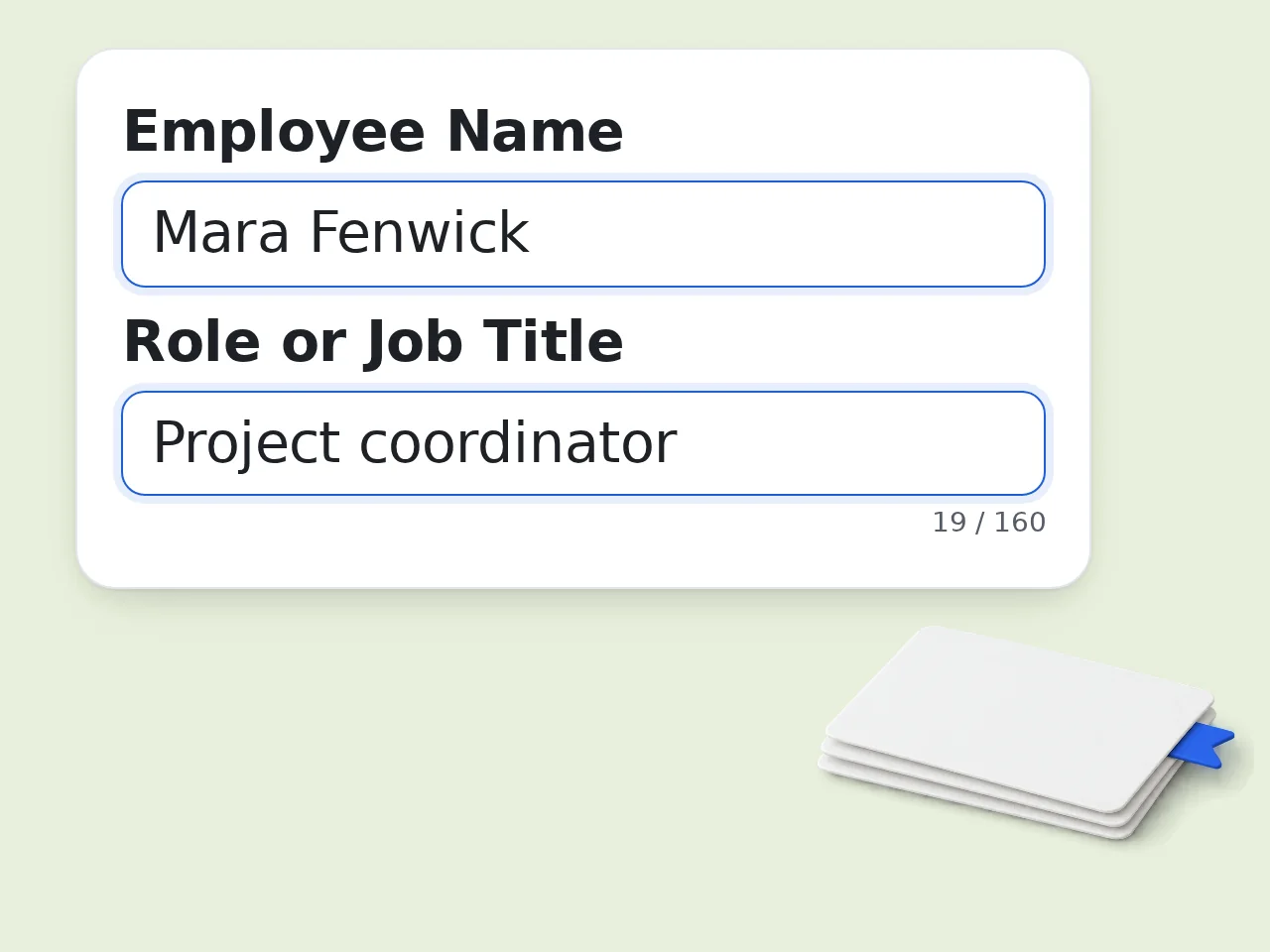
Add the role and verified evidence
Enter the employee’s role, accomplishments, metrics, examples, strengths, and development areas. Include only information you can support and are authorized to use.
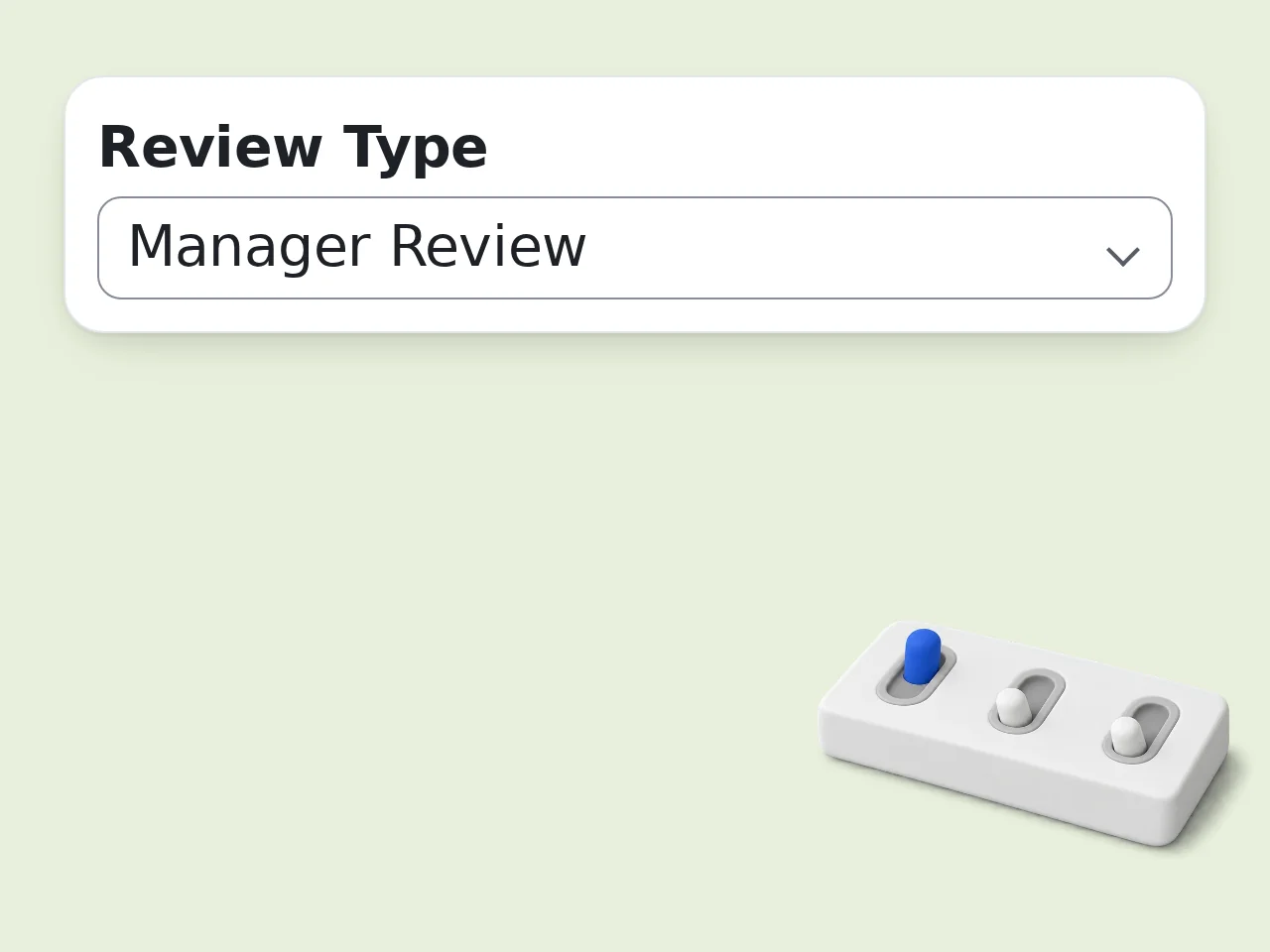
Choose review settings
Select manager, self, peer, or 360 format, then set the performance rating, tone, output length, and language. Add next-period goals when they already exist.
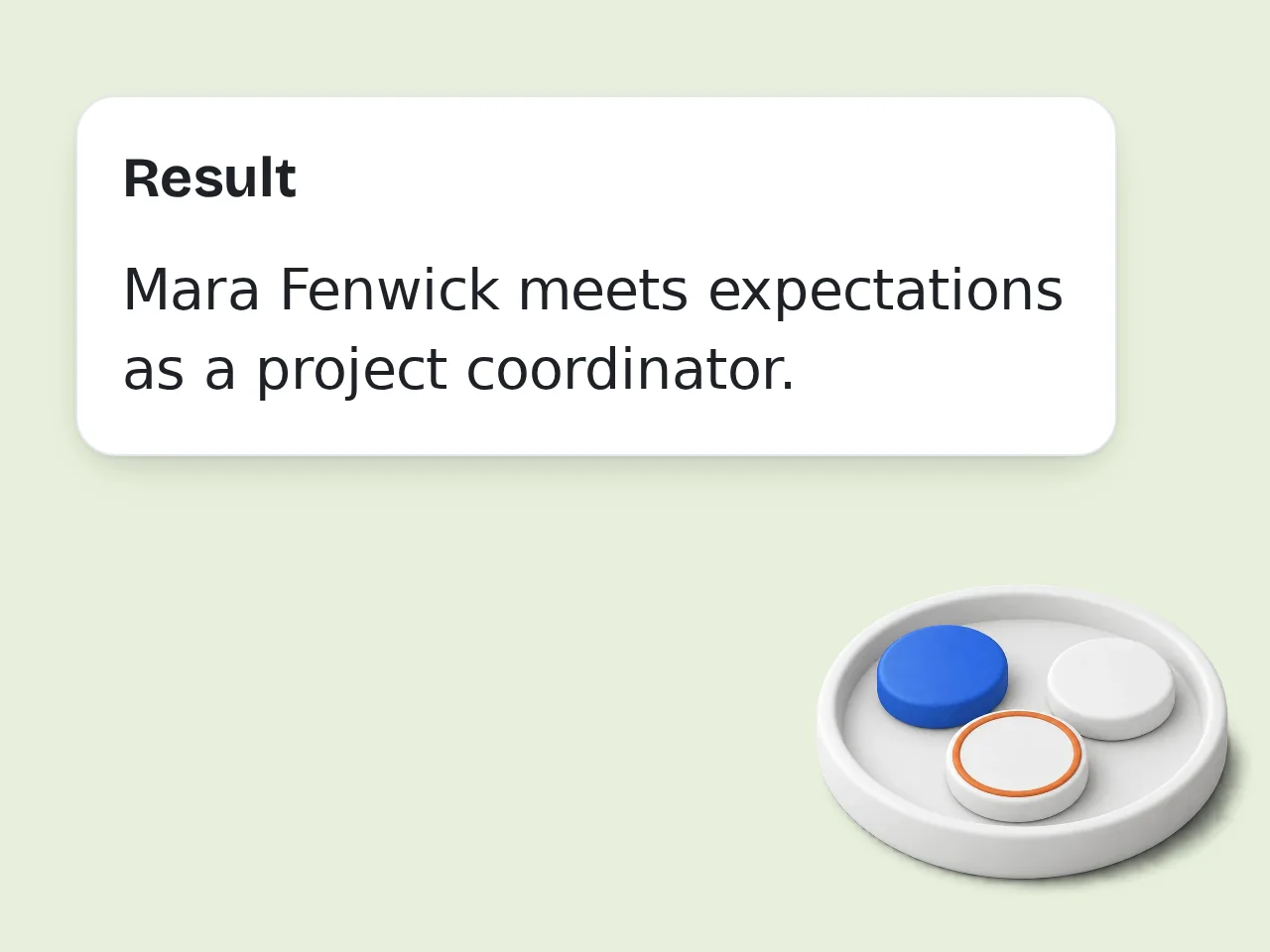
Generate, verify, and discuss
Run the AI performance review generator, check every claim and number, adjust wording to your standards, and use the draft as input to a fair human review conversation.
AI Performance Review Generator Features
Evidence-focused controls for clearer employee evaluations
4 Performance Review Formats
Create manager evaluations, self-reviews, peer feedback, or 360 summaries. The AI performance review generator changes perspective and structure without mixing the purposes of each review type.
Evidence, Strength, and Goal Inputs
Separate accomplishments, metrics, strengths, development areas, and next-period goals. This structure helps the employee performance review generator produce specific feedback instead of generic praise.
Rating, Tone, and Length Control
Match your organization’s review style with constructive, professional, supportive, or direct wording. Choose concise, standard, or detailed output for different HR forms and conversations.
AI Performance Review Generator: Frequently Asked Questions
Practical guidance for accurate, fair, and useful employee reviews
What is an AI performance review generator and how does it work?
An AI performance review generator turns verified notes about an employee’s work into a structured review draft. You provide the role, accomplishments, examples, strengths, development areas, rating, and preferred tone. The generator organizes those facts into clear sections without replacing managerial judgment. It is best used as a writing assistant: confirm every claim, add missing context, and edit the final wording before the review enters an HR system or is discussed with the employee.
How do I use the AI performance review generator for better results?
Start with two to five concrete accomplishments, then add metrics, project names, stakeholder outcomes, or examples of changed behavior. Choose manager, self, peer, or 360 format and select a tone that fits your review culture. The AI performance review generator produces stronger drafts when each judgment has evidence. After generation, check names, dates, numbers, rating language, and development goals. Remove vague praise and make each improvement request observable, realistic, and tied to the person’s role.
Is the AI performance review generator free to use?
Yes, the AI performance review generator can be tried with included credits. Guests receive 10 credits per day, while free registered users receive 100 credits per month. Subscribers receive more credits according to their plan. Each generation uses the credit cost displayed for this tool, so available usage depends on your remaining balance and user type. Review the credit indicator before generating a detailed draft, especially when you plan to create several employee reviews during one cycle.
How many free performance reviews can I generate?
Free access is measured in credits rather than a fixed number of reviews. Guests receive 10 credits daily, free registered users receive 100 credits monthly, and subscription plans include larger allowances. The number of drafts you can create equals your available credits divided by this tool’s current cost per generation. A concise and a detailed request use the configured tool cost, so check the on-page credit badge instead of assuming a guaranteed number of performance-review outputs.
Can I use the performance review writer without creating an account?
Yes, guests can use the performance review writer without creating an account, subject to the daily guest credit allowance and current rate limits. An account is useful when you need the larger monthly free allowance or want access tied to your user profile. Account status does not remove the need to protect confidential information. Replace sensitive employee identifiers when possible, and avoid entering medical details, protected characteristics, compensation decisions, or information unrelated to job performance.
What can the employee performance review generator create?
The employee performance review generator can draft manager evaluations, self-assessments, peer feedback, and summaries of supplied 360 feedback. It can organize achievements, measurable impact, strengths, development priorities, and next-period goals into copy-ready sections. The tool also adjusts perspective: first person for a self-review, third person for a manager review, and concise behavior-focused wording for peer feedback. It cannot know facts you omit, verify disputed events, or make final employment decisions for your organization.
Does the AI employee review writer support self-reviews and peer feedback?
Yes. Select Self-Review to write in first person with ownership, results, lessons, and future goals. Select Peer Feedback for shorter observations about collaboration, reliability, communication, or team impact. The AI employee review writer changes the framing while keeping the supplied evidence central. For 360 summaries, paste the actual themes or comments you are authorized to use. Never ask the tool to invent anonymous consensus, and check that the summary represents both positive and critical input fairly.
Why use this tool instead of writing a performance appraisal manually?
A structured generator reduces time spent turning scattered notes into readable sections and helps managers use a consistent format across employees. It can connect achievements to impact, separate strengths from growth areas, and suggest measurable next steps. Manual review remains essential for judgment, calibration, and context. Use the generated performance appraisal as a draft, not a verdict. A manager should still compare evidence, apply company standards, discuss uncertainty, and ensure wording is fair across people in similar roles.
Why use an AI performance review generator instead of a general chatbot?
A dedicated AI performance review generator collects the context that general chat prompts often miss: review perspective, job role, evidence, strengths, development areas, rating, tone, goals, and length. Its output structure is designed for employee evaluations rather than open-ended conversation. That makes repeatable review drafting easier, especially across a team. A general chatbot can still help, but you must build the full prompt and safety rules yourself. In either case, a qualified human must verify the final assessment.
How can I make performance review feedback fair and specific?
Write about observable work, not personality labels. Replace “poor communicator” with a concrete behavior, such as delayed risk updates during a named project, then explain the impact and expected change. Use comparable evidence periods and standards for employees in similar roles. Include achievements and development needs, not forced praise or hidden criticism. Before sharing the draft, remove references to protected traits, check for unequal tone, and ask whether each judgment could be supported with a clear example.
What if the generated review includes a claim I cannot verify?
Delete or soften any claim that lacks evidence. The generator should not invent facts, but ambiguous input can still produce wording that sounds more certain than your notes justify. Change definitive statements into limited observations, identify the relevant period, and add the source or example you can confirm. If the issue affects discipline, promotion, compensation, legal exposure, or a disputed event, pause the draft and follow your organization’s HR review process rather than relying on generated language.
How do I get stronger goals from the performance evaluation generator?
Describe the business outcome, current problem, expected behavior, measure, and deadline. Instead of “communicate better,” request a goal such as sending weekly risk updates for blocked projects and escalating critical dependencies within one business day for the next quarter. The performance evaluation generator can suggest SMART-style wording, but it cannot establish an accurate baseline without your data. Check that each goal is achievable, relevant to the role, supported with resources, and reviewed on a realistic schedule.
Still have questions?
Contact our support teamCreate a Clear AI Performance Review Draft
Turn verified work evidence into structured feedback you can review and edit.