Get YouTube Tags
Get YouTube tags from your video title and description
How to Use Get YouTube Tags
Paste your text and turn it into better tags
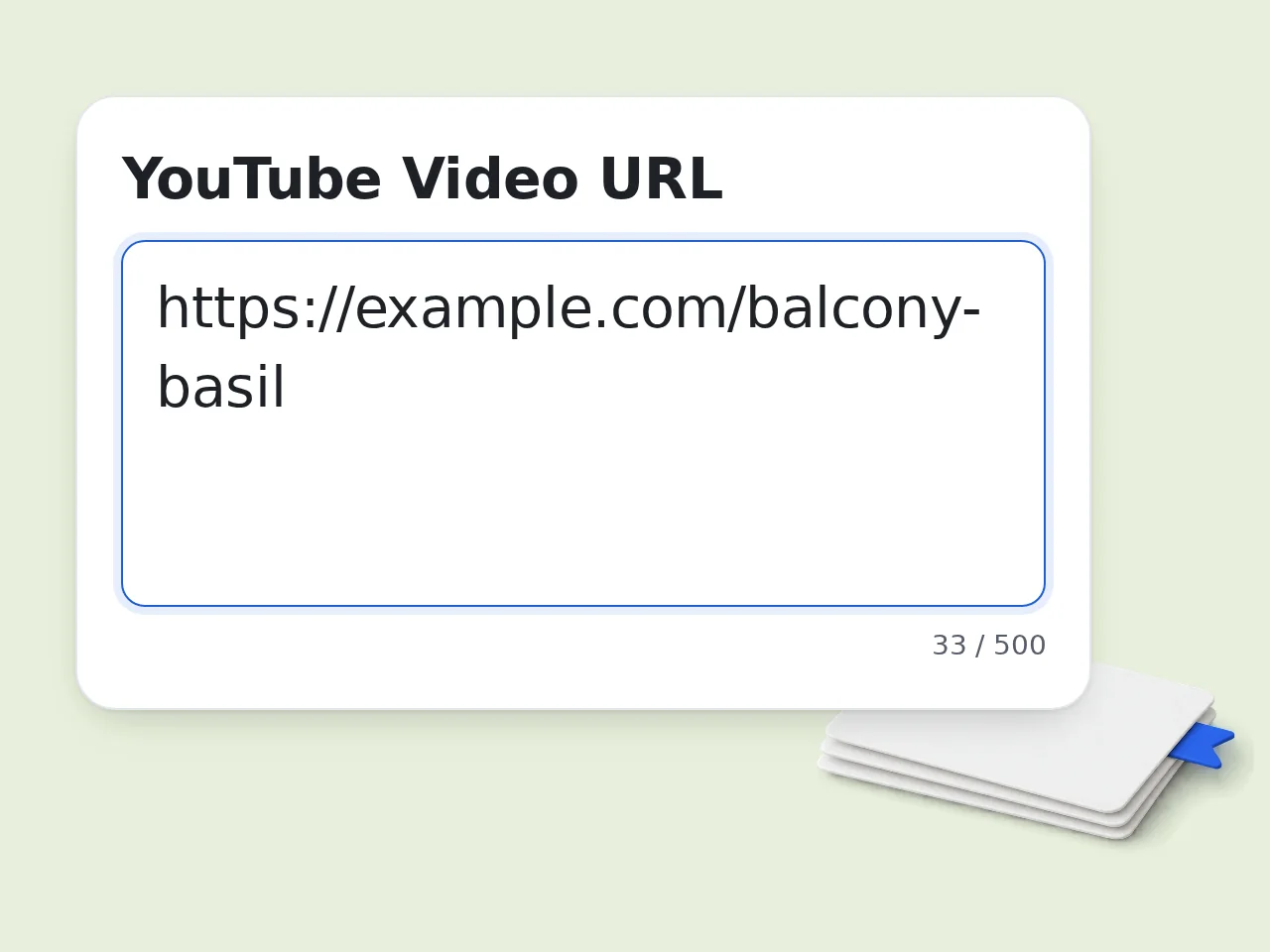
Paste the title and description
Add the video title and description. You can also paste the YouTube link so the tool knows whether it is a Short.
Choose what you need
Pick new tags, a cleanup of your current tags or competitor research. Add your niche, audience or target keyword for a closer fit.
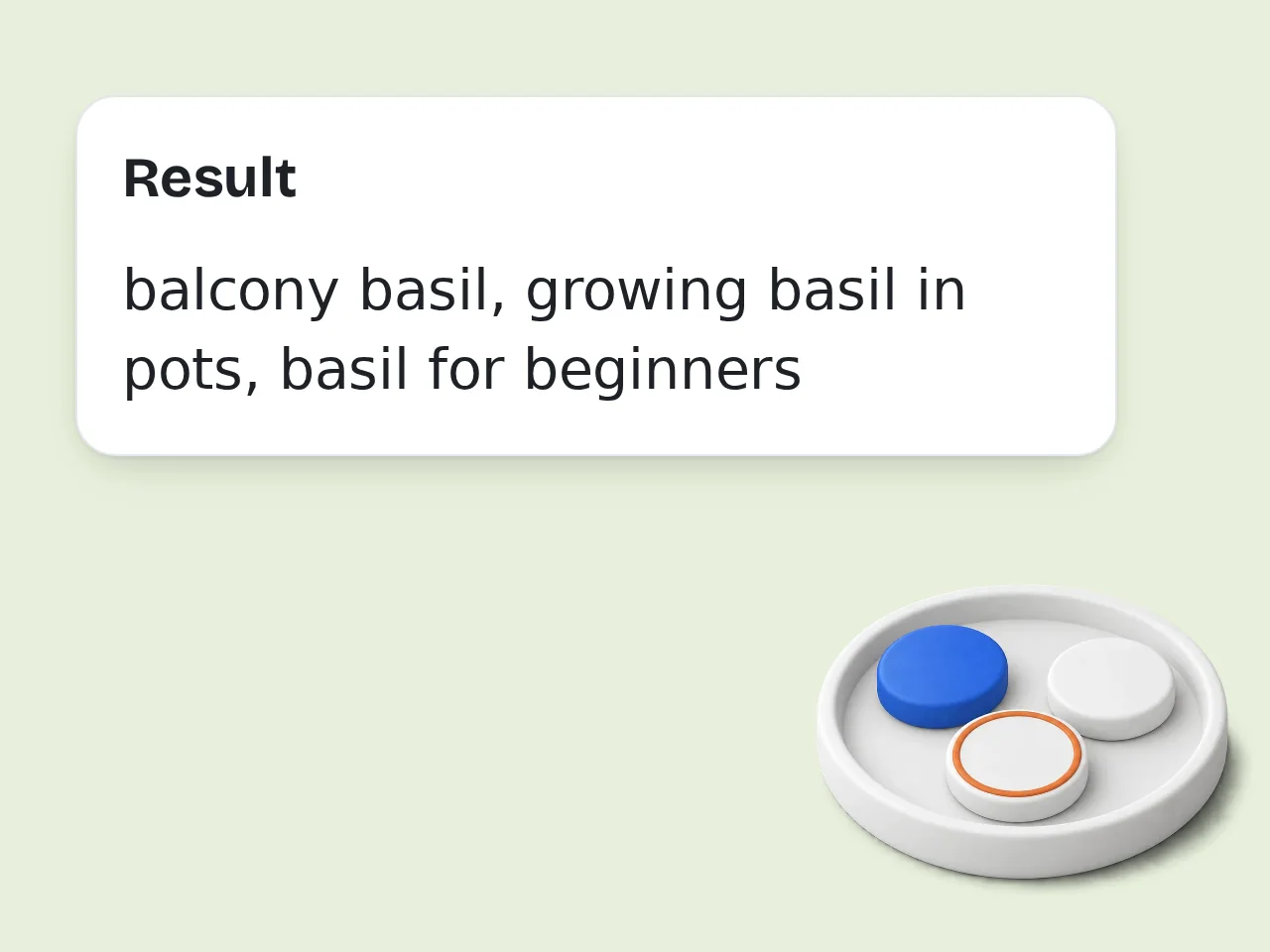
Review and copy tags
Use the audit notes, remove weak tags, then copy the final comma-separated list into your YouTube workflow.
Key Features of Get YouTube Tags
Tag ideas, cleanup and competitor research for video SEO
Tags from Your Title and Description
Paste the title and description you plan to publish. The tool picks topic, niche and variant phrases that match what the video is really about.
Competitor Tag Research
Paste a competitor's title and description to see which searches it aims for, then turn what you learn into tags for your own video.
Copy-Ready Tag List
Clean out duplicates, skip misleading tags and get a short comma-separated list that fits the 500 character limit in YouTube Studio.
Frequently Asked Questions About Get YouTube Tags
Useful answers for finding, checking and improving YouTube video tags
What does this get youtube tags tool do?
It turns the title and description of a YouTube video into a focused tag list. Paste your own text to get fresh tags, add the tags you already use for a cleanup or paste a competitor's title and description to see which searches that video targets. Each run gives you a tag table, a short list of tags to avoid and a comma-separated line you can paste into YouTube Studio. Use the notes to decide which tags deserve to stay.
Can this tool read the tags from a YouTube link?
No. The tool does not open YouTube or read the hidden tags on a video page. It works from the title, description and tags you paste. If you add the link, the tool only uses it to tell a Short from a regular video. To study another creator's video, copy its title and description from YouTube and choose competitor research. The result is a tag list built from that text, not a copy of the creator's own tags.
Is get youtube tags free to use here?
Yes, you can try get youtube tags with the included free credits. Guests receive 10 free credits per day, free registered users receive 100 credits per month, and subscribers receive more credits according to their plan. Each request uses the credit amount configured for this tool. That means your exact usage depends on your account type, remaining balance, and how often you run new checks. This makes the output safer for planning your next upload.
How do I get youtube tags for competitor research?
Start with one competitor video that ranks for the topic you care about. Copy its title and description, paste them in and choose competitor research. Add your own niche or planned title in the niche and audience field. The tool shows which searches that text aims for and separates broad tags, niche phrases and brand terms. Use the result to understand language patterns, not to copy blindly, and keep only tags that describe your own video.
Will copied YouTube tags improve my rankings?
Copied tags alone will not guarantee ranking growth. YouTube tags are only one small metadata signal, and the platform also weighs title match, viewer behavior, thumbnail performance, description, topic clarity, and video satisfaction. The safest use is to get youtube tags for research, then keep only tags that truly describe your content. Misleading tags can hurt trust and make the video look unfocused. Keep the final set honest, narrow, and easy to understand.
What should I add in the niche and audience field?
Add your niche, the audience you want and the main phrase you hope to rank for. For example, mention whether the video is a tutorial, review, Short, gaming guide, recipe, music upload or local business video. Specific details usually lead to better long-tail suggestions and help the tool skip popular phrases that have nothing to do with your video.
Does the tool support YouTube Shorts tags?
Yes. Paste the Short's title and description, or add its link so the tool knows it is a Short. Shorts usually do best with a few concise tags and hashtags that match the clip. Do not stuff unrelated viral tags just because they seem popular in another niche. Treat the suggestions as editable, especially for fast-moving Shorts topics.
What is the best format for YouTube tags?
Good YouTube tags are short, relevant phrases that describe the topic, common misspellings, audience language, and a few close variations. Use lowercase wording when possible, avoid duplicates, and mix broad category terms with specific long-tail phrases. The get youtube tags output includes a comma-separated list so you can review, edit, and paste tags without rebuilding the whole set manually. Review the list once more before adding it in YouTube Studio.
How much of the description should I paste?
Paste the full description if you have it. The first few lines matter most because they usually say what the video is about, but chapters, product names and related topics also give the tool useful clues. If the description is still empty, a clear title plus a short note in the niche and audience field works too. The box accepts up to 5,000 characters, the same limit YouTube uses.
Can I use competitor brand names as tags?
Use competitor brand names carefully. If a brand name is genuinely part of the topic, a comparison, or a product being discussed, it may be relevant. If it is only added to steal traffic, skip it. The safer get youtube tags strategy is to learn from competitor categories, phrasing, and long-tail ideas while keeping your final tags accurate to your own content. When in doubt, prefer topic accuracy over borrowed attention.
How many tags should I use on YouTube?
YouTube allows up to 500 characters in the tag field, but filling every character is not always better. A focused set of relevant tags is safer than a long list of weak guesses. Use the get youtube tags output as a shortlist, remove duplicates, keep your main topic near the front, and include misspellings or alternate phrases only when they match real viewer behavior. A compact list is easier to audit and update later.
How is this different from a tag generator?
A basic tag generator starts from one keyword. This tool reads the full title and description you paste, checks the tags you already use and can study a competitor's text, so the list fits the actual video. It also flags duplicates, misleading terms and tags that drift away from the topic before giving you a list to paste.
Still have questions?
Contact our support teamReady to Get YouTube Tags?
Paste a title and description and turn them into a cleaner tag list.