YouTube Title Generator
Create click-worthy YouTube video title ideas with SEO-aware wording.
How to Use the YouTube Title Generator
Describe the video, set the angle, then choose the title that best fits the thumbnail and audience.
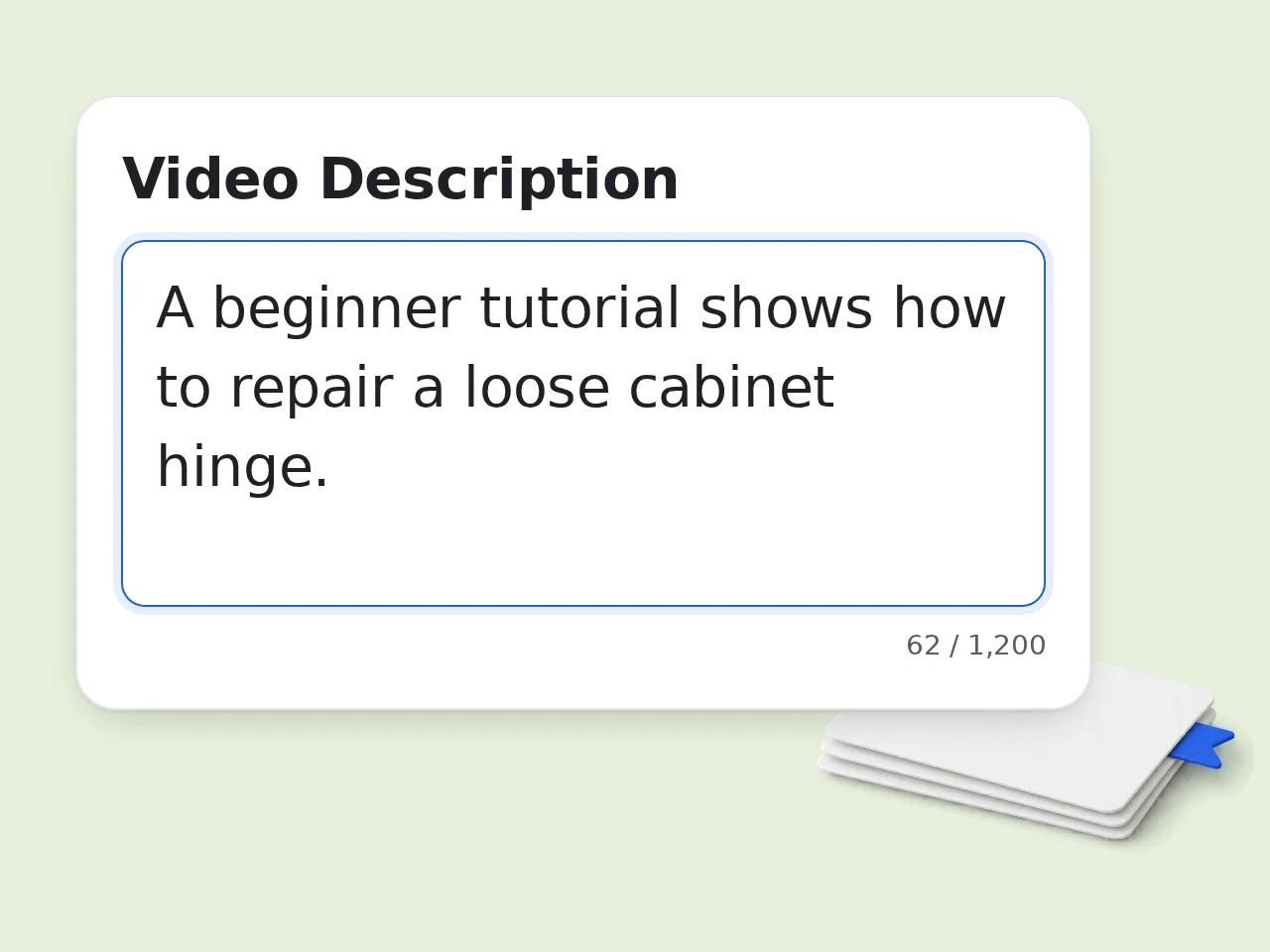
Enter the Video Idea
Paste a short video description with the topic, audience, and main takeaway. Add the target keyword if you already know the search phrase you want the video to match.
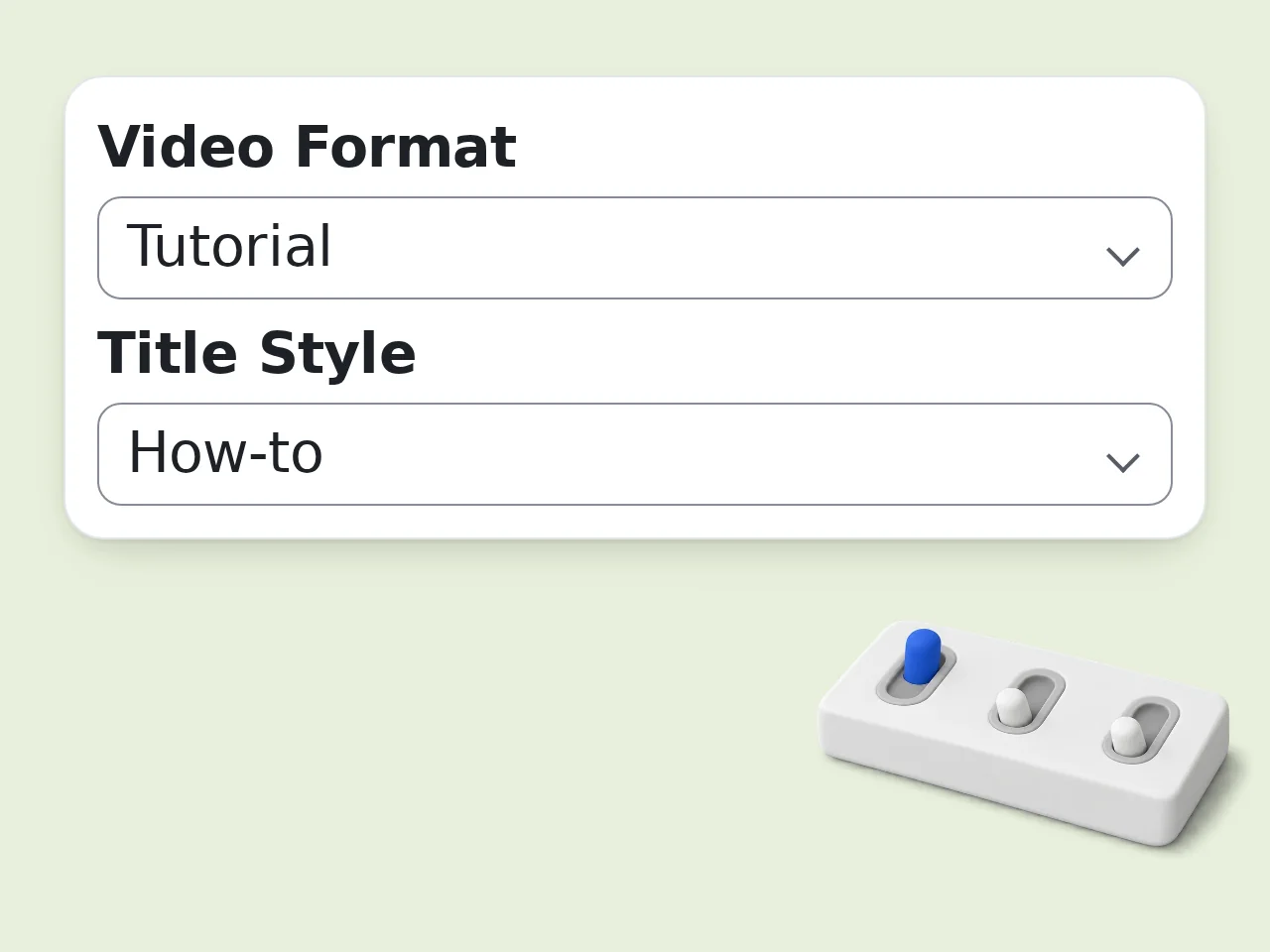
Choose Format and Style
Select whether the video is a Short, tutorial, review, vlog, or standard upload. Pick a title style and tone so the results match the way your channel speaks.
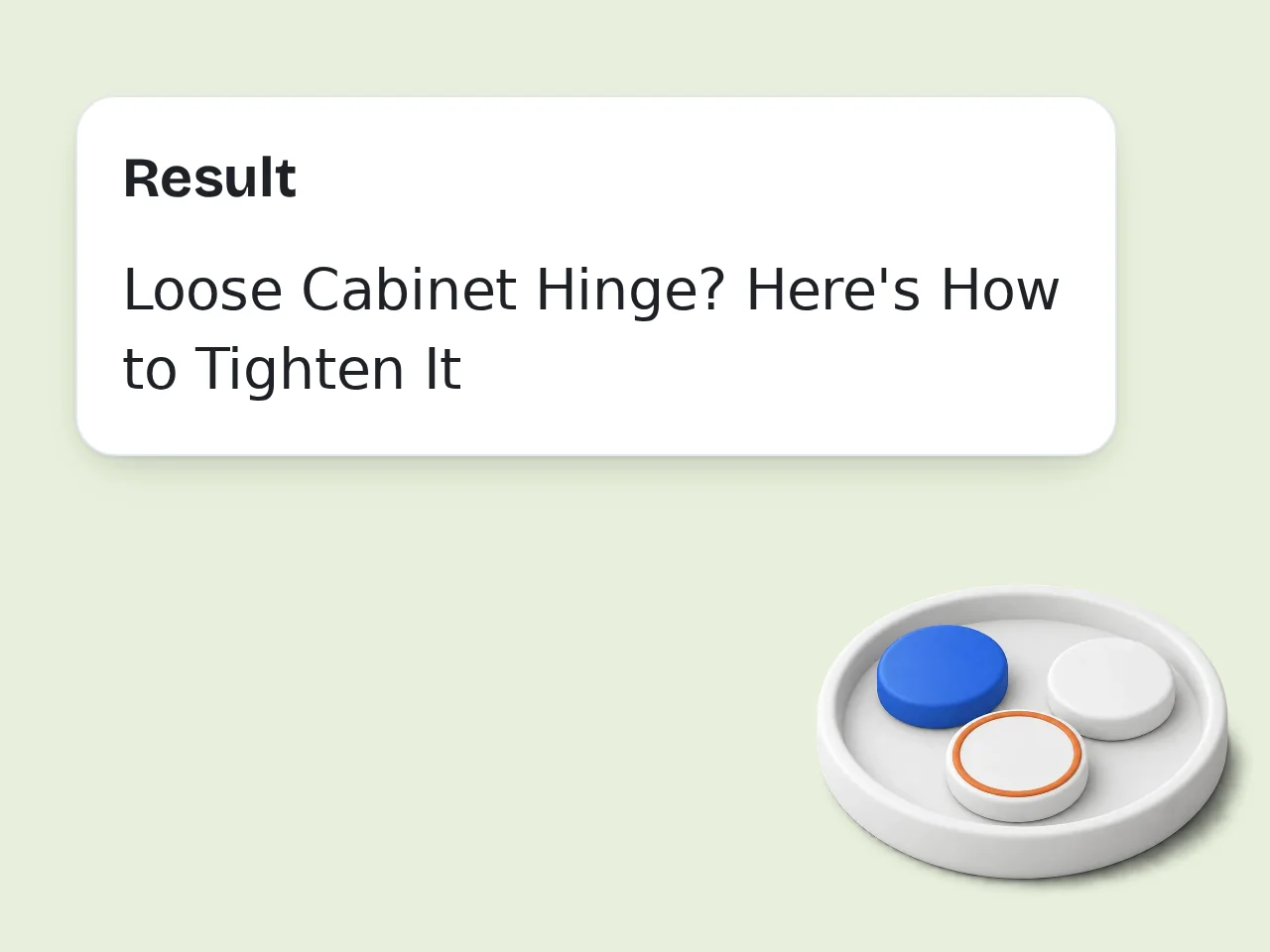
Review Titles and SEO Notes
Compare the generated options, read the best-pick reason, and check the keyword and thumbnail notes before copying the title into YouTube Studio.
Key Features of the YouTube Title Generator
A focused youtube title generator for creators who need titles that read well and rank naturally.
SEO-Friendly Title Drafts
Add a target keyword and receive YouTube title ideas that place important terms near the front without sounding stuffed or robotic.
Styles for Real Video Formats
Generate titles for tutorials, Shorts, reviews, vlogs, comparisons, and standard uploads instead of forcing every idea into one generic pattern.
Honest Click-Through Hooks
Create stronger hooks, questions, and numbered titles while keeping the wording accurate to the video so the title does not become bait.
Frequently Asked Questions
Practical answers about using a youtube title generator for search, clicks, Shorts, and honest title writing.
What does a YouTube title generator do?
A YouTube title generator turns a video topic, description, and optional keyword into title ideas that are easier to scan in search results. This youtube title generator focuses on clear wording, safe curiosity, and practical SEO placement. It helps when you know the video angle but cannot find a title that feels clickable without becoming misleading. It is especially useful before publishing because small wording changes can decide whether viewers understand the video immediately.
How should I describe my video for better titles?
Write the topic, target viewer, main payoff, and any important detail that makes the video different. For example, say whether the video is a beginner tutorial, a product comparison, a personal story, or a short tip. The youtube title generator can make stronger choices when it understands the audience and the real reason someone would watch. Include concrete details such as numbers, tools, results, or mistakes so the generated titles have a real angle to work with.
Can this tool help with YouTube SEO?
Yes. Add the keyword you want viewers to search for, and the tool will place it near the front when it reads naturally. A good SEO YouTube title still needs to sound human, so the tool balances keyword placement with clarity, emotion, and length. It avoids stuffing keywords that would make the title awkward. That balance matters because a searchable title still has to earn a click from a real person scanning quickly.
Is this YouTube title generator free to use?
Yes. Guests can use the tool with the daily guest credit allowance, free registered users receive monthly credits, and subscribers get more credits based on their plan. The page does not promise a fixed number of generations because usage depends on credit cost and account type. You can try title ideas before committing to a final video title. This keeps the pricing language accurate even if credit settings change later inside the product.
What title length works best for YouTube?
YouTube allows longer titles, but many titles are cut off on mobile screens and suggested video cards. A practical target is usually under 60 characters, with the most important words near the beginning. This youtube title generator warns against bloated phrasing and tries to keep each option short enough to read quickly. If your thumbnail already contains the keyword, the title can focus more on benefit, contrast, or outcome. This makes final review easier.
Can I generate titles for YouTube Shorts?
Yes. Choose YouTube Shorts as the video format when the content is vertical, fast, and built around one quick payoff. Shorts titles usually need a tighter hook than long-form videos because viewers decide quickly. The tool can create short titles that still include the topic, action, or surprise without relying on fake drama. For Shorts, the best title often supports the first visual moment rather than explaining the whole story.
Will the tool create clickbait titles?
It can create curiosity, but it should not create misleading clickbait. The prompt is designed to keep titles honest, specific, and connected to the actual video description. A title can be exciting without inventing claims. If a title suggests a result, secret, or comparison, the video should clearly deliver that promise. That honesty protects retention because viewers are more likely to keep watching when the title matches the content. This makes final review easier.
Should I include emojis in YouTube titles?
Emojis can help some lifestyle, gaming, food, or Shorts titles stand out, but they are not always useful. For tutorials, reviews, and professional topics, plain text often looks cleaner. The tool lets you choose subtle emoji use, and it limits emojis so the title does not look cluttered or harder to read. When unsure, generate both versions and compare which one looks cleaner beside your thumbnail and channel style. This makes final review easier.
How do I choose the best title from the generated list?
Pick the title that matches the video most accurately and gives the viewer a clear reason to click. Check whether the first few words explain the topic, whether the hook pairs with your thumbnail, and whether the title would still make sense without extra context. The recommended best pick gives you a starting point. A practical test is to read the title aloud and ask whether it describes the exact video you made.
Why use this instead of a general chatbot?
A general chatbot can write titles, but you usually need to explain title length, keyword placement, style, tone, video type, and anti-clickbait rules every time. This youtube title generator already asks for the fields that matter and returns a focused format with title options, SEO notes, and thumbnail-fit guidance. That structure saves time when you publish often and need a repeatable title workflow rather than one-off prompting. This makes final review easier.
Still have questions?
Contact our support teamGenerate a Better YouTube Title Today
Turn a rough video idea into title options that are clear, searchable, and ready to test with your thumbnail.