Cold Email AI
Write personalized cold emails and follow-up sequences faster
How to Use Cold Email AI
Generate a cold email in 3 steps
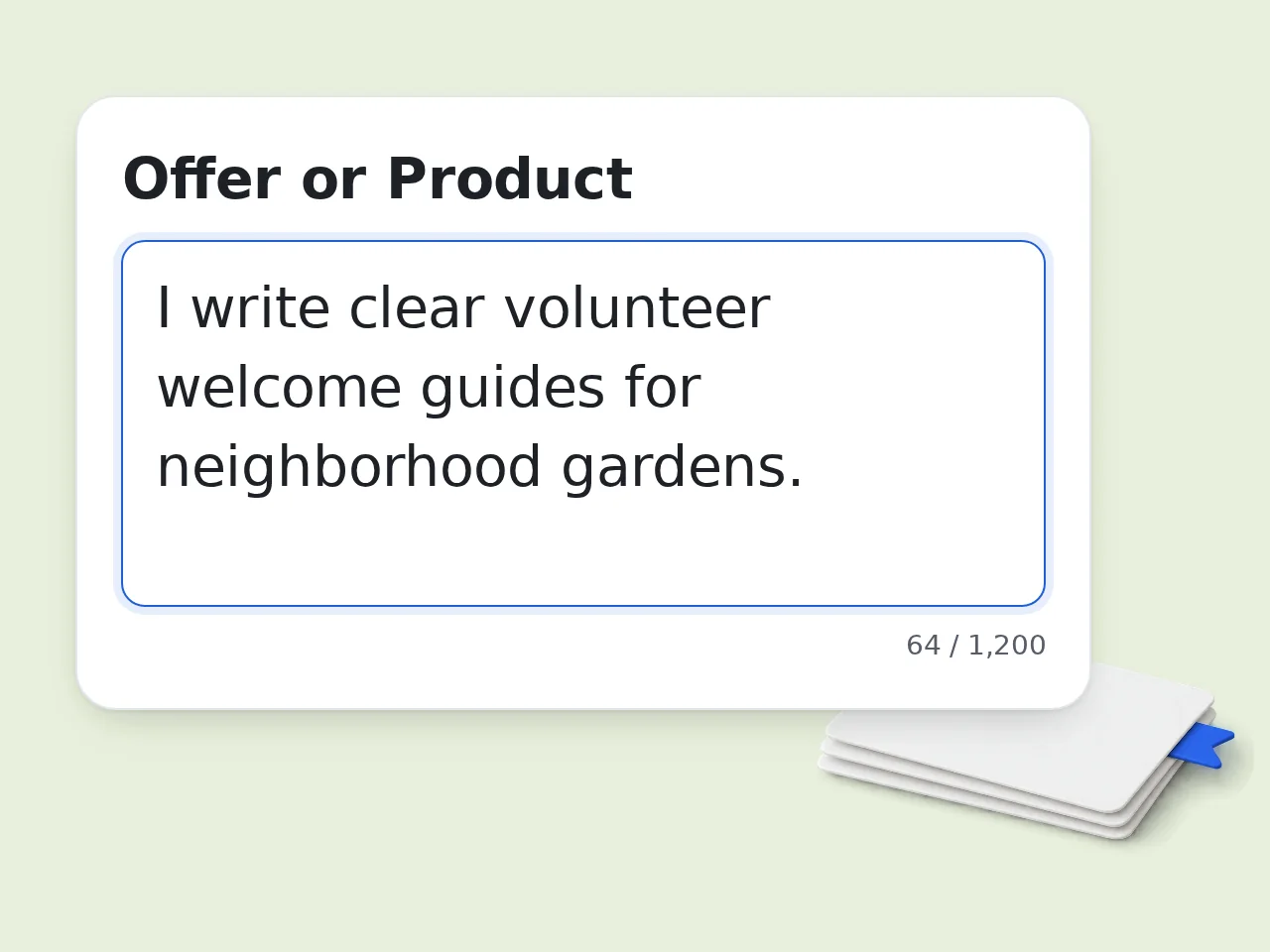
Describe your offer
Add what you sell, who you want to reach, and why the message matters.
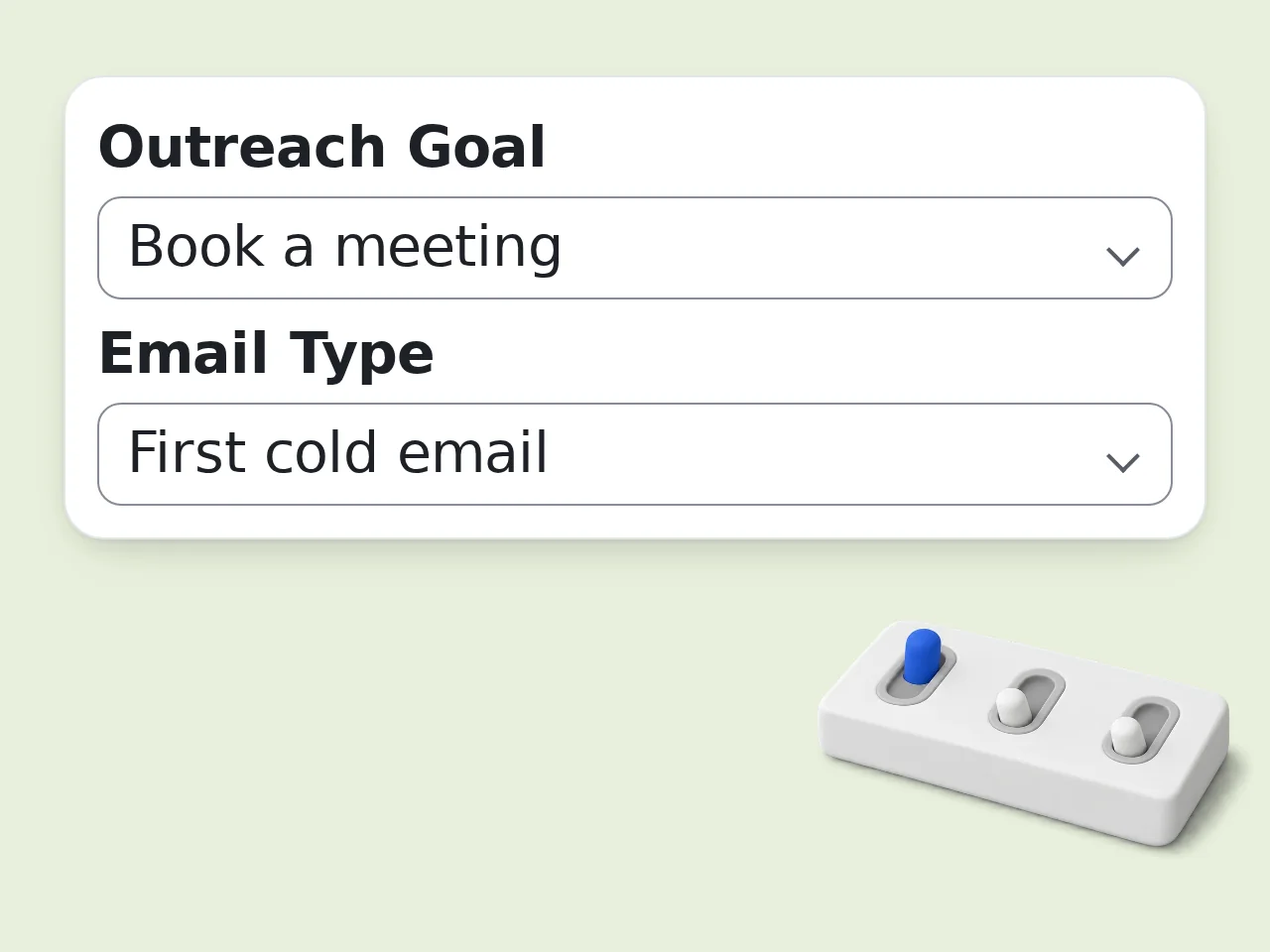
Choose goal and tone
Pick the email type, outreach goal, tone, and optional personalization notes.
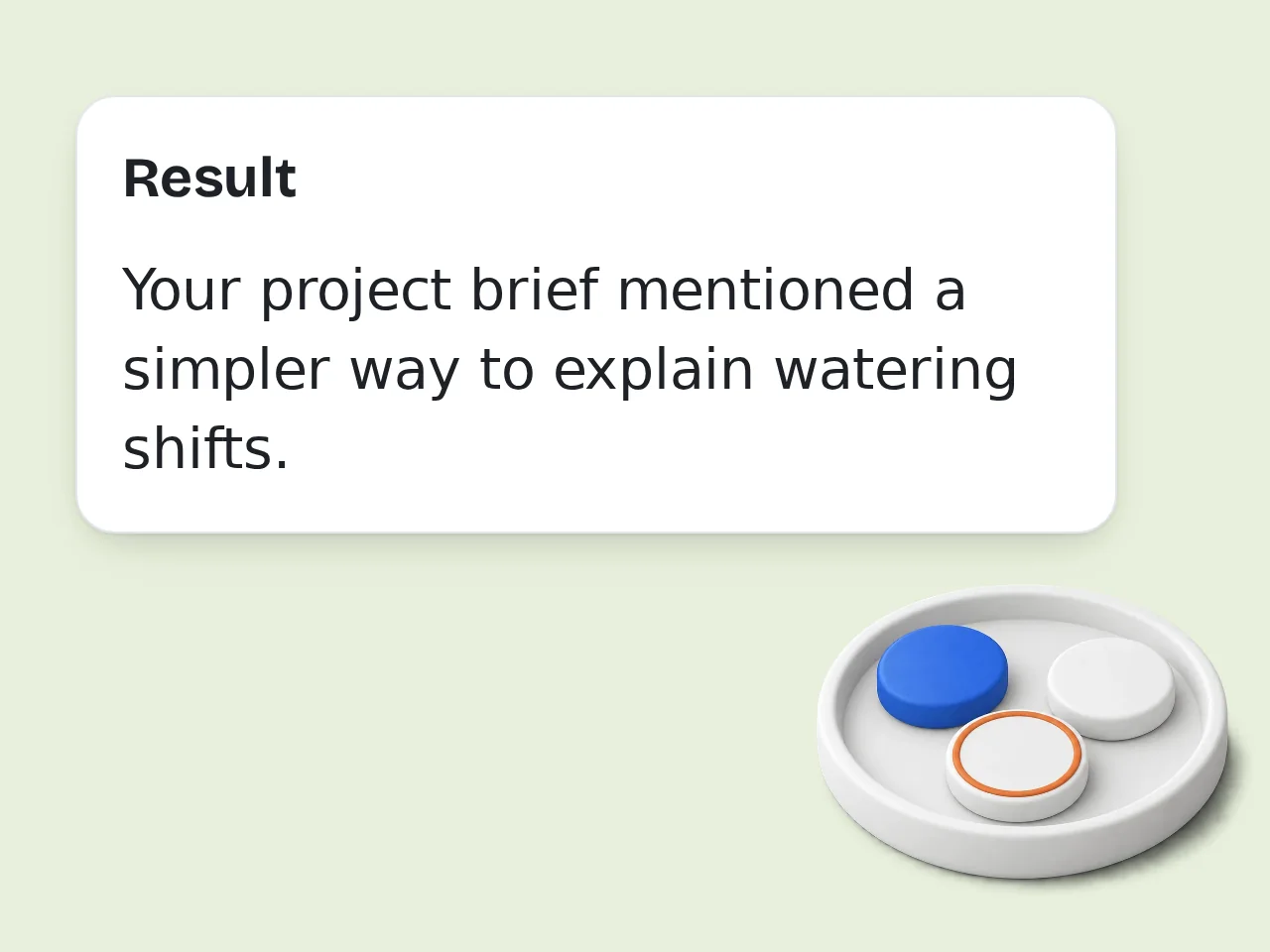
Review before sending
Use the draft as a base, then verify facts, claims, and recipient details.
Key Features of Cold Email AI
Create specific outreach emails with less guessing
Personalized Email Drafts
Turn recipient context, pain points, and your offer into a focused cold email.
Subject Lines and CTAs
Get subject line options, a clear ask, and a concise ending that makes replying easier.
First Emails and Follow-ups
Create first-touch messages, follow-ups, and short three-email sequences from one form.
Frequently Asked Questions about Cold Email AI
Practical answers for better outreach emails
What is cold email ai?
Cold email ai is an AI writing tool that creates outreach emails for people who do not know you yet. It uses your offer, target recipient, goal, tone, and proof points to draft a message that feels specific instead of generic. This cold email ai tool is useful for sales development, business development, recruiting, partnerships, founder-led sales, and service outreach. It helps you move from a blank page to a usable first draft faster.
How do I use cold email ai for the best results?
Start by describing the offer, the target recipient, and the reason you are contacting them. Then choose the outreach goal, email type, and tone. Add personalization notes such as a recent post, company trigger, role, pain point, or mutual context. The best cold email ai results come from specific inputs. Instead of writing “sell software,” explain who it helps, what problem it solves, and what action you want the reader to take.
Is cold email ai free to use?
Yes, cold email ai is free to use online. Guests get limited daily free tries without an account, free registered users have a monthly credit allowance, and subscribers can use the tool with larger limits. For casual outreach, the free tier is enough to draft first emails, follow-ups, subject lines, and short sequences. If you run large campaigns, review each message before sending at scale. See the pricing page for current details.
How many times can I use cold email ai per day?
Guest usage comes with limited daily free tries. Free registered users have a monthly credit allowance, while subscribers receive higher limits based on the active plan. Those limits are designed for drafting and testing. If you need a full campaign, generate a strong base email first, then adapt it for each prospect with real personalization before sending. See the pricing page for current details.
Can I use cold email ai without creating an account?
Yes. You can use cold email ai without creating an account for a small number of daily generations. This is useful when you need to test a message, write a quick first email, or improve a follow-up. Creating a free account gives you more usage and makes it easier to refine drafts across multiple campaigns. Either way, you should avoid pasting private customer data into public-facing tools.
What can I use cold email ai for?
You can use cold email ai for sales prospecting, partnership outreach, recruiting messages, founder introductions, service pitches, event invitations, investor updates, and follow-up emails. It works best when the goal is clear and the recipient group is specific. The tool can create first-touch emails, first follow-ups, three-email sequences, subject lines, and short CTA options. It is not a sending platform; it writes the message you can review and use elsewhere.
Does cold email ai write follow-up emails?
Yes. Choose the follow-up email type and add any previous context, such as the original topic or the time since the first message. The tool can write a polite follow-up that restates the value without sounding pushy. Good follow-ups are usually short. They remind the reader why the message matters, add one useful detail, and ask for a simple next step rather than repeating the entire first email.
How does cold email ai personalize emails?
Cold email ai uses the personalization notes you provide, such as the recipient role, company, industry, recent activity, pain point, or trigger event. It then turns those notes into a natural opening or relevant angle. Personalization works best when it is real. A specific company trigger is stronger than fake flattery. If you only have limited context, use a role-based pain point instead of pretending you know the person deeply.
Why use cold email ai instead of writing manually?
Cold email ai is faster than writing every message from scratch. It gives you a structured draft with a subject line, opening, value proposition, proof, and CTA, so you can spend your time checking accuracy and adding personal context. Manual writing still matters. The tool handles structure and wording, while you decide whether the offer, targeting, and personalization are appropriate for the recipient.
Why use cold email ai instead of asking ChatGPT directly?
Cold email ai is built around the outreach workflow. The form asks for offer, recipient, goal, email type, tone, personalization, proof points, and CTA, so the output is more focused than a blank chat prompt. You can still edit the result like any AI draft. The advantage is speed and consistency: the tool guides your inputs and returns a cold-email format without needing a long prompt each time.
How can I get better cold email ai results?
Use concrete details. Name the target role, the pain point, the business outcome, the proof point, and the action you want. If the result feels broad, add a sharper audience or a clearer reason for outreach. Keep the email short and easy to reply to. One idea, one proof point, and one CTA usually works better than a long message with several competing requests.
What if the cold email ai output is not what I expected?
If the output is off, adjust the inputs rather than regenerating blindly. Change the goal, add better personalization, shorten the CTA, or include a stronger proof point. Small changes often produce a much better draft. You can also ask for a more direct, consultative, or casual tone. Before sending, check that every claim is true and that the email follows applicable outreach and privacy rules.
Still have questions?
Contact our support teamWrite Your Cold Email Now
Use cold email ai to draft a sharper outreach message in seconds.