AI Proposal Generator
Write proposal drafts for clients, grants, projects, and pitches in minutes
How to Use AI Proposal Generator
Build a useful first draft in 3 simple steps
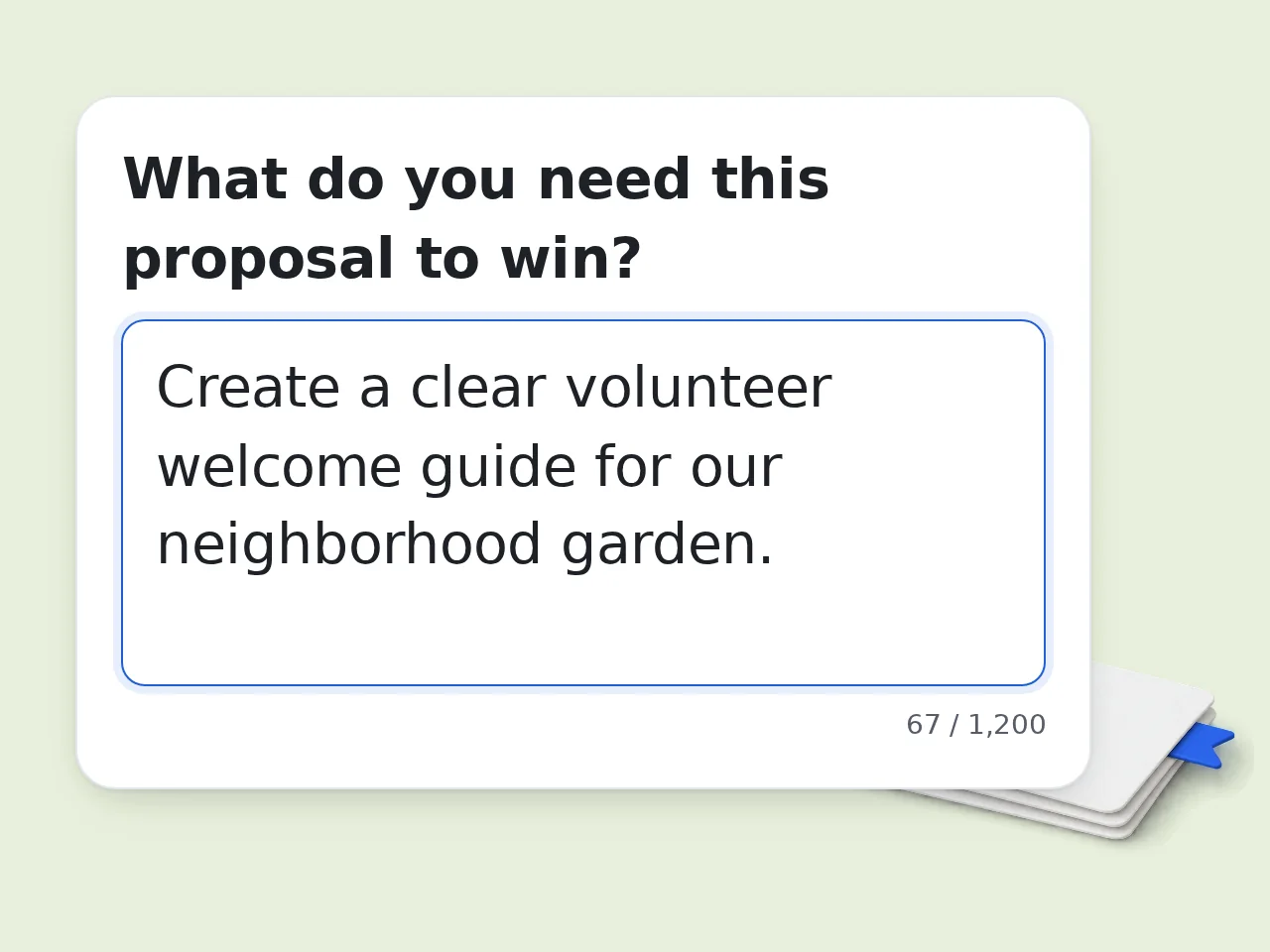
Describe the proposal goal
Tell the ai proposal generator what you are proposing, who it is for, and what result you want.
Add scope and timeline
List deliverables, boundaries, milestones, deadlines, budget notes, or proof points that should shape the proposal.
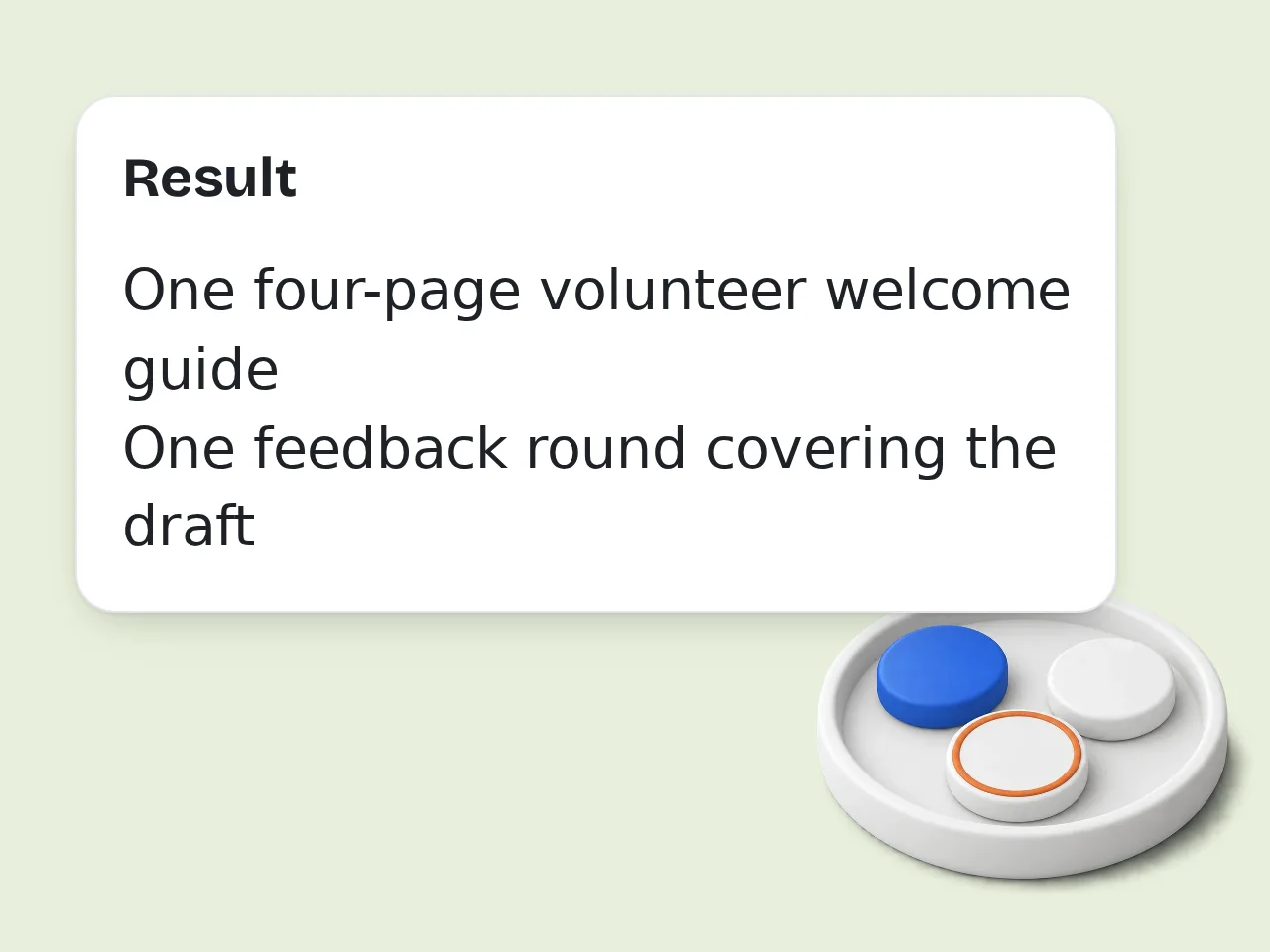
Generate and refine
Create the first draft, keep the strongest sections, and edit facts or pricing before sharing the final proposal.
Key Features of AI Proposal Generator
Everything needed to move from rough notes to a readable proposal draft
5 Proposal Types Ready
Switch between business, sales, project, grant, and research proposal formats without rebuilding the structure from scratch.
Goal-to-Draft Workflow
Enter the goal, audience, deliverables, and timeline, then get a proposal draft with clear sections and logical flow.
Tone and Language Control
Adjust the draft for formal, persuasive, concise, or strategic writing and generate in the language you need.
Frequently Asked Questions with AI Proposal Generator
Common questions about drafting proposals faster
What is an AI proposal generator and how does it work?
An ai proposal generator turns rough notes into a structured proposal draft. You enter the goal, audience, deliverables, and timing, and the tool organizes them into sections that read like a real business document. Most users start with a short prompt, then add scope, timeline, pricing notes, or proof points. The ai proposal generator uses that input to shape an executive summary, deliverables list, timeline, and closing next step. It works best when your notes are specific. Even a few concrete details usually produce a stronger first draft than starting from a blank page.
How do I use an AI proposal generator to get the best results?
Start with the outcome you want, who the proposal is for, and what you will deliver. An ai proposal generator gives better results when the input names the client type, project scope, timeline, and the main value you want to highlight. Add must-have details such as milestones, budget guardrails, exclusions, or proof points. That helps the ai proposal generator avoid vague filler and build sections that feel realistic and easier to approve. If the first draft feels broad, tighten the prompt and regenerate. Clearer input almost always beats longer input.
Is this AI proposal generator free to use?
Yes, this ai proposal generator can be used for free within the standard EAST usage limits. Guests can test the tool without creating an account, so it is easy to check the draft quality before deciding whether you need more runs. Free registered users get a larger monthly allowance, which is usually enough for light client work, school projects, or internal proposal drafts. Subscribers can generate more often and keep working without daily pressure. For quick proposal drafting, the free tier covers most first-pass needs well.
How many times can I use the AI proposal generator per day?
Guests get limited daily free tries of the ai proposal generator without signing in. Free registered users have a monthly credit allowance, and subscribers get a much higher allowance for repeated proposal writing. Those limits are enough for testing different angles, tones, or proposal types like sales, project, or research drafts. Most users only need a few runs to land on a strong version. If you compare multiple versions side by side, save the best sections and refine instead of starting over every time. See the pricing page for current details.
Can I use the AI proposal generator without creating an account?
Yes, you can try the ai proposal generator without creating an account. That makes it useful when you need a quick draft for a client reply, internal pitch, grant outline, or project proposal and do not want setup friction first. Guest access is lighter than a registered account, so daily usage is lower, but the core drafting experience still works. You can enter your proposal details, generate a draft, and judge the structure and tone immediately. If you expect to revise proposals often, a free account is the better long-term setup.
What can I use an AI proposal generator for?
An ai proposal generator works for business proposals, sales offers, service pitches, project plans, grant drafts, and research proposals. It is especially useful when you already know the idea but need a cleaner structure and stronger wording fast. Many users use it for client proposals that need scope, deliverables, milestones, and next steps. Others use the ai proposal generator for internal approvals, nonprofit funding requests, or consultant statements of work. If the proposal must follow a strict template, generate the draft first and then map it into your required format.
Does the AI proposal generator support different proposal types and tones?
Yes, the ai proposal generator can adapt to different proposal types and writing tones. You can shape the draft for business, sales, project, grant, or research contexts and then push the language toward formal, persuasive, concise, or strategic writing. That matters because a grant proposal and a sales proposal do not persuade in the same way. The ai proposal generator can emphasize impact and outcomes for one case, while focusing on ROI and implementation clarity in another. Choose the audience first, then choose tone. Audience usually matters more than style labels alone.
What kind of output quality should I expect from an AI proposal generator?
You should expect a strong first draft, not a legally final document. A good ai proposal generator usually gives you a clean structure, clear summary, practical deliverables section, and a closing action that saves real drafting time. The quality rises fast when your input includes specifics like timeline, scope, audience, and proof points. Generic prompts produce generic proposals, while concrete prompts lead to sharper sections and more believable value statements. Review facts, pricing, and compliance details before sending. That last edit is where professional polish happens.
Why use an AI proposal generator instead of writing proposals manually?
An ai proposal generator is faster than manual drafting when the hardest part is getting started. It helps you move from scattered notes to a readable structure in minutes, which is useful when deadlines are tight or you need several proposal versions. Manual writing still matters for final approval, but the ai proposal generator removes blank-page friction and handles repetitive structure work. That leaves more time for pricing judgment, tailoring, and stakeholder review. It is most valuable when you already know the offer and need the wording and order done quickly.
Why use this instead of asking ChatGPT for a proposal?
A focused ai proposal generator gives you a cleaner workflow than a blank chat prompt. Instead of deciding what to ask line by line, you fill in proposal-specific fields such as audience, deliverables, timeline, and tone, and the draft is built around proposal logic. That structure reduces prompt drift and makes output more consistent across business, sales, grant, and project proposals. A dedicated ai proposal generator also helps less technical users who do not want to engineer prompts from scratch. Chat tools are flexible, but focused tools are usually faster for repeatable tasks.
How can I get better results from the AI proposal generator?
Give the ai proposal generator real constraints. Mention the audience, budget boundaries, timeline, deliverables, and the one reason your proposal should be chosen over alternatives. Specifics give the tool material to turn into persuasive sections. It also helps to paste rough bullet points instead of polished sentences. The ai proposal generator can organize messy notes well, but it cannot recover details you never provide, especially around pricing, proof, or scope limits. After generation, cut weak claims and add one or two concrete facts. That edit often makes the draft feel much more credible.
What if the output from the AI proposal generator is not what I expected?
If the draft misses the mark, tighten the input instead of starting from zero. Tell the ai proposal generator what went wrong, such as being too generic, too long, too sales-heavy, or missing details like milestones, budget, or compliance notes. A second pass works better when you change the goal, audience, or tone fields with more precision. Often the problem is not the ai proposal generator itself but a prompt that leaves too much room for interpretation. Keep the best parts from each version. Proposal writing improves quickly when you iterate on structure, not just wording.
Still have questions?
Contact our support teamStart Your AI Proposal Generator Draft
Turn notes into a clearer proposal before you lose momentum.