AI Slide Summarizer
Turn slides into clear, organized notes with AI — free PPT summarizer online
How to Use AI Slide Summarizer
Get your slide summary in 3 simple steps
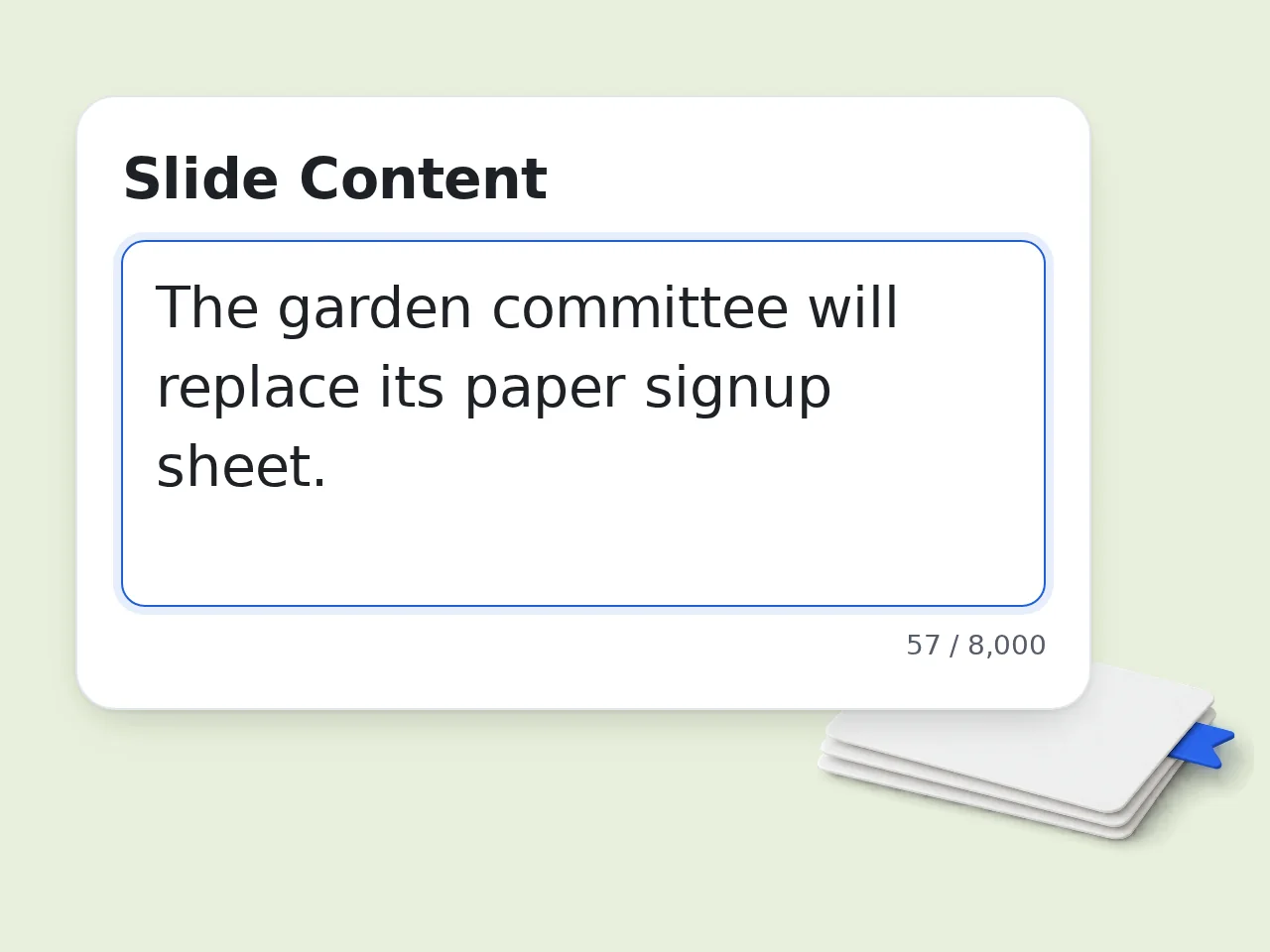
Step 1: Paste your slide content
Copy the text from your PowerPoint or presentation slides and paste it into the input box. The AI slide summarizer accepts any slide text — lecture notes, business decks, or research presentations.
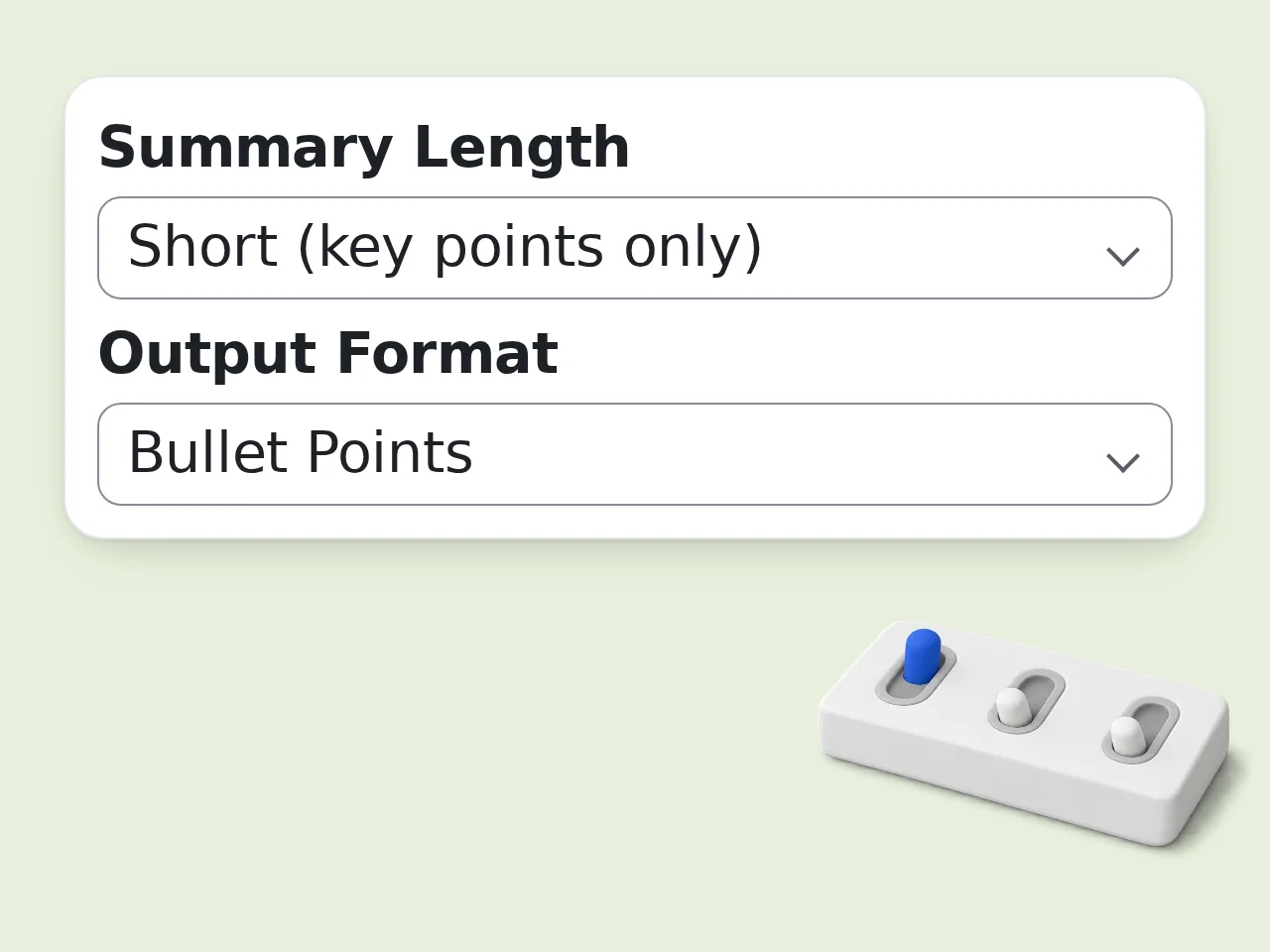
Step 2: Choose format and length
Pick a summary format (bullet points, study notes, Q&A, or executive) and your preferred length. Set a focus area like data and statistics or action items for more targeted output.
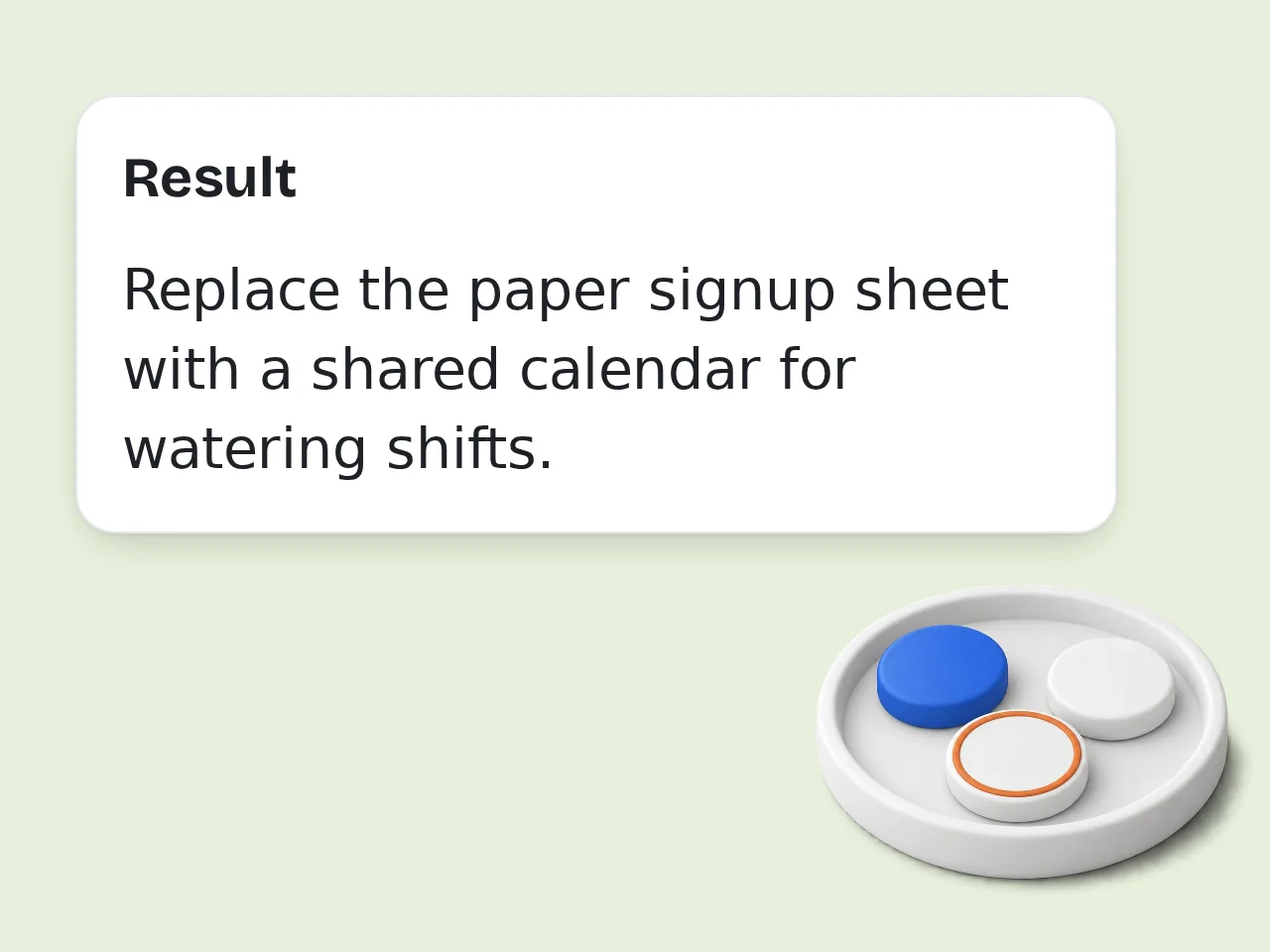
Step 3: Copy your instant summary
Click Generate and get a clean, structured result in seconds. Copy it to your notes app, share with classmates, or use it for exam prep. The PPT summarizer does all the heavy lifting.
Key Features of AI Slide Summarizer
Everything you need to turn slides into usable notes
4 Summary Formats in One Tool
Bullet points for quick review, study notes with key terms bolded, Q&A pairs for exam prep, or an executive paragraph format. Pick what fits your workflow and get a clean output every time.
3 Lengths — Quick to Comprehensive
Short keeps only the core message. Medium gives a full overview. Long captures every major point and supporting detail. This free PPT summarizer adapts to exactly how deep you need to go.
Focus Area Controls
Direct the summary toward key arguments, data and statistics, action items, or balanced coverage across all sections. Useful when you know which part of the slide deck matters most.
Frequently Asked Questions About AI Slide Summarizer
Common questions about summarizing slides with AI
What is an AI slide summarizer and how does it work?
An AI slide summarizer takes text from presentation slides and condenses it into a structured, readable summary. You paste the slide text, the AI identifies main topics and key points, then outputs a clean result in your chosen format. The tool uses large language models trained on document structure — it recognizes slide headers, arguments, and conclusions even from fragmented bullet text. It handles lecture slides, business decks, academic research talks, and training materials equally well.
How do I use the AI slide summarizer?
Copy text from your slides and paste it into the input box. Choose summary length and format, then hit Generate. A structured summary appears in seconds without any extra steps. For best results, include slide titles and section headers — they help the tool identify document structure and produce cleaner output per section. If you're working from a PDF or exported file, copy-paste the readable text. The slide summarizer handles messy or fragmented input without trouble.
Is the AI slide summarizer free to use?
Yes, it's completely free. Guest users can summarize slides without creating an account, and free registered users have a monthly credit allowance. No credit card is required at any step. All four summary formats and all length options are available at no cost. Subscriptions exist for users who need more monthly credits. See the pricing page for current details. The free tier is fully functional, not a limited preview. You can start right now without signing up.
How many times can I use the AI slide summarizer per day?
Guest users (no account) get limited daily free tries. Free registered accounts have a monthly credit allowance, which covers most students and professionals comfortably with plenty of headroom. Subscriber accounts have significantly higher limits — practical for daily classroom or office use where you summarize decks every day. Signing up for a free account takes under a minute and immediately unlocks the higher allowance. See the pricing page for current details.
Can I use this tool without creating an account?
Yes. Paste slides and generate summaries immediately: no account, no email address, no signup required. The tool works right away for guests, who get limited daily free tries with all summary formats available within the input length limit. For regular use, a free account takes about 30 seconds to create and provides a monthly credit allowance. You'll never be forced to register before generating a summary. See the pricing page for current details. Guest access is real access, not a bait-and-switch.
What types of slide content can the tool handle?
This slide summarizer works with any text-based presentation: university lecture slides, business strategy decks, scientific research presentations, conference talks, training materials, and meeting summaries. It handles dense academic content, data-heavy slides with statistics, and narrative-style presentations. Fragmented bullet text from raw PowerPoint exports gets processed into coherent, readable summaries. For best results, paste the text content of the slides. Embedded images or charts without text descriptions won't be processed directly.
What summary formats does the tool support?
Four formats are available: Bullet Points for quick scanning, Study Notes with headers and bolded key terms for active learning, Q&A pairs for exam prep, and Executive Summary in flowing paragraph form for professional use. Medium and long summaries also include a TL;DR at the top and a Key Takeaways section at the end — useful for sharing or quick reference. Q&A format is especially popular for students using the tool before exams or quizzes.
How does this compare to using ChatGPT directly?
ChatGPT can summarize slides if you paste the text, but you need to write a detailed prompt every time and manually specify format and length. This tool has all those controls built in as clickable options. You get consistent, structured output without prompt engineering. Formatting — headers, bolded terms, TL;DR sections — is applied automatically. For occasional one-off use, ChatGPT is fine. For repeated slide summarization, a purpose-built tool delivers faster and more consistent results every time.
Why summarize slides with AI instead of reading them manually?
A 60-slide lecture deck can take 30+ minutes to review manually. This tool condenses it in seconds, automatically pulling out the structure, main arguments, key data, and conclusions. It's especially useful for catching up on missed lectures, reviewing before an exam, prepping for a meeting, or quickly understanding a research deck without reading every word. Students and professionals report faster review times with better retention of key concepts when using AI slide tools.
How can I get better results from the slide summarizer?
Include slide titles and section headers in your pasted text — this gives the AI clear structural cues and produces cleaner, section-by-section summaries instead of a flat list. For data-heavy decks, use Focus Area → Data & Statistics so numbers and percentages are emphasized. For meeting presentations, the Action Items focus captures all tasks and next steps. If output feels too broad, try Long length with Q&A format — this pushes the AI to go deeper into specific content instead of staying surface-level.
Can the slide summarizer output in different languages?
Yes. The Output Language setting in advanced options lets you receive summaries in Japanese, Chinese, Korean, French, Spanish, and many other languages — even if the original slides are in English. This is useful for international students, multilingual teams, and anyone who needs content from English-language presentations translated and summarized in their native language. Formatting and document structure are preserved in the translated output, so the summary is just as clean regardless of language.
What if the summary output isn't what I expected?
Adjust format and length settings first. If the output is too brief, switch to Long or add more slide text to the input. If it's focused on the wrong content, use the Focus Area dropdown to direct the summarizer. For academic slides, switching tone to Academic can improve terminology precision. For business presentations, the Executive Summary format produces the most polished result. Each run is independent and uses credits, so adjusting one setting at a time is the fastest way to find the output you're looking for.
Still have questions?
Contact our support teamSummarize Your Slides in Seconds
Paste your content and get clean, structured notes instantly. Free to use.