Auto Repair Invoice Generator
Create professional auto repair invoices with parts, labor, and tax in seconds
How to Use the Auto Repair Invoice Generator
From job details to professional invoice in 3 steps
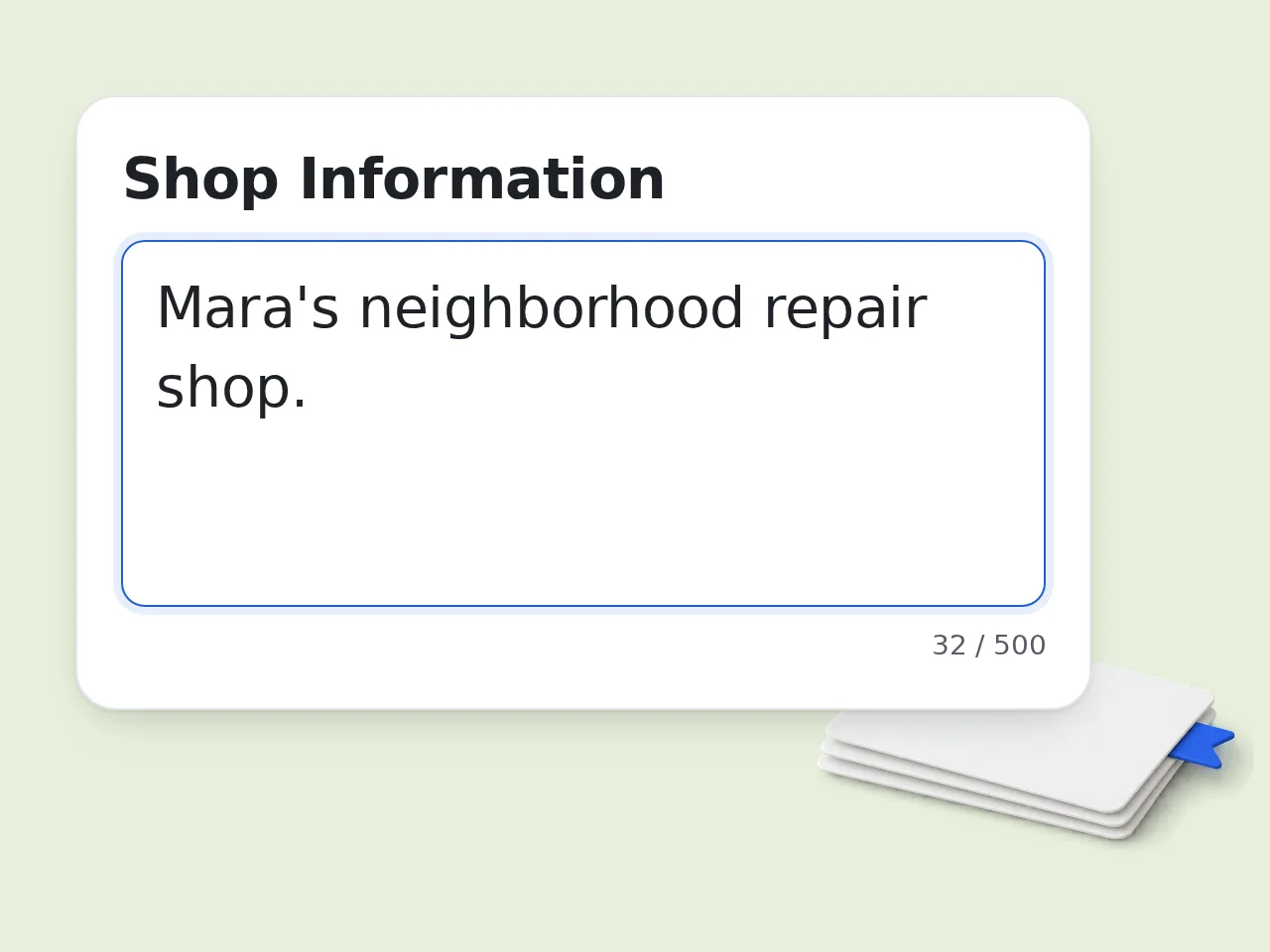
Enter shop, customer, and vehicle info
Fill in your repair shop name and contact, customer details, and vehicle information including VIN and odometer readings. These appear at the top of every auto repair invoice.
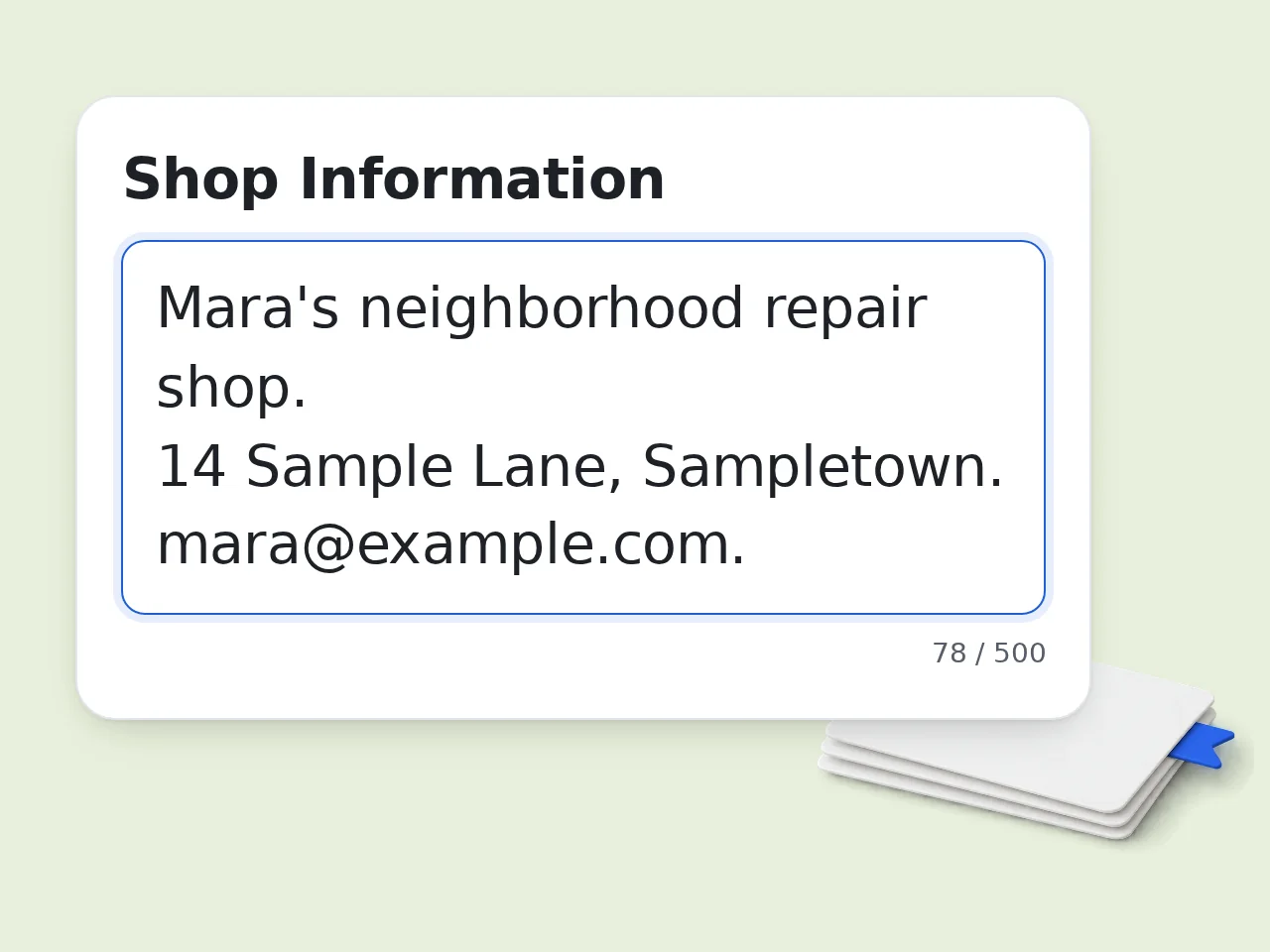
List your repair items — parts and labor
Describe each repair item on a separate line: parts with quantity and unit price, labor with hours and rate. Include diagnostic fees, shop supplies, or any other charges.
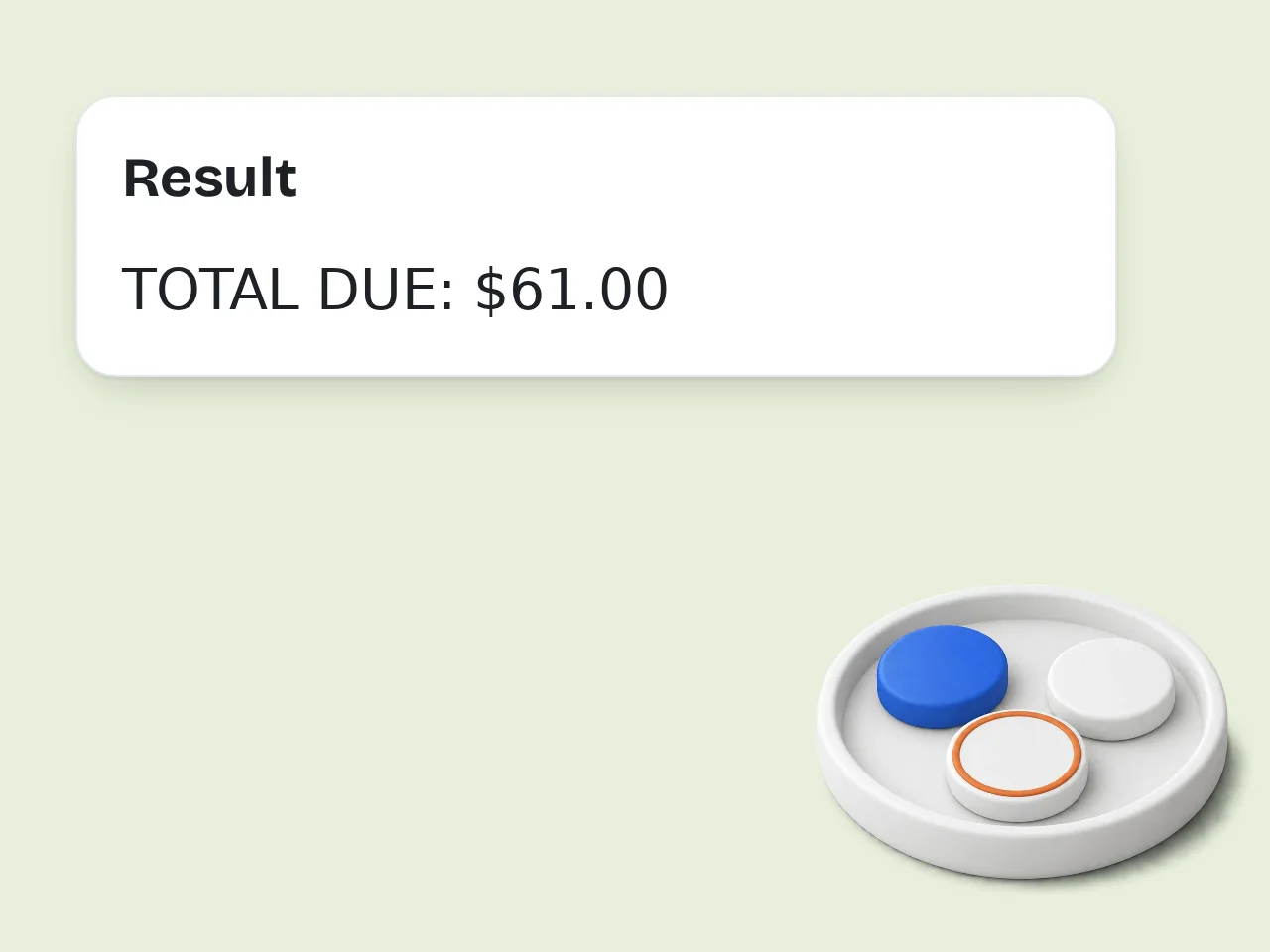
Click Generate to get your auto repair invoice
AI formats everything into a complete, structured auto repair invoice — with subtotals, tax calculation, payment terms, and warranty statement ready to print or send.
Key Features of Auto Repair Invoice Generator
Everything a mechanic or auto shop needs to invoice professionally
Complete Parts & Labor Breakdown
Every invoice separates parts from labor on individual line items. Quantities, unit prices, and totals are calculated automatically — no math required.
VIN, Odometer & Vehicle Fields Built In
Auto repair invoices include year, make, model, VIN, license plate, and odometer in/out — all the fields required for a legally defensible vehicle service record.
Tax, Warranty & Payment Terms Included
Set your tax rate, choose payment terms (Due on Receipt, Net 15/30/60), and add a standard or custom warranty statement — all formatted into one ready-to-send invoice.
Frequently Asked Questions about Auto Repair Invoice Generator
Common questions about creating mechanic and auto shop invoices
What is an auto repair invoice generator and how does it work?
An auto repair invoice generator is a tool that creates professional mechanic invoices from your job details. Enter shop info, customer data, vehicle details (VIN, odometer), and repair line items — the generator formats them into a complete, structured invoice with calculated totals. This tool uses AI to parse free-form input, so you don't need to follow a rigid template. Just describe your parts and labor naturally and the auto repair invoice generator handles the formatting, math, and layout. The result is a print-ready invoice that includes all required fields: vehicle identification, itemized services, tax, payment terms, and warranty.
How do I use the auto repair invoice generator without creating an account?
No account is needed. Open the tool, fill in your shop info, customer details, vehicle data, and repair items, then click Generate. A complete auto repair invoice appears instantly. Guests get limited daily free tries without signing up. Free registered users have a monthly credit allowance. Registered users can also access advanced fields like custom tax rates, warranty options, and payment terms. For occasional use, the free guest access covers most needs. See the pricing page for current details.
Is the auto repair invoice generator free to use?
Yes, the auto repair invoice generator is completely free for basic use. No credit card or subscription is required to generate a mechanic invoice as a guest. Guests get limited daily free tries. Creating a free account gives you a monthly credit allowance instead, with access to all advanced fields including warranty statements, payment terms, and custom tax rates. Paid plans offer higher limits for shops that invoice frequently. See the pricing page for current details.
How many auto repair invoices can I generate per day?
Guest users (no account) get limited daily free tries of the auto repair invoice generator. Free registered users have a monthly credit allowance — enough for a small shop billing regularly. Subscription plans remove the daily limit entirely, which suits busy auto repair shops or mechanics handling multiple vehicles per day. For a one-time invoice or occasional use, the free guest tier is sufficient. See the pricing page for current details.
What information do I need to create an auto repair invoice?
At minimum: your shop name and contact info, the customer's name and contact, vehicle details (year/make/model), and a list of parts and labor performed. For a complete, legally defensible auto repair invoice, also include: VIN, license plate, odometer in/out, invoice number, service date, and tax rate. These fields protect both the shop and the customer if disputes arise later. The tool includes optional fields for all of these — fill in what you have and leave the rest blank.
Does the auto repair invoice generator separate parts and labor?
Yes. Parts and labor appear as separate line items on every generated auto repair invoice. This is the industry standard — mixing them in one line hides the rate and creates billing disputes. Enter parts with quantity and unit price (e.g., 'Brake pads, 1 set, $85'), and labor with hours and rate (e.g., 'Brake labor, 1.5 hrs @ $120/hr'). The generator calculates each total and produces separate subtotals for parts and labor. Diagnostic fees, shop supplies, and hazardous waste disposal can each be listed as their own line items too.
Why use an AI auto repair invoice generator instead of a Word template?
Word and Excel templates require manual data entry, error-prone math, and constant reformatting. The AI auto repair invoice generator takes natural-language input and handles all formatting and calculation automatically. Type your repair items the way you'd describe them verbally — the tool figures out what's a part, what's labor, and what's a fee. No cell formulas to maintain, no column alignment issues, no copy-paste mistakes. For shops that don't use dedicated shop management software, this is the fastest way to produce professional mechanic invoices.
Can I include diagnostic fees on an auto repair invoice?
Yes. Add diagnostic fees as a labor line item: describe the test, time spent, and your hourly rate (e.g., 'Engine diagnostic, 0.8 hrs @ $120/hr = $96'). This is the standard industry practice. If you later apply a diagnostic credit toward the repair, note that in the additional notes field. The AI will include it in the invoice as a credit line. Many shops also charge a flat diagnostic fee — just enter it as a fixed-price line item.
Does the auto repair invoice generator handle taxes correctly?
Enter your local tax rate as a percentage in the advanced settings. The generator applies the rate to taxable items — typically parts — and shows the tax amount as a separate line. Labor taxability varies by jurisdiction. The invoice includes a note to 'check local rules' for labor tax so you stay compliant without legal advice. Shop supplies and disposal fees may also be taxable — include them in your parts lines if applicable in your state.
Can I add a warranty statement to the mechanic invoice?
Yes. Choose 'Standard 90-day / 3,000-mile warranty' to include the most common automotive service warranty automatically. Select 'Custom' to describe your own terms in the notes field. For customer-supplied parts, choose 'No Warranty' or add a note — the tool will include a standard disclaimer: 'No warranty on customer-supplied parts.' This protects your shop legally. Warranty terms appear at the bottom of the auto repair invoice alongside your payment terms.
What payment terms can I set on an auto repair invoice?
Choose from four standard payment terms: Due on Receipt, Net 15, Net 30, or Net 60. The selected terms appear on the invoice as a clear payment deadline. 'Due on Receipt' is the most common for retail auto repair shops — payment is expected at vehicle pickup. Net 30 is standard for fleet accounts or commercial clients. Add any deposit previously paid in the Additional Notes field, and the tool will show it as a credit against the balance due.
How do I invoice for customer-supplied parts on a mechanic invoice?
List the job as labor only (e.g., 'Install customer alternator, 1.2 hrs @ $120/hr'). Then add 'No warranty on customer-supplied parts' in the additional notes — the invoice will include this disclaimer automatically. If you charge a handling fee for customer parts, add it as a separate line item. Keep the vendor invoice on file in case of disputes. This approach is transparent for the customer and protects the shop if the part fails.
Still have questions?
Contact our support teamGenerate Your Auto Repair Invoice Now
Instant professional invoices for mechanics and auto shops — free