Itemized Invoice Generator
Create a detailed line-by-line invoice with automatic calculations
How to Use the Itemized Invoice Generator
Create a professional itemized invoice in 3 quick steps
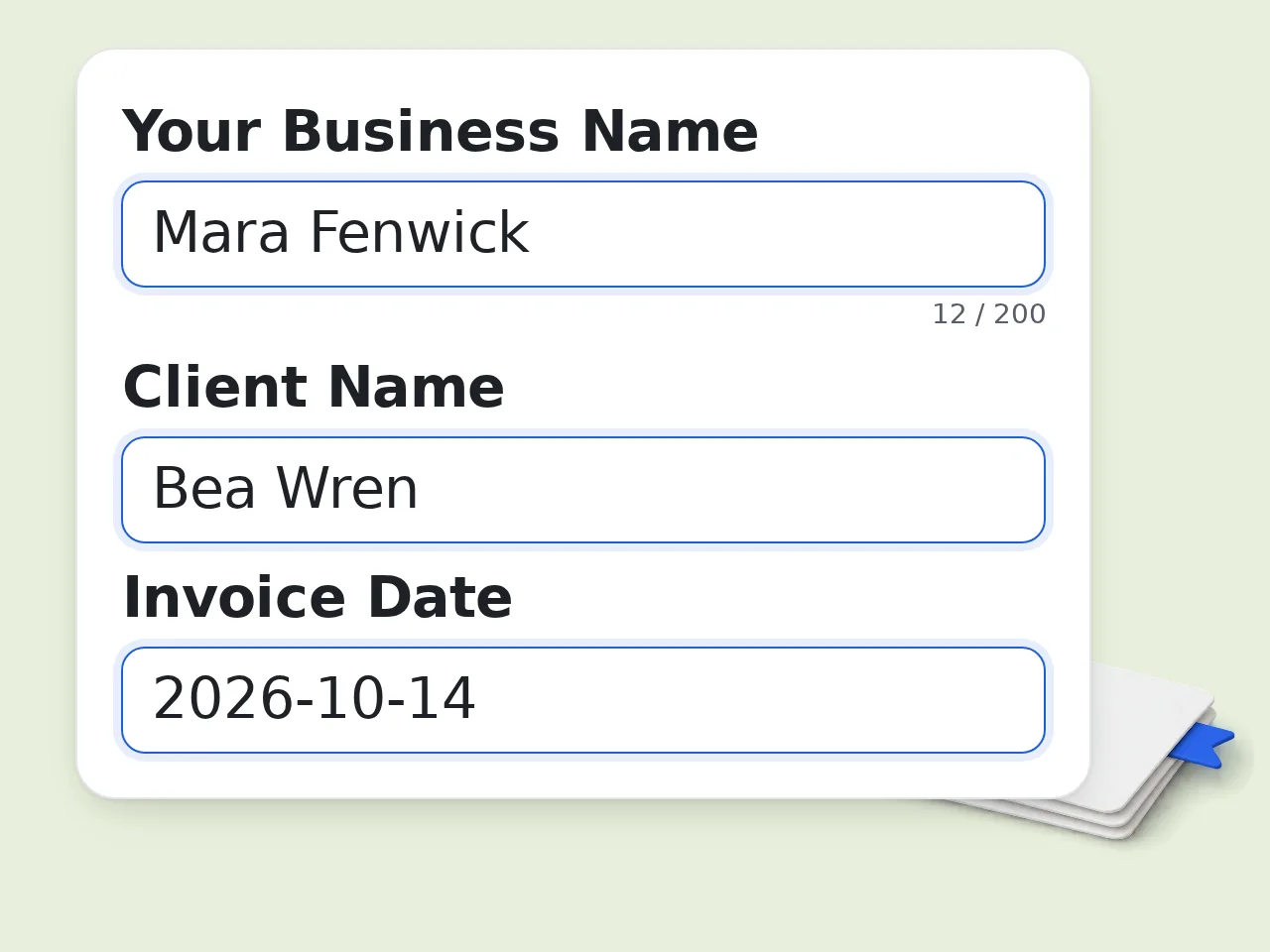
Enter your business and client names
Type your company or freelancer name and your client's name. Add contact details in the advanced options if you want them included in the itemized invoice.
List your services or products
Enter each line item with a description, quantity, and unit price — one per line. The format is flexible: write it naturally and the AI will parse it correctly.
Choose your settings and generate
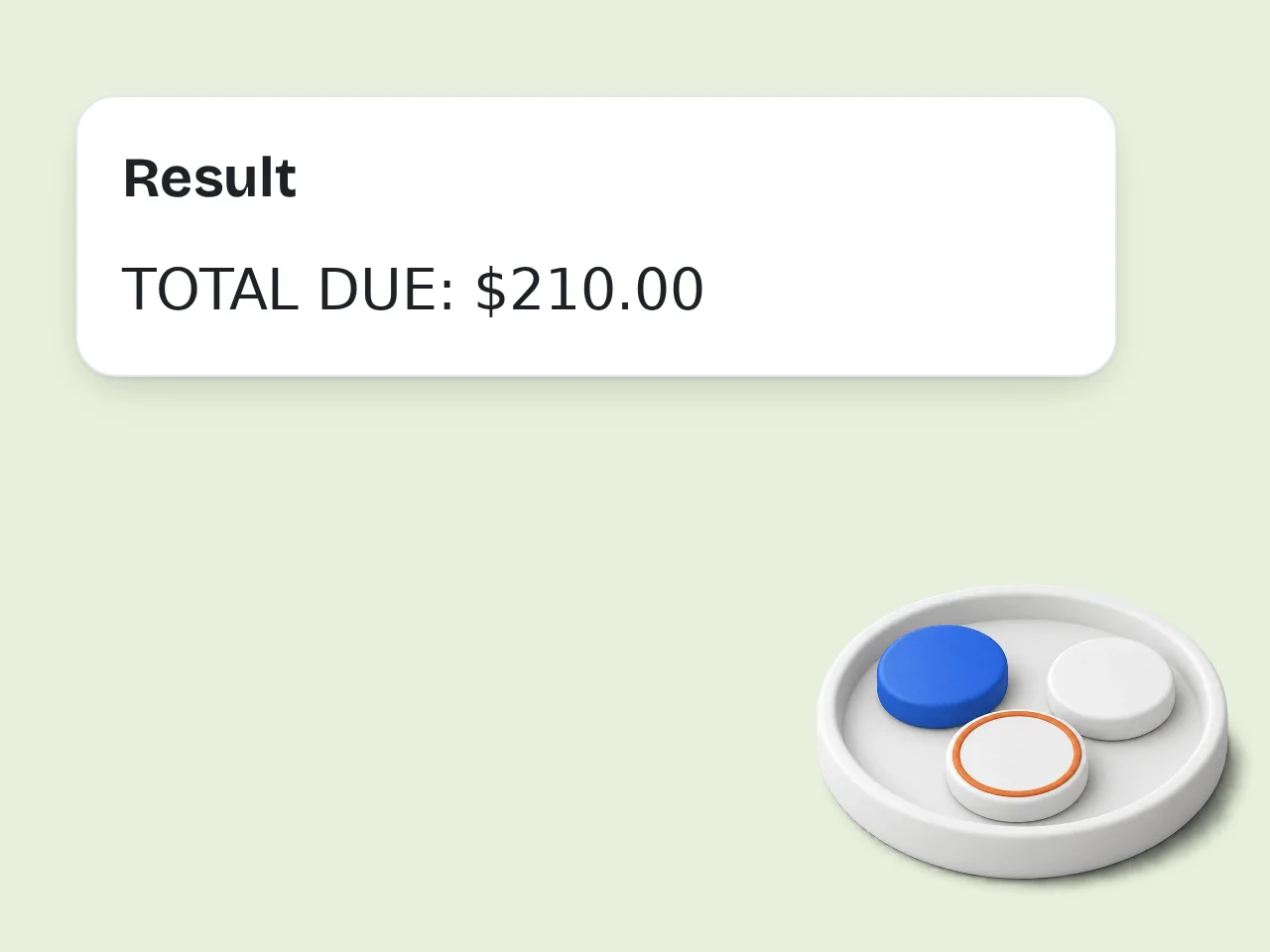
Select currency, tax rate, payment terms, and invoice style. Click generate to get a complete, ready-to-use itemized invoice with all totals calculated.
Key Features of the Itemized Invoice Generator
Everything you need to create a clear, professional itemized bill
Automatic Line-by-Line Calculations
Enter each service or product with quantity and rate. The itemized invoice generator calculates every line total, subtotal, tax amount, and final balance due without any manual math.
4 Invoice Styles for Any Business
Choose from Professional, Freelancer, Formal, or Medical billing styles. Each adapts the tone and structure of your itemized invoice to fit your industry and client relationship.
9 Currencies, Custom Tax Rates
Supports USD, EUR, GBP, JPY, CNY, KRW, HKD, CAD, AUD. Set any tax rate percentage and the invoice calculates the exact tax amount and total due automatically.
Frequently Asked Questions about the Itemized Invoice Generator
Common questions answered about creating itemized invoices
What is an itemized invoice and why do I need one?
An itemized invoice lists every service or product as a separate line item with its own quantity, unit price, and total — instead of one lump sum. Clients can see exactly what they are paying for, which reduces disputes and speeds up payment. For contractors billing by the hour or businesses selling multiple products, itemized invoices are standard practice. For tax and accounting purposes, itemized billing creates a clear paper trail. Most bookkeeping software requires line-item detail, not just totals.
How do I use the itemized invoice generator?
Enter your business name, client name, and list your services or products one per line in the format: Description – Quantity – Unit Price. Then set your currency, tax rate, and payment terms. Once you submit, the AI generates a complete formatted itemized invoice with each line total calculated, a subtotal, tax line (if applicable), and final amount due. You can copy the output, paste it into Word, email it directly, or use it as a reference for your invoicing software. No account required.
Is the itemized invoice generator free?
Yes, the itemized invoice generator is completely free to use. Guests get limited daily free tries without any account, and free registered users have a monthly credit allowance. All core features (multiple currencies, tax calculation, payment terms and invoice styles) are available at no cost on the free tier. Subscription plans provide more monthly credits. See the pricing page for current details.
How many invoices can I create per day?
Without an account, guests get limited daily free tries to generate itemized invoices. Free registered users (no payment required) have a monthly credit allowance, which covers most freelancers and small business needs. If you need to generate a high volume of invoices (for example, billing multiple clients each day), a subscription plan provides more credits. Creating a free account takes under a minute and immediately increases your quota. See the pricing page for current details.
Can I use the itemized invoice generator without creating an account?
Yes. Open the tool, fill in your details and generate your invoice immediately, no signup, no email, no credit card required. Guests get a free daily credit allowance shared across tools, enough for up to 1 invoice per day at the base credit cost. If you need more volume, creating a free account takes under 60 seconds. Your invoice data is not stored on the server and each session starts fresh. The details you submit are sent to the AI only to generate the invoice.
What billing information should I include in an itemized invoice?
A complete itemized invoice should include: your business name and contact info, the client's name and address, a unique invoice number, the invoice date, payment due date, and each line item with description, quantity, rate, and total. Below the line items, show the subtotal, any taxes or fees, discounts if applicable, and the final amount due. Add payment instructions — bank account details, accepted payment methods — in the notes section. This structure covers what clients, accountants, and tax authorities typically expect from an itemized bill.
Does the itemized invoice generator calculate taxes automatically?
Yes. Enter your tax rate as a percentage (e.g., 10 for 10%) in the advanced options, and the generator automatically calculates the tax amount on the subtotal and adds it to the total due. If you leave the tax rate blank or set it to zero, the tax line is omitted from the invoice entirely — useful for tax-exempt transactions or regions without sales tax. The tool supports any tax rate you enter, including VAT, GST, HST, or local sales tax percentages.
Why use an AI itemized invoice generator instead of a Word template?
A Word template requires you to manually calculate every line total, subtotal, and tax — and one formula error means a wrong total on the invoice you send to a client. The AI generator parses your line items in plain text, calculates everything automatically, and formats it cleanly in seconds. There's nothing to fill in cell by cell. You also get built-in options for different invoice styles, currencies, and payment terms without having to maintain multiple template files.
What invoice styles are available?
Four styles are available: Professional (standard business tone), Freelancer (warmer, more personal language), Formal (strict corporate structure suitable for legal or enterprise clients), and Medical (healthcare billing format). Each style changes the tone of the invoice while keeping the same itemized structure. A freelancer sending an invoice to a regular client may prefer a friendlier sign-off, while a contractor billing a large corporation would use Formal. All four styles produce complete, accurate itemized invoices with the same financial calculations.
Can I create a medical or healthcare itemized invoice?
Yes. Select the 'Medical / Healthcare' invoice style to generate an itemized medical bill with the appropriate tone and structure for healthcare billing. This is useful for private practitioners, therapists, medical consultants, or anyone submitting itemized bills for insurance reimbursement purposes. List each procedure or service as a separate line item with its code or description and cost. For insurance submission, you may still need to add CPT codes and insurance-specific fields manually after generating the invoice text.
How do I write line items the generator can understand?
The format is flexible. You can write: 'Web design – 10 hours – $80/hr', 'Logo design, 1 unit, $150', or simply 'Consulting: 5hrs at $100 each'. The AI reads the description, quantity, and price regardless of separators. Each line item should be on its own line. If a price is missing from a line item, the AI will note it and suggest adding the value before sending the invoice to your client. For the clearest results, include a short description, the quantity (hours, units, sessions), and the unit rate. Totals per line are calculated automatically.
What currencies does the itemized invoice generator support?
The generator supports 9 currencies: USD, EUR, GBP, JPY, CNY, KRW, HKD, CAD, and AUD. Select your currency in the advanced options and the correct symbol appears throughout the invoice. For currencies not on the list — such as SGD, INR, or MXN — choose the closest option and manually note the currency in your business name or notes field. Currency conversion is not included; the tool formats invoices in the currency you select, not convert between them.
Still have questions?
Contact our support teamReady to Create Your Itemized Invoice?
Enter your line items and get a professional invoice with totals calculated in seconds.