Electrical Invoice Template
Generate professional electrical contractor invoices with itemized labor and materials
How to Use the Electrical Invoice Template
Get a professional electrical invoice in 3 simple steps
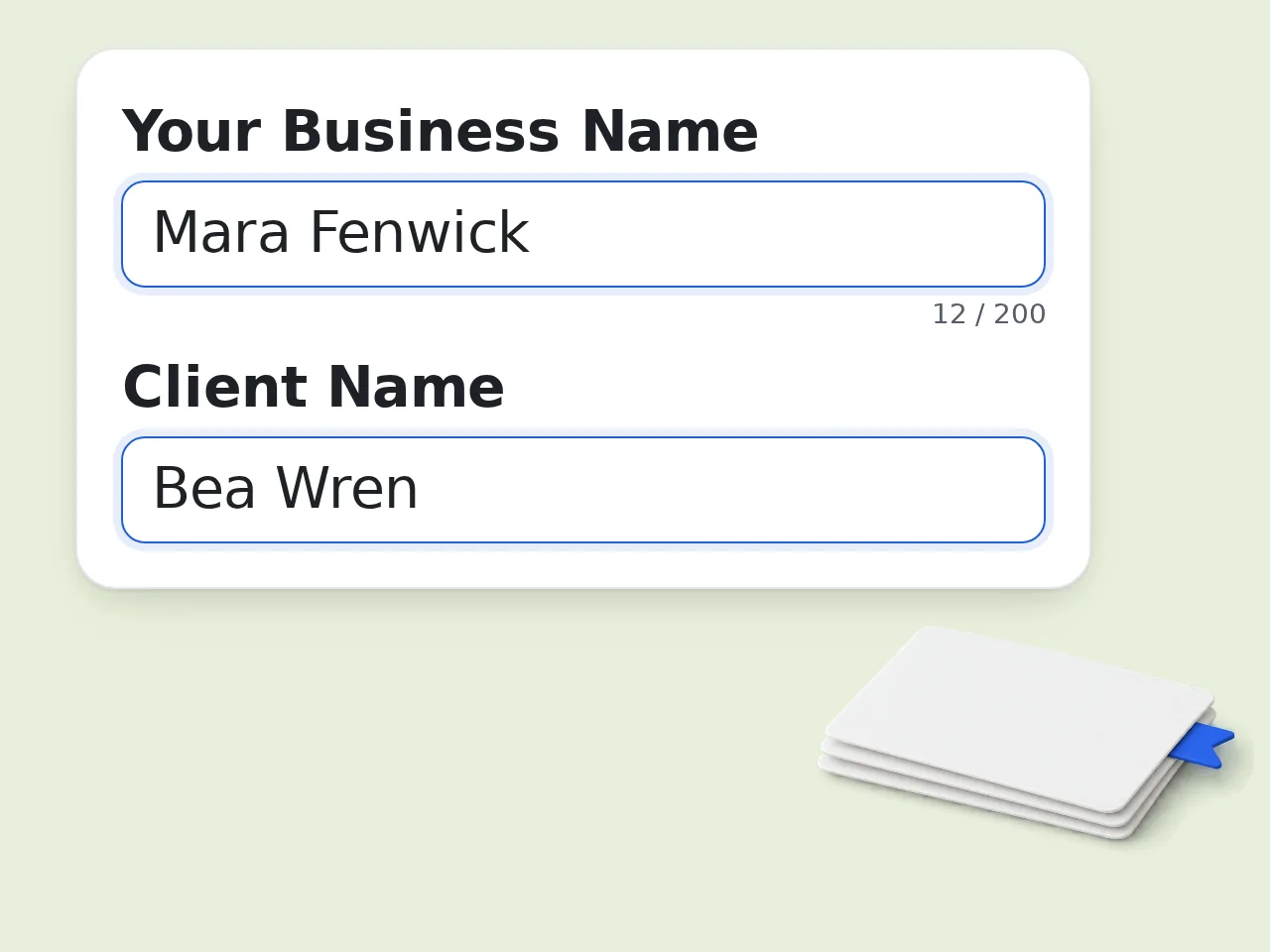
Enter your business and client info
Type your electrical business name and your client's name. These appear in the invoice header of your electrical invoice template.
Describe the work, labor, and materials
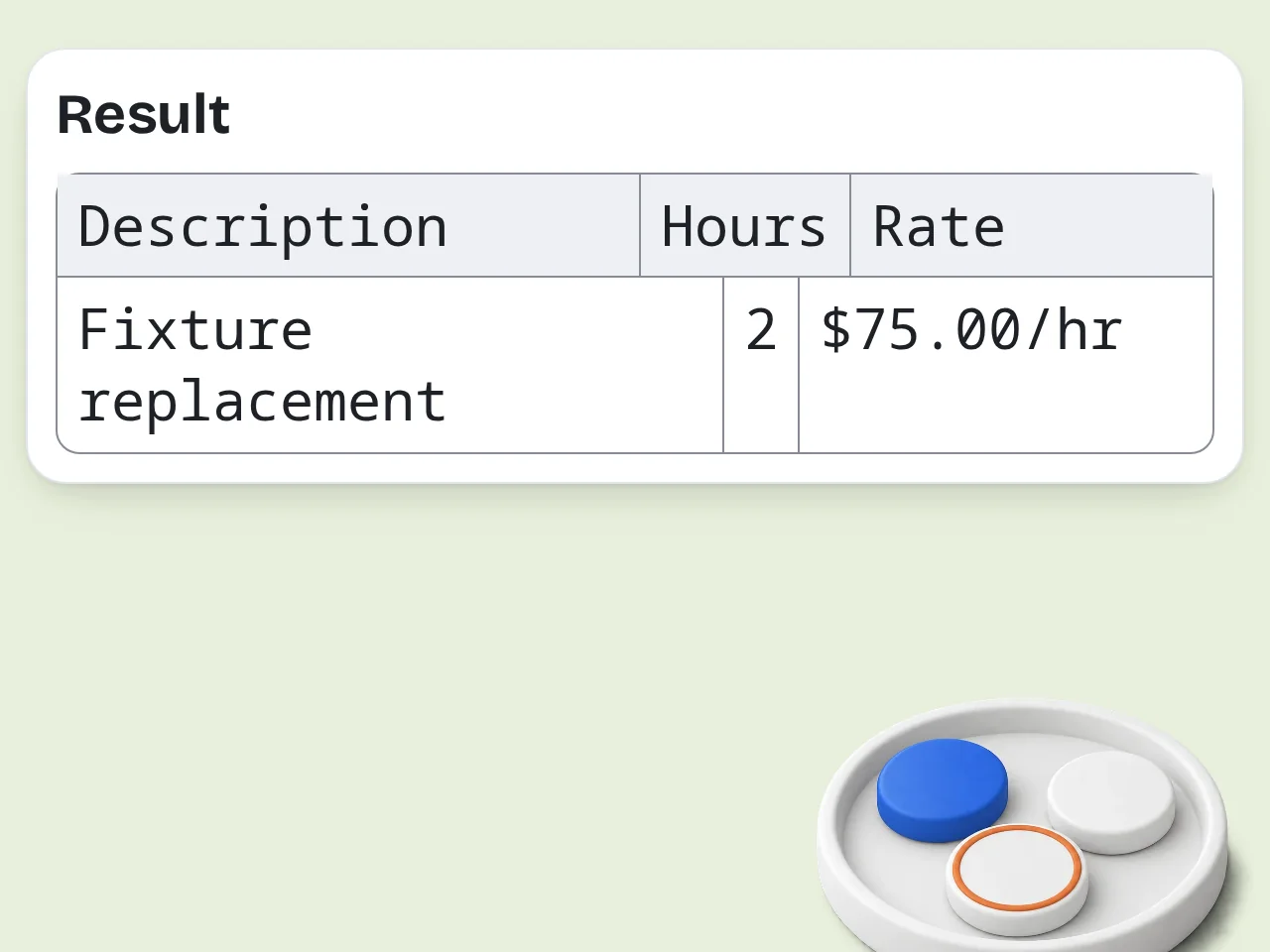
Add the electrical work completed, labor hours with rates, and any materials or parts used. As specific or general as needed.
Choose style, tax, and payment terms — then generate
Pick your invoice style and payment terms. Click generate to get a complete, formatted electrical contractor invoice ready to send.
Key Features of Electrical Invoice Template
Everything electricians need to bill clients professionally in one place
Itemized Labor & Materials Breakdown
Separate labor hours and materials into clear line items. Clients see exactly what they're paying for — no confusion, faster payment.
3 Invoice Styles for Every Job
Choose Professional, Simple, or Detailed format. Quick jobs get a clean one-pager; big commercial projects get full documentation with terms and warranties.
Built-in Tax & Payment Terms
Set tax rates from 5%–15% or none. Choose payment terms from Due on Receipt to Net 60. Totals calculate automatically.
Frequently Asked Questions with Electrical Invoice Template
Common questions about using the electrical invoice template generator
What is an electrical invoice template and how does it work?
An electrical invoice template is a pre-structured billing document that electricians and electrical contractors use to charge clients for completed work. It includes sections for labor hours, materials, taxes, and payment terms. This generator creates the full document for you: enter your contractor name, client details, work description, labor rates, and materials — then the AI formats everything into a professional electrical invoice. The output is ready-to-use Markdown you can copy, paste into a Word document or email, or convert to PDF. No accounting software required.
Is the electrical invoice template generator free to use?
Yes, the electrical invoice template generator is completely free. Guests get limited daily free tries without creating an account. Free registered users have a monthly credit allowance, which covers most electricians' regular billing needs. Subscription plans offer higher limits for high-volume contractors. All core features — labor itemization, materials breakdown, tax calculation, payment terms — are included in the free tier. See the pricing page for current details.
Can I use this electrical invoice template without creating an account?
Yes, you can generate electrical invoices immediately without signing up. Just fill in your contractor name, client, work description, and any labor or material details. Guests get limited daily free tries. For regular use across multiple clients and projects, creating a free account gives you a monthly credit allowance. See the pricing page for current details. There is no credit card required to create a free account.
How many invoices can I generate per day?
Guests get limited daily free tries without logging in. Free registered users have a monthly credit allowance for generating electrical invoices. Subscription users get significantly higher limits, suitable for electrical contractors with large client rosters or high billing volume. If you're billing multiple jobs daily, a free account registration is the easiest way to get more capacity without cost. See the pricing page for current details.
What information do I need to generate an electrical invoice?
At minimum, you need your business name, the client's name, and a description of the electrical work completed. That's enough to generate a basic electrical invoice template. For a more detailed and accurate invoice, add your labor breakdown (hours × rate per worker) and a list of materials and parts used with their costs. Optional fields include tax rate, payment terms (Net 15/30/60 or Due on Receipt), invoice style, and whether to include a placeholder for your electrical license number.
What electrical work types does the template cover?
The electrical invoice template works for all common electrical services: panel upgrades, new outlet or switch installation, wiring and rewiring, lighting fixture installation, EV charger installation, ceiling fan wiring, circuit breaker replacement, and commercial electrical work. Just describe the work in the work description field — the AI formats it properly regardless of job type. For specialized work like industrial or high-voltage projects, use the Detailed invoice style and include all relevant specifications in the description.
Why use this generator instead of a Word or Excel template?
Static Word or Excel electrical invoice templates require you to manually fill in every field and calculate totals. This generator takes your raw notes and turns them into a formatted invoice automatically. You can type 'Master electrician 6 hours at $90, apprentice 3 hours at $50' and it creates the proper line-item table with totals. No formatting, no formula errors. It also includes payment terms, tax rates, and optional license number fields — all pre-built and adjustable per invoice.
Why use this instead of asking ChatGPT to write an invoice?
ChatGPT can generate invoices, but this tool is purpose-built with the right fields and structure for electrical contractor billing. The form guides you through labor rates, material costs, tax rates, and payment terms — things you'd have to explain from scratch every time with a general AI. The output consistently follows professional electrical invoice formatting: separate labor and materials tables, clear totals, and payment terms sections. For repeat billing, having a dedicated tool with consistent output is faster and more reliable than writing custom prompts each time.
Can I include my electrical contractor license number on the invoice?
Yes. Enable the 'Include License Number' option in the advanced settings before generating. This adds a dedicated license number field in the invoice header. The field will appear as a placeholder you fill in with your actual license number before sending the invoice to clients. Listing your license number on invoices is often required by law and builds client trust, especially for permitted work or larger residential and commercial jobs.
How does the tax calculation work in the electrical invoice template?
Select your tax rate from the Tax Rate field: None, 5%, 10%, 15%, or Custom. The invoice shows the subtotal, then calculates and adds the tax amount to display the total due. For custom tax rates (like state-specific sales tax on materials only), select 'Custom' and note your tax details in the work description — the AI will include them appropriately. Tax is typically applied to the full invoice amount, but you can specify in the description if you want it applied only to materials.
How do I get the best results from the electrical invoice generator?
Be specific in your work description and labor details. Instead of 'electrical work,' write 'replaced 200A main panel, installed 20 new outlets in garage addition.' For labor, break it down by worker type and hours: 'Licensed electrician: 6 hrs @ $85/hr, Helper: 3 hrs @ $40/hr.' For materials, list each item separately with quantity and price. Choose Detailed style for large jobs and Simple for quick service calls. The more specific your input, the more accurate and professional your electrical invoice template output.
What if the generated electrical invoice is missing something I need?
Regenerate with more specific details in your input fields. Add the missing information to the work description or materials field, or switch to the Detailed invoice style which includes more sections. You can also copy the generated invoice and manually add any additional fields in a text editor or Word document before converting to PDF. For recurring invoice needs with specific custom fields, describe exactly what you need in the work description and the AI will incorporate it.
Still have questions?
Contact our support teamCreate Your Electrical Invoice Now
Free, no signup needed. Get a professional invoice in under a minute.