AI Review Response Generator
Generate professional review replies for Google, Yelp, and more in seconds
How to Use the AI Review Response Generator
Go from review to ready-to-post reply in 3 steps
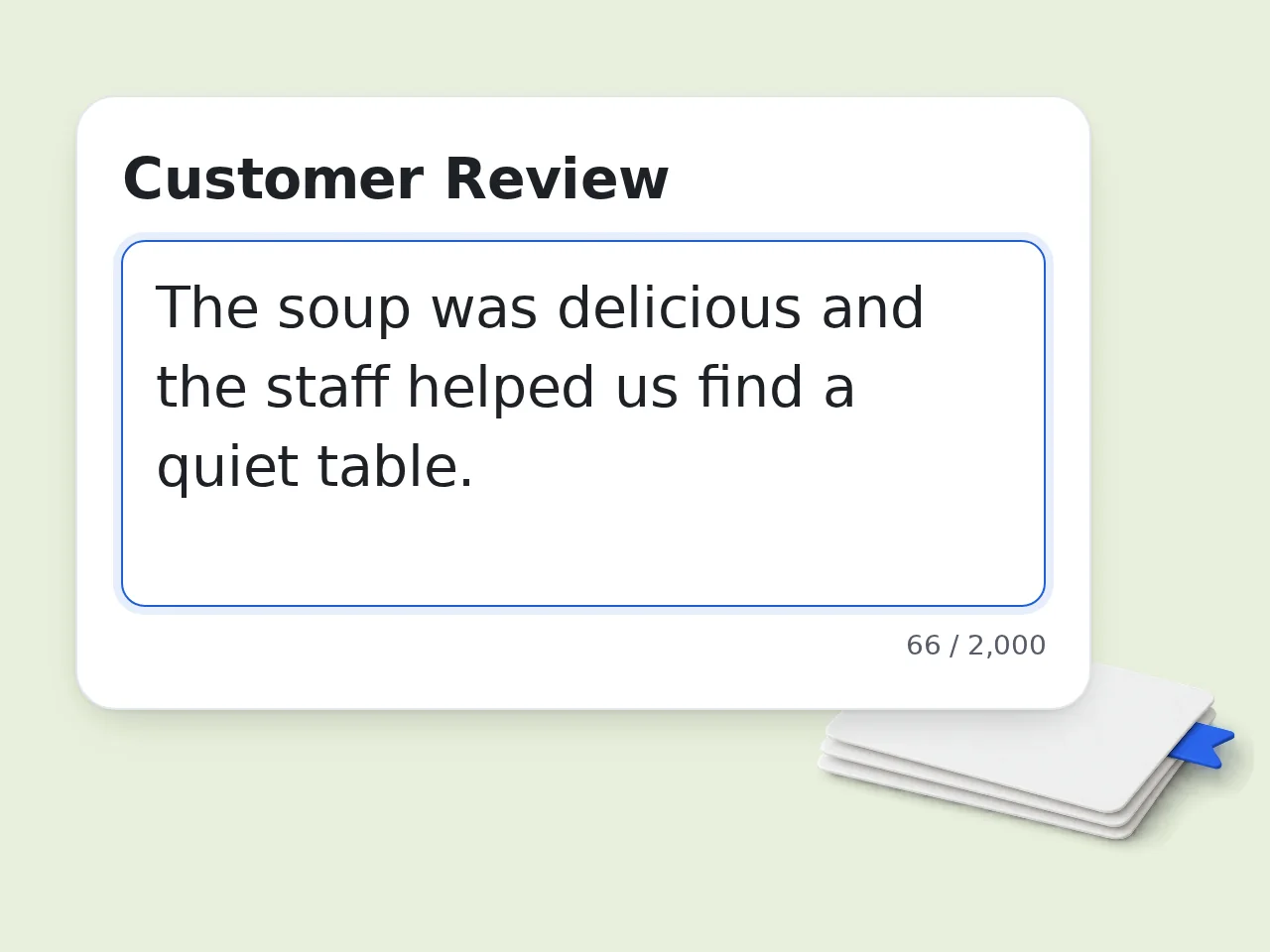
Paste the customer review
Copy the review from Google, Yelp, TripAdvisor, or any platform and paste it into the review response generator. Include the full text for the best personalized results.
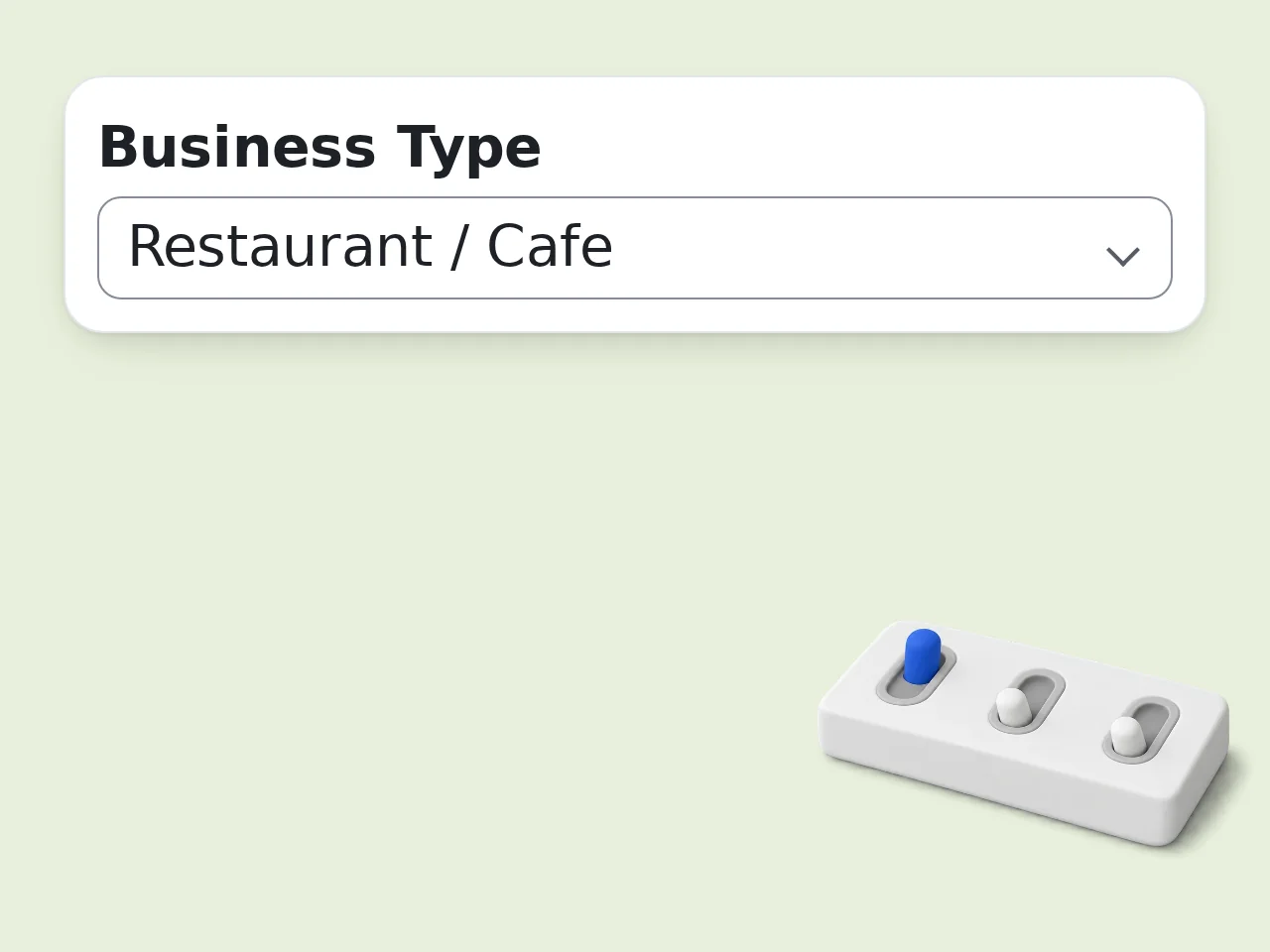
Set your preferences
Select the star rating, choose your business type, and pick a tone. Add the reviewer's name for a personalized response and set your preferred reply length.
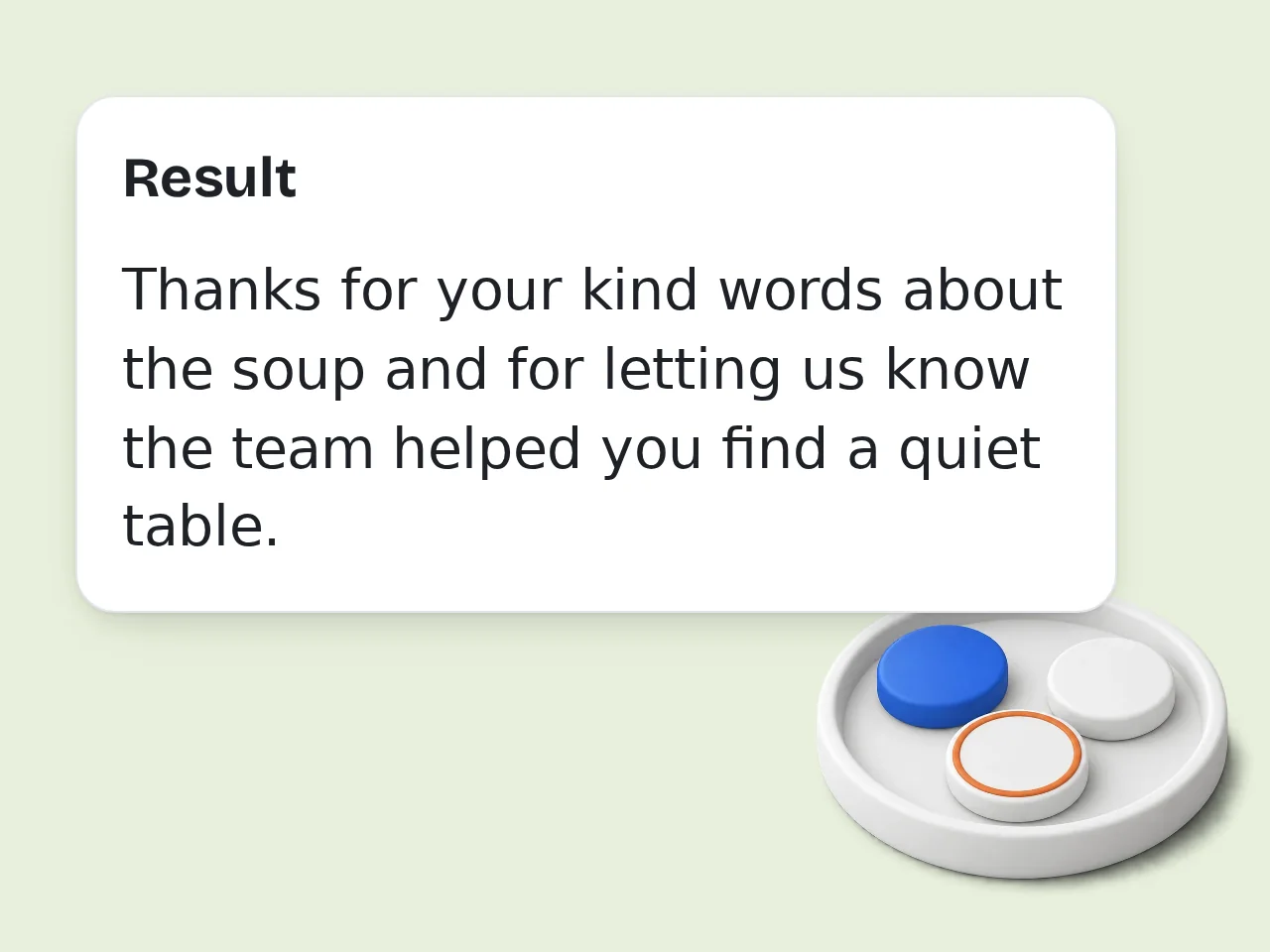
Copy your AI-generated reply
Click generate and get a polished response in seconds. Copy and paste it directly into your review platform — no editing needed, though you can always add a personal touch.
Key Features of the AI Review Response Generator
Everything you need to reply to reviews faster and better
Handles Positive & Negative Reviews
Whether it's a glowing 5-star compliment or a harsh 1-star complaint, the generator crafts the right reply. Negative responses are empathetic and professional — never defensive.
4 Tone Options, 3 Length Settings
Choose professional, friendly, empathetic, or concise tone. Set response length from a quick 1-2 sentence reply to a detailed 4-6 sentence response to match your brand voice.
Works for 7 Business Types
Tailored language for restaurants, hotels, retail stores, healthcare, software, and service businesses. Every response sounds like it came from someone who actually runs that business type.
Frequently Asked Questions about the AI Review Response Generator
Common questions about responding to reviews with AI
What is an AI review response generator and how does it work?
An AI review response generator reads a customer review and writes a professional reply for you. Paste the review text, enter details like the star rating and business type, and the AI produces a ready-to-use response in seconds. The generator analyzes review sentiment — positive, negative, or mixed — and tailors the reply accordingly. Positive reviews get grateful, warm responses. Negative reviews get empathetic, solution-focused replies that avoid sounding defensive. Most responses are ready to copy and paste directly to Google, Yelp, TripAdvisor, or any review platform.
How do I use the review response generator to get the best results?
Paste the full review text — the more detail the AI has, the more specific and natural the response will be. Select the correct star rating, pick your business type, and add the reviewer's name if you know it. For negative reviews, choose the Empathetic tone to get responses that acknowledge the customer's experience without being defensive. For positive reviews, Friendly or Professional tone works best. After generating, add one personal detail — a specific product, dish, or staff member — before posting to make it feel even more authentic.
Is the AI review response generator free to use?
Yes, the AI review response generator is completely free to use. Visitors without an account get limited daily free tries immediately — no credit card required. Free registered users have a monthly credit allowance. Creating a free account takes under a minute and unlocks a higher limit right away. Subscription plans are available for businesses that need to respond to dozens of reviews daily, with higher limits and priority processing. See the pricing page for current details.
How many review responses can I generate per day?
Without an account, you get limited daily free tries of the review response generator. This is enough to test the tool and handle occasional reviews. Free registered users have a monthly credit allowance, which covers most small businesses that receive a moderate volume of reviews each week. For high-volume use — such as managing reviews for multiple locations or responding to large numbers of reviews — subscription plans offer higher limits with no daily cap. See the pricing page for current details.
Can I use the review response generator without creating an account?
Yes. No account, no email, no signup required to start generating review responses right away. Just paste the review, fill in a few options, and click generate. Guests get limited daily free tries. If you find yourself needing more, creating a free account takes about 60 seconds and gives you a monthly credit allowance. See the pricing page for current details. Your data is not stored or used for training — responses are generated in real time and not saved after the session ends.
What platforms can I use these review responses on?
The generated responses work on any review platform where you can write a public reply. This includes Google Business Profile (Google Maps), Yelp, TripAdvisor, Booking.com, Airbnb, G2, Trustpilot, App Store, Google Play, and Facebook Reviews. The responses are plain text with no special formatting, so they paste cleanly into any text field. The business type selection ensures the language fits the platform context — hotel replies sound different from software app replies. For platforms that limit character count, use the Short response length setting to keep replies concise.
Why use an AI review response generator instead of writing replies manually?
Writing responses manually takes 5-15 minutes per review, and many business owners skip it due to time constraints. The review response generator produces a quality reply in seconds. Consistency is the other major benefit. AI-generated responses maintain a professional tone even when you're tired or frustrated by a harsh review — preventing emotionally charged replies that damage reputation. Businesses that respond to reviews consistently receive more reviews overall and rank higher in local search results. The generator makes that consistency achievable.
How does this differ from just asking ChatGPT to write a review response?
The review response generator is purpose-built for this task, with context fields (star rating, business type, tone, length) that ChatGPT doesn't automatically know. You'd have to explain all this context in a prompt every single time. Best practices for review management — like never being defensive to negative reviews and always personalizing with reviewer name — are built directly into the tool. For busy business owners, the structured form is faster than writing a detailed ChatGPT prompt and delivers more consistent, platform-appropriate results.
Can the generator handle negative 1-star reviews effectively?
Yes — negative review responses are one of the most important use cases. The generator handles 1 and 2-star reviews without sounding defensive, dismissive, or argumentative. For negative reviews, select the Empathetic tone and the AI will acknowledge the frustration, offer a sincere apology, and suggest resolving the issue offline. This approach often turns unhappy customers into loyal ones and signals to potential customers that the business cares. The star rating you select directly influences how the response is framed, so always set it accurately.
What business types does the review response generator support?
The generator supports 7 business types: General Business, Restaurant/Cafe, Hotel/Accommodation, Retail Store, Healthcare/Medical, Software/App, and Service Business. Each business type uses industry-appropriate language. A hotel response might mention 'your stay' and 'our team,' while a software response would reference 'your account' and 'our support team.' This makes responses feel more authentic and less generic. If your specific business type isn't listed, General Business works as a universal fallback that produces professional responses for any industry.
How can I make the generated review response sound more personal?
Add the reviewer's name in the Reviewer Name field — the AI will address them personally in the opening line, which significantly increases the human feel of the response. After generating, consider adding one specific detail from the review: a product, dish, or team member they mentioned. This extra personalization takes 30 seconds and makes a big difference. Choosing Friendly or Empathetic tone over Professional also produces warmer, more human-sounding responses — ideal for customer-facing businesses where relationship building matters.
What if the AI-generated review response doesn't quite match what I need?
Regenerate with adjusted settings — try a different tone or response length. Small changes to the input often produce noticeably different outputs. The generated text is a starting point, not a final draft. Most users find the AI gets 80-90% of the way there, then make minor tweaks — swapping a phrase, adding a personal detail, or adjusting the sign-off before posting. If a type of response keeps missing the mark, add context in the review field itself — include notes about what happened if the original review is vague.
Still have questions?
Contact our support teamStart Responding to Reviews Like a Pro
Generate professional review replies in seconds — free, no signup needed