AI Business Documents Analysis
Analyze contracts, reports, and proposals — get structured insights in seconds
How to Use AI Business Documents Analysis
From document paste to structured insights in 3 steps
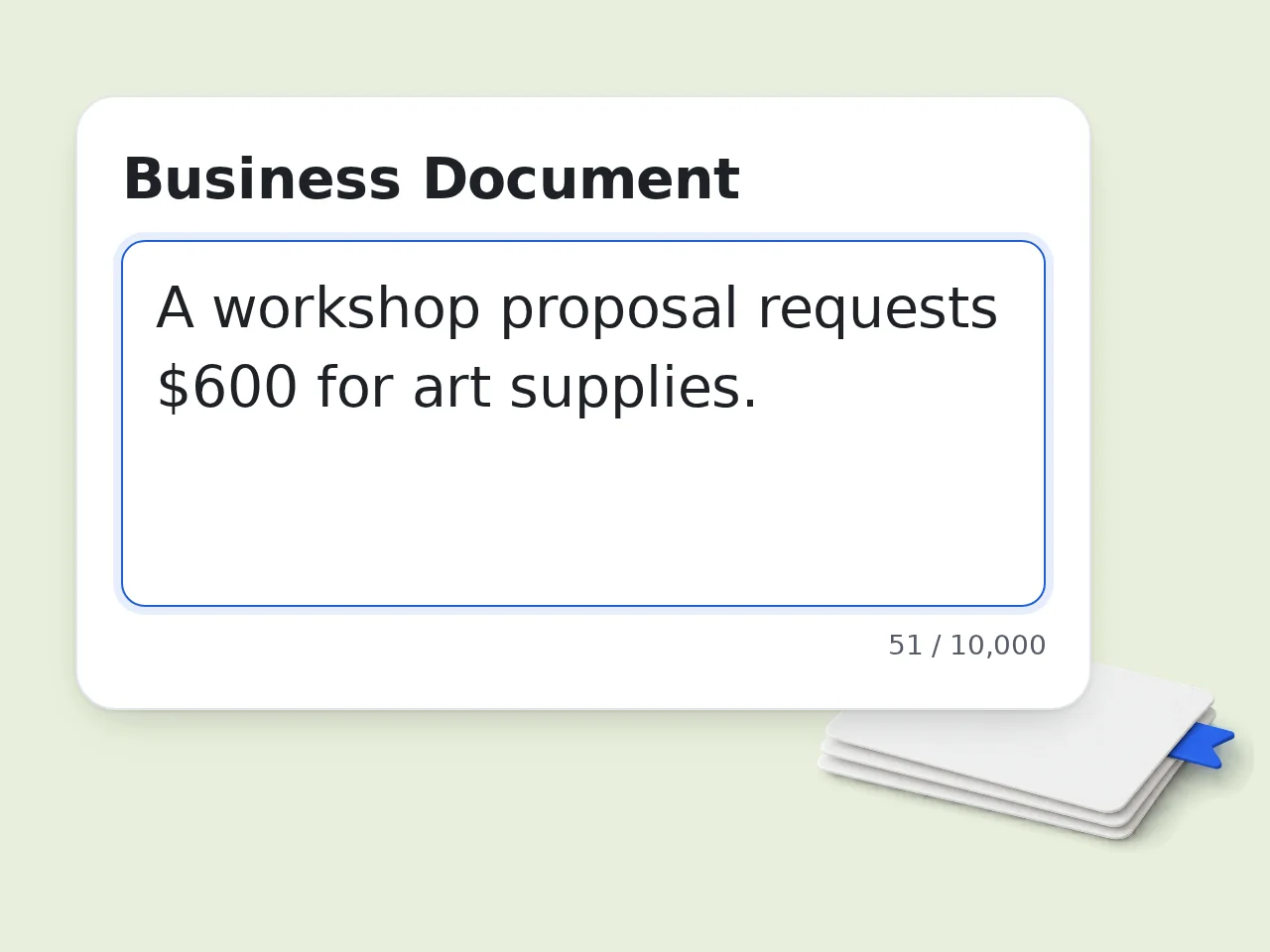
Paste your business document text
Copy and paste the full text of your contract, report, proposal, or financial statement into the input field. Supports up to 10,000 characters.
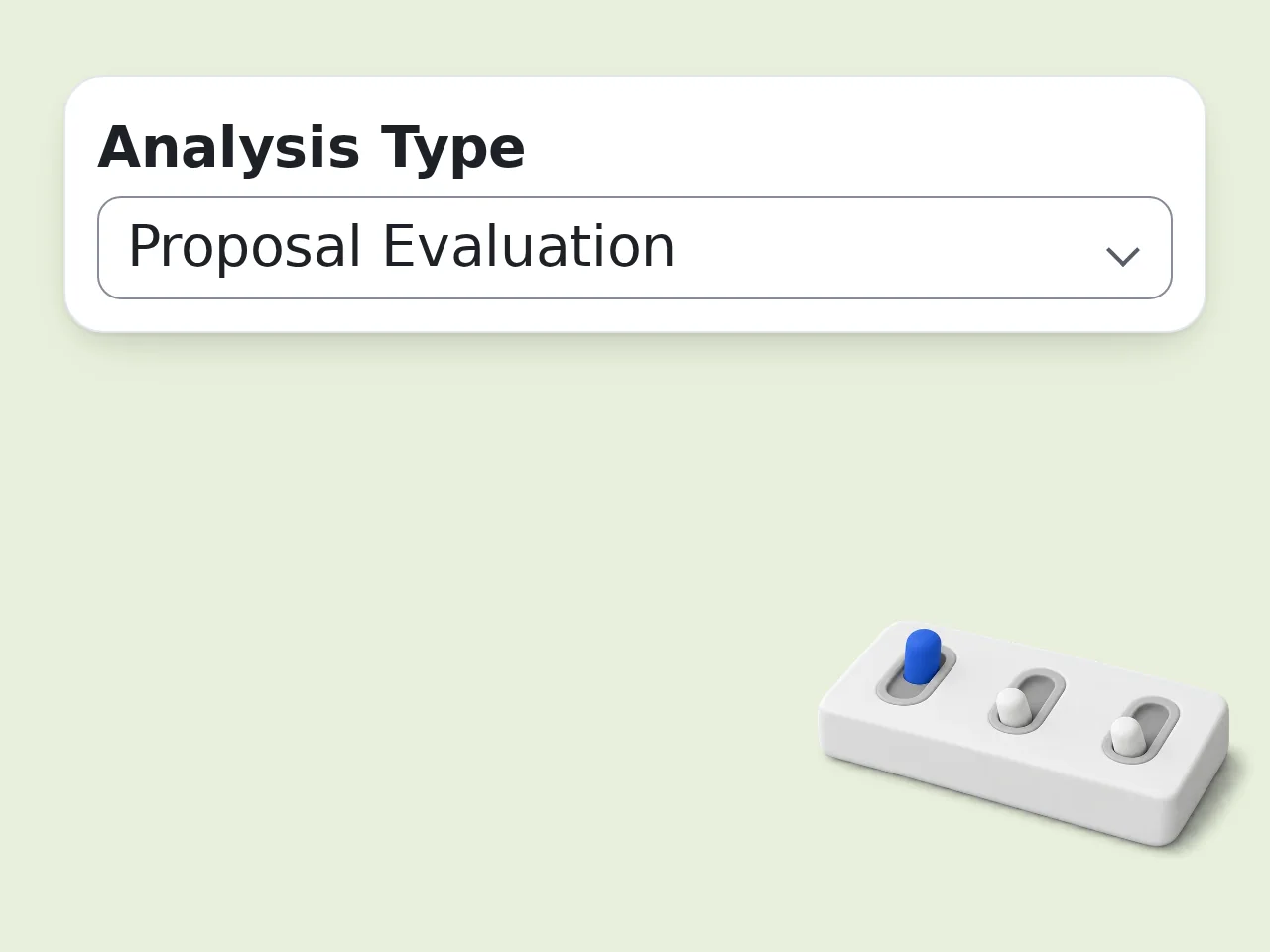
Select analysis type and any specific questions
Choose the analysis mode that fits your document — Contract Review, Financial Analysis, and more. Optionally type specific questions you want answered about the document.
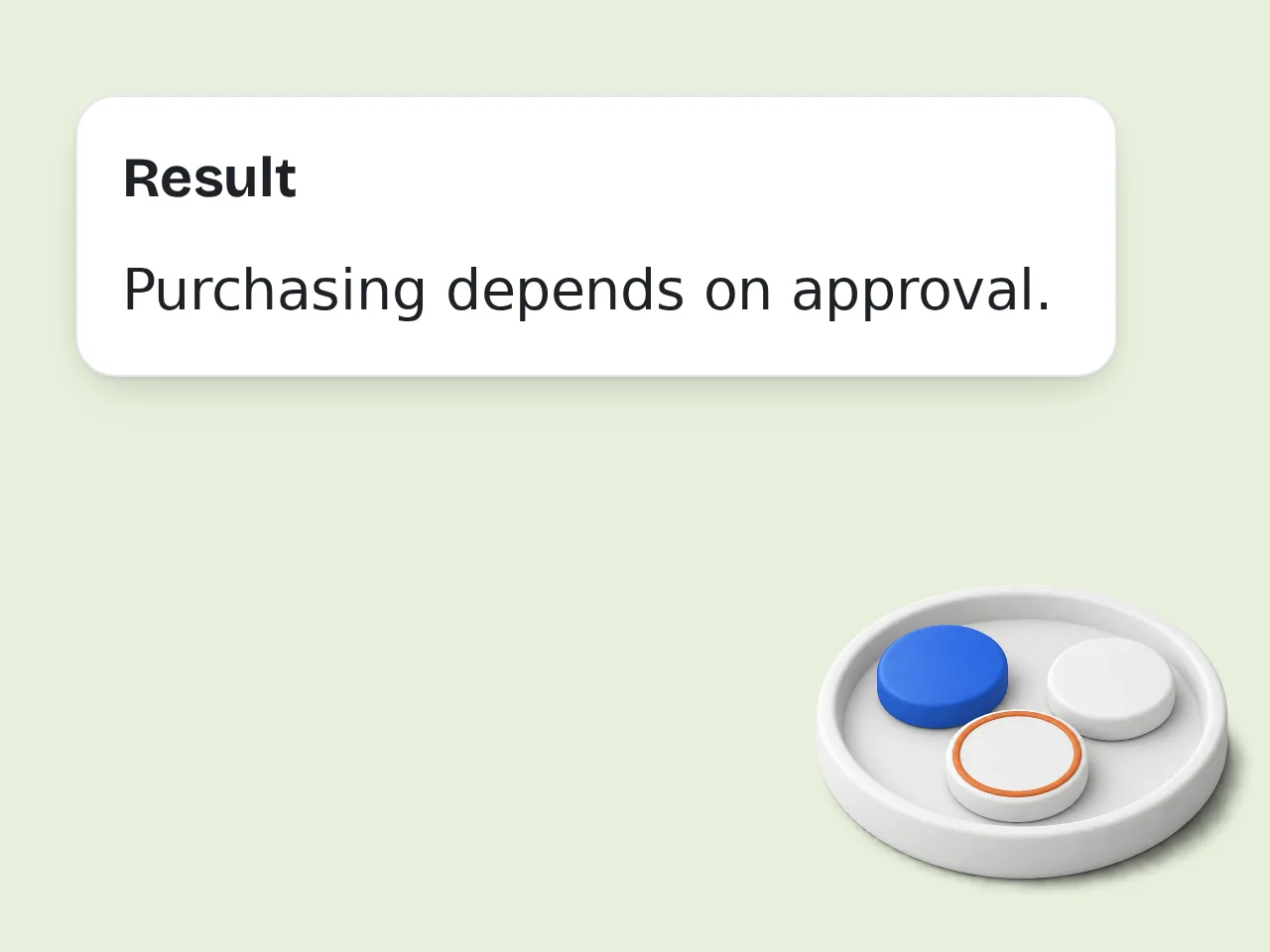
Get your structured AI business documents analysis
Click generate and receive a formatted report with summary, key findings, risk flags, and recommendations. Use the output format options for executive summary or bullet-point style.
Key Features of AI Business Documents Analysis
Everything you need to review documents faster and smarter
6 Analysis Modes for Any Document Type
Choose from Comprehensive Analysis, Contract Review, Financial Analysis, Report Summary, Proposal Evaluation, or Compliance Check. Each mode targets the insights that matter most for that document type.
Specific Question Answering
Ask direct questions about the document — payment terms, liability clauses, termination conditions. The AI answers each question precisely before delivering the full analysis.
Risk Flags and Clause Highlights
Automatically identifies unusual terms, one-sided clauses, missing provisions, and potential compliance gaps. Key risks are called out clearly so nothing critical gets missed.
Frequently Asked Questions about AI Business Documents Analysis
Common questions about analyzing business documents with AI
What is AI business documents analysis and how does it work?
AI business documents analysis uses large language models to read and summarize business documents automatically. Paste the document text, select an analysis type, and the AI identifies key clauses, risks, obligations, and financial data. The tool applies different frameworks depending on your selection — a contract review focuses on liability and payment terms, while a financial analysis targets revenue figures and KPIs. Each mode surfaces what matters most for that document type. Unlike generic AI tools, this analyzer flags risks, highlights missing provisions, and structures output in a business-readable format.
Is the AI business documents analysis tool free to use?
Yes, the AI business documents analysis tool is free. Guests get limited daily free tries without creating an account. Free registered users have a monthly credit allowance. All six analysis modes — Comprehensive, Contract Review, Financial, Report Summary, Proposal Evaluation, and Compliance Check — are available at no cost. Subscription plans offer higher limits for teams that regularly process large volumes of documents. No credit card is required to get started. Create a free account to unlock analysis history and higher limits. See the pricing page for current details.
How many documents can I analyze per day?
Guest users (no account) get limited daily free tries to run analyses. Free registered users have a monthly credit allowance. For teams that need to analyze many documents daily, a subscription plan removes the daily cap entirely. Each analysis can handle up to 10,000 characters of document text. If you need to process very large documents, break them into sections and run separate analyses for each part. See the pricing page for current details.
Can I use AI business documents analysis without creating an account?
Yes. Paste your document, select an analysis type, and click generate — no account needed. Guests get limited daily free tries with full access to all six analysis modes and output formats. Creating a free account gives you a monthly credit allowance and saves your history for reference. Account creation takes under 30 seconds with just an email address. For teams requiring shared access and higher volume limits, subscription plans are available with no daily caps. See the pricing page for current details.
What types of business documents can I analyze?
The tool handles contracts, financial statements, business reports, proposals, compliance documents, and general business correspondence. Supported use cases include vendor contracts, NDAs, employment agreements, annual reports, budget proposals, and regulatory filings. For best results with contracts, use the Contract Review mode. For financial statements or budget reports, choose Financial Document Analysis. The Comprehensive Analysis mode works well when you're not sure which framework fits. The tool processes plain text — if your document is a PDF, copy the text content before pasting.
Can I ask specific questions about a document?
Yes. The Specific Questions field lets you type direct questions about the document — such as 'What are the payment terms?' or 'Who bears liability for data breaches?' The AI answers each question first, then delivers the full analysis. You can ask up to several questions per analysis. Questions are answered with direct quotes or paraphrases from the document where possible, so you know exactly where the information comes from. This is especially useful during contract negotiations when you need quick answers to targeted concerns.
How does AI business documents analysis compare to reading documents manually?
Manual document review of a 10-page contract typically takes 30–60 minutes. AI business documents analysis delivers a structured breakdown in under 30 seconds, covering the same key areas — clauses, risks, obligations, and financial terms. The AI does not replace legal or financial professionals for high-stakes decisions. It works best as a first-pass filter: quickly identifying what needs human attention and what can be deprioritized. For routine documents like vendor agreements or internal reports, the AI analysis often provides enough detail to make decisions without additional review.
Why use this instead of asking ChatGPT directly?
General AI chatbots require you to write your own prompts and often produce unstructured, inconsistent output. This tool comes pre-configured with specialized prompts for six business document types, so results are consistently formatted and professionally structured. The analyzer automatically applies the right framework — contract review logic for contracts, financial extraction for statements. You get structured headers, risk flags, and recommendations without needing to prompt engineer. It also handles the output format for you: executive summary, bullet points, or full structured report — whichever fits your workflow.
What output formats are available?
Four output formats are available: Structured Report (full analysis with section headers), Executive Summary (concise 1-page brief for decision-makers), Bullet Points (all findings as a scannable list), and Q&A Format (findings presented as questions and answers). Structured Report is the default and works best for thorough document review. Executive Summary is ideal for presenting findings to stakeholders. Bullet Points is fastest to scan when you need a quick overview. Switch formats after generating — simply rerun with a different format selection.
How accurate is the AI business document analysis?
The analysis is highly accurate for extracting and summarizing information that is clearly stated in the document. The AI identifies clauses, figures, dates, and obligations with strong reliability when the text is clear and complete. The tool flags ambiguous or unusual terms rather than interpreting them definitively. For documents with complex legal language or industry-specific jargon, results are best used as a starting point for review, not a final determination. Always have qualified professionals review high-stakes contracts or financial decisions before acting on AI analysis.
Can I analyze documents in languages other than English?
Yes. Paste documents in any language — the AI can analyze content in English, Chinese, Japanese, Korean, Spanish, French, German, and more. Use the Output Language setting to receive the analysis in your preferred language. For non-English documents, key terms are often left in the original language with translations provided in parentheses. This preserves legal and financial precision while making the analysis accessible. Document quality affects results — clean, machine-readable text produces better analysis than scanned or poorly formatted content.
What should I do if the analysis misses something important?
Use the Specific Questions field to ask directly about the missed item. The AI will focus on that clause or section specifically, which usually resolves the issue. For very long documents, the 10,000-character limit may cause later sections to be cut off. Break the document into parts and analyze each section separately, then combine the findings. If a particular clause type is consistently missed, switching to a different analysis mode — or using Comprehensive Analysis — often captures it.
Still have questions?
Contact our support teamReady to Analyze Your Business Documents?
Paste any contract, report, or proposal and get structured insights in seconds