AI Contract Generator
Draft contracts faster with clear inputs, flexible clauses, and a clean ai contract generator workflow
How to Use AI Contract Generator
Create an ai contract generator draft in 3 simple steps
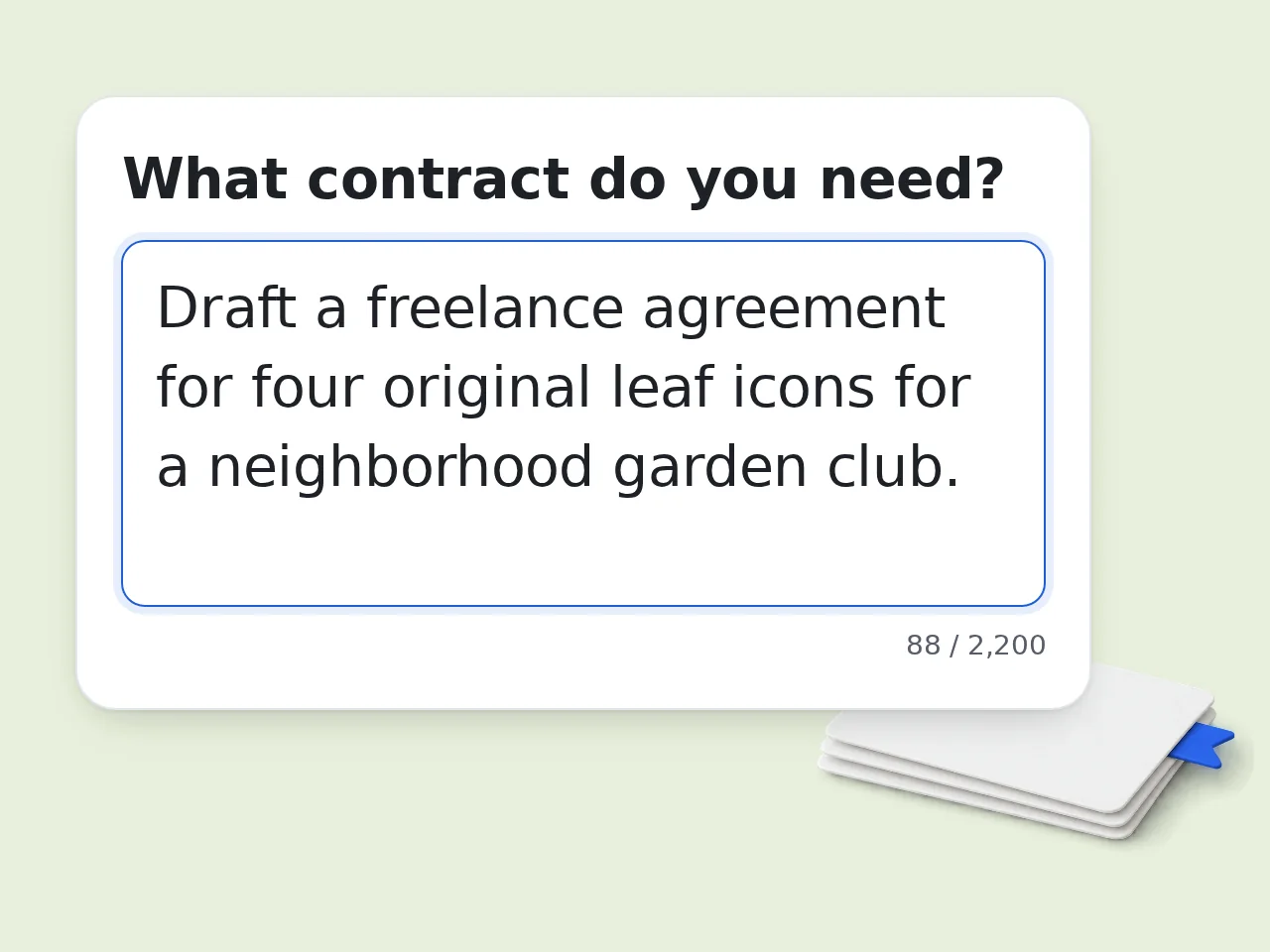
Describe the deal
Write what the agreement is for, who the parties are, and what each side is expected to do.
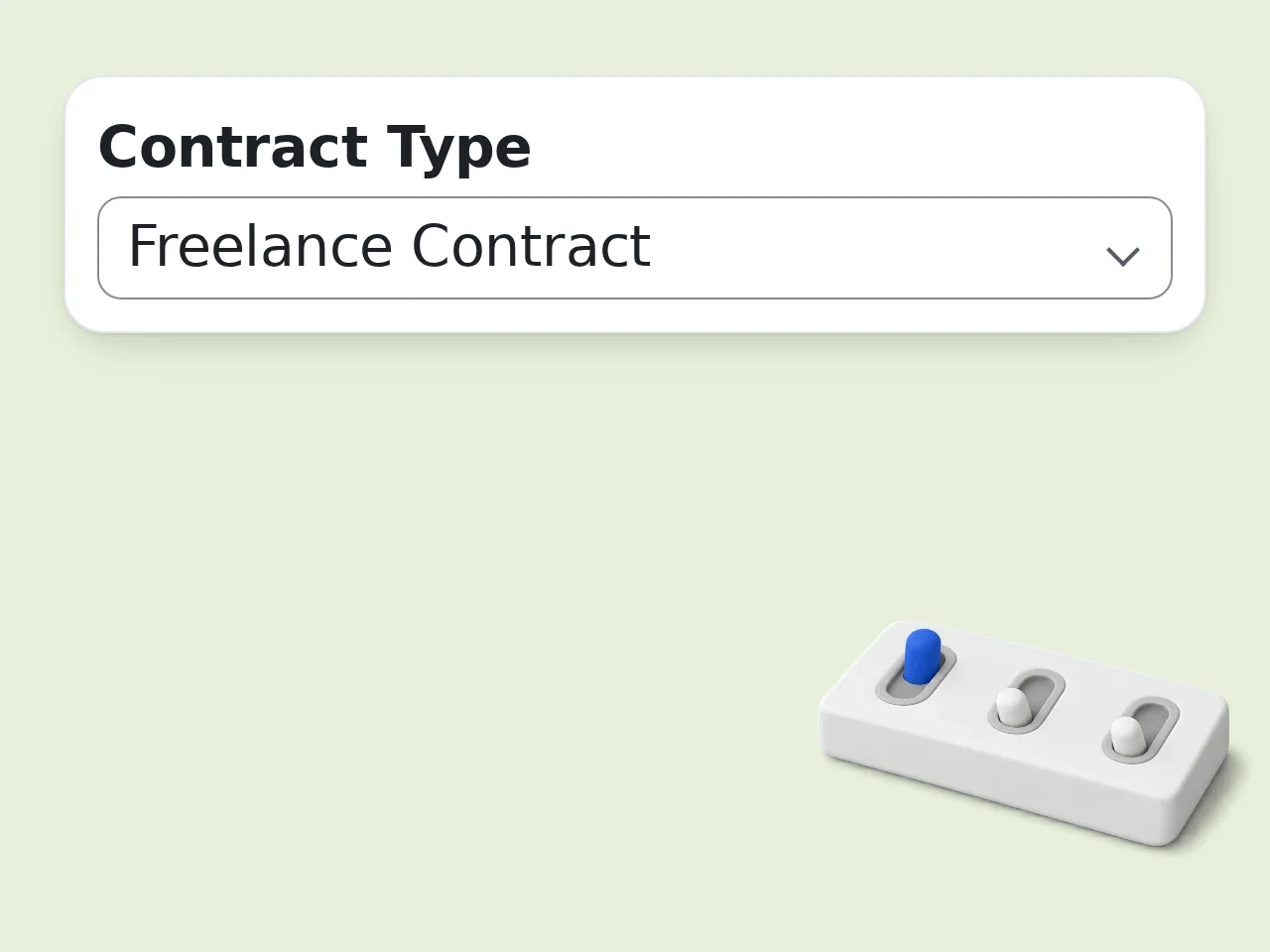
Add contract details
Choose the contract type, add jurisdiction, list payment terms, dates, confidentiality needs, and any special clauses.
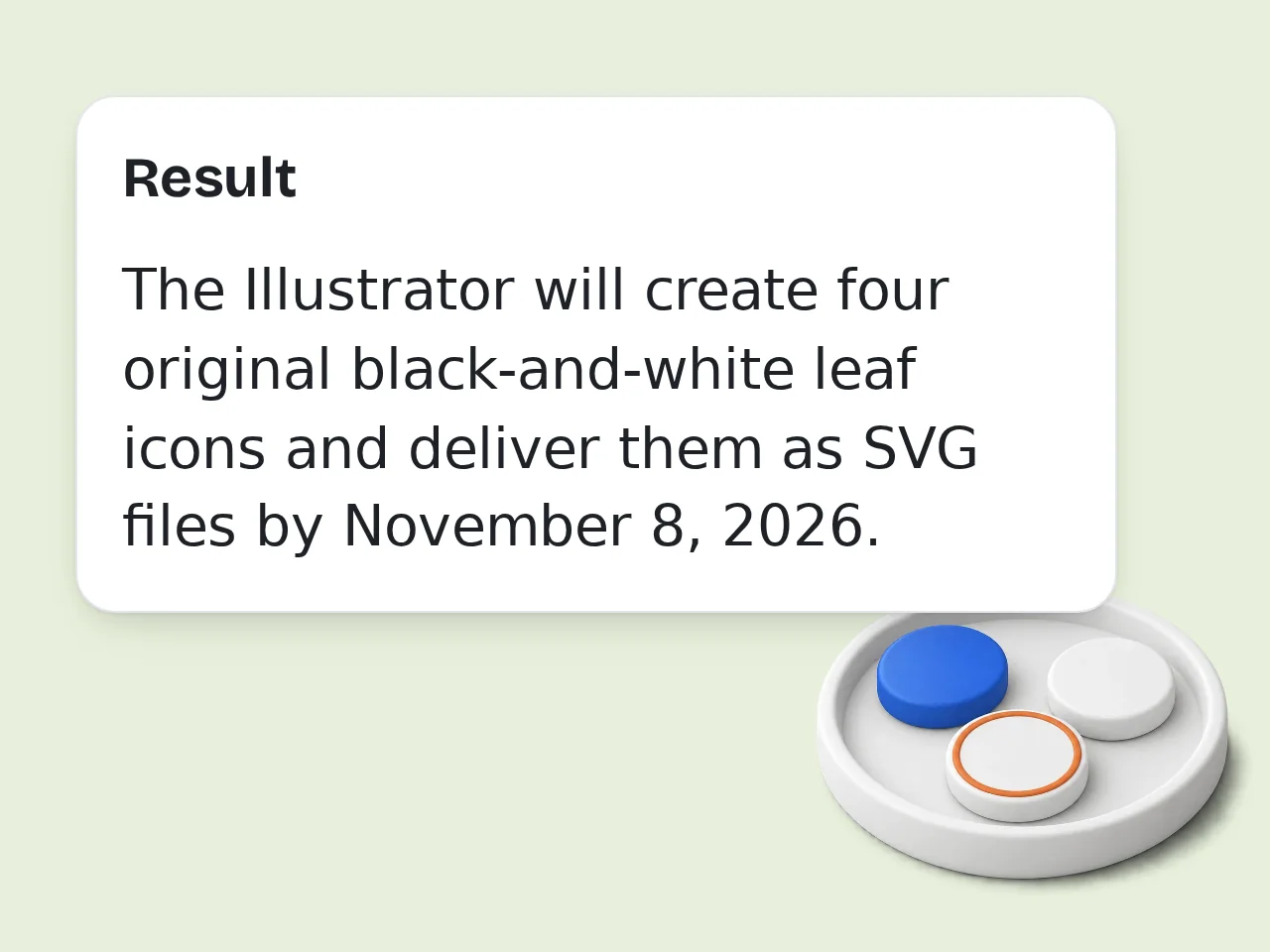
Generate and review
Run the ai contract generator, check the assumptions, then copy, edit, or send the draft for legal review.
Key Features of AI Contract Generator
Everything needed to draft a clear contract without starting from a blank page
7 Contract Types in One Tool
Start with service agreements, NDAs, employment letters, leases, freelance deals, partnerships, or a custom contract draft.
Jurisdiction and Party Controls
Add country or state details, choose your side of the deal, and guide the ai contract generator toward a more relevant working text.
Clause-Ready Draft Output
Get a summary, assumptions, key clauses, and a full contract draft in one response so review is faster and cleaner.
Frequently Asked Questions with AI Contract Generator
Common questions about using an ai contract generator for faster drafting
What is an ai contract generator and how does it work?
An ai contract generator turns plain-language deal notes into a structured first-draft contract. You describe the agreement, choose the contract type, and add key terms like payment, deadlines, confidentiality, or termination. The tool then organizes those details into clause sections, fills obvious placeholders, and highlights missing points that still need attention. It works well for service agreements, NDAs, freelance contracts, employment letters, and other common business documents. Use the draft as a starting point, then review it carefully or send it to counsel when the stakes are high.
How do I use this ai contract generator to get the best results?
Start with a clear summary of the deal in the main input box. Mention who the parties are, what each side will do, how much money is involved, key dates, and any special terms you already know. Next, choose the closest contract type and add jurisdiction, party role, and extra terms in the advanced fields. That helps the ai contract generator produce clauses that match your situation instead of generic boilerplate. The more concrete your inputs are, the less cleanup you will need after generation.
Is this ai contract generator free to use?
Yes, this ai contract generator is free to try. Guests get limited daily free tries without signing in, while free registered users have a monthly credit allowance before they need a paid plan. That makes it practical for occasional drafting, quick comparisons, or testing different clause directions before you commit to a final version. Most people can create a working text without hitting limits right away. If you draft contracts often, signing in gives you a more predictable usage history and better continuity. See the pricing page for current details.
How many times can I use the ai contract generator each day?
Guests get limited daily free tries with the ai contract generator. Free users have a monthly credit allowance, and subscriber accounts usually have much higher limits for regular drafting work. Those limits are enough for casual users who need a draft now and then, but they also leave room to regenerate after changing payment terms, jurisdiction, or party positions. One request can cover a full draft, not just a short answer. If you expect to compare many versions, save your key terms first so each run stays focused. See the pricing page for current details.
Can I use the ai contract generator without creating an account?
Yes, you can use the ai contract generator without creating an account for light testing. That is useful when you want a quick contract draft, a clause outline, or a simple agreement structure before deciding whether to sign up. An account becomes more helpful when you want a steadier quota, easier tracking, and repeat access across multiple contract versions. It is especially useful if you revise the same agreement more than once. For one-off tasks, guest access is usually enough to get a solid working text.
What can I use an ai contract generator for?
An ai contract generator is useful for service agreements, freelance contracts, NDAs, employment letters, partnership outlines, lease drafts, and other day-to-day business documents. It is best when you already know the commercial terms but need help turning them into a readable draft. You can also use it to compare clause styles, simplify legal wording, or build a checklist of missing information before a lawyer review. That saves time long before the final approval stage. It works especially well for small teams, founders, consultants, agencies, and operators.
Does the ai contract generator support different contract types and jurisdictions?
Yes, the ai contract generator supports multiple contract types and lets you specify a jurisdiction or country. That extra context helps it frame governing law, notice language, and risk terms in a more appropriate way for the draft. It can also adjust the structure when you switch from an NDA to a service agreement, freelance engagement, lease, or custom contract. The clause mix changes with the document type instead of staying fixed. You should still review local legal requirements before signing anything important.
Who benefits most from using an ai contract generator?
The people who benefit most from an ai contract generator are founders, freelancers, agencies, operations teams, recruiters, and small business owners. They often know the business deal but do not want to start from a blank page every time. It is also useful for people who need a plain-language draft before sending the document to legal counsel. That shortens review cycles because the main terms are already organized and readable. If speed matters more than perfect first-pass wording, this tool saves serious time.
Why use this ai contract generator instead of writing a contract manually?
Use this ai contract generator when you want speed, structure, and fewer omissions. Manual drafting often means copying old templates, forgetting edge cases, and spending extra time reshaping clauses that do not fit the current deal. This tool starts from your facts, groups terms into a coherent order, and surfaces missing details before you share the draft. That reduces the blank-page problem and makes revisions more focused. Manual review is still important, but the working text arrives much faster and cleaner.
Why use this ai contract generator instead of asking ChatGPT directly?
A general chatbot can draft contracts, but an ai contract generator gives you a better workflow. It captures structured inputs like contract type, party names, jurisdiction, role, and key terms so the output starts closer to a real draft. That structure reduces back-and-forth and makes the document easier to regenerate after small changes. It also keeps the result centered on contract drafting instead of drifting into broad explanation or side discussion. Use a focused tool when you want repeatable output, not just a one-off answer.
What if the output from the ai contract generator is not what I expected?
If the output from the ai contract generator feels off, the usual fix is better input rather than a full restart. Add the missing business facts, rewrite ambiguous instructions, or clarify the party position and jurisdiction before generating again. You can also copy the strong sections, then ask for targeted rewrites of payment, termination, confidentiality, or liability language. That is usually faster than rebuilding the whole draft from scratch. Treat the first run as a working draft, not the final signed version.
Can I use an ai contract generator for legally sensitive deals?
Yes, you can use an ai contract generator for legally sensitive deals as a drafting assistant, but not as the final authority. It is useful for building the organized text, clarifying deal terms, and organizing clauses before formal review. For high-value, regulated, cross-border, employment, IP-heavy, or dispute-prone agreements, a lawyer should still review the final document. The more risk involved, the more important that review becomes. Think of the tool as a fast drafting layer, not a substitute for professional judgment.
Still have questions?
Contact our support teamStart Your AI Contract Draft Now
Turn deal notes into cleaner contract clauses in minutes.