AI Prompt Enhancer
Turn rough ideas into sharper prompts that get better AI results
How to Use the AI Prompt Enhancer
Improve your next prompt in 3 quick steps
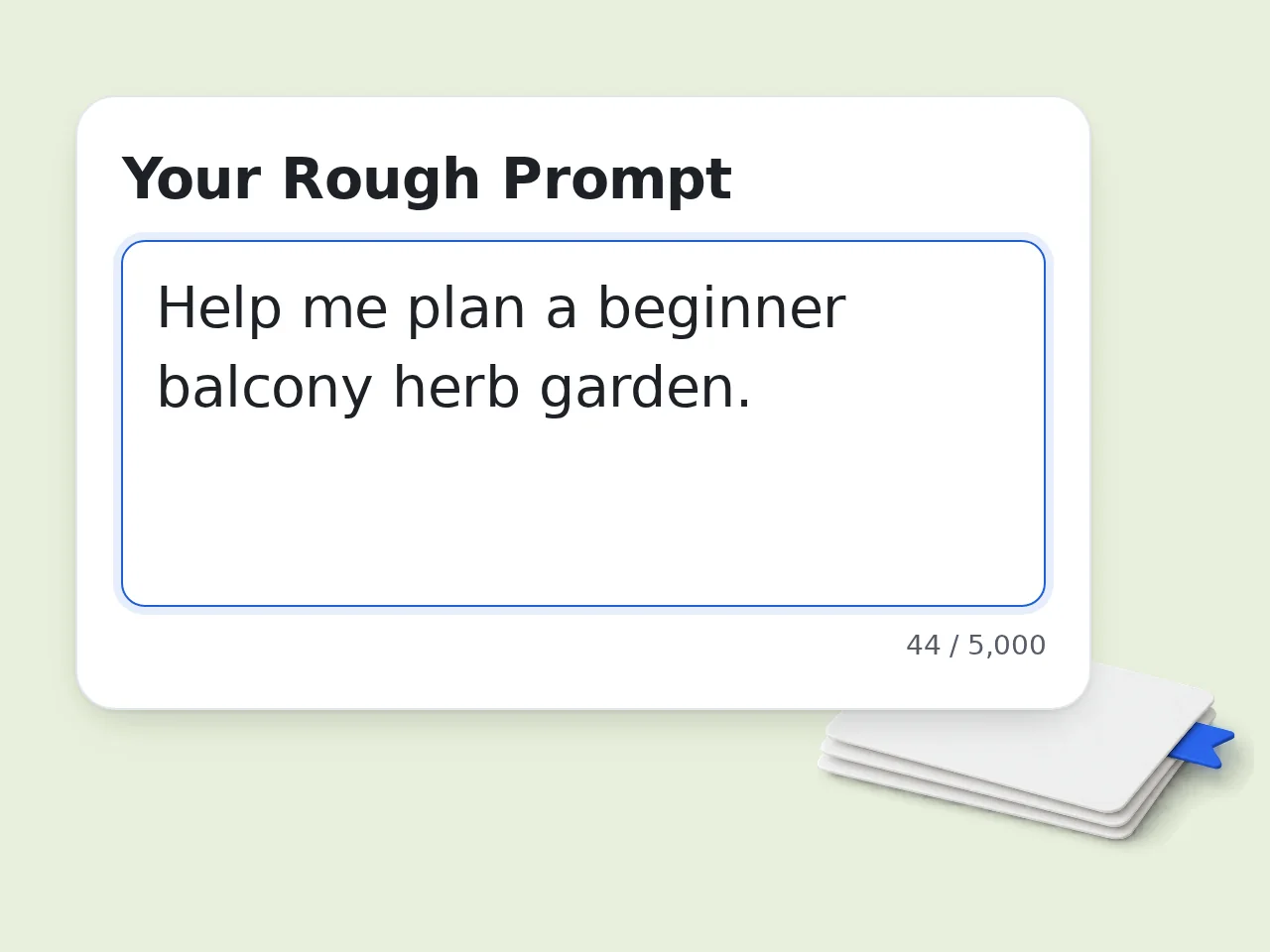
Paste your rough prompt or idea
Drop in a vague instruction, messy note, or half-finished prompt. You do not need perfect wording — the tool works best when you start rough.
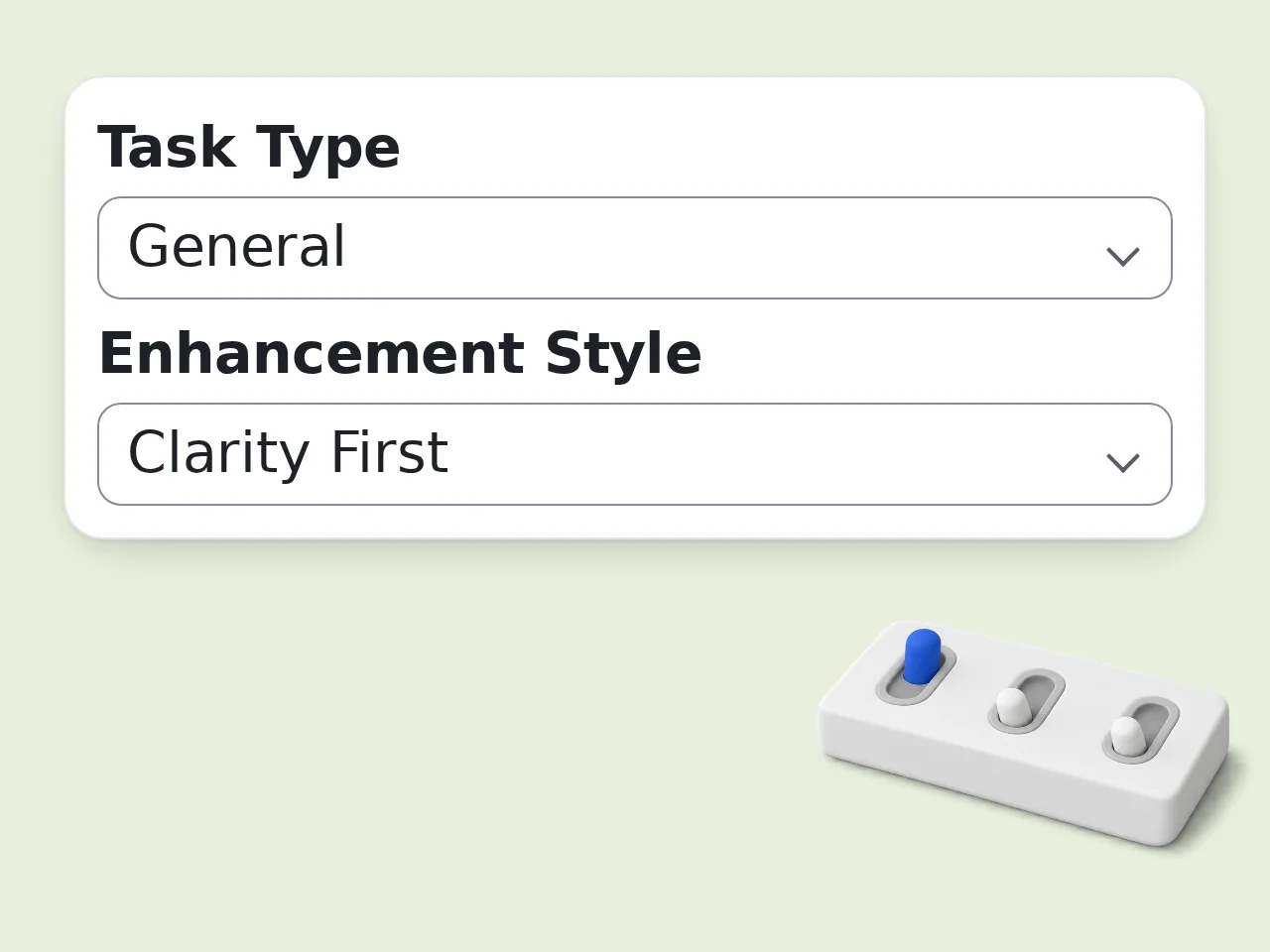
Choose your settings
Pick your task type, enhancement style, target AI model, and detail level. Add optional audience, tone, output format, and must-include notes if needed.
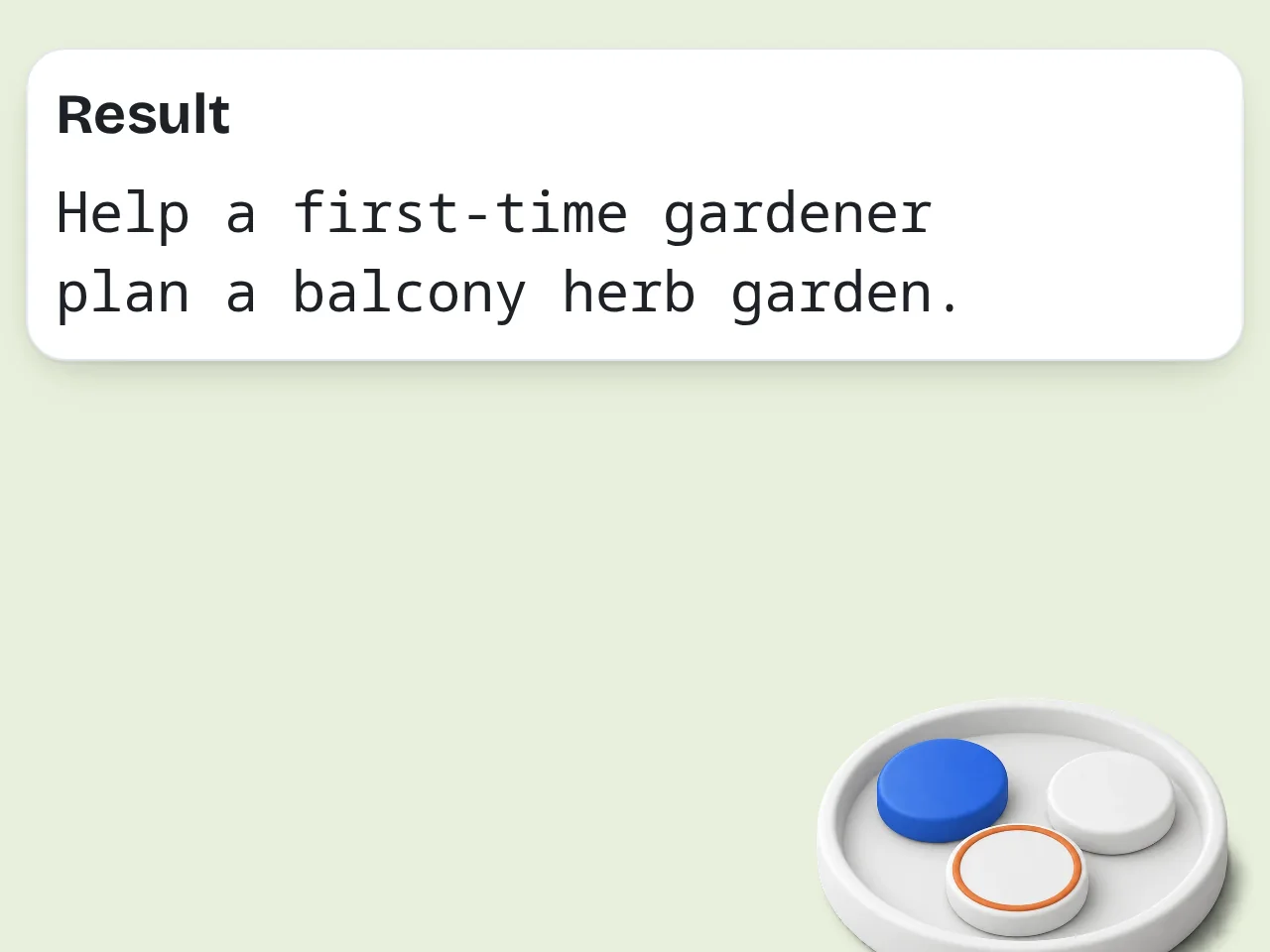
Copy the enhanced prompt
Generate a cleaner, stronger prompt in seconds. Then paste it into ChatGPT, Claude, Gemini, or another AI tool to get better output on the first try.
Key Features of the AI Prompt Enhancer
Everything you need to upgrade weak prompts fast
Task-Aware Prompt Rewriting
Choose from writing, coding, research, marketing, brainstorming, image, or general tasks. The AI prompt enhancer reshapes the prompt structure to fit the type of work you need done.
Control Tone, Audience, and Format
Add target audience, desired tone, and output format so the rewritten prompt is immediately useful. This helps the next AI tool respond in the style and structure you actually want.
Model-Specific Optimization
Select ChatGPT, Claude, Gemini, or a general option. The tool adjusts prompt wording and instruction style so your final prompt works better with the model you plan to use.
Frequently Asked Questions about AI Prompt Enhancer
Common questions about improving AI prompts
What is an AI prompt enhancer?
An AI prompt enhancer rewrites a rough instruction into a clearer, more detailed prompt that gives chatbots and AI models better context. It adds structure, goal framing, constraints, output expectations, and useful details you may have forgotten to include. Instead of typing a vague request like ‘write a blog post about coffee,’ you can turn it into a tighter brief with audience, tone, length, format, and key points. That usually leads to better first-pass output and fewer follow-up edits. This tool is built for people who want faster, more reliable results from ChatGPT, Claude, Gemini, and similar AI tools.
How do I use this AI prompt enhancer?
Paste your rough idea into the main prompt box, then choose your task type, prompt style, target AI model, and detail level. If you want, you can also add audience, tone, output format, and anything the model must include or avoid. The tool then turns your short instruction into a cleaner prompt you can copy into your preferred AI assistant. You get a ready-to-use version instead of having to manually engineer the wording yourself. If your original input is already good, the enhancer keeps the intent but tightens the structure.
Is this AI prompt enhancer free?
Yes. The core AI prompt enhancer is free to use for basic prompt rewriting and prompt polishing. You can improve quick prompts, brainstorming prompts, writing prompts, coding prompts, and research prompts without paying to test the workflow. Free usage is usually enough for occasional prompt cleanup and one-off tasks. If higher limits or advanced features are introduced later, the free version should still cover standard prompt enhancement needs for most users. You can start without learning prompt engineering from scratch.
Which AI tools does the enhanced prompt work with?
The enhanced output is written to work well with major AI tools including ChatGPT, Claude, Gemini, and other large language models. The target model setting helps shape the prompt for the style of the tool you plan to use. That said, the final prompt remains portable. You can usually copy it into a different chatbot with only minor changes. If you are unsure, select the general model option and the tool will produce a balanced prompt that works across most platforms.
Can this tool improve prompts for writing, coding, and research?
Yes. The AI prompt enhancer is designed to handle multiple task types, including writing, coding, research, marketing, brainstorming, image prompting, and general productivity work. Different tasks need different prompt structures. A coding prompt needs constraints and environment details. A writing prompt needs audience, tone, structure, and examples. A research prompt needs scope, sources, and output format. This tool adjusts the prompt shape based on the kind of work you choose.
What makes a good prompt better after enhancement?
A better prompt usually becomes more specific, more structured, and easier for the AI model to follow. Good enhanced prompts clarify the goal, define the audience, set the format, note constraints, and explain what success looks like. The biggest improvement is often not ‘more words’ but better instructions. The tool adds useful context without burying the main task. That helps reduce vague answers, hallucinated assumptions, and repetitive back-and-forth.
Can I use this AI prompt enhancer for ChatGPT prompts?
Yes. One of the most common use cases is improving rough ChatGPT prompts before you paste them into ChatGPT. The enhancer can make your request clearer, add role framing, define output sections, and tighten instructions. That is helpful when you want ChatGPT to write, summarize, brainstorm, explain, or plan something in a more controlled way. If ChatGPT keeps giving shallow answers, improving the prompt is usually the fastest fix.
Does the tool change the meaning of my original request?
It should preserve your intent while making the request easier for AI to execute. The goal is not to invent a new task, but to restate your task with better structure and stronger instructions. You still control the direction by choosing the task type, tone, and optional requirements. If you want a closer rewrite, choose a lighter enhancement style. If you want a stronger upgrade, choose a more strategic or detailed mode.
Should I choose simple or detailed enhancement?
Choose simple if you want a prompt that stays short and easy to scan. Choose detailed if the task is complex, high-stakes, or benefits from clear sections, constraints, and formatting rules. For quick everyday tasks, simple is often enough. For coding, research, long-form writing, and workflow automation, detailed prompts usually perform better. The best option depends on how much context the AI needs to do the job right the first time.
Can I specify audience, tone, and output format?
Yes. Those optional controls exist because they dramatically improve output quality. Audience tells the model who it is writing for. Tone shapes how the answer sounds. Output format tells the model whether to respond as bullets, a table, JSON, an email, or another structure. Even a strong core prompt can fail if those details are missing. Adding them gives you a prompt that is far more usable in real work.
Why use a dedicated AI prompt enhancer instead of writing prompts manually?
You can write prompts manually, but most people skip useful details or forget to define the output clearly. A dedicated AI prompt enhancer turns prompt engineering into a faster, repeatable process. Instead of rebuilding the same structure every time, you start with a rough idea and let the tool organize it. That saves time, improves consistency, and helps non-experts get stronger AI results without a long learning curve.
What kinds of results should I expect after enhancing a prompt?
You should expect clearer instructions, stronger structure, and better first drafts from the AI tool you use next. In many cases, enhanced prompts produce more relevant, complete, and on-format responses than vague inputs. They will not magically fix every bad request, but they do reduce ambiguity and help the model understand what you actually want. That usually means less re-prompting and faster progress.
Still have questions?
Contact our support teamReady to Improve Your Next Prompt?
Paste your rough idea and get a sharper AI prompt in seconds — free and easy to use.